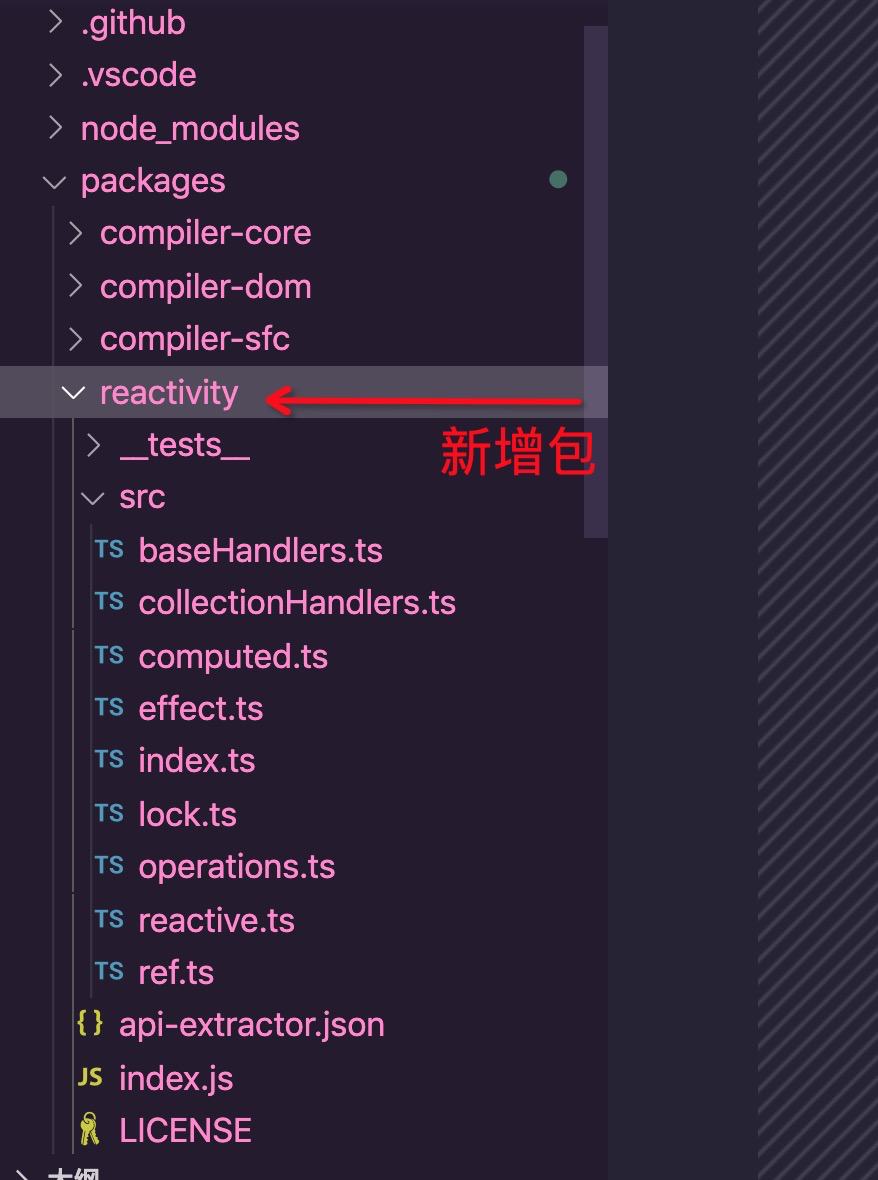
1.下载源码
git clone https://github.com/vuejs/vue-next.git2.安装及配置
2.1 安装依赖
npm install (yarn)2.2 修改配置
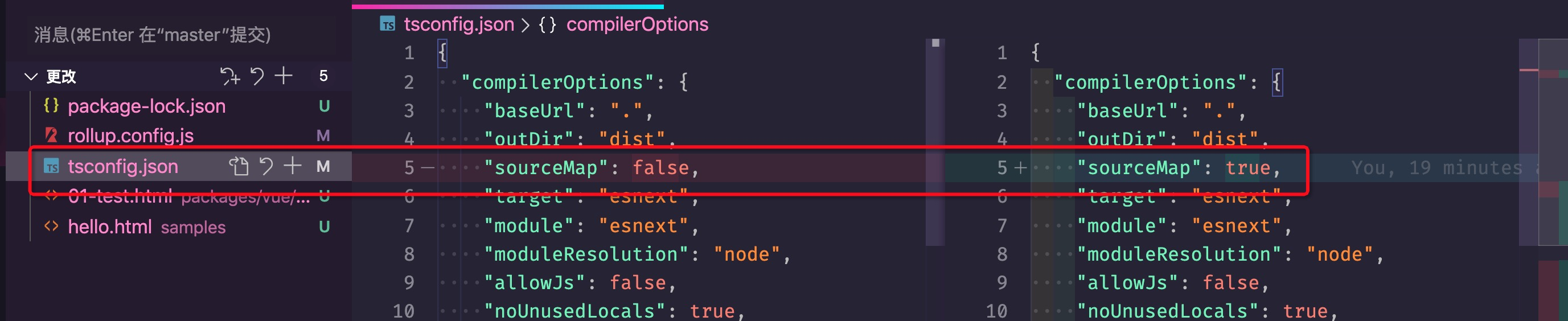

新增测试页面packages/vue/examples/01-test.html
<!DOCTYPE html>
<html lang="en">

<head>
    <meta charset="UTF-8">
    <meta name="viewport" content="width=device-width, initial-scale=1.0">
    <meta http-equiv="X-UA-Compatible" content="ie=edge">
    <title>hello vue3</title>
    <script src="../dist/vue.global.js"></script>
</head>

<body>
    <div id='app'></div>
    <script>
        //声明组件
        const App = {
            template: `<h1>{{message}}</h1>`,
            data: { message: 'Hello Vue 3!' }
        }
        //createApp()返回vue实例
        //mount
        Vue.createApp().mount(App, '#app')
    </script>
</body>

</html>
3.编译 npm run dev (yarn dev)

4.打开新增的测试页面开始调试看源码吧
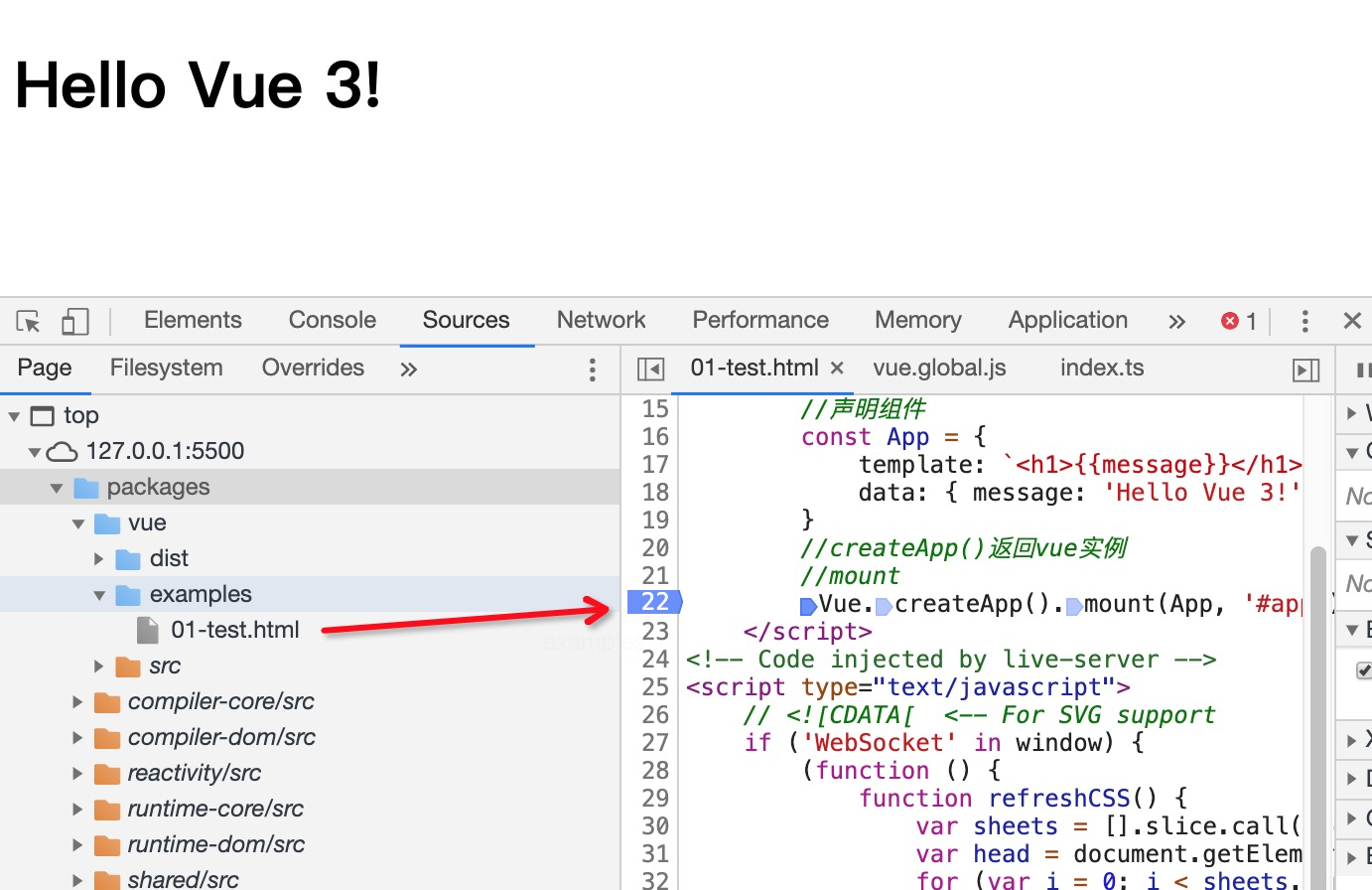
5.温馨提示