也类似于Android中的GridView,其构造函数如下:
GridView({
  Key key,
  Axis scrollDirection = Axis.vertical,
  bool reverse = false,
  ScrollController controller,
  bool primary,
  ScrollPhysics physics,
  bool shrinkWrap = false,
  EdgeInsetsGeometry padding,
  @required this.gridDelegate,
  bool addAutomaticKeepAlives = true,
  bool addRepaintBoundaries = true,
  bool addSemanticIndexes = true,
  double cacheExtent,
  List<Widget> children = const <Widget>[],
  int semanticChildCount,
}),
其实与listview差不多,唯一不同的是这里需要传入一个delegate,类型是SliverGridDelegate,它的作用是控制GridView子组件如何排列(layout)。SliverGridDelegate是一个抽象类,定义了GridView Layout相关接口,子类需要通过实现它们来实现具体的布局算法。Flutter中提供了两个SliverGridDelegate的子类SliverGridDelegateWithFixedCrossAxisCount和SliverGridDelegateWithMaxCrossAxisExtent,我们可以直接使用,下面我们分别来介绍一下它们。 首先是使用SliverGridDelegateWithFixedCrossAxisCount,它的构造函数如下
const SliverGridDelegateWithFixedCrossAxisCount({
  @required this.crossAxisCount,
  this.mainAxisSpacing = 0.0,
  this.crossAxisSpacing = 0.0,
  this.childAspectRatio = 1.0,
})
含义分别为横轴上子widget的数量,主轴间隔,纵轴间隔,子widget的宽高比,下面我们就是使用这个定义一个GridView
Widget defaultGridView() {
  return GridView(
    gridDelegate: SliverGridDelegateWithFixedCrossAxisCount(
      crossAxisCount: 3,
    ),
    children: <Widget>[
      Icon(Icons.ac_unit),
      Icon(Icons.airport_shuttle),
      Icon(Icons.all_inclusive),
      Icon(Icons.beach_access),
      Icon(Icons.cake),
      Icon(Icons.free_breakfast),
    ],
  );
}
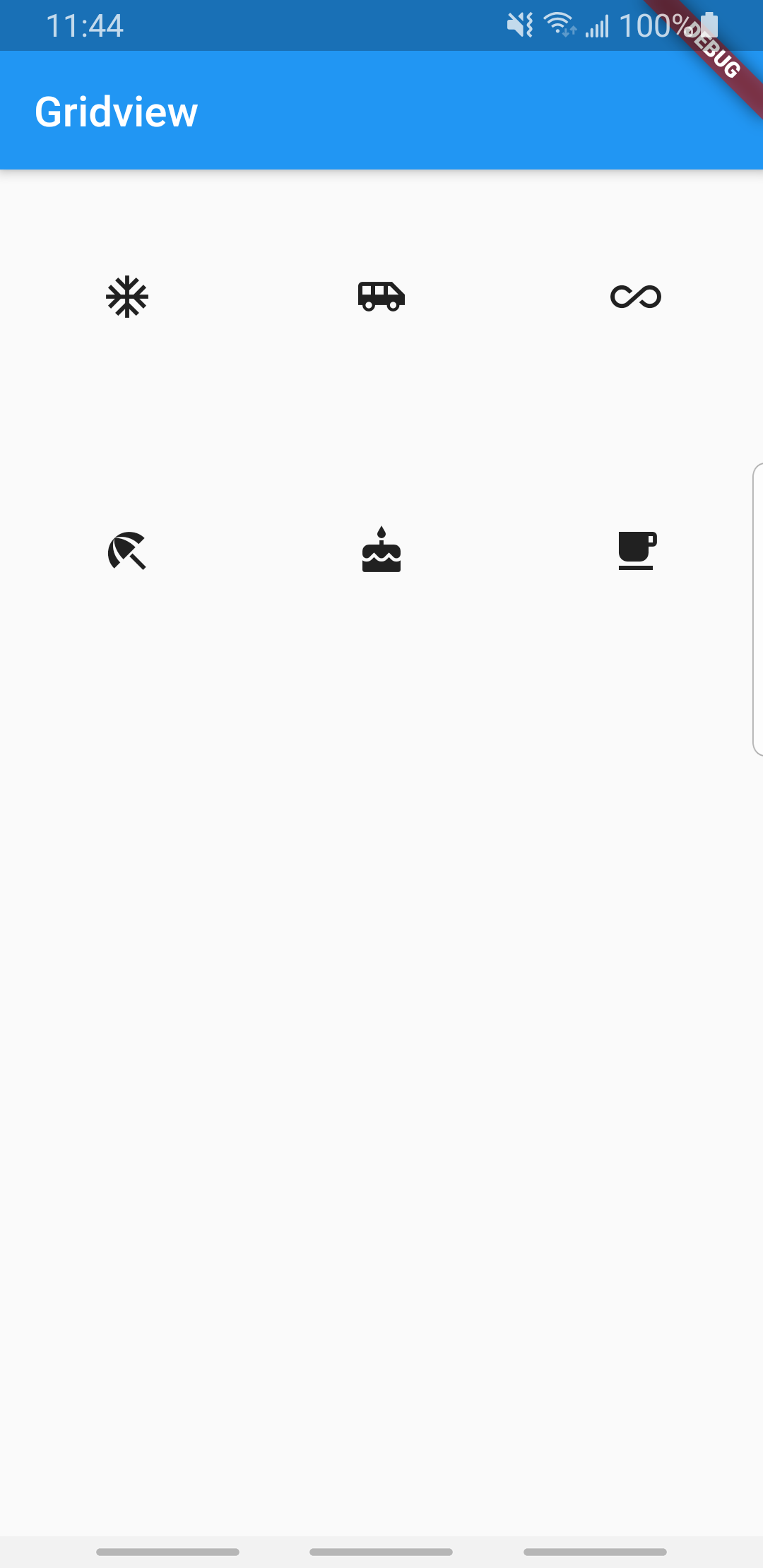
效果如下
Widget gridViewWithCount() {
  return GridView.count(
    crossAxisCount: 3,
    children: <Widget>[
      Icon(Icons.ac_unit),
      Icon(Icons.airport_shuttle),
      Icon(Icons.all_inclusive),
      Icon(Icons.beach_access),
      Icon(Icons.cake),
      Icon(Icons.free_breakfast),
    ],
  );
}
下面我们再看另一种delegate:SliverGridDelegateWithMaxCrossAxisExtent,它与上面那个delegate不同是,他不指定childCount,而是指定子widget在横轴上的最大长度,通过屏幕的宽度来确定最多能显示几个,比如下面的代码
Widget gridViewWithExtendedDelegate() {
  return GridView(
    gridDelegate: SliverGridDelegateWithMaxCrossAxisExtent(
      maxCrossAxisExtent: 100,
      childAspectRatio: 2,
    ),
    children: <Widget>[
      Icon(Icons.ac_unit),
      Icon(Icons.airport_shuttle),
      Icon(Icons.all_inclusive),
      Icon(Icons.beach_access),
      Icon(Icons.cake),
      Icon(Icons.free_breakfast),
    ],
  );
}
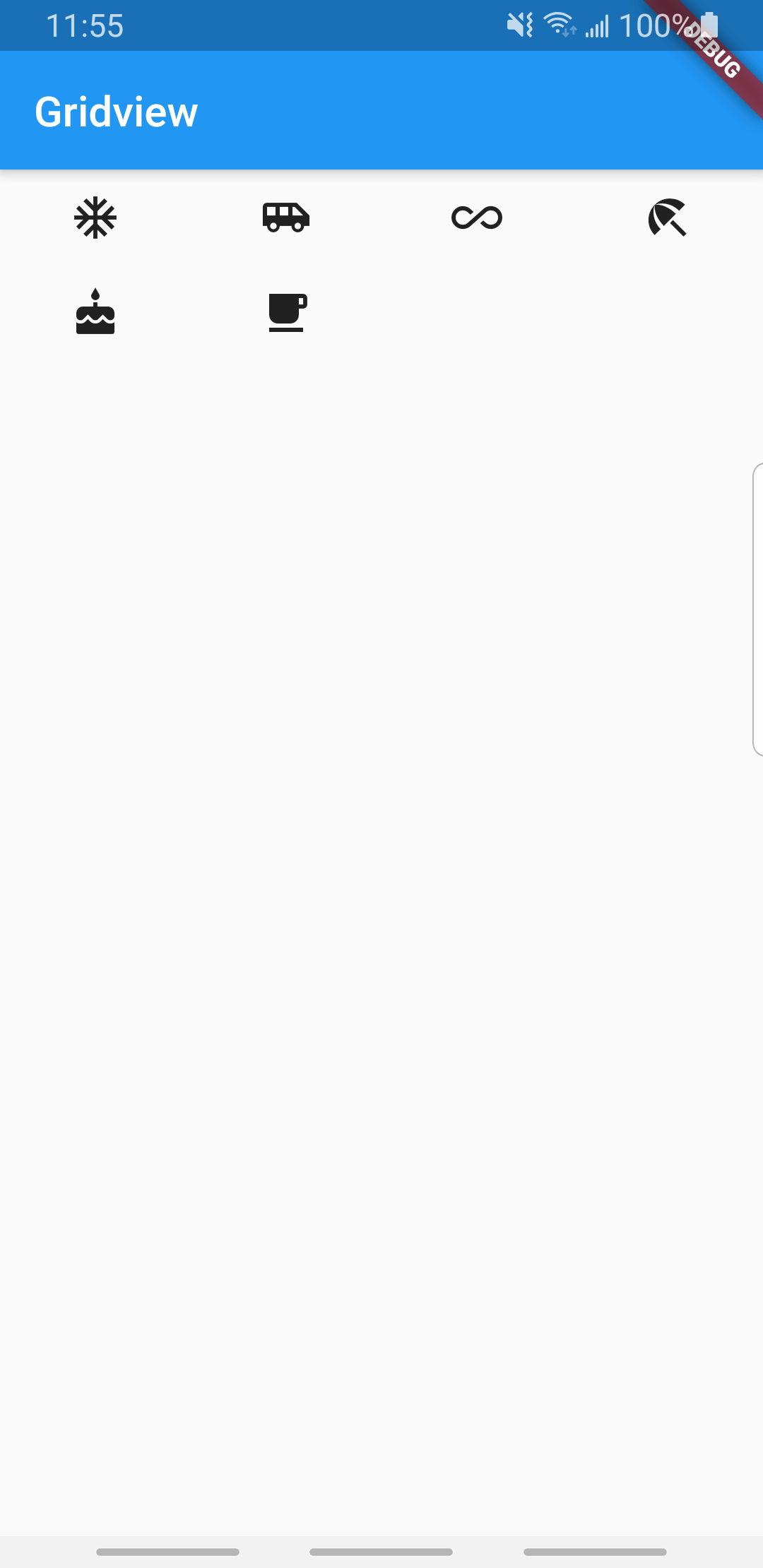
效果为