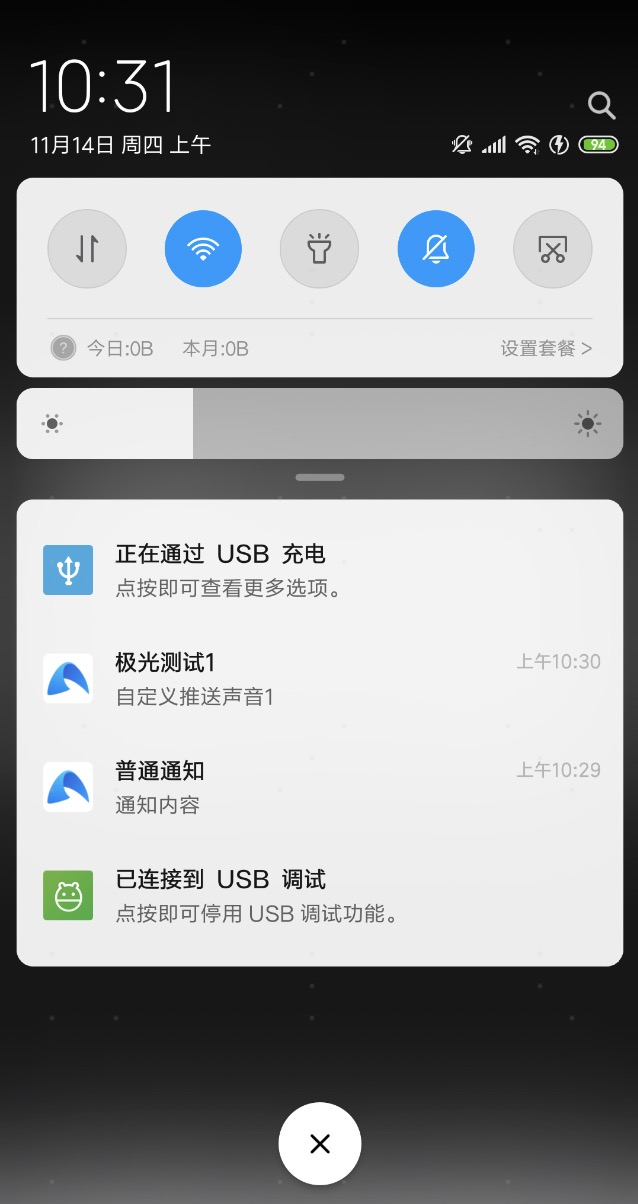
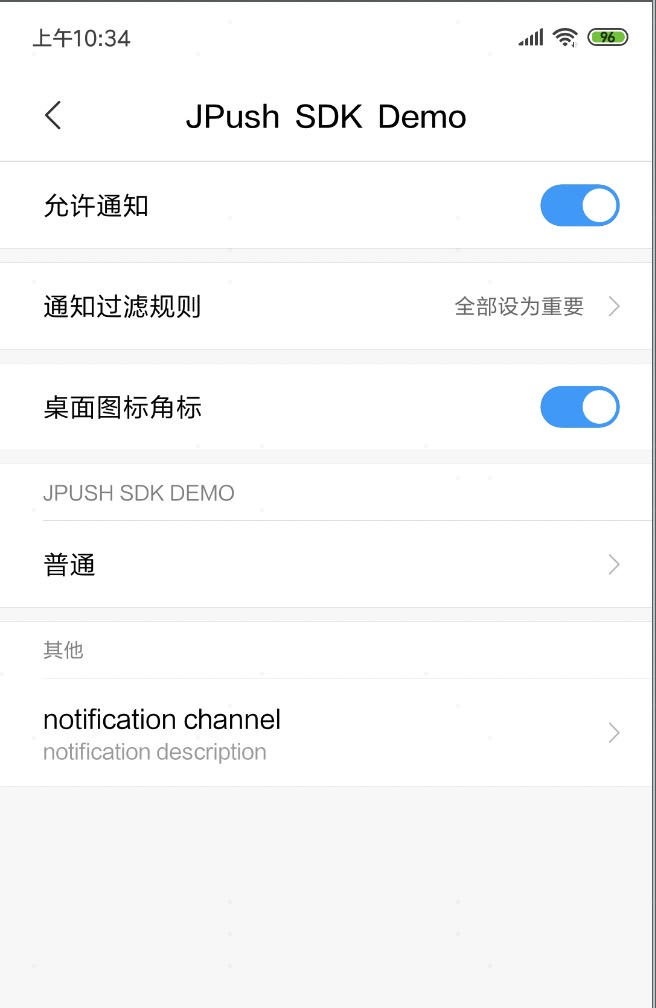
使用
项目引入JPush:
api 'cn.jiguang.sdk:jpush:3.3.4'
api 'cn.jiguang.sdk:jcore:2.1.2'
8.0自定义消息通知栏适配
创建通知渠道
if (Build.VERSION.SDK_INT >= Build.VERSION_CODES.O) {
            NotificationManager mNotificationManager = (NotificationManager) context.getSystemService(Context.NOTIFICATION_SERVICE);
            // 通知渠道的id 这个地方只要一直即可
            String id = "111111";
            // 用户可以看到的通知渠道的名字.
            CharSequence name = "notification channel";
            // 用户可以看到的通知渠道的描述
            String description = "notification description";
            int importance = NotificationManager.IMPORTANCE_HIGH;
            NotificationChannel mChannel = new NotificationChannel(id, name, importance);
            // 配置通知渠道的属性
            mChannel.setDescription(description);
            // 设置通知出现时的闪灯(如果 android 设备支持的话)
            mChannel.enableLights(true);
            mChannel.setLightColor(Color.RED);
            // 自定义声音
            mChannel.setSound(Uri.parse("android.resource://" + context.getPackageName() + "/raw/msg_sound"),null);
            // 设置通知出现时的震动(如果 android 设备支持的话)
            mChannel.enableVibration(true);
            mChannel.setVibrationPattern(new long[]{100, 200, 300, 400, 500, 400, 300, 200, 400});
            //最后在notificationmanager中创建该通知渠道
            mNotificationManager.createNotificationChannel(mChannel);
        }
踩坑:设置对应渠道的setSound() 无效
重点:渠道创建后不可修改,只能删掉deleteNotificationChannel(String channelId),重新创建createNotificationChannel。
// 自定义声音
mChannel.setSound(Uri.parse("android.resource://" + context.getPackageName() + "/raw/msg_sound"),null);
 /**
     * Sets the sound that should be played for notifications posted to this channel and its
     * audio attributes. Notification channels with an {@link #getImportance() importance} of at
     * least {@link NotificationManager#IMPORTANCE_DEFAULT} should have a sound.
     *
     * Only modifiable before the channel is submitted to
     * {@link NotificationManager#createNotificationChannel(NotificationChannel)}.
     */
    /**
     * 翻译:设置发送到此channel的通知notifications播放的声音及其音频属性。只有在channel提交到之前才可修改
     */
    public void setSound(Uri sound, AudioAttributes audioAttributes) {
        this.mSound = sound;
        this.mAudioAttributes = audioAttributes;
    }
极光消息通知回调
	@Override
    public void onReceive(Context context, Intent intent) {
        try {
            Bundle bundle = intent.getExtras();
            Logger.d(TAG, "[MyReceiver] onReceive - " + intent.getAction() + ", extras: " + printBundle(bundle));

            if (JPushInterface.ACTION_REGISTRATION_ID.equals(intent.getAction())) {
                String regId = bundle.getString(JPushInterface.EXTRA_REGISTRATION_ID);
                Logger.d(TAG, "[MyReceiver] 接收Registration Id : " + regId);
                //send the Registration Id to your server...

            } else if (JPushInterface.ACTION_MESSAGE_RECEIVED.equals(intent.getAction())) {
                Logger.d(TAG, "[MyReceiver] 接收到推送下来的自定义消息: " + bundle.getString(JPushInterface.EXTRA_MESSAGE));
                processCustomMessage(context, bundle);

            } else if (JPushInterface.ACTION_NOTIFICATION_RECEIVED.equals(intent.getAction())) {
                Logger.d(TAG, "[MyReceiver] 接收到推送下来的通知");
                int notifactionId = bundle.getInt(JPushInterface.EXTRA_NOTIFICATION_ID);
                Logger.d(TAG, "[MyReceiver] 接收到推送下来的通知的ID: " + notifactionId);

            } else if (JPushInterface.ACTION_NOTIFICATION_OPENED.equals(intent.getAction())) {
                Logger.d(TAG, "[MyReceiver] 用户点击打开了通知");

                //打开自定义的Activity
                Intent i = new Intent(context, TestActivity.class);
                i.putExtras(bundle);
                //i.setFlags(Intent.FLAG_ACTIVITY_NEW_TASK);
                i.setFlags(Intent.FLAG_ACTIVITY_NEW_TASK | Intent.FLAG_ACTIVITY_CLEAR_TOP);
                context.startActivity(i);

            } else if (JPushInterface.ACTION_RICHPUSH_CALLBACK.equals(intent.getAction())) {
                Logger.d(TAG, "[MyReceiver] 用户收到到RICH PUSH CALLBACK: " + bundle.getString(JPushInterface.EXTRA_EXTRA));
                //在这里根据 JPushInterface.EXTRA_EXTRA 的内容处理代码,比如打开新的Activity, 打开一个网页等..

            } else if (JPushInterface.ACTION_CONNECTION_CHANGE.equals(intent.getAction())) {
                boolean connected = intent.getBooleanExtra(JPushInterface.EXTRA_CONNECTION_CHANGE, false);
                Logger.w(TAG, "[MyReceiver]" + intent.getAction() + " connected state change to " + connected);
            } else {
                Logger.d(TAG, "[MyReceiver] Unhandled intent - " + intent.getAction());
            }
        } catch (Exception e) {

        }

    }
断点调试可知:
- 1.推送下来的通知,在进入分支:
else if (JPushInterface.ACTION_NOTIFICATION_RECEIVED.equals(intent.getAction())) {...}之前就已经发布到通知栏,提示的是系统默认的提示音和震动等等操作。 - 2.自定义消息,极光推送不做任何处理,自己解析写自己的逻辑。进入分支:
else if (JPushInterface.ACTION_MESSAGE_RECEIVED.equals(intent.getAction())) {...}
自定义提示音实现方式
通知消息不支持自定义声音资源;推送自定义消息,自己在客户端对收到的自定义消息进行展示 239,同时去实现自定义声音。
附上:
- 项目地址:
- 项目截图