1. 用jdk自带的工具生成证书
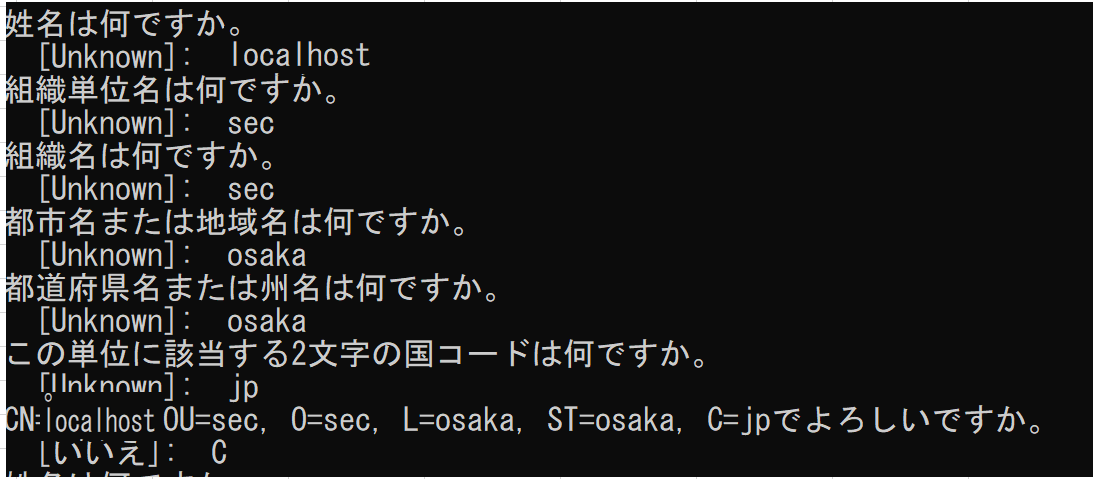
keytool -genkeypair -alias tomcat -keyalg RSA -keypass 123456 -storepass 123456 -keystore C:\SiLED\tomcat.keystore
2. 配置server.xml
关于各个参数的详细意义请看 blog.csdn.net/fu_manxing/…
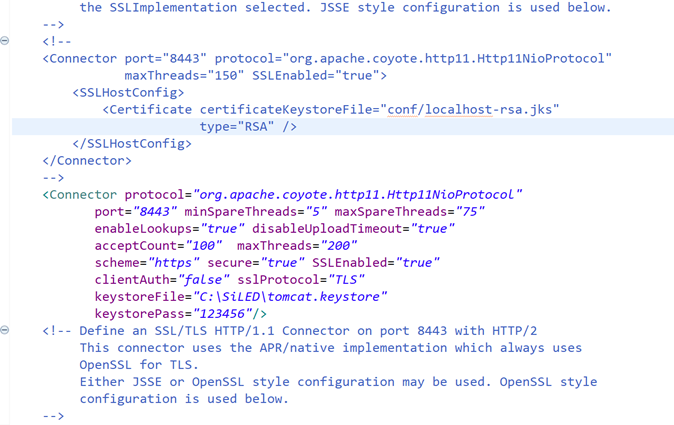
<Connector protocol="org.apache.coyote.http11.Http11NioProtocol"
       port="8443" minSpareThreads="5" maxSpareThreads="75"
       enableLookups="true" disableUploadTimeout="true"
       acceptCount="100"  maxThreads="200"
       scheme="https" secure="true" SSLEnabled="true"
       clientAuth="false" sslProtocol="TLS"
       keystoreFile="C:\SiLED\tomcat.keystore"
       keystorePass="123456"/>
3. 配置web.xml
在web.xml最后加入以下部分。
<security-constraint>
    <web-resource-collection>
        <web-resource-name >SSL</web-resource-name>
        <url-pattern>/*</url-pattern>
    </web-resource-collection>
    <user-data-constraint>
        <transport-guarantee>CONFIDENTIAL</transport-guarantee>
    </user-data-constraint>
</security-constraint>
4. 启动登录页面
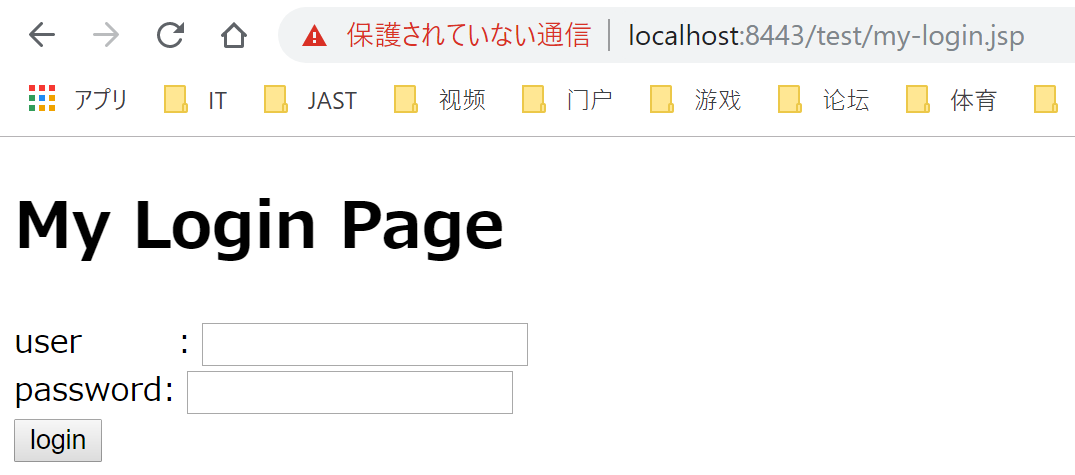
访问后会要求安装证书。以下为登录页面,为https访问