环境
Spring Tool Suite 3
Spring 4.1.6.RELEASE
1.配置pom.xml
只贴出相关部分的依赖
<properties>
	<security.version>4.0.1.RELEASE</security.version>
</properties>

<!-- spring security -->
<dependency>
	<groupId>org.springframework.security</groupId>
	<artifactId>spring-security-core</artifactId>
	<version>${security.version}</version>
</dependency>
<dependency>
	<groupId>org.springframework.security</groupId>
	<artifactId>spring-security-config</artifactId>
	<version>${security.version}</version>
</dependency>
<dependency>
	<groupId>org.springframework.security</groupId>
	<artifactId>spring-security-taglibs</artifactId>
	<version>${security.version}</version>
</dependency>
2.配置web.xml
引入spring-security.xml配置文件以被读取,文件具体配置在后面。
<context-param>
	<param-name>contextConfigLocation</param-name>
	<param-value>/WEB-INF/spring/root-context.xml,
		/WEB-INF/spring/spring-security.xml
	</param-value>
</context-param>
添加过滤器。过滤url格式为/*
<filter>
	<filter-name>springSecurityFilterChain</filter-name>
	<filter-class>org.springframework.web.filter.DelegatingFilterProxy</filter-class>
</filter>
<filter-mapping>
	<filter-name>springSecurityFilterChain</filter-name>
	<url-pattern>/*</url-pattern>
</filter-mapping>
3./WEB-INF/spring/下,新建spring-security.xml,配置如下
<?xml version="1.0" encoding="UTF-8"?>
<beans xmlns="http://www.springframework.org/schema/beans"
       xmlns:xsi="http://www.w3.org/2001/XMLSchema-instance"
       xmlns:security="http://www.springframework.org/schema/security"
       xsi:schemaLocation="http://www.springframework.org/schema/beans
       http://www.springframework.org/schema/beans/spring-beans.xsd
           http://www.springframework.org/schema/security
           http://www.springframework.org/schema/security/spring-security.xsd">

    <!-- 认证失败handler -->
    <bean id="authenticationFailureHandler" class="com.cuts.siled.auth.MyAuthenticationFailureHandler" />
    <!-- 认证成功handler -->
    <bean id="authenticationSuccessHandler" class="com.cuts.siled.auth.MyAuthenticationSuccessHandler" />

     <!-- security intercept -->
    <security:http auto-config="true" use-expressions="true">
    	<security:csrf disabled="true" />
        <security:intercept-url pattern="/my-login.jsp" access="permitAll" />
        <security:intercept-url pattern="/loginfail.jsp" access="permitAll" />
        <security:intercept-url pattern="/**" access="isAuthenticated()" />
        <security:form-login login-page="/my-login.jsp"
        authentication-failure-handler-ref="authenticationFailureHandler"
        authentication-success-handler-ref="authenticationSuccessHandler" />
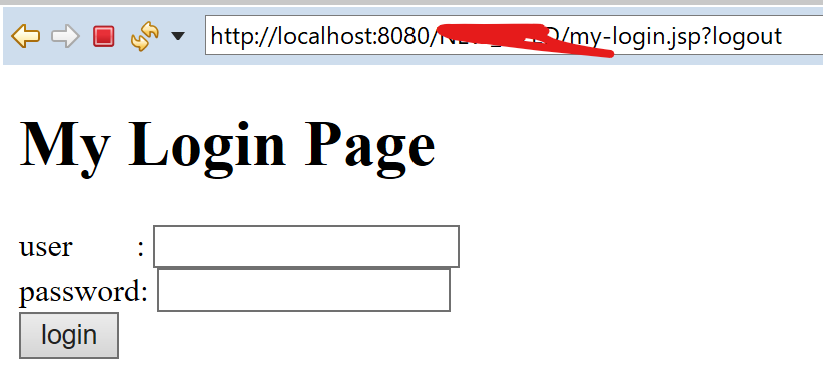
        <security:logout logout-url="/logout"/>
    </security:http>

	<!-- security manager -->
    <security:authentication-manager>
    	<security:authentication-provider>
            <security:jdbc-user-service data-source-ref="basicDataSource"
                                        authorities-by-username-query="select username,auth from m_user where username=?"
                                        users-by-username-query="select username,password,true from m_user where username=?"/>
         </security:authentication-provider>
    </security:authentication-manager>

</beans>
因为数据库中表的构造是下面这样的,所以上述users-by-username-query跟authorities-by-username-query两个配置,分别得到用户的基本信息跟权限。
---PostgreSQL---
create table public.m_user (
  username character varying(8) not null
  , password character varying(16)
  , auth character varying(16)
  , primary key (username)
);
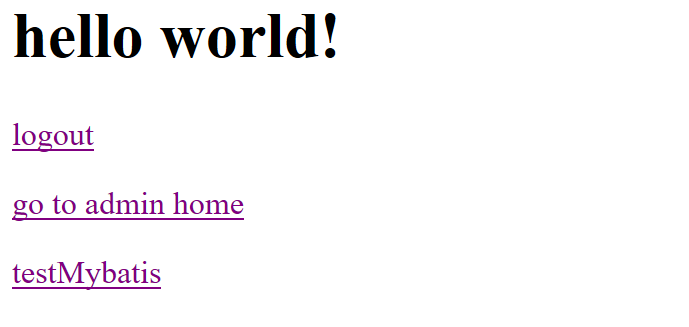
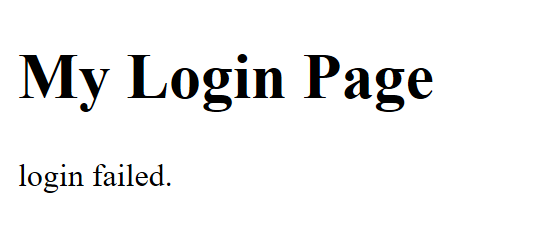
java方面生成对应的两个handler去处理登录成功或者失败。下面是2个简单的例子,如果登录失败,输出用户名或密码错误,跳转到loginfail.jsp。登录成功,打印用户名 url等,跳转到home。
🔗MyAuthenticationFailureHandler
import java.io.IOException;

import javax.servlet.ServletException;
import javax.servlet.http.HttpServletRequest;
import javax.servlet.http.HttpServletResponse;

import org.slf4j.Logger;
import org.slf4j.LoggerFactory;
import org.springframework.security.authentication.BadCredentialsException;
import org.springframework.security.core.AuthenticationException;
import org.springframework.security.web.DefaultRedirectStrategy;
import org.springframework.security.web.authentication.AuthenticationFailureHandler;

public class MyAuthenticationFailureHandler implements AuthenticationFailureHandler {
	private final static Logger logger = LoggerFactory.getLogger("MyAuthenticationFailureHandler");

    @Override
    public void onAuthenticationFailure(
            HttpServletRequest request, HttpServletResponse response, AuthenticationException e)
                throws IOException, ServletException {

    	logger.warn(e.toString());

    	if (e instanceof BadCredentialsException) {
    		logger.warn("用户名或密码错误");
    	}

        DefaultRedirectStrategy redirectStrategy = new DefaultRedirectStrategy();
        redirectStrategy.sendRedirect(request, response, "/loginfail.jsp");
    }
}
🔗MyAuthenticationSuccessHandler
import org.springframework.security.core.Authentication;
import org.springframework.security.web.DefaultRedirectStrategy;
import org.springframework.security.web.RedirectStrategy;
import org.springframework.security.web.authentication.AuthenticationSuccessHandler;

import javax.servlet.ServletException;
import javax.servlet.http.HttpServletRequest;
import javax.servlet.http.HttpServletResponse;
import java.io.IOException;

public class MyAuthenticationSuccessHandler implements AuthenticationSuccessHandler {

    @Override
    public void onAuthenticationSuccess(HttpServletRequest req, HttpServletResponse res, Authentication auth) throws IOException, ServletException {
    	System.out.println("username:" + req.getParameter("username"));
    	System.out.println("getRequestURI:" + req.getRequestURI());
    	System.out.println("getRemoteAddr:" + req.getRemoteAddr());

        RedirectStrategy redirectStrategy = new DefaultRedirectStrategy();
        redirectStrategy.sendRedirect(req, res, "/home.jsp");
    }
}
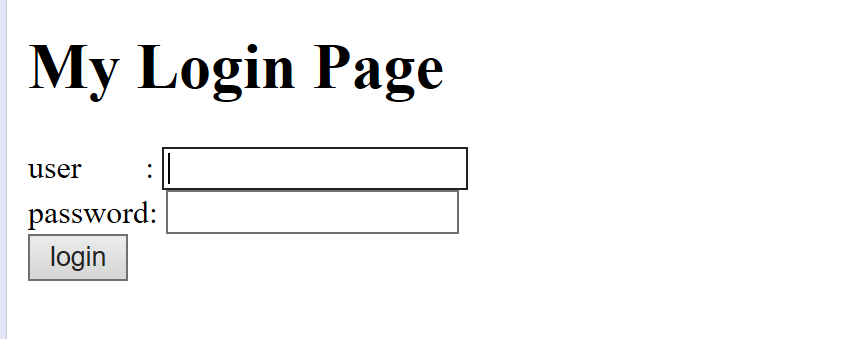
4.制作一个简单的登录页面jsp跟登录失败jsp
<%@taglib prefix="c" uri="http://java.sun.com/jsp/jstl/core" %>
<%@page contentType="text/html" pageEncoding="UTF-8"%>
<!doctype html>
<html>
<head>
<meta charset="utf-8" />
<title>My Login Page</title>
</head>
<body>
<h1>My Login Page</h1>
<c:url var="loginUrl" value="/login" />
<form action="${loginUrl}" method="post">
<div>
<label>user   : <input type="text" name="username" /></label>
</div>
<div>
<label>password: <input type="password" name="password" /></label>
</div>
<input type="submit" value="login" />
<input type="hidden" name="${_csrf.parameterName}" value="${_csrf.token}" />
</form>
</body>
</html>
<%@taglib prefix="c" uri="http://java.sun.com/jsp/jstl/core" %>
<%@page contentType="text/html" pageEncoding="UTF-8"%>
<!doctype html>
<html>
    <head>
        <meta charset="utf-8" />
        <title>My Login Page</title>
    </head>
    <body>
        <h1>My Login Page</h1>

        <p>login failed.</p>
    </body>
</html>
⬇访问 http://localhost:8080/工程名/my-login.jsp