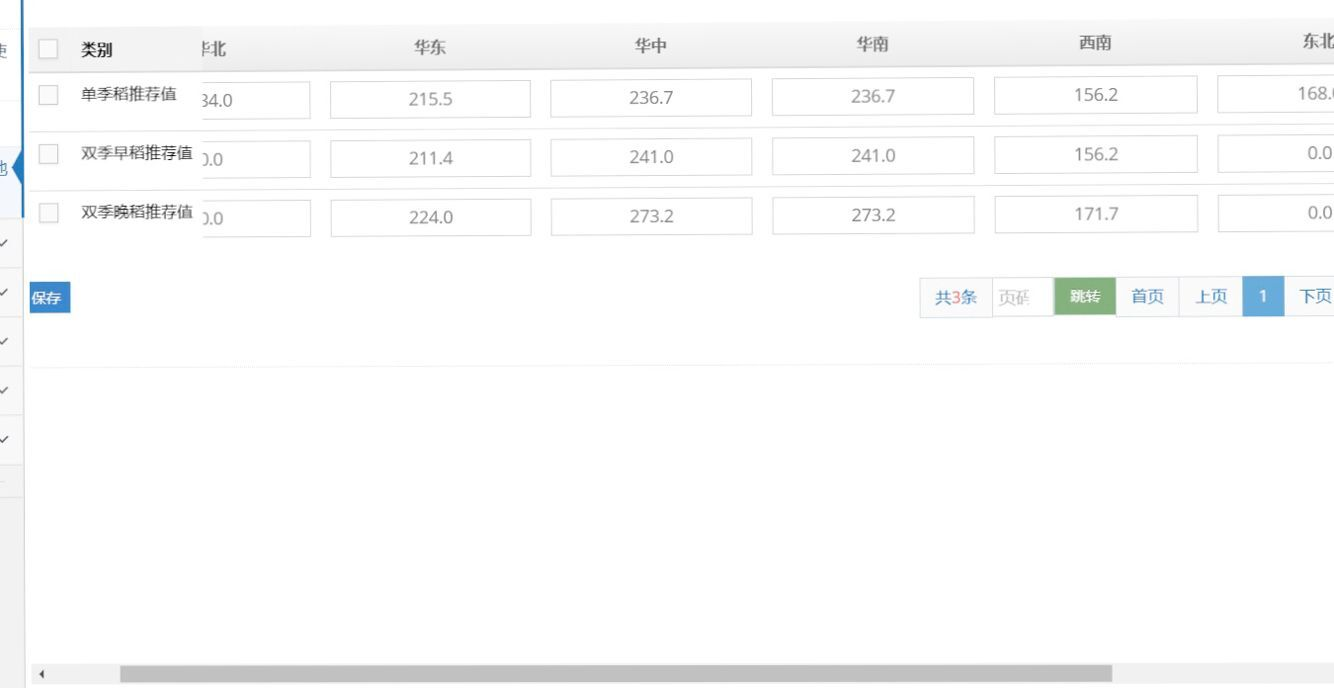
Table固定列解决方案
当我们在前端开发中会遇到这样的需求,就是前端显示表格太长,需要我们固定表格的前几列,有很多的办法,个人认为我的这种解决方法挺简便的,我做为一个初学者,
0工作经验,是通过定义 CSS+js,来解决的,分享出来希望能帮助到大家。这个方法也是挺简单的,思路挺简单的也就是先定义
CSS,利用CSS的firt-child、nth-child,可以先去了解一下两个的用法及意义,以及在js中添加鼠标监听的方法及用到的Vue(可以拿去直接用)。可能我的理解有所偏差,但是功能实现了。:first-child 选择器用于选取属于其父元素的首个子元素的指定选择器。
:nth-child(n) 选择器匹配属于其父元素的第 N 个子元素,不论元素的类型。
如有雷同,纯属巧合,支持原著。
第一步:编写CSS
       <style>
.table {
	border-collapse: collapse;
}

.td:first-child {
	background-color: white;
	color: black;
	position: sticky;
	left: 0px;
}

.th:first-child {
	background-color: #f3f3f3;
	color: black;
	position: sticky;
	left: 0px;
}

.th:nth-child(2) {
	background-color: #f3f3f3;
	color: black;
	position: sticky;
	left: 35px;
}

.td:nth-child(2) {
	background-color: white;
	color: black;
	position: sticky;
	left: 35px;
}
</style>
第二步:编写JS
<script src="https://cdn.staticfile.org/vue/2.5.17-beta.0/vue.min.js"></script>
<script src="https://code.jquery.com/jquery-3.3.1.min.js"
	integrity="sha256-FgpCb/KJQlLNfOu91ta32o/NMZxltwRo8QtmkMRdAu8="
	crossorigin="anonymous">

</script>
<script>
	document.addEventListener("DOMContentLoaded", function() {
		let t = new Vue({
			el : "#t"
		});
	});
</script>
第三步:引用
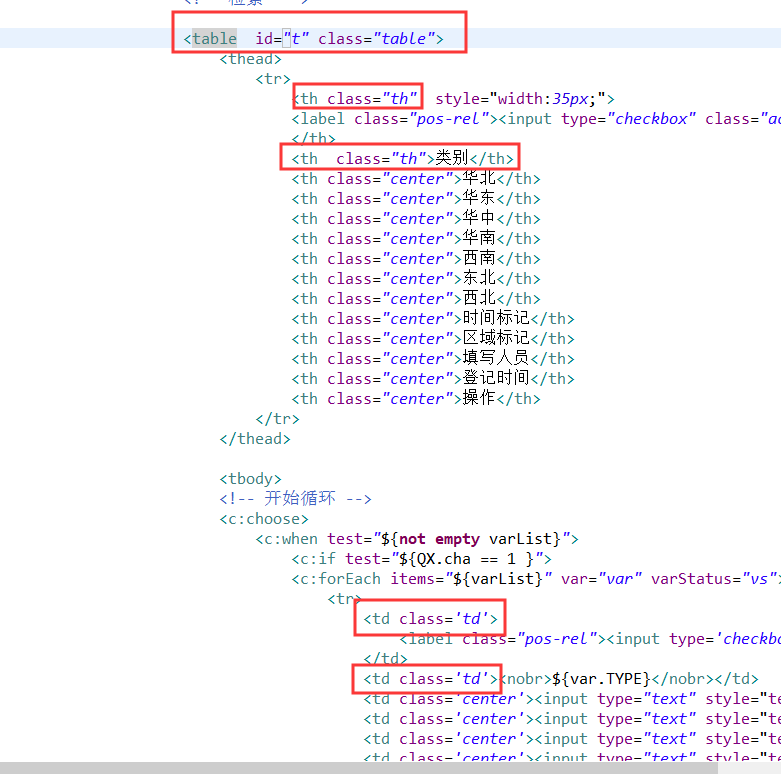
第四步:效果