1.clone Vue项目
使用vscode打开项目并准备开始阅读。
2.插件安装
安装Path Intellisense插件,可以通过option+左键点击链接进行跳转。
3.配置jsconfig.json文件
配置如下json文件,目的是为了扩展第二步安装的插件,因为使用webpack配置的alias不能通过PI进行路由。
{
  "compilerOptions": {
    "target": "ES6",
    "baseUrl": "./src",
    "paths": {
      "shared/*": [
        "shared/*",
      ],
      "vue/*": [
        "platforms/web/entry-runtime-with-compiler/*",
      ],
      "compiler/*": [
        "compiler/*",
      ],
      "core/*": [
        "core/*",
      ],
      "web/*": [
        "platforms/web/*",
      ],
      "weex/*": [
        "platforms/weex/*",
      ],
      "server/*": [
        "server/*",
      ],
      "sfc/*": [
        "sfc/*",
      ],
    }
  },
  "exclude": [
    "node_modules",
    "public",
    "server"
  ]
}
4.阅读技巧
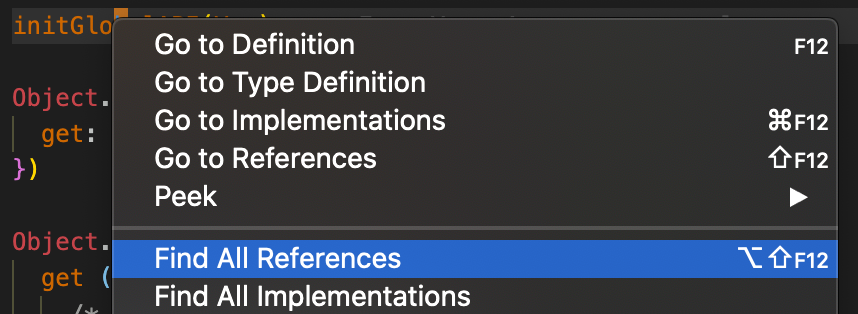
- Go to definition -
F12/Mac - Find all References -
opt+shift+F12/Mac
分别用于跳转定义处和查看所有使用到的地方。未经过第三步的扩展,不能搜索到全部的引用。