要求:制作todolist,参考链接http://todomvc.com/examples/vue/
- 先下载模板文件https://github.com/tastejs/todomvc-app-template
- npm install,生成node_modules文件夹
页面效果
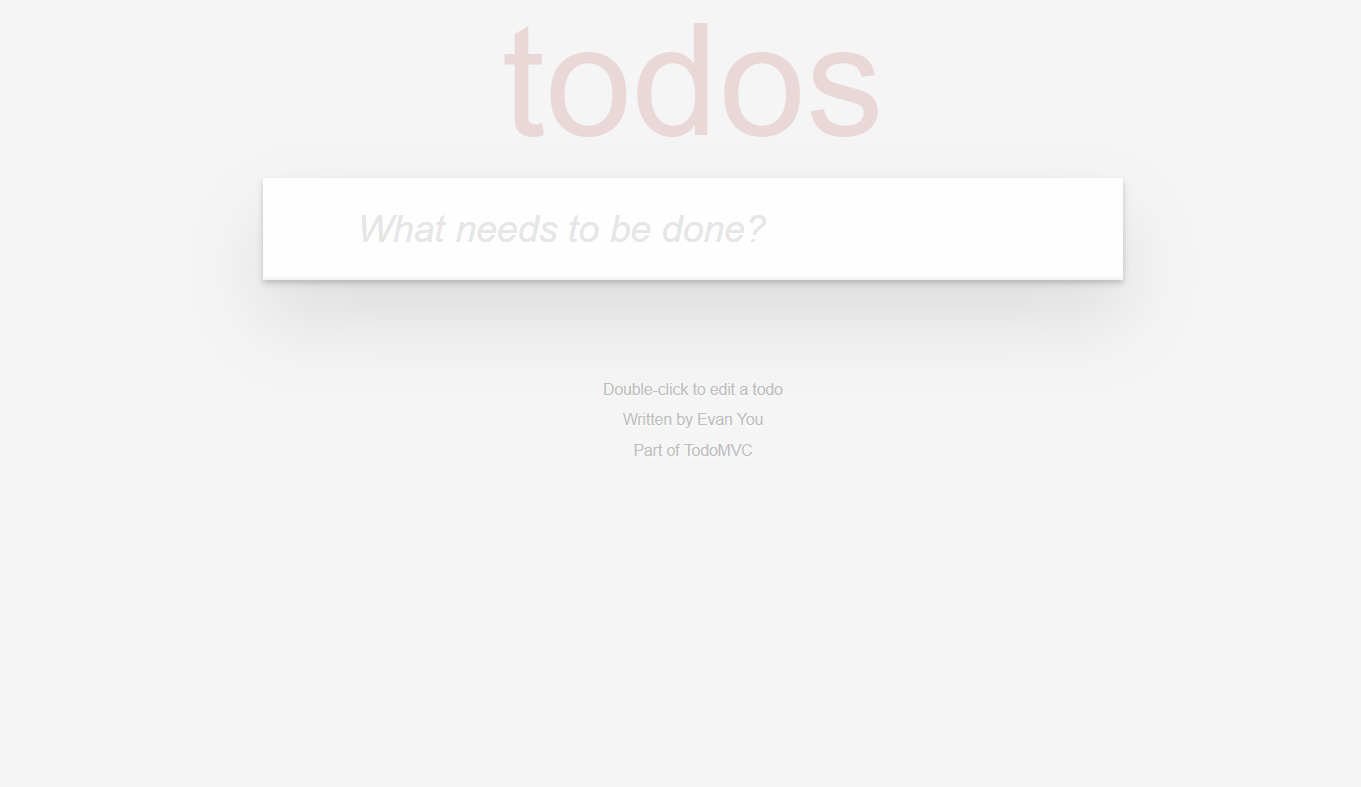
添加数据
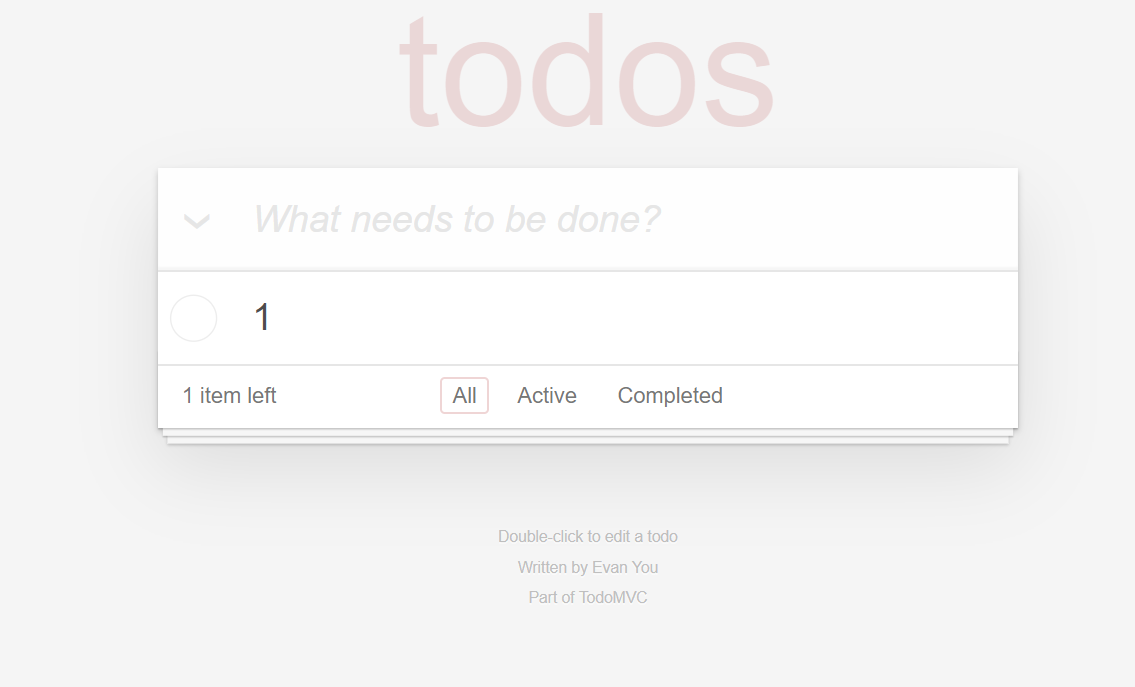
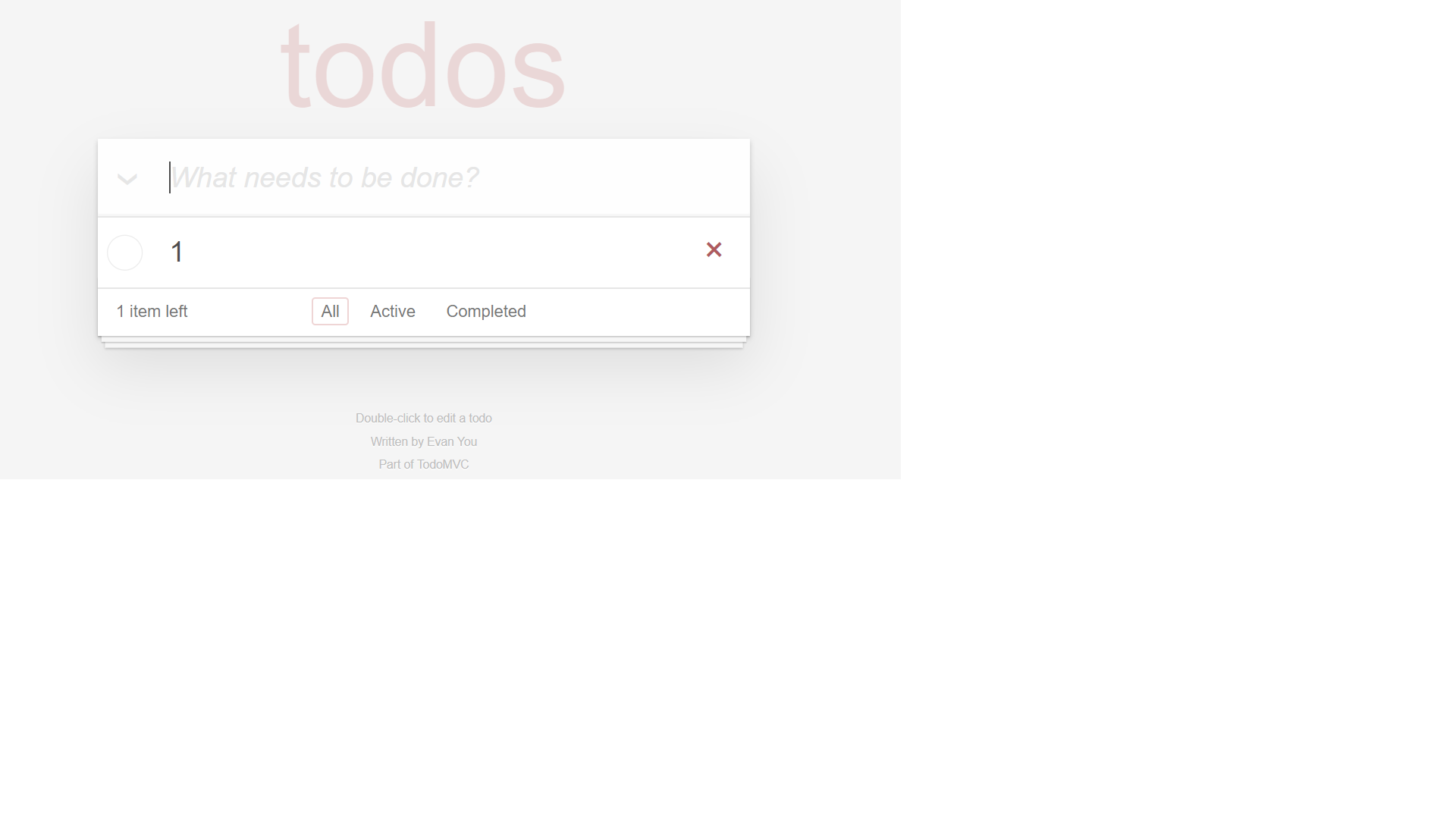
数据可以单选删除
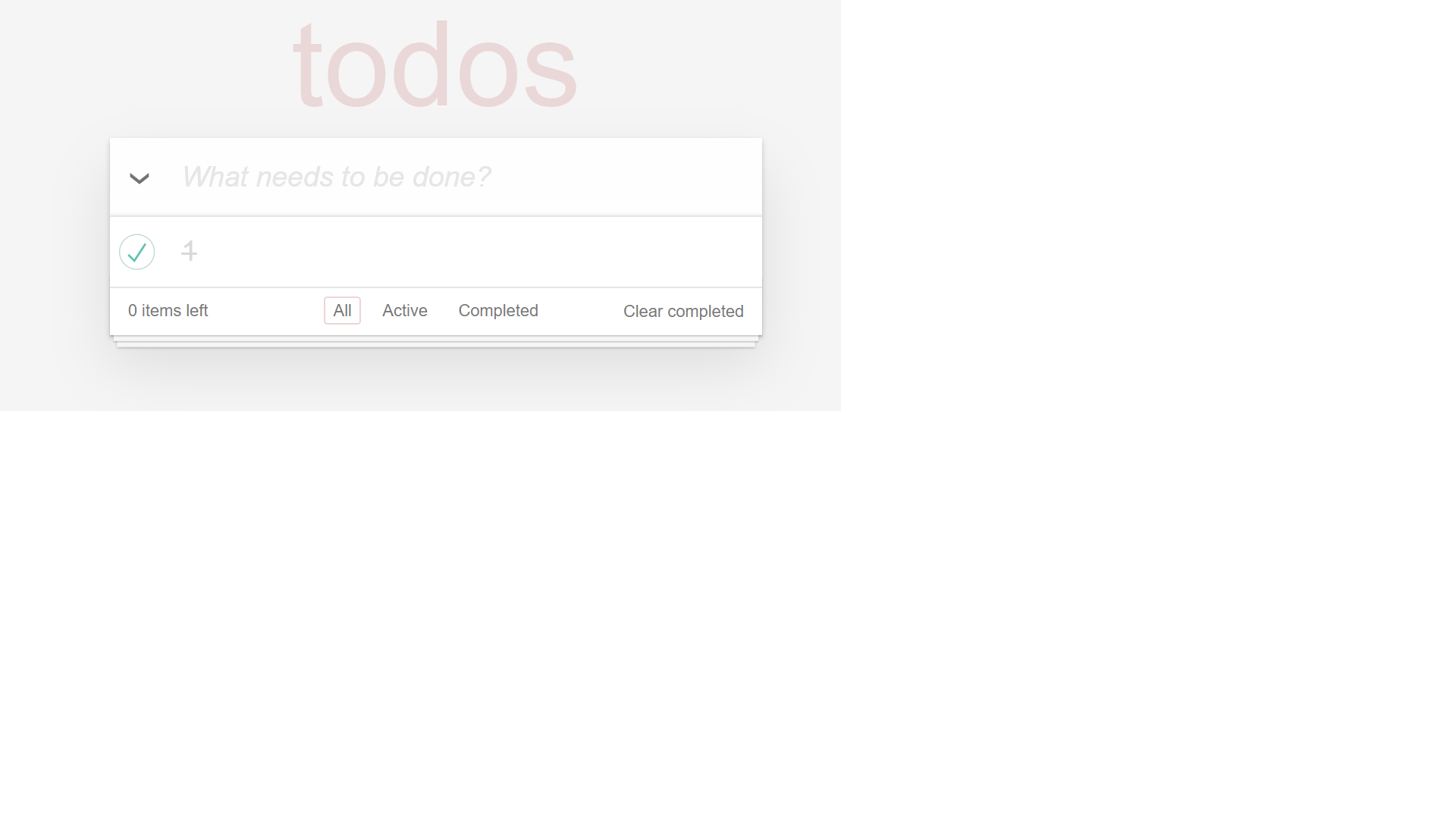
数据可以改变状态以及清除数据
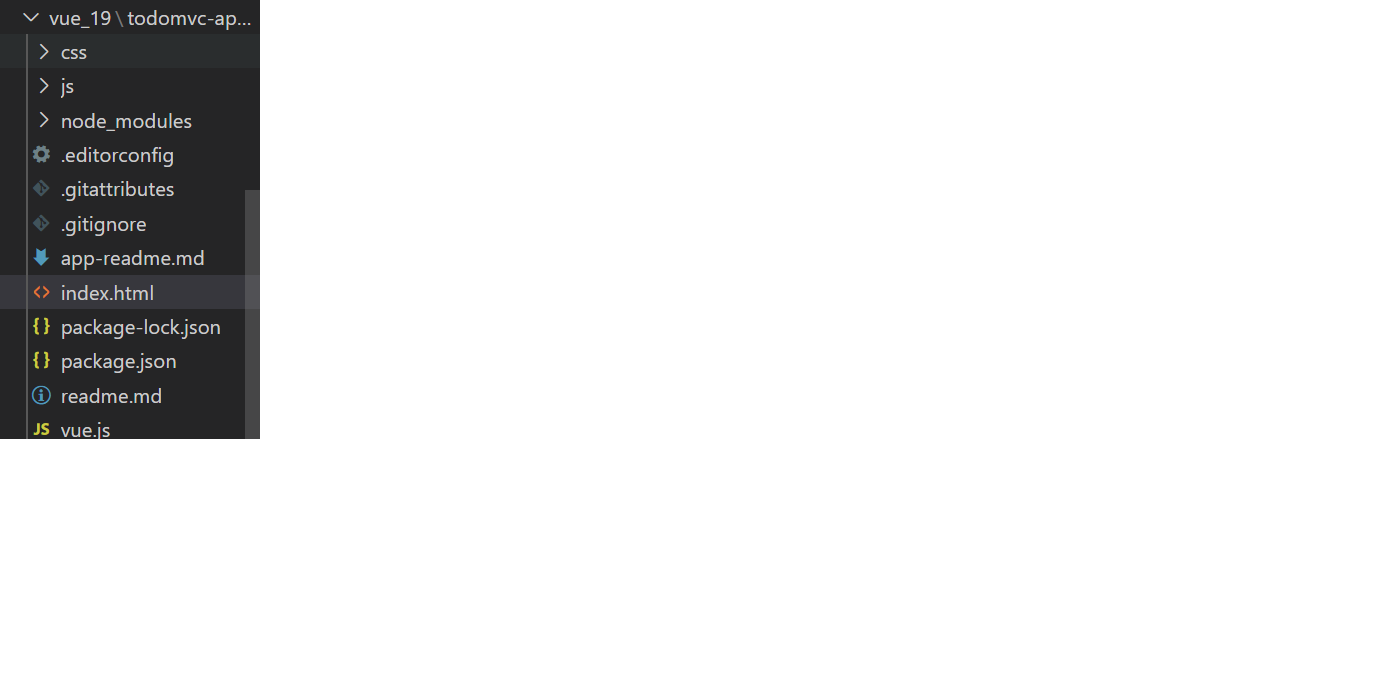
项目目录如下
<!doctype html>
<html lang="zh">
<head>
	<meta charset="utf-8">
	<meta name="viewport" content="width=device-width, initial-scale=1">
	<title>Template • TodoMVC</title>
	<link rel="stylesheet" href="node_modules/todomvc-common/base.css">
	<link rel="stylesheet" href="node_modules/todomvc-app-css/index.css">
	<!-- CSS overrides - remove if you don't need it -->
	<script src="vue.js"></script>
</head>

<body>
	<section class="todoapp" id="app">
		<header class="header">
			<h1>二蛋事项列表</h1>
			<input class="new-todo" v-model="inputtext" placeholder="需要做什么?" autofocus @keyup.enter="postdata">
		</header>
		<!-- This section should be hidden by default and shown when there are todos -->
		<section class="main">
			<input id="toggle-all" class="toggle-all" type="checkbox" v-model="ched" @click="allselect">
			<label for="toggle-all">Mark all as complete</label>
			<ul class="todo-list" v-for="(item,index) in datatext" :key=index>
				<!-- These are here just to show the structure of the list items -->
				<!-- List items should get the class `editing` when editing and `completed` when marked as completed -->
				<li :class="{completed : item.status==true ,todo :item.status==false }" :style=>
					<div class="view">
						<input class="toggle" type="checkbox" v-model="item.status" @click="done(index)">
						<label>{{item.text}}</label>
						<button class="destroy" @click="del(index)"></button>
					</div>
					<input class="edit" value="Create a TodoMVC template">
				</li>
				<!-- <li>
					<div class="view">
						<input class="toggle" type="checkbox">
						<label>Buy a unicorn</label>
						<button class="destroy"></button>
					</div>
					<input class="edit" value="Rule the web">
				</li> -->
			</ul>
		</section>
		<footer class="footer" v-if="datatext.length !=0">
			<span class="todo-count"><strong>{{datanum}}</strong> item left</span>
			<ul class="filters">
				<li>
					<a class="selected">All</a>
				</li>
				<li>
					<a>Active</a>
				</li>
				<li>
					<a>Completed</a>
				</li>
			</ul>
			<button v-show="clearswitch == true" class="clear-completed" @click="clear">Clear completed</button>
		</footer>
	</section>

	<script>
		var app = new Vue({
			el: '#app',
			data: {
				inputtext: "",
				datatext: [],
				datanum: "",
				status: false,
				Completed: true,
				clearswitch: false,
				ched: ""

			},
			created() {
				this.num();
				this.clearon();
			},
			methods: {
				//加入数据
				postdata() {
					let temp = { text: this.inputtext, status: this.status };

					this.datatext.push(temp)
					// console.log(this.datatext),
					this.inputtext = "",
						this.num();
					this.clearon();

				},

				//删除单条数据
				del(id) {
					this.datatext.splice(id, 1)
					this.num();
					this.clearon();
				},
				done(id) {

					this.datatext[id].status = !this.datatext[id].status
					var b = 0;

					for (let index = 0; index < this.datatext.length; index++) {
						if (this.datatext[index].status == true) {
							b++
						}
					}
					if (b == this.datatext.length) {
						this.ched = !this.ched
					} else {
						this.ched = ""
					}
					this.clearon();
					// console.log(this.datatext[id].status)
				},
				allselect: function () {
					var c = !this.ched
					for (let i = 0; i < this.datatext.length; i++) {
						this.datatext[i].status = c
					}

				},
				num: function () {
					//计算有几条数据
					this.datanum = this.datatext.length;
				},
				clearon: function () {
					var tempcount = 0;
					for (let i = 0; i < this.datatext.length; i++) {
						if (this.datatext[i].status == true) {
							tempcount++
						}
					}
					if (tempcount == 0) {
						this.clearswitch = false
					} else {
						this.clearswitch = true
					}

				},
				clear: function () {
					var tempc = [];
					// console.log(temp[0].status)
					// for (let i = 0; i < this.datatext.length; i++) {
					// 	if (this.datatext[i].status == false) {
					// 		tempc.push(this.datatext[i]);
					// 	}
					// }
					//利用filter 优化
					var tempc = this.datatext.filter(item => !item.status)
					this.datatext = tempc
					this.clearon();


				}
			}
		})

	</script>
</body>

</html>
实现功能有:添加数据,全选改变状态,删除数据,清楚状态数据.
后续可以继续开发,本地储存数据,Active和Completed的功能。
预览地址