-
安装
sudo npm -g install weinre -
输入命令,启动服务:
weinre --httpPort 8081 --boundHost -all- -
打开
192.168.0.103:8081(换成自己的ip) 就可看到页面,点击以下链接: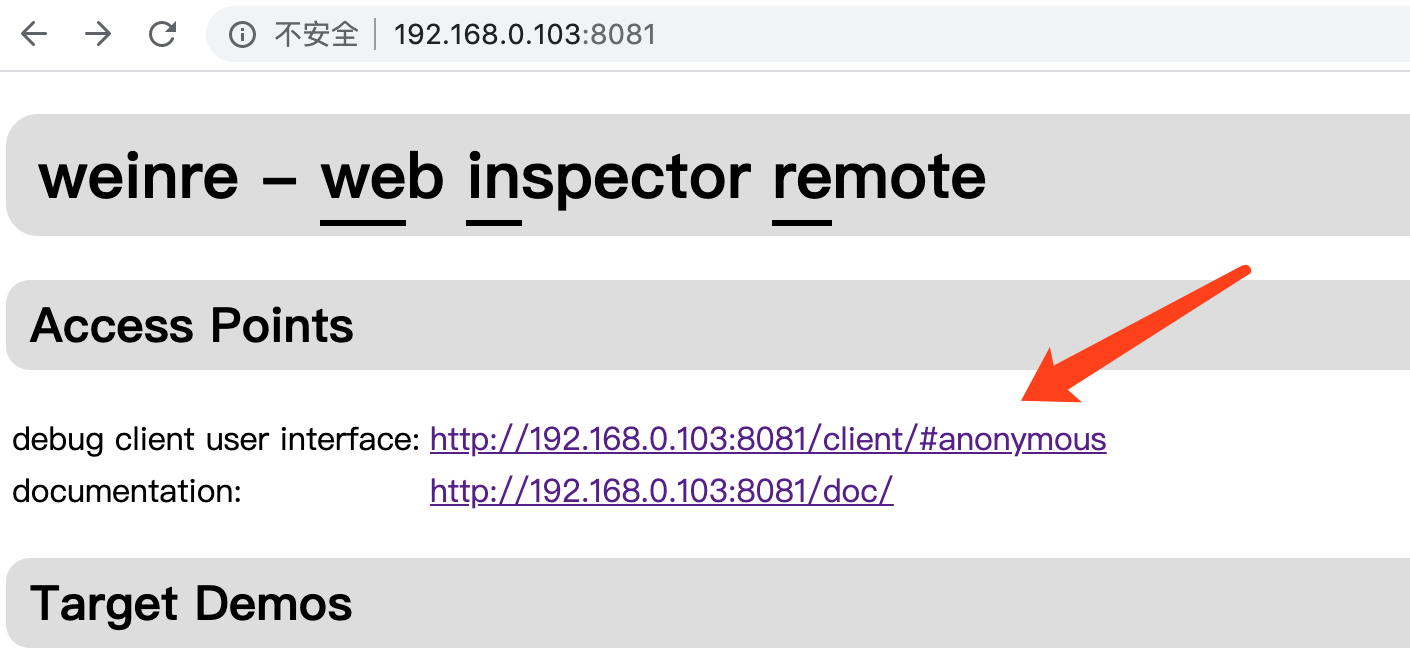
-
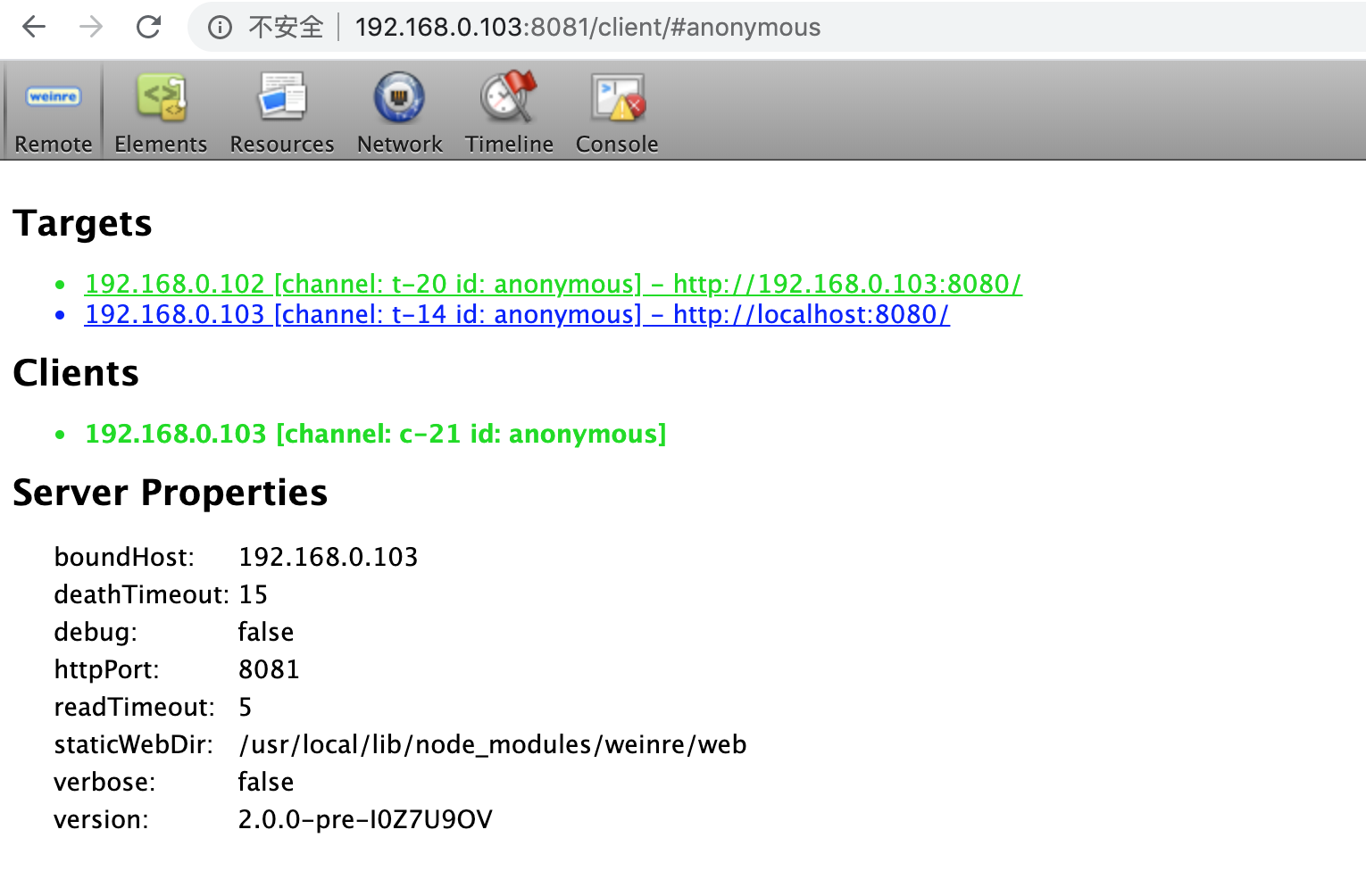
target为绿色说明连接成功:
-
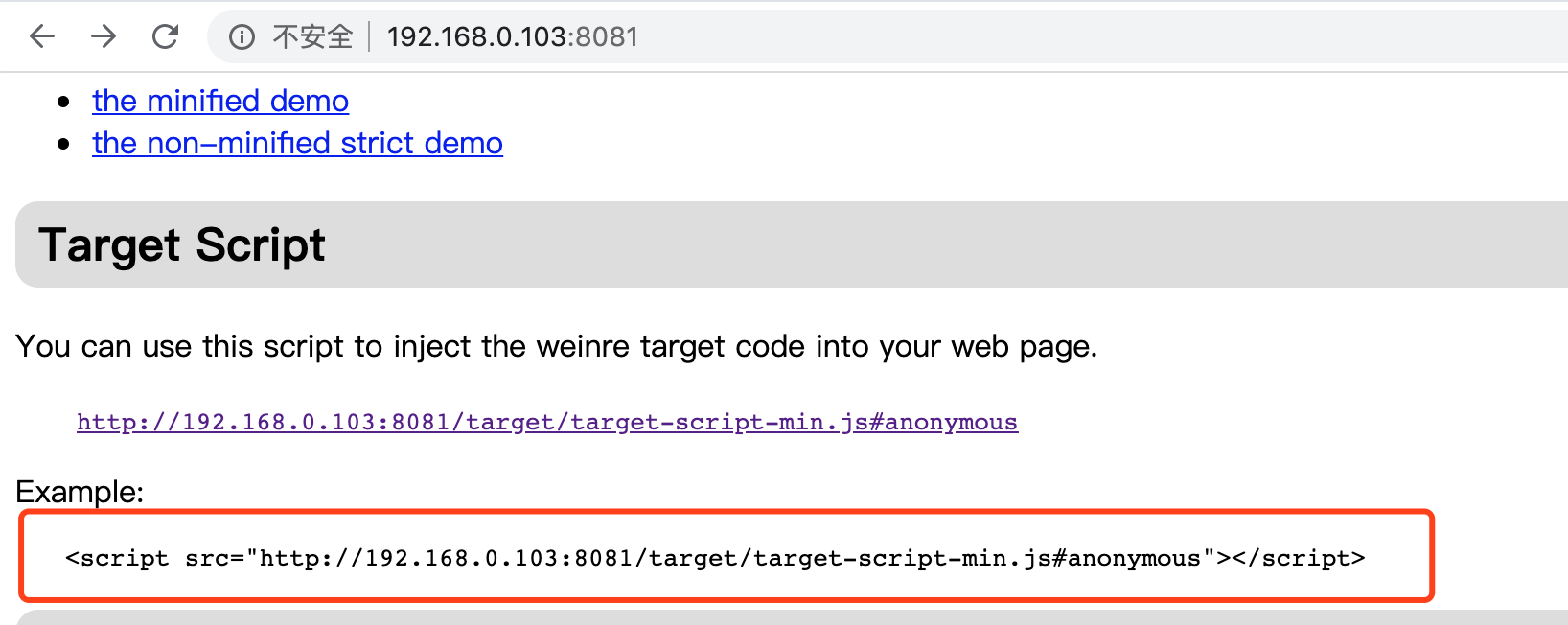
拷贝script到要调试的html页面上,然后启动要调试的项目:
-
在手机上访问要调试的页面,然后就可以在
192.168.0.103:8081的 console面板看到log了。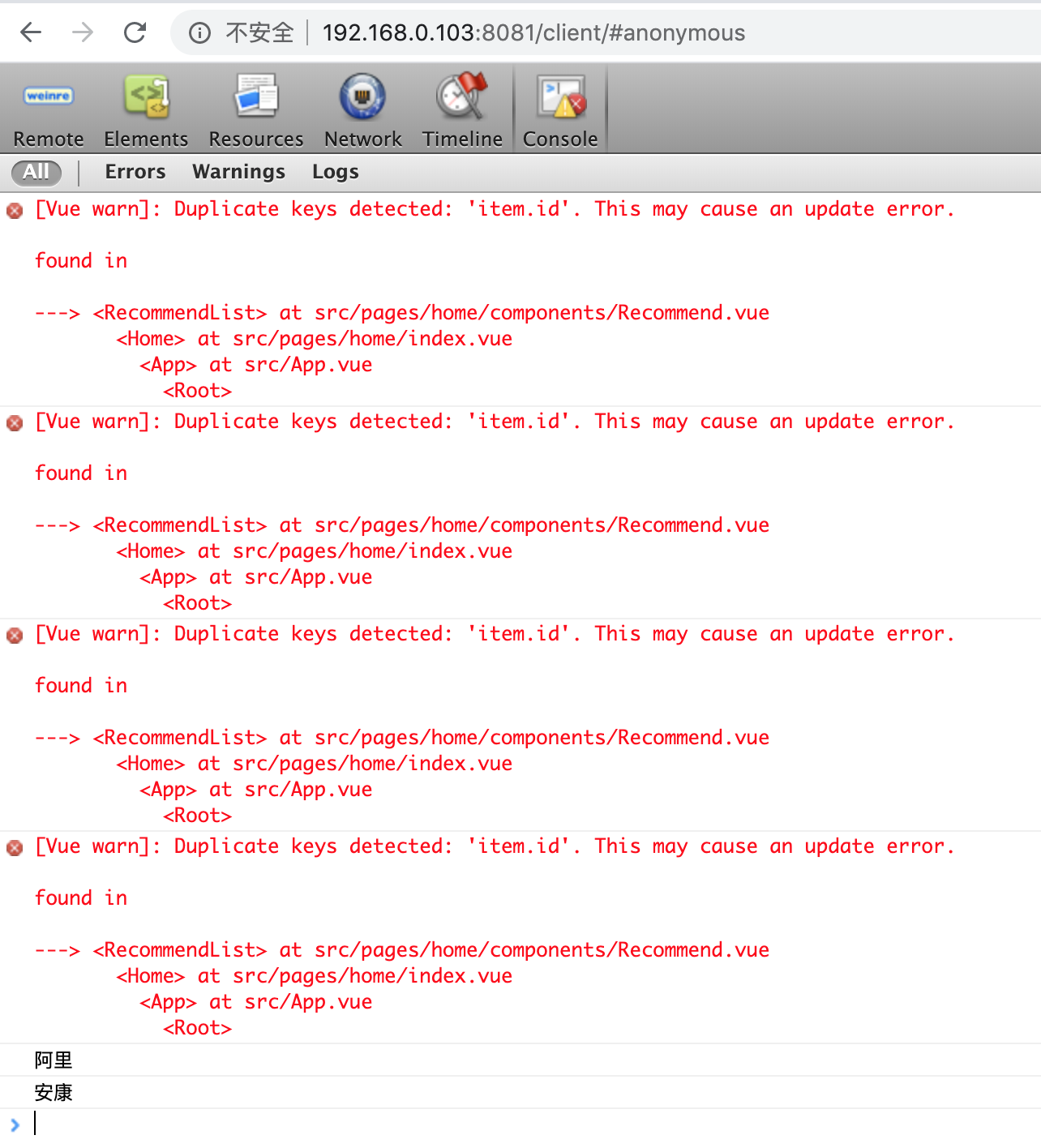
参考: