使用print.js进行自定义打印(可加上样式)
很简单,先安装依赖:
npm install print-js --save
然后引入:
import print from 'print-js'
ps: 哪个页面需要就在哪个页面引入即可
接着使用:
<div>
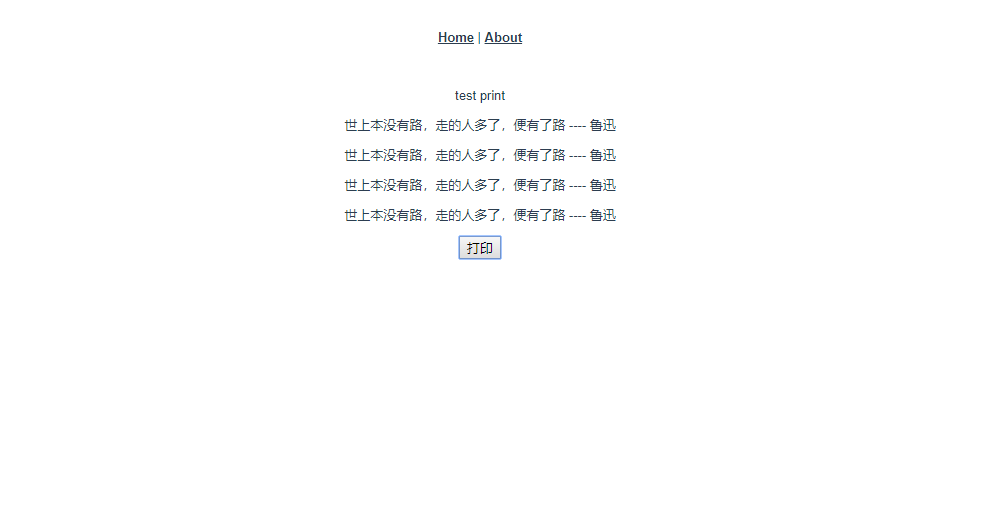
    <p>test print</p>
    <div class="print-div" id="print_area">
        <p class="red">世上本没有路,走的人多了,便有了路 ---- 鲁迅</p>
        <p class="green">世上本没有路,走的人多了,便有了路 ---- 鲁迅</p>
        <p>世上本没有路,走的人多了,便有了路 ---- 鲁迅</p>
        <p>世上本没有路,走的人多了,便有了路 ---- 鲁迅</p>
    </div>
    <button @click="printSomething">打印</button>
</div>
printSomething(){
    // 此处的style即为打印时的样式
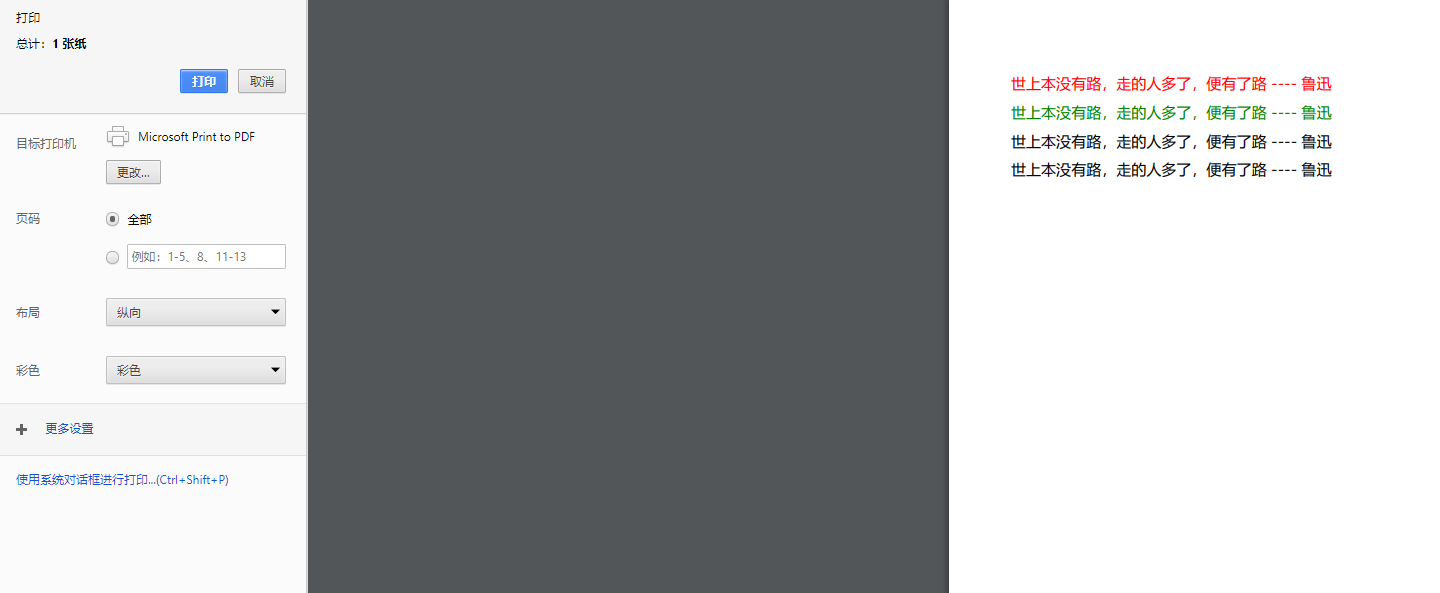
    const style = '@page {  } ' +'@media print { .print-div{ padding:8px;background-color:#cccccc;line-height:12px } .red{ color:#f00} .green{color:green}' ;
    print({
        printable: 'print_area',
        type: 'html',
        style: style,// 亦可使用引入的外部css;
        scanStyles: false
    })
}
以下为截图:
附上项目地址:
https://gitee.com/kyle_lin/use-print.git