打开Git输入命令
git config –global user.name “yourname”回车
git config –global user.email“your@email.com”回车
删除.ssh文件夹(直接搜索该文件夹)下的known_hosts(手动删除即可,不需要git)
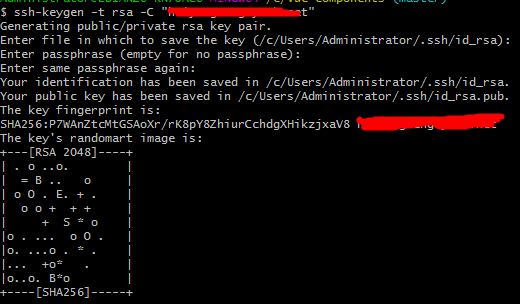
ssh-keygen -t rsa -C “your@email.com”(填写自己的邮箱地址)回车
Enter file in which to save the key (/root/.ssh/id_rsa):
然后系统会自动在.ssh文件夹下生成两个文件,id_rsa和id_rsa.pub,用记事本打开id_rsa.pub
进入自己的账号https://github.com/settings/keys 点击 New sshKey
复制的内容粘贴到Key里,Title可以不写,默认是邮箱
验证:$ ssh -T git@github.com回车
如果出现错误 You've successfully authenticated, but Gitee.com does not provide she access.
执行 git pull origin master --allow-unrelated-histories
最后关联远程分支git push --set-upstream origin master
ok,成功!!!