Flutter开发环境搭建
前言
小公司一人要维护iOS和Android两个平台的应用,同一套业务逻辑要写两遍,苦不堪言,希望Flutter可以拯救我。把学习过程记录下来,方便以后自己复习和有需要的人查看。
安装Flutter SDK
下载SDK
打开Flutter官网下载Flutter SDK
解压
- cd ~/Projects
- unzip ~/Downloads/flutter_macos_v1.9.1+hotfix.6-stable.zip
配置环境变量
export PATH=~/Projects/flutter/bin:$PATH
export PUB_HOSTED_URL=https://pub.flutter-io.cn
export FLUTTER_STORAGE_BASE_URL=https://storage.flutter-io.cn
后两条是为了访问Flutter的临时镜像,镜像可以在flutter.dev/community/c…中找到
运行flutter doctor
在命令行中输入flutter doctor 查看flutter SDK是否安装成功 下面是我的电脑执行命令得到的结果
Doctor summary (to see all details, run flutter doctor -v):
[✓] Flutter (Channel stable, v1.9.1+hotfix.6, on Mac OS X 10.14.6 18G1012,
    locale zh-Hans-CN)

[!] Android toolchain - develop for Android devices (Android SDK version 29.0.2)
    ! Some Android licenses not accepted.  To resolve this, run: flutter doctor
      --android-licenses
[!] Xcode - develop for iOS and macOS (Xcode 11.2.1)
    ! CocoaPods out of date (1.6.0 is recommended).
        CocoaPods is used to retrieve the iOS and macOS platform side's plugin
        code that responds to your plugin usage on the Dart side.
        Without CocoaPods, plugins will not work on iOS or macOS.
        For more info, see https://flutter.dev/platform-plugins
      To upgrade:
        sudo gem install cocoapods
[!] Android Studio (version 3.5)
    ✗ Flutter plugin not installed; this adds Flutter specific functionality.
    ✗ Dart plugin not installed; this adds Dart specific functionality.
[!] VS Code (version 1.40.2)
    ✗ Flutter extension not installed; install from
      https://marketplace.visualstudio.com/items?itemName=Dart-Code.flutter
[✓] Connected device (2 available)

! Doctor found issues in 4 categories.
可以看出SDK安装成功了,但是Android和iOS的开发环境还有些问题。
安装开发IDE
flutter开发官方推荐Android Studio和VS Code 可以从上面的执行flutter doctor看出这两个开发工具我的电脑都安装好了,只是没有配置flutter插件。后面我准备用VS Code来开发flutter,下面我将为我的VS Code安装flutter开发相关插件。
VS Code flutter 插件
- 打开VS Code
- 选择View -> Command Palette
- 搜索install 选择Extensions:install Extension
- 然后在搜索flutter 然后点install安装
创建并运行一个简单的flutter应用
- 打开VS Code
- 选择View -> Command Palette 快捷键cmd + shift + P
- 搜索flutter 选择Flutter:New Project 然后输入项目名 hello_word 第一个项目名标配
- 搜索flutter 选择Flutter:Launch Emulator
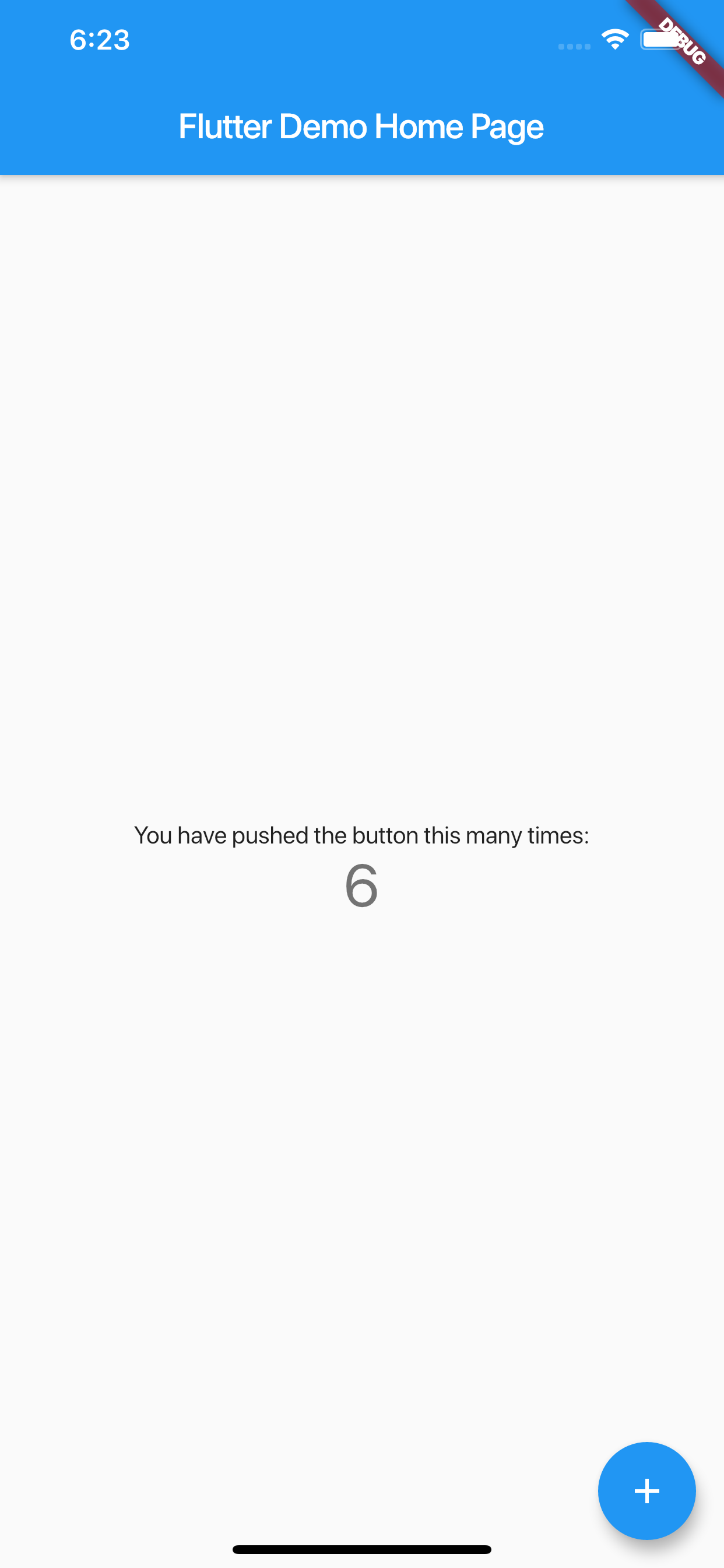
运行结果