所用Html5知识点:
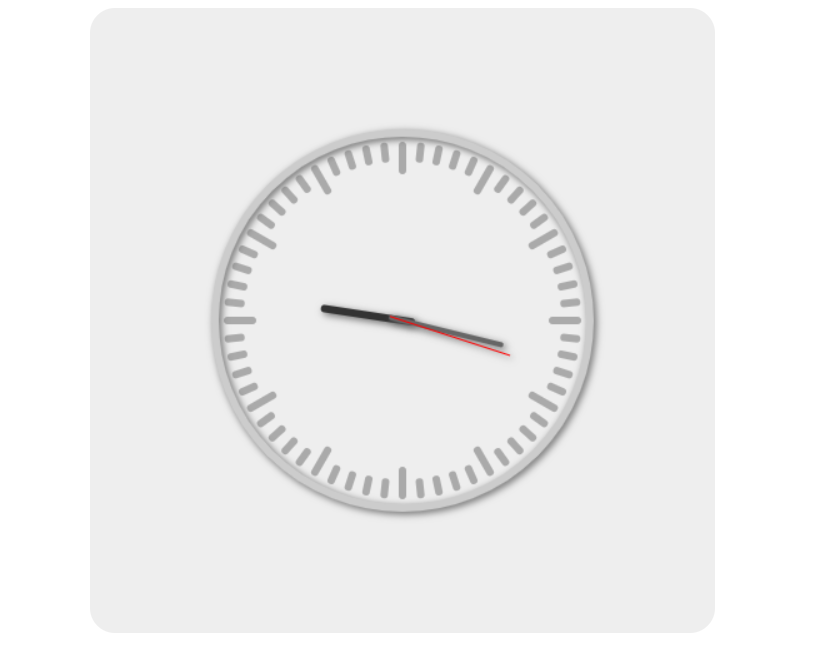
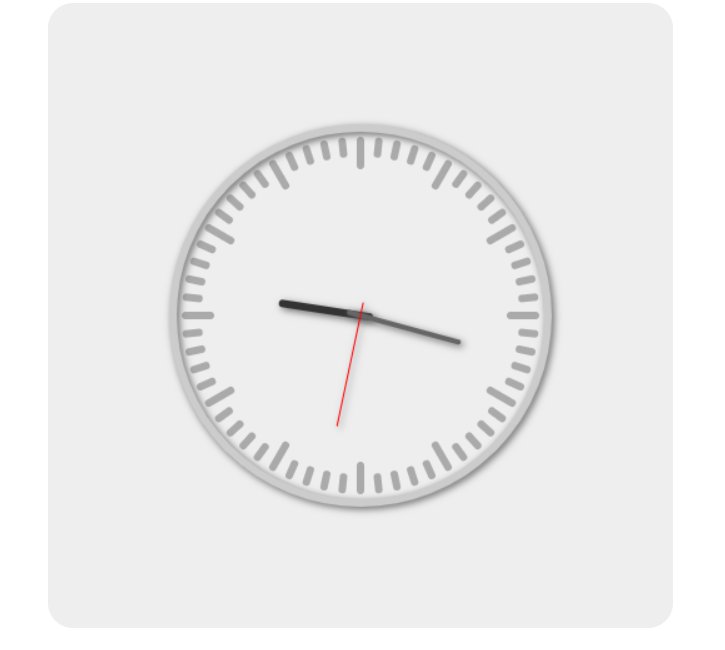
静态效果展示:
图一:
图二
代码展示:
html:
<canvas id="cvs" width="500" height="500"></canvas>
css:
    #cvs {
        background: #eee;
        display: block;
        margin: 0 auto;
        border-radius: 20px;
    }
js:
    var cvs = document.querySelector("#cvs")
    var ctx = cvs.getContext('2d')
    var width = cvs.width
    var height = cvs.height
    // 半径
    var radius = 150
    // 平移坐标原点至画布中心
    ctx.translate(width / 2, height / 2)

    // 画表盘
    function drawCicle() {
        ctx.save()
        ctx.beginPath()
        ctx.arc(0, 0, radius, 0, 2 * Math.PI)
        ctx.strokeStyle = "#ccc"
        ctx.lineWidth = 6
        getShadow()
        ctx.stroke()
        ctx.restore()
    }
    // 阴影
    function getShadow() {
        ctx.shadowBlur = 6
        ctx.shadowColor = "#666"
        ctx.shadowOffsetX = 2
        ctx.shadowOffsetY = 2
    }
    // 画时间刻度
    function drawMarks() {
        ctx.save()
        ctx.beginPath()
        ctx.lineWidth = 6
        ctx.strokeStyle = "#aaa"
        for (var i = 0; i < 60; i++) {
            ctx.beginPath()
            ctx.save()
            // 旋转画布
            ctx.rotate(Math.PI / 30 * i)
            // 绘制一个刻度
            ctx.moveTo(0, -radius + 10)
            // 每5个是一个长的
            if (i % 5 === 0) {
                ctx.lineTo(0, -radius + 30)
            } else {
                ctx.lineTo(0, -radius + 20)
            }
            // 设置两端样式
            ctx.lineCap = "round"
            ctx.stroke()
            ctx.restore()
        }
        ctx.restore()
    }

    // 辅助画线的函数
    function _drawLine(lineWidth, color, length, angle) {
        ctx.save()
        ctx.rotate(angle * Math.PI / 180)
        ctx.beginPath()
        ctx.strokeStyle = color
        ctx.lineWidth = lineWidth
        ctx.lineCap = "round"
        ctx.moveTo(0, 0.1 * length)
        ctx.lineTo(0, -0.9 * length)
        getShadow()
        ctx.stroke()
        ctx.restore()
    }


    // 画时针,分针,秒针
    function drawLines() {
        var now = new Date()
        // 得到今天凌晨的时间
        var zero = new Date(now.getFullYear(), now.getMonth(), now.getDate())
        // 今天凌晨到现在经过的毫秒数
        var mills = now.getTime() - zero.getTime()
        // 换算成秒数
        var seconds = Math.floor(mills / 1000)

        var hours = seconds / 3600
        // 根据小时数算角度
        // hours/12 *360

        var hAngle = hours / 12 * 360
        // 时针
        _drawLine(6, "#333", 70, hAngle)
        // fen针
        var mAngle = seconds / 3600 * 360
        _drawLine(4, "#666", 90, mAngle)
        // miao
        var sAngle = seconds / 60 * 360
        _drawLine(1, "red", 100, sAngle)
    }


    function draw() {
        // 清空画布
        ctx.clearRect(-width / 2, -height / 2, width, height)
        drawMarks()
        drawLines()
        drawCicle()
    }
    draw()
    setInterval(draw, 1000)