首先基本的要有docker,并且下载nginx镜像,要搭配使用。还有一个打包后的前端项目即可。
1. 新建一个Dockerfile
在打包好的前端项目路径,一般是dist文件夹,同级路径新建
# 在容器安装nginxFROM nginx# 移除NGINX的default.confRUN rm /etc/nginx/conf.d/default.conf# 把配置好的nginx配置文件添加到 /etc/nginx/conf.d/ 目录下ADD default.conf /etc/nginx/conf.d/# 把前端项目文件夹 复制COPY dist/ /usr/share/nginx/htmlRUN /bin/bash -c 'echo init ok!!!'2. 新建一个nginx配置文件
server { listen 9898; server_name localhost; charset utf-8; location / { root /usr/share/nginx/html; index index.html index.htm;}error_page 500 502 503 504 /404.html;location = /404.html { root html;}}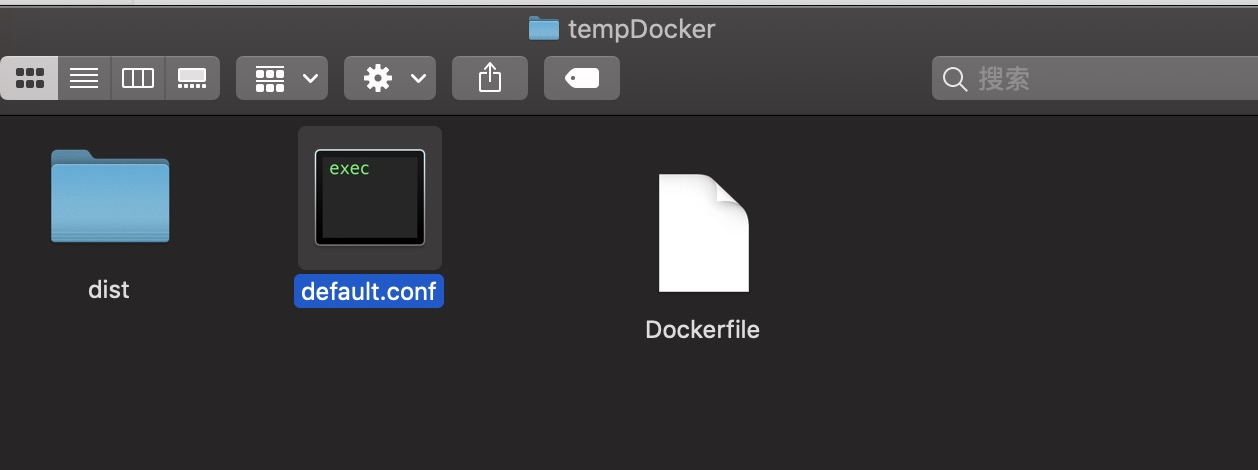
3. 然后就是生成对应的镜像
docker build -t (自定义镜像名) .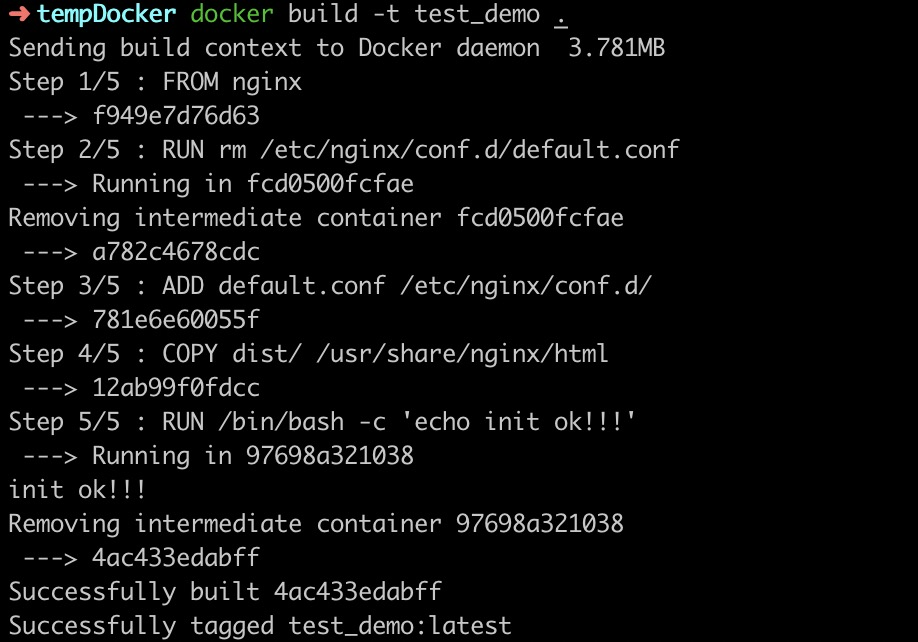
然后看一下是否成功生成了镜像

4. 最后就是运行我们的镜像查看结果,就完成啦
docker run -p 9898:9000 4ac433edabff
// 9898是配置的端口, 9000映射运行的端口,最后那个是对应的镜像id