mac电脑中: IOS:
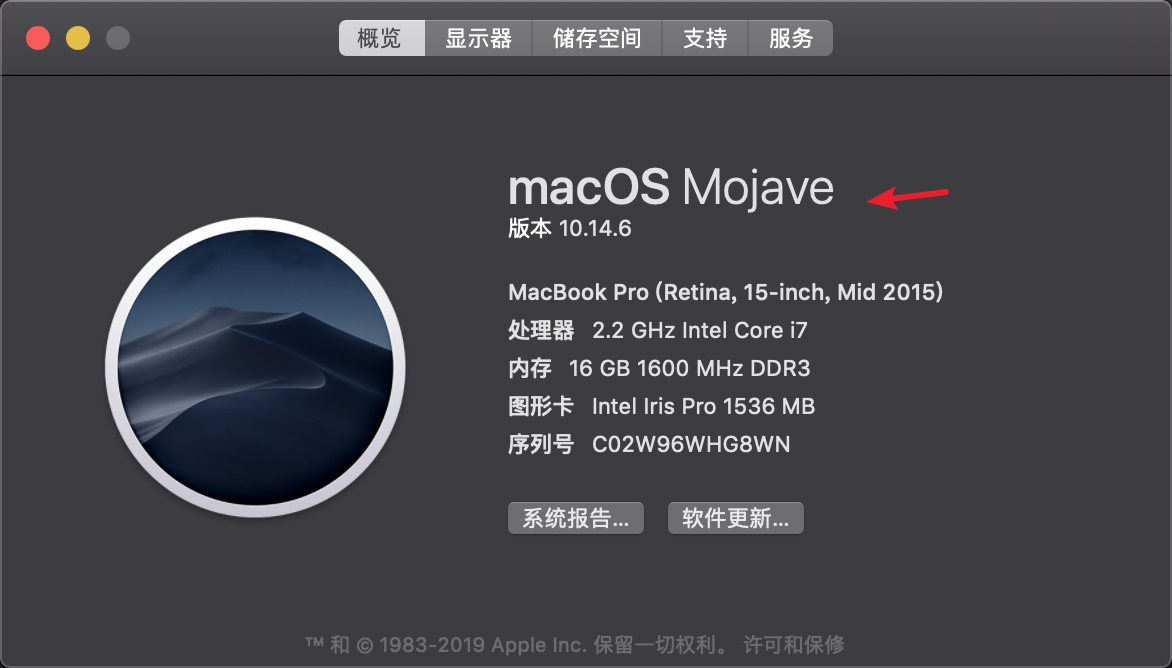
- 首先确保 mac系统更新至 macOS Mojave系统
- 安装 Xcode模拟器 (通过Spotlight搜索<
cmd + space>open -a Simulator)
flutter run启动您的应用.
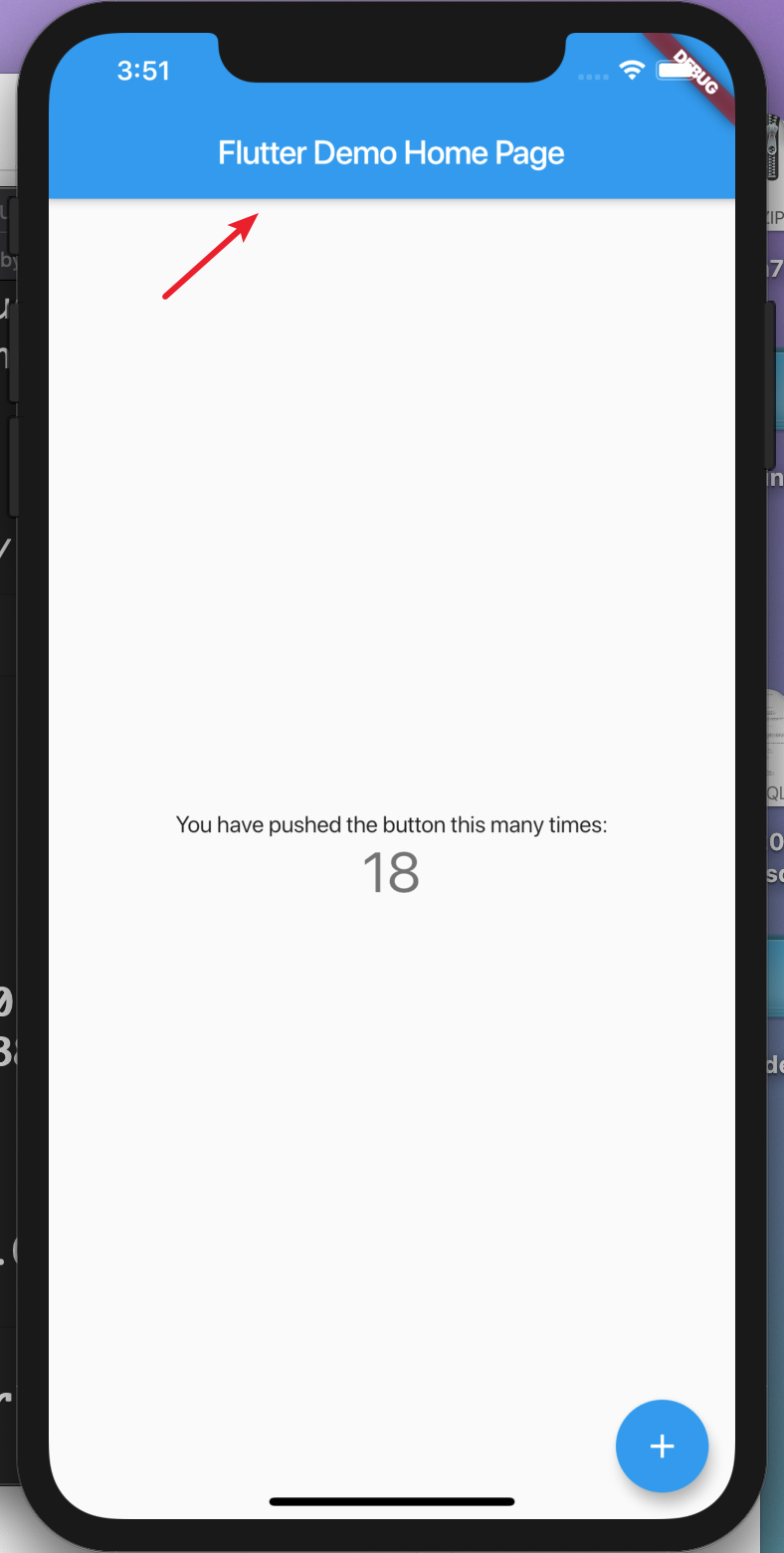
-
安装 homebrew (如果已经安装了brew,跳过此步骤).
-
打开终端并运行这些命令来安装用于将Flutter应用安装到iOS设备的工具
brew updatebrew install --HEAD libimobiledevice (报错先安装xcode-select --install)brew install ideviceinstaller ios-deploy cocoapodspod setup -
遵循Xcode签名流程来配置您的项目:
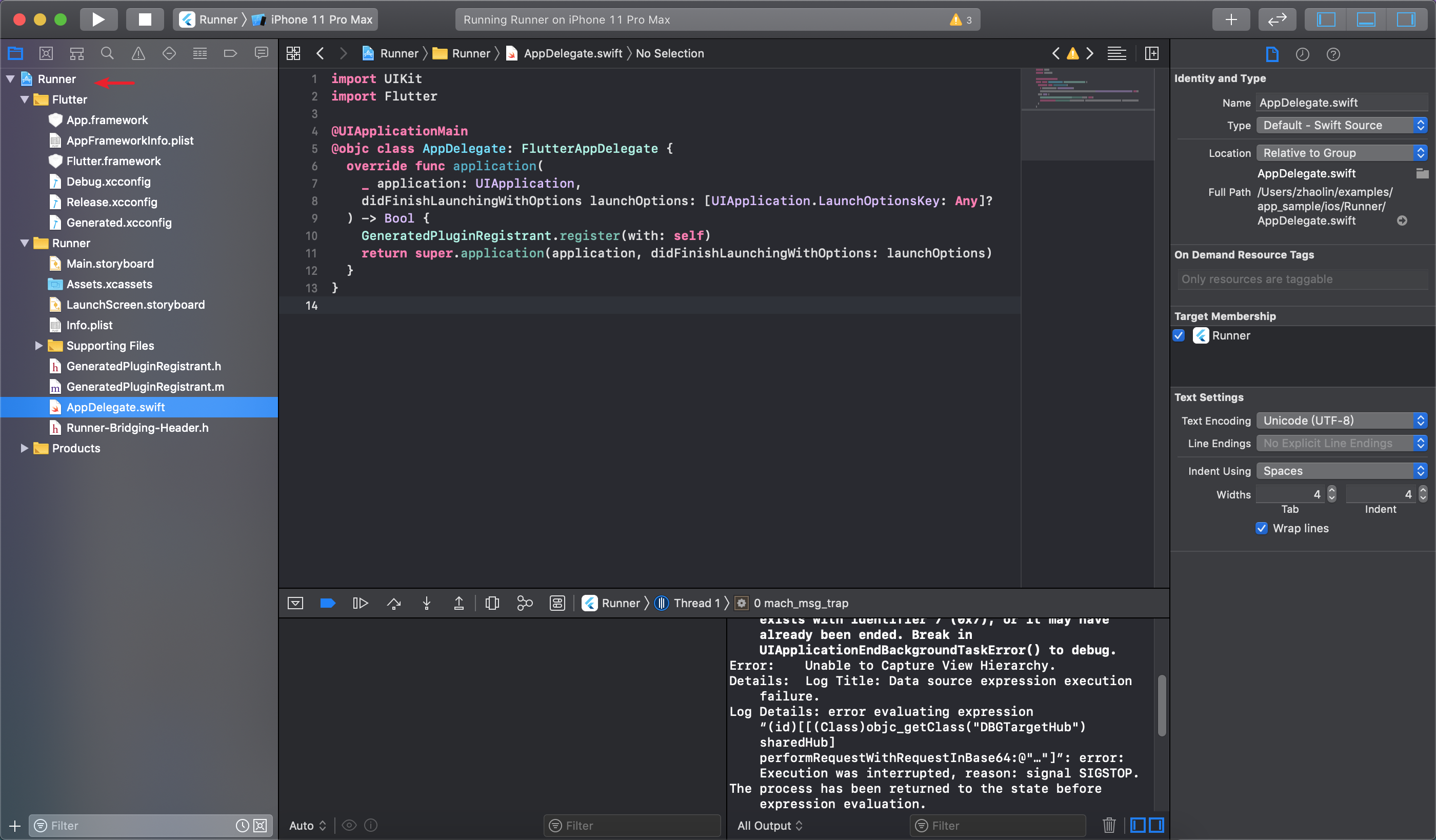
- 在Xcode中,选择导航面板左侧中的Runner项目
- 创建bundle identifier
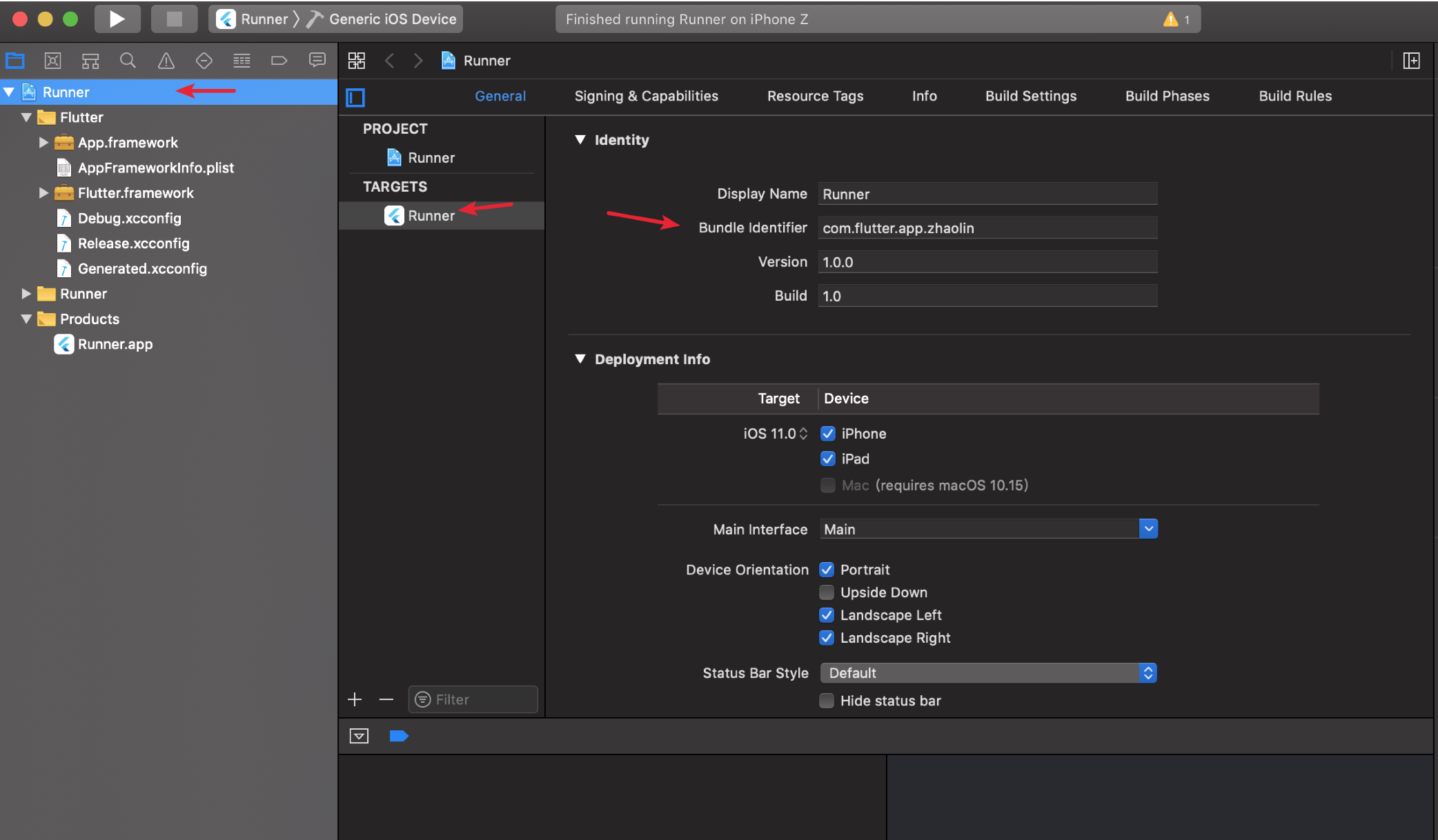
- 登录AppID
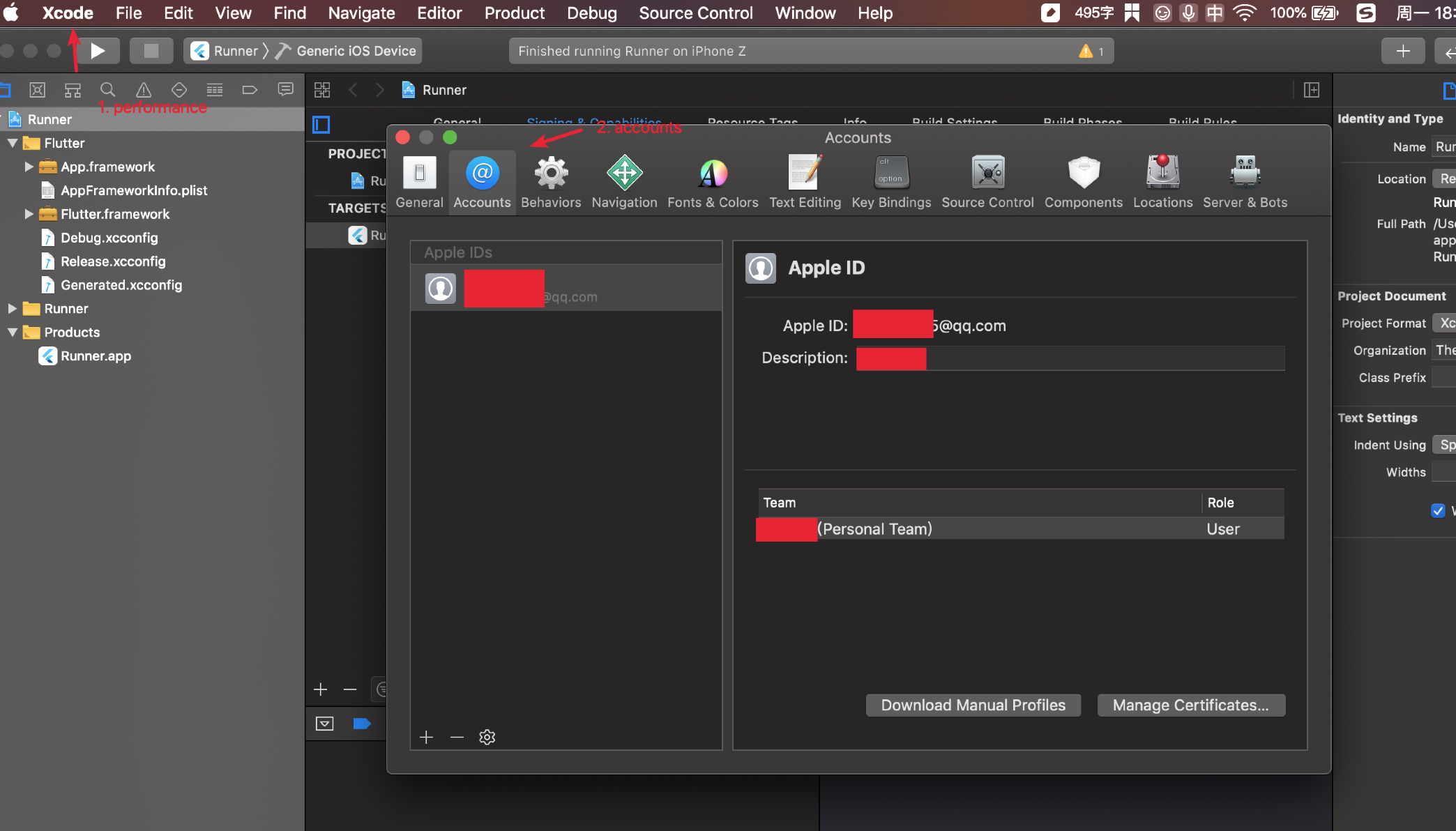
- 创建bundle identifier
- 在Runner target设置页面中,确保在 常规>签名>团队
- 下选择了您的开发团队。当您选择一个团队时,Xcode会创建并下载开发证书,向您的设备注册您的帐户
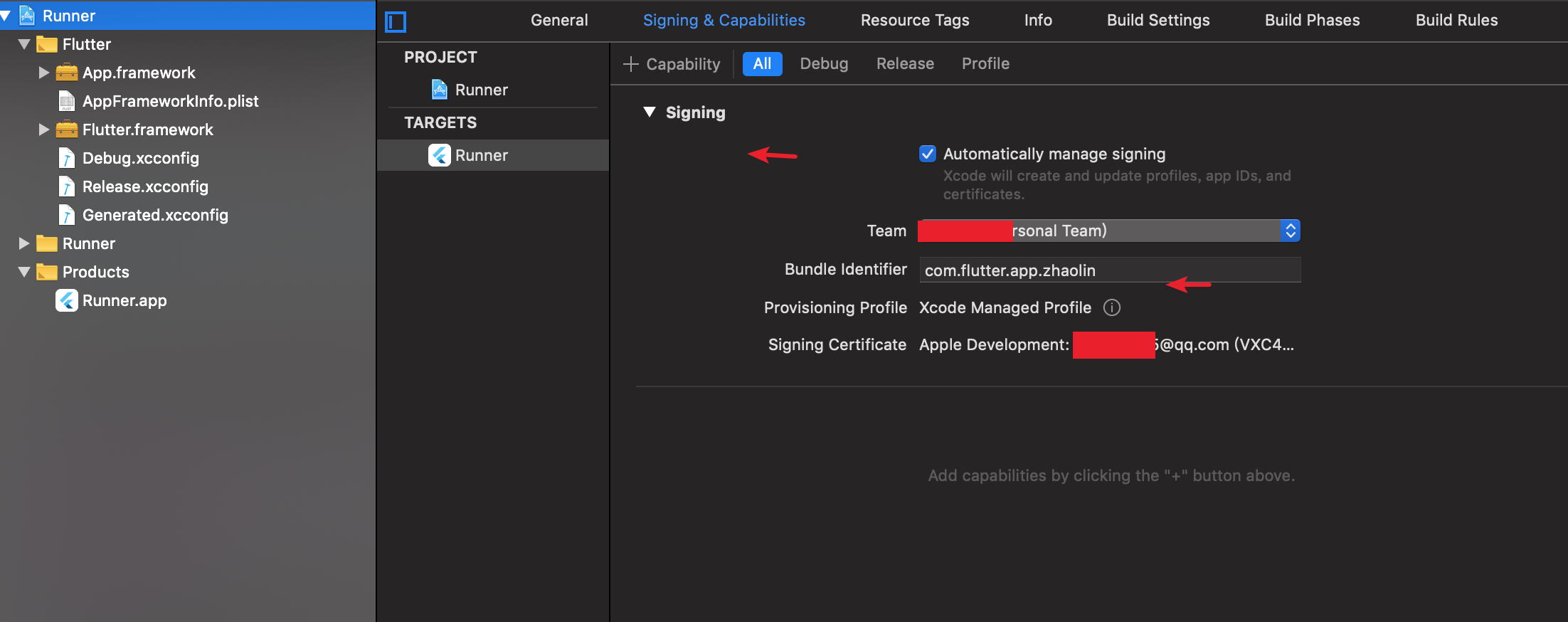
- 原装数据线连接手机, 运行启动您的应用程序 flutter run
- 构建时一直报错:
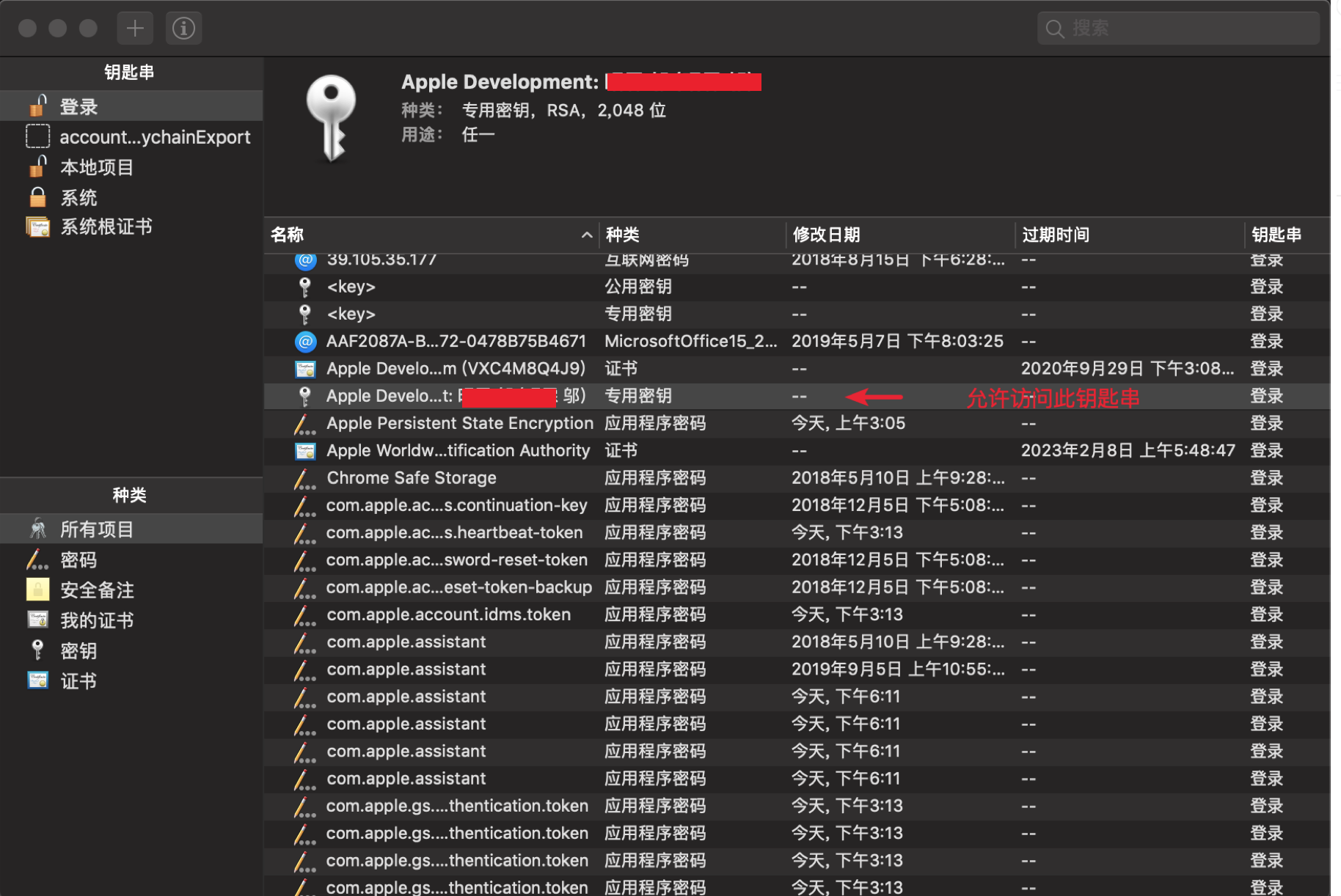
Command CodeSign failed with a nonzero exit code - 解决办法:重启电脑后,重新run, 使用开发者钥匙串, 最后flutter succeed;
- 允许读取开发者钥匙串
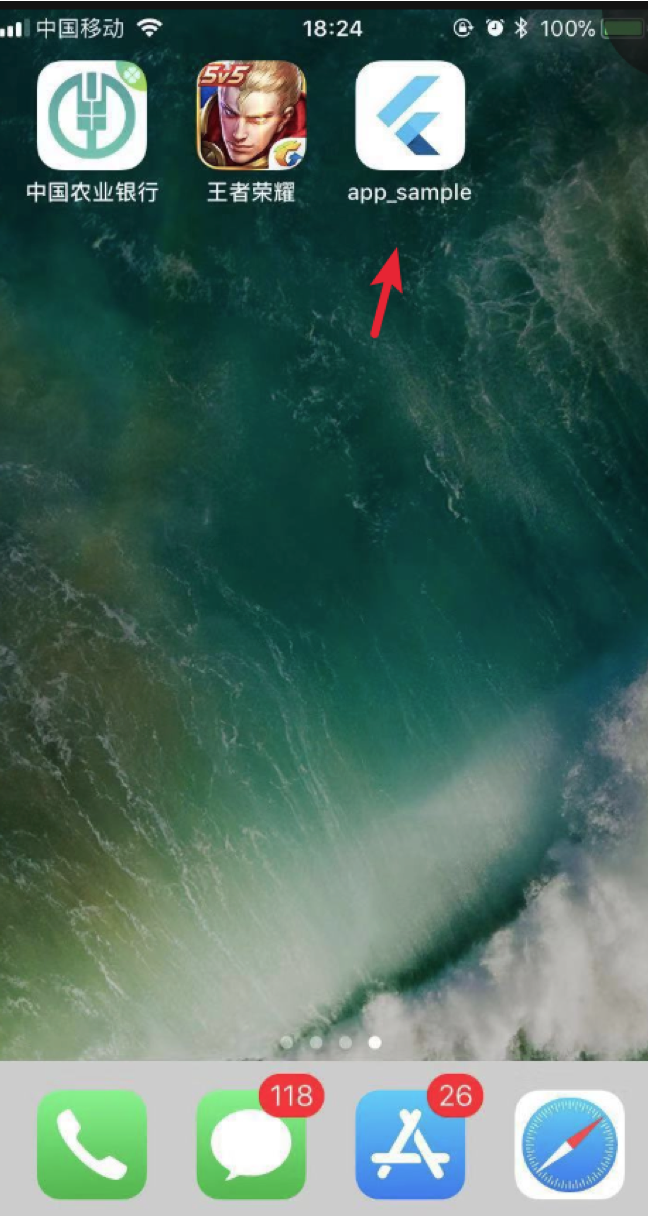
- succeed后在手机端设备管理信任 当前软件
- 构建时一直报错: