- 获取安装包
git clone -b master https://github.com/flutter/flutter.git解压到跟目录,文件夹命名为flutter
- 添加flutter相关工具到path
export PATH=pwd/flutter/bin:$PATH
flutter doctor检查是否需要安装其它flutter update-packages更新所有子依赖flutter precache确保缓存工具是最新的flutter ide-config --overwrite重写ide配置- cd至指定目录, 创建案例
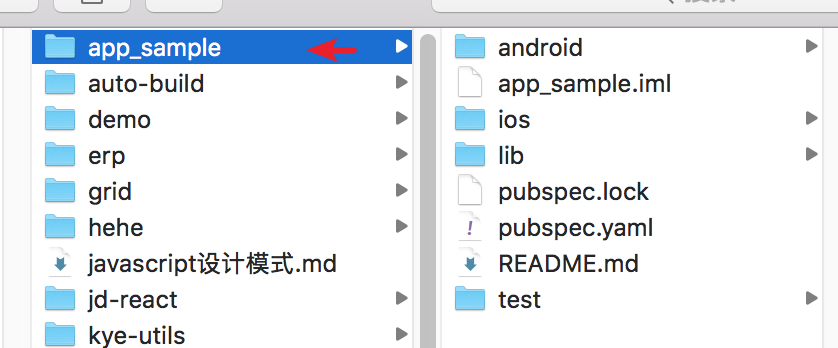
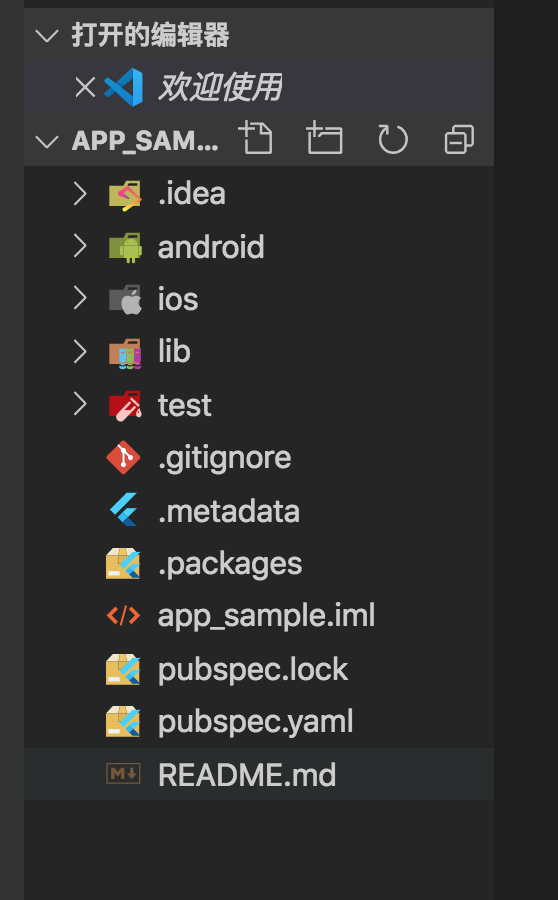
flutter create --template=app app_sample创建一个简单的案例flutter create --template=package package_sample创建一个简单的安装包版flutter create --template=plugin plugin_sample创建一个简单插件版本
参考翻译: https://github.com/flutter/flutter/wiki/Flutter-Installation-Bundles