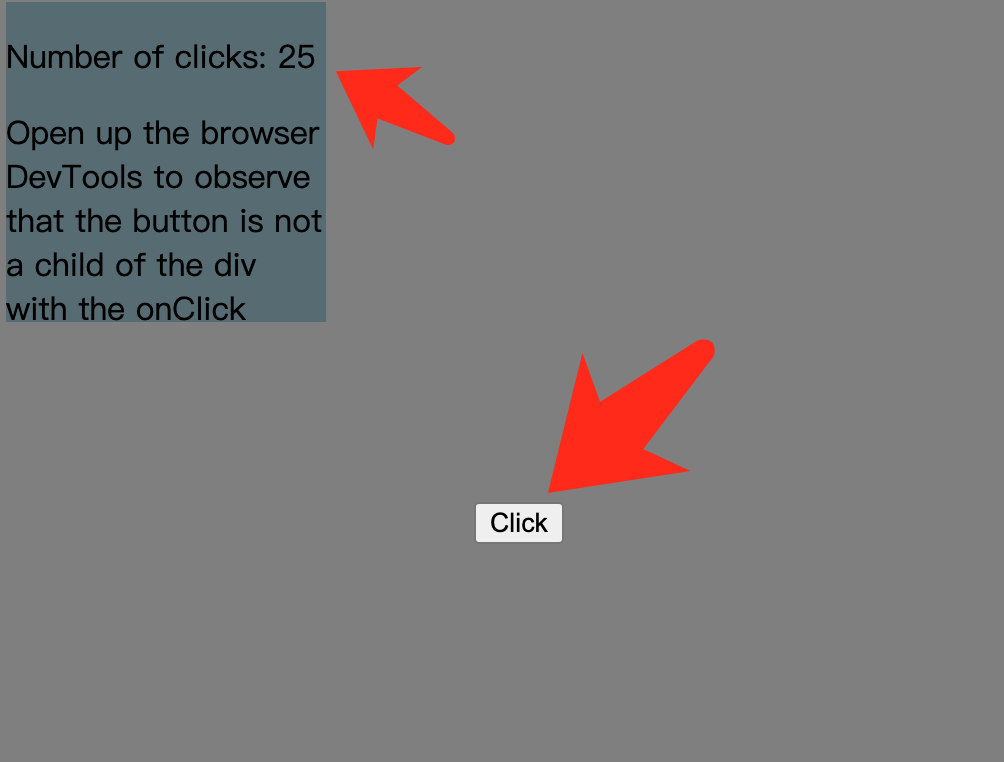
const appRoot = document.getElementById('app-root');
const modalRoot = document.getElementById('modal-root');

class Modal extends React.Component {
  constructor(props) {
    super(props);
    this.el = document.createElement('div');
  }

  componentDidMount() {
    modalRoot.appendChild(this.el);
  }

  componentWillUnmount() {
    modalRoot.removeChild(this.el);
  }

  render() {
    return ReactDOM.createPortal(
      this.props.children,
      this.el,
    );
  }
}

class Parent extends React.Component {
  constructor(props) {
    super(props);
    this.state = {clicks: 0};
    this.handleClick = this.handleClick.bind(this);
  }

  handleClick() {
    // This will fire when the button in Child is clicked,
    // updating Parent's state, even though button
    // is not direct descendant in the DOM.
    this.setState(prevState => ({
      clicks: prevState.clicks + 1
    }));
  }

  render() {
    return (
      <div onClick={this.handleClick}>
        <p>Number of clicks: {this.state.clicks}</p>
        <p>
          Open up the browser DevTools
          to observe that the button
          is not a child of the div
          with the onClick handler.
        </p>
        <Modal>
          <Child />
        </Modal>
      </div>
    );
  }
}

function Child() {
  // The click event on this button will bubble up to parent,
  // because there is no 'onClick' attribute defined
  return (
    <div className="modal">
      <button>Click</button>
    </div>
  );
}

ReactDOM.render(<Parent />, appRoot);