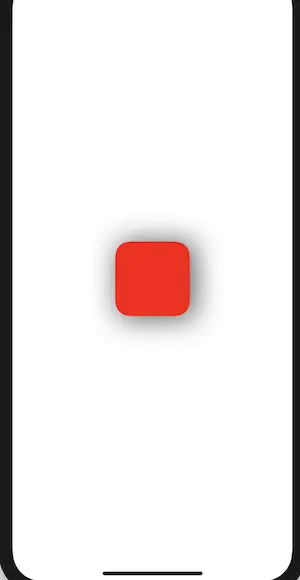
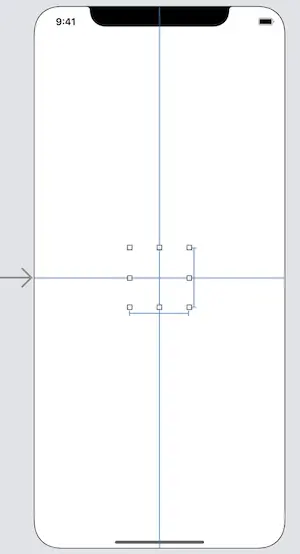
1.添加 UIView,设置 backgroundColor = nil
2.圆角
private func settingRoundCorner() {
let roundLayer = CAShapeLayer()
roundLayer.fillColor = UIColor.red.cgColor
let rect = roundView.bounds
roundLayer.frame = rect
let roundPath = UIBezierPath(roundedRect: rect, cornerRadius: 20)
roundLayer.path = roundPath.cgPath
roundView.layer.addSublayer(roundLayer)
}
3.阴影
private func settingShadow() {
let rect = roundView.bounds
roundView.layer.shadowColor = UIColor.black.cgColor
roundView.layer.shadowRadius = 20
roundView.layer.shadowOpacity = 0.69
let path = UIBezierPath(rect: rect.offsetBy(dx: 5, dy: 5))
roundView.layer.shadowPath = path.cgPath
}
Demo地址


