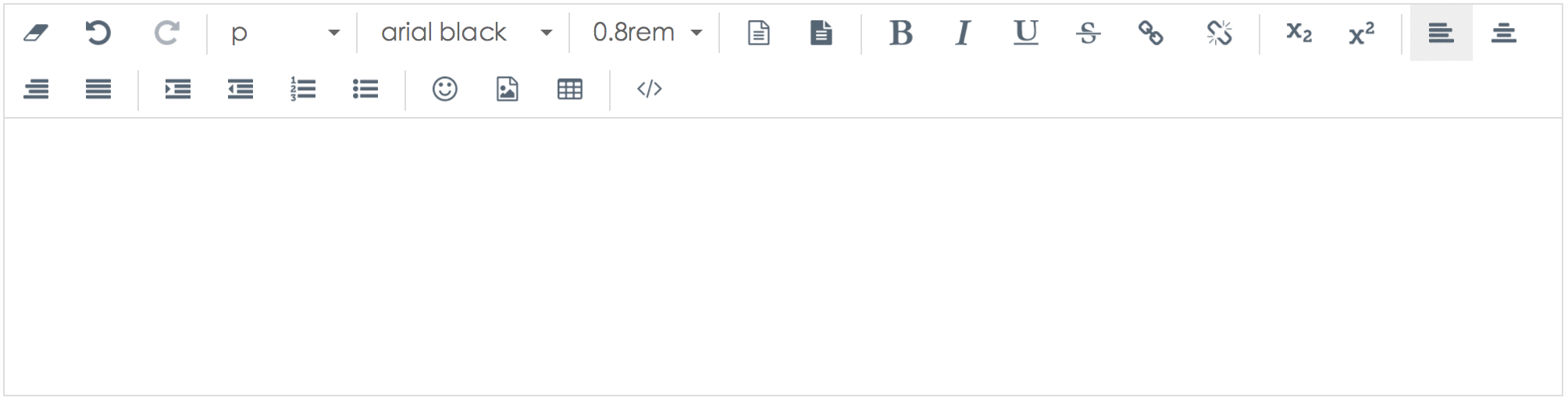
- 安装npm包
npm install vueditor
- 引入font-awesome库
在main.js里添加
import Vueditor from 'vueditor'import 'vueditor/dist/style/vueditor.min.css'
// 菜单配置
let config = {
toolbar: [
'removeFormat', 'undo', '|', 'elements', 'fontName', 'fontSize', 'foreColor', 'backColor'
],
fontName: [
{ val: 'arial black' },
{ val: 'times new roman' },
{ val: 'Courier New' }
],
fontSize: [
'12px', '14px', '16px', '18px', '0.8rem', '1.0rem', '1.2rem', '1.5rem', '2.0rem'
],
uploadUrl: ''
}
Vue.use(Vueditor, config)
- 如何使用
在组件页面中使用 <Vueditor></Vueditor>基于 Vue.js 和 Vuex.js 实现的富文本编辑器,
只支持 Vue.js 2.x.x
浏览器兼容性:
Chrome, Firefox, Safari, IE 9+.
github地址:https://github.com/hifarer/Vueditor