1、到https://pub.dev/查找包和插件 比如:flutter_color_plugin 直接搜索
打开之后有具体的安装方法
2、安装
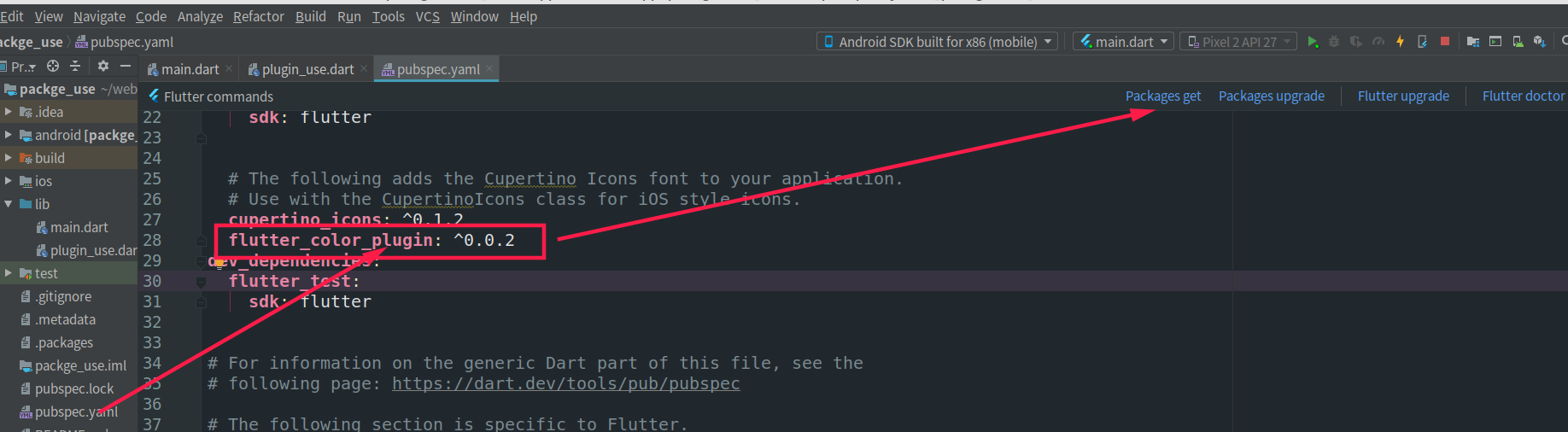
3、导入包:import 'package:flutter_color_plugin/flutter_color_plugin.dart';
4、使用
body: Center(
        child: Column(
          mainAxisAlignment: MainAxisAlignment.center,
          children: <Widget>[
            Text(
              'You have pushed the button this many times:',
              style: TextStyle(color: ColorUtil.color('#899900')),
            ),
            Text(
              '$_counter',
              style: Theme.of(context).textTheme.display1,
            ),
          ],
        ),
      ),
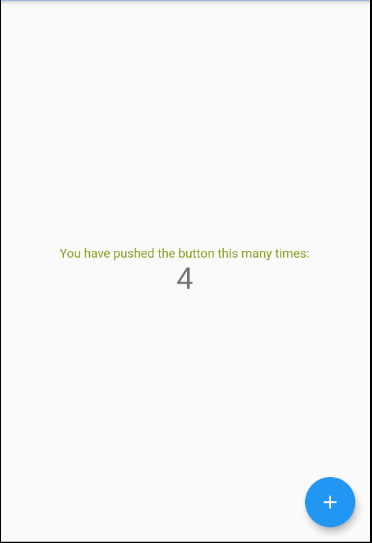
5、效果:改变了字体颜色