1、安装插件:Debugger for Chrome
2、安装完成好,打开项目 F5 找到 launch.json 文件,更改配置信息
{ // Use IntelliSense to learn about possible attributes. // Hover to view descriptions of existing attributes. // For more information, visit: https://go.microsoft.com/fwlink/?linkid=830387 "version": "0.2.0", "configurations": [ { "type": "chrome", "request": "launch", "name": "Launch Chrome against localhost", "url": "http://localhost:8080", "webRoot": "${workspaceFolder}", "file": "${workspaceFolder}/index.html" //在浏览器中打开的文件路径,运行不同项目,需要更改 } ]}3、F5 运行项目,此时浏览器打开的还是以本地路径为url的页面,相当于在浏览器中直接打开页面
4、打开终端,安装live-server
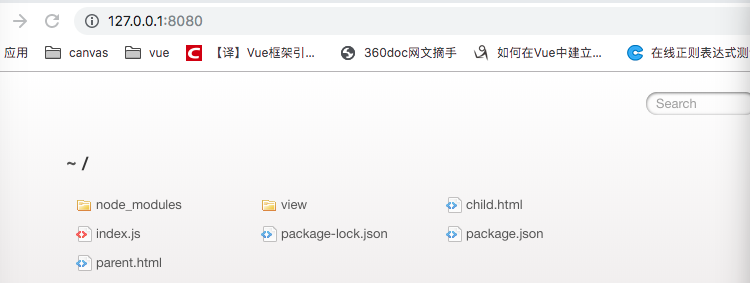
npm install -g live-server5、安装完成后,输入 live-server 启动本地服务,在浏览器中可以看到如下,打开相应文件即可