本案例使用IDEA快速创建。
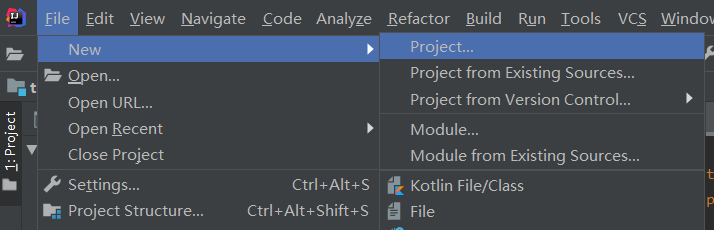
1、File->New->Project
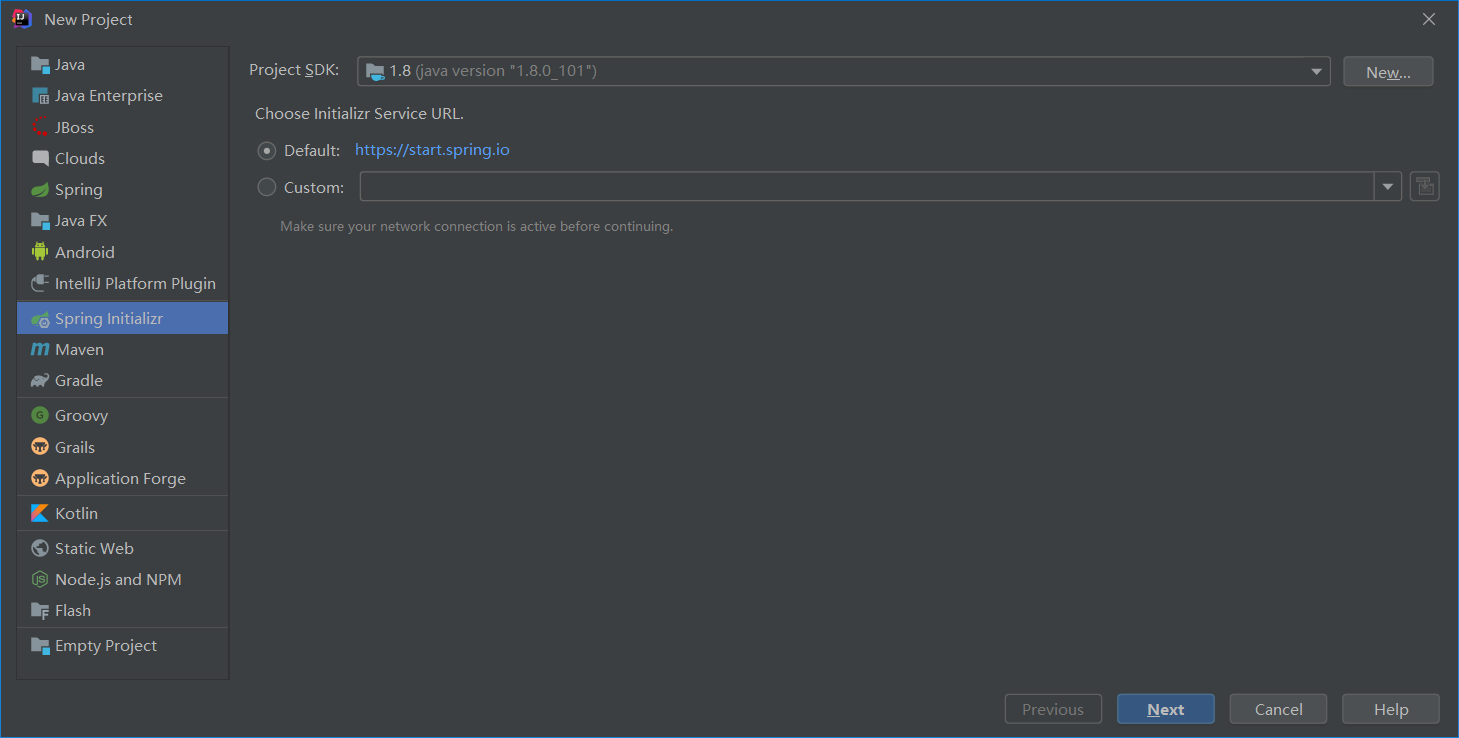
2、Spring Initializr -> Next
3、定义工程名称
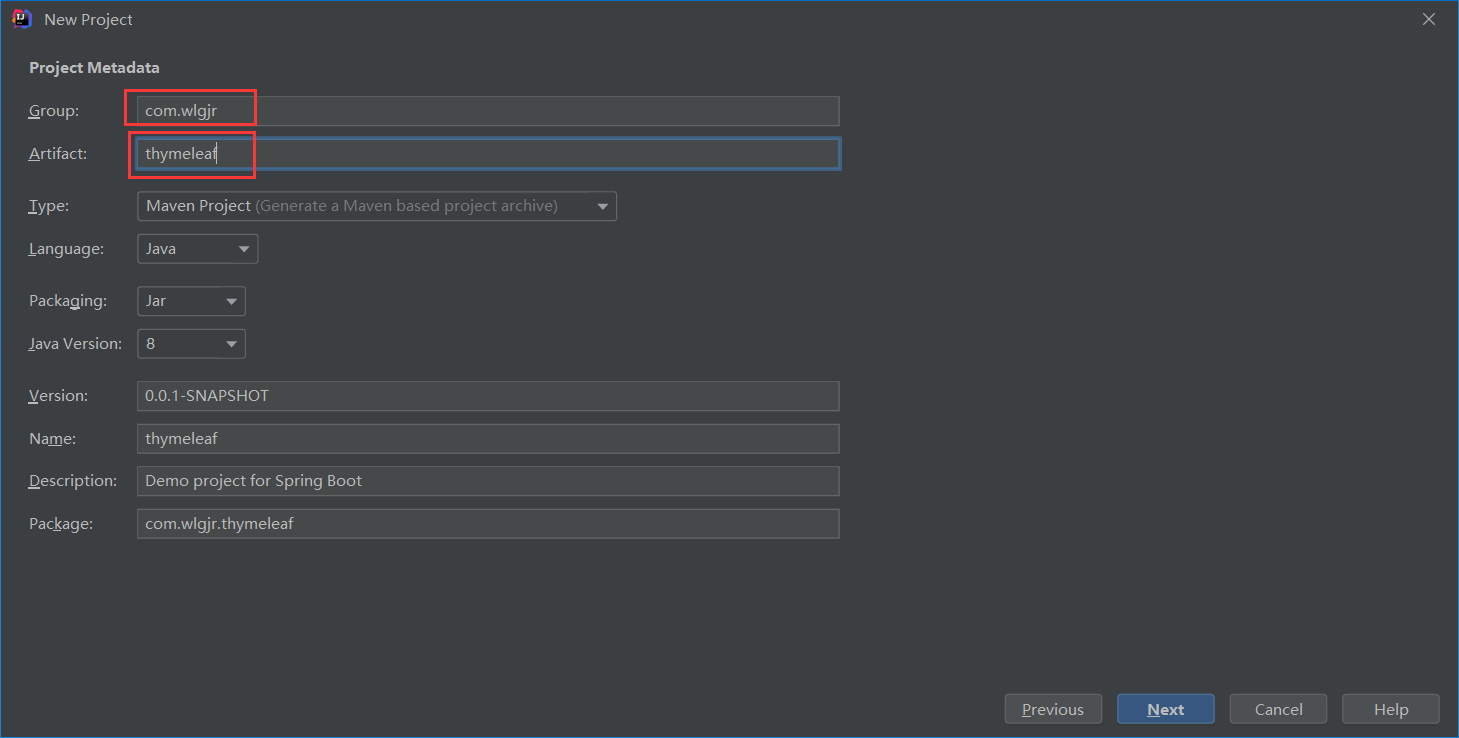
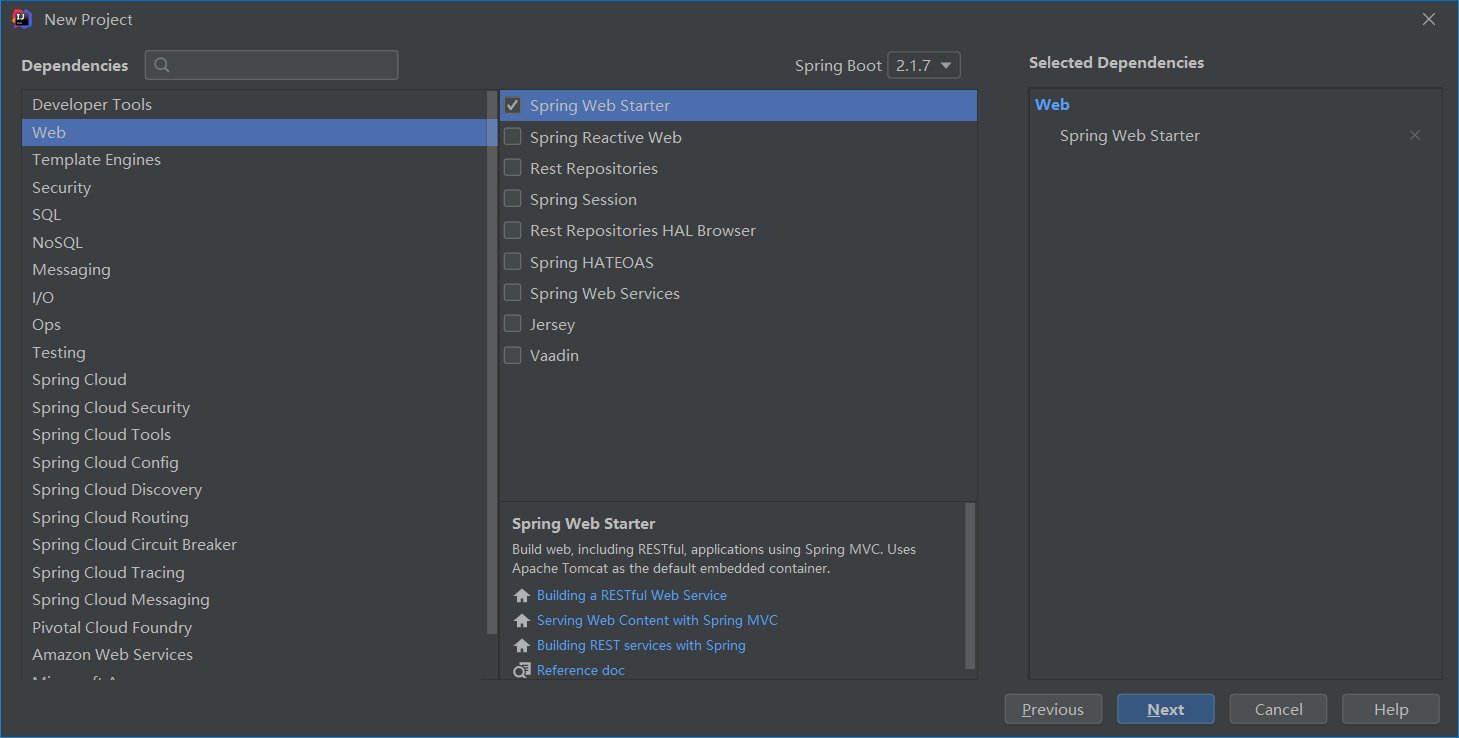
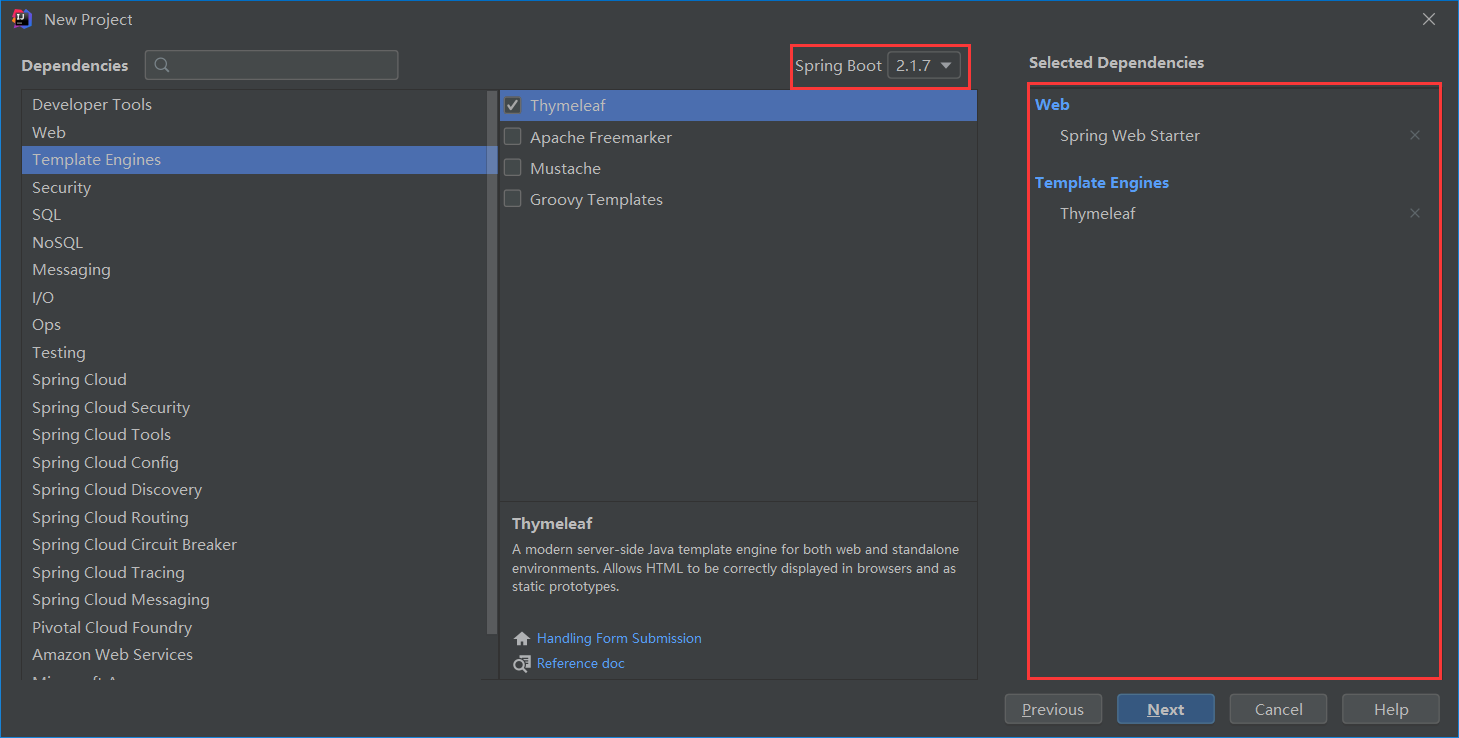
4、添加需要模块 【可选择springboot的版本,右侧Selected Dependencies 是已选择的依赖模块列表】
添加web模块
添加thymeleaf模块
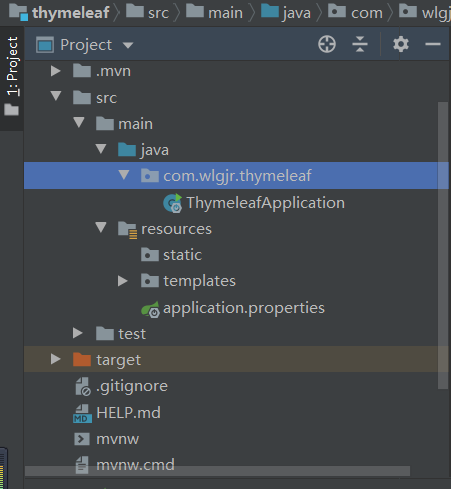
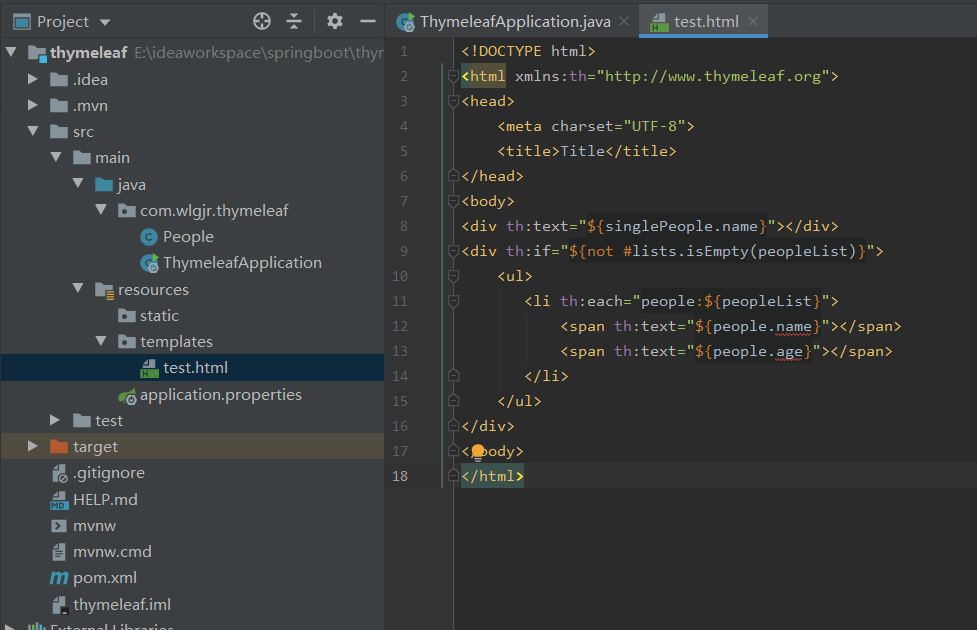
5、生成的目录结构如图。
6、建静态测试信息
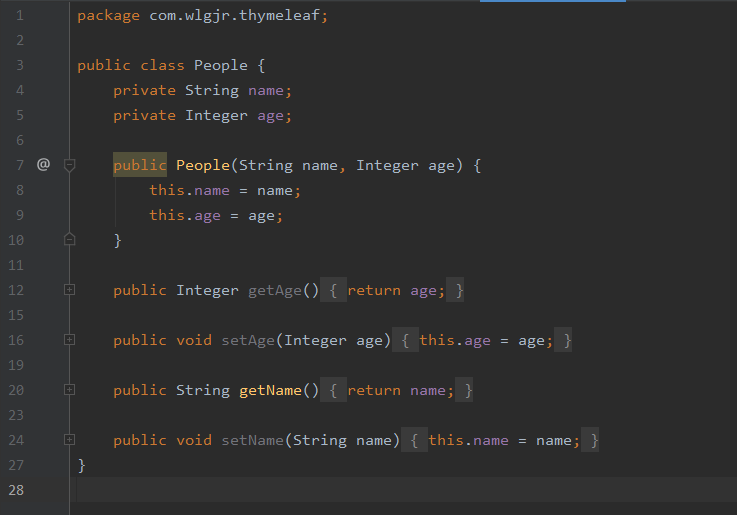
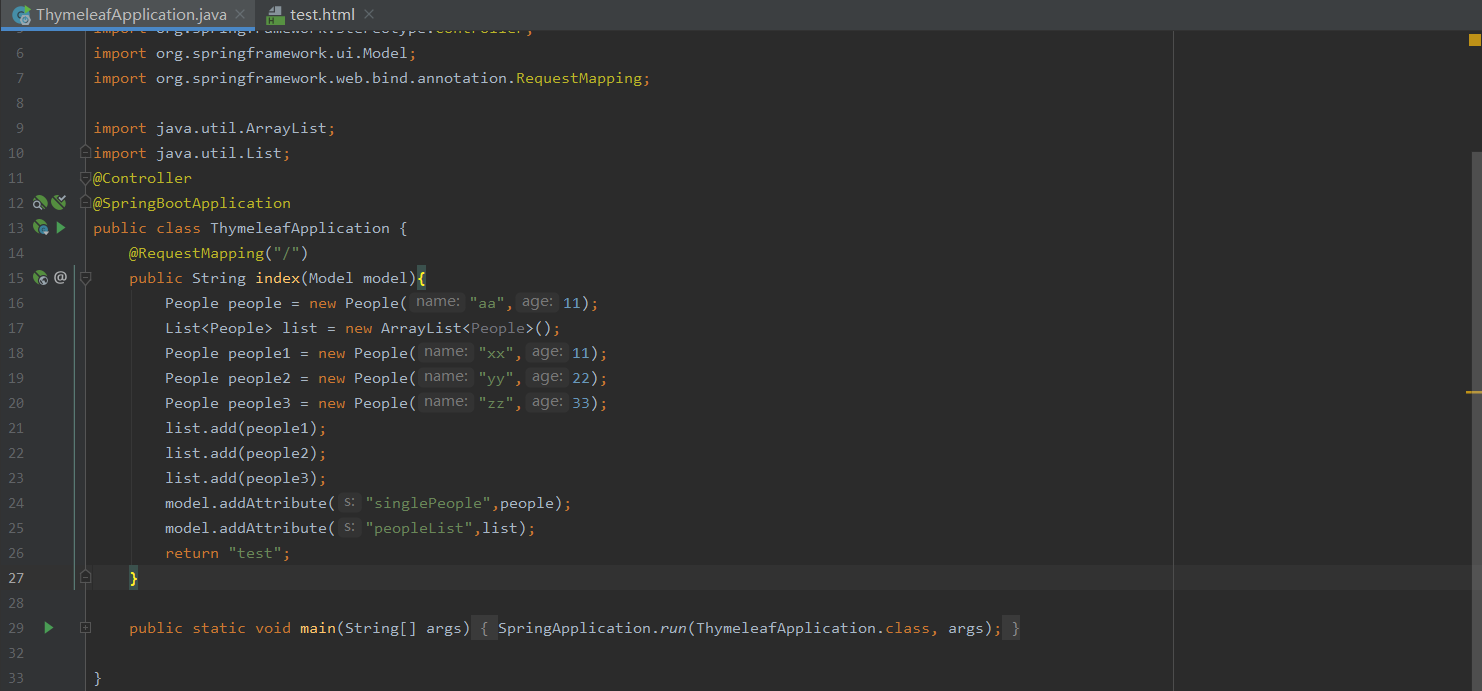
在ThymeleafApplication 里建测试使用访问信息
设置静态页面信息。
注意在标签添加支持thymeleaf的内容 xmlns:th="
www.thymeleaf.org"
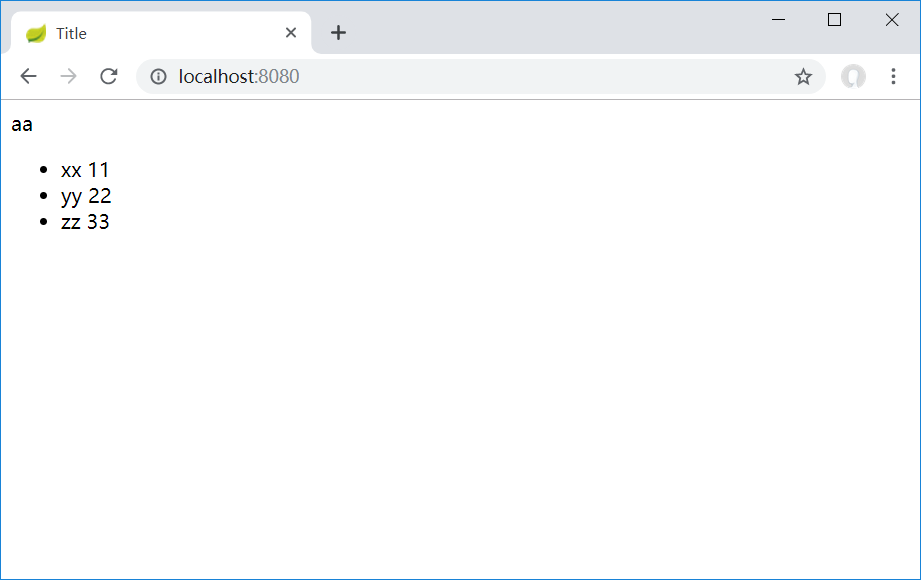
7、启动ThymeleafApplication的main函数
访问http://localhost:8080,数据显示结果如下图。
8、在application.properties文件中可以自定义端口默认访问页面等信息。
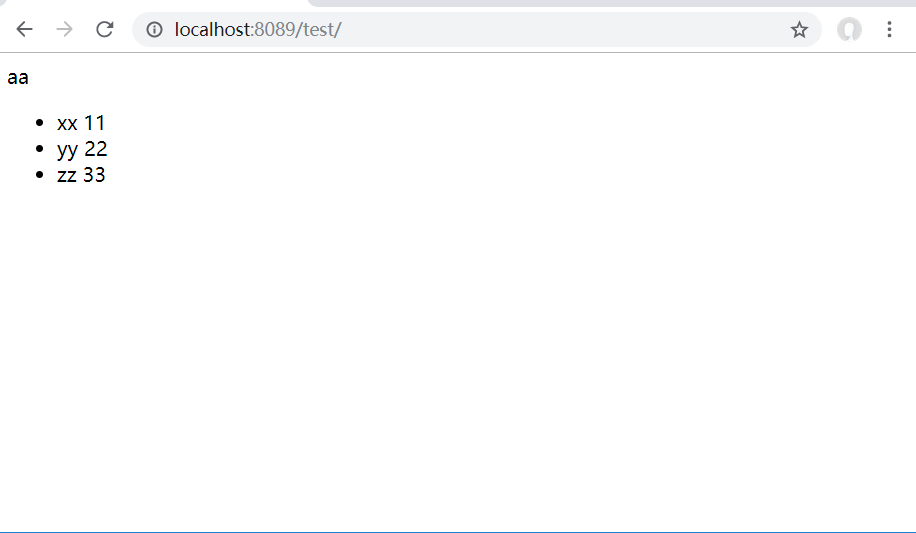
自定义内容,访问http://localhost:8089/test
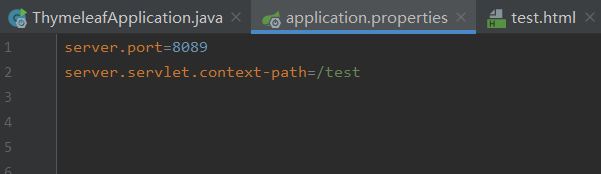
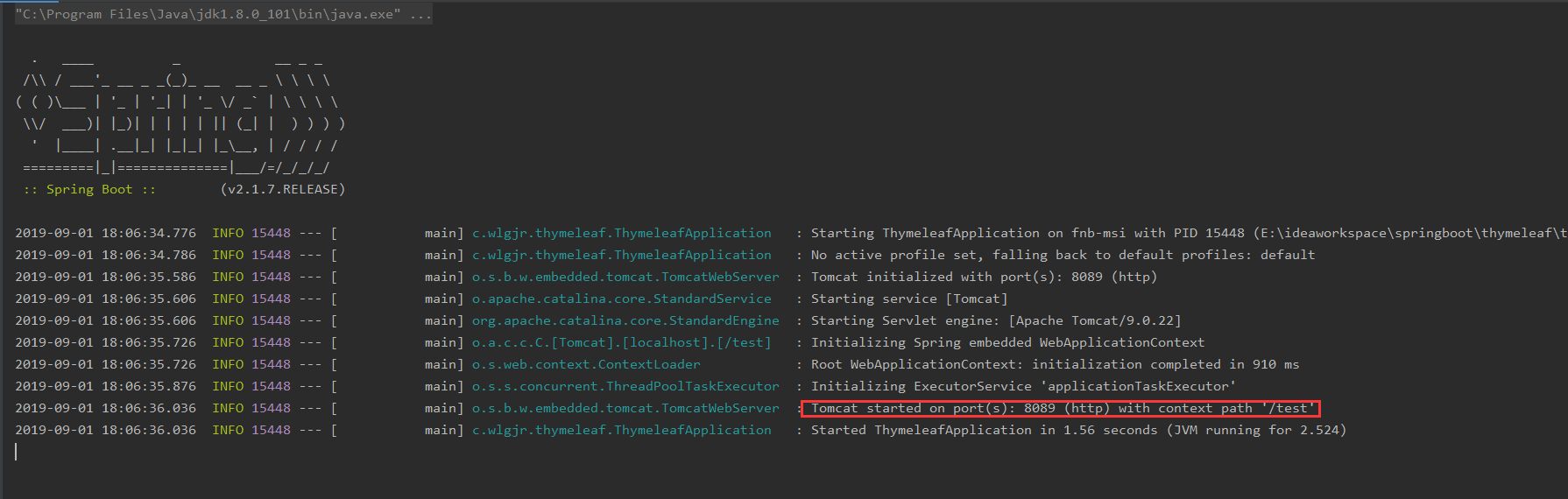
启动内容有端口号和路径信息