一、什么时候会用到插槽
当父组件需要向子组件传递dom内容时:
<!DOCTYPE html>
<html>
<head>
    <title>插槽</title>
    <script type="text/javascript" src="./vue-dev.js"></script>
</head>
<body>
    <div id="app">
        <child content="<div><p>chonglou</p></div>"></child>
    </div>
    <script type="text/javascript">

     Vue.component('child', {
         props: ["content"],
         template: '<div v-html="this.content"></div>',
    })

    var vm = new Vue({
        el: '#app',

    })
    </script>
</body>
</html>
二、如何使用插槽slot
当父组件向子组件传递的数据含有较多dom内容,无法只用一个div包裹时,需要借助于Vue框架提供的内置语法slot,在slot里插入父组件向子组件传递的dom内容。
<!DOCTYPE html>
<html>
<head>
    <title>插槽</title>
    <script type="text/javascript" src="./vue-dev.js"></script>
</head>
<body>
    <div id="app">
        <child>
        	<!-- 插入要写入的html内容 -->
            <div><p>chonglou</p></div>
        </child>
    </div>
    <script type="text/javascript">

     Vue.component('child', {
         props: ["content"],
         template: `<div>
                     <p>Hello</p>
                     <slot>默认内容</slot> //重点
                   </div>`,
    })

    var vm = new Vue({
        el: '#app',

    })
    </script>
</body>
</html>
slot标签之间,可以设置默认内容,当有内容传入时,则会被替代
三、具名插槽slot的使用
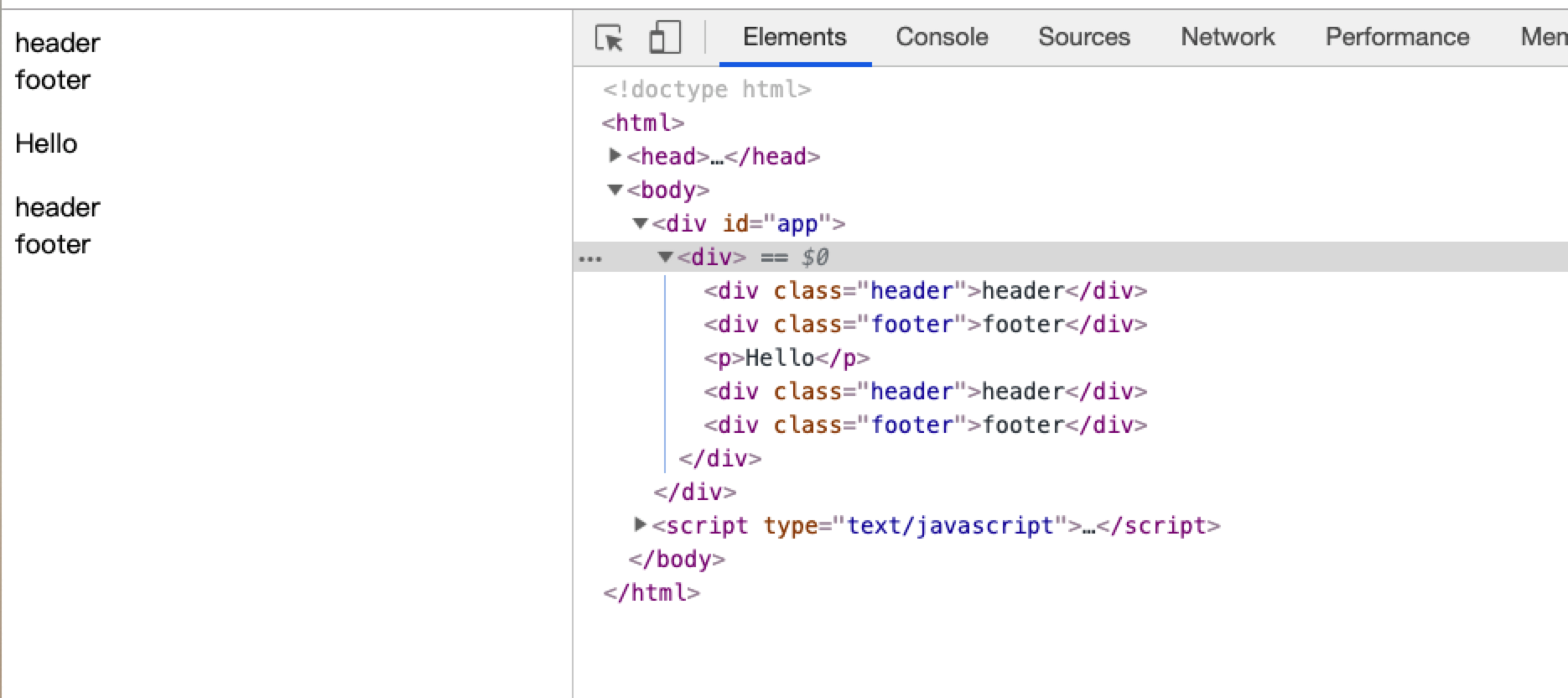
问题: 如果没定义父组件插入子组件的内容的唯一性,那么子组件接收多个插入内容,就会被一个slot同时占用并使用
<!DOCTYPE html>
<html>
<head>
    <title>插槽</title>
    <script type="text/javascript" src="./vue-dev.js"></script>
</head>
<body>
    <div id="app">
        <child>
            <div class="header">header</div>
            <div class="footer">footer</div>
        </child>
    </div>
    <script type="text/javascript">
    Vue.component('child', {
        props: ["content"],
        template: `<div>
                     <slot></slot>
                     <p>Hello</p>
                     <slot></slot>
                   </div>`,
    })

    var vm = new Vue({
        el: '#app',

    })
    </script>
</body>
</html>
如图:
解决办法 - 具名插槽的使用
slot: 分别命名父组件和子组件的插槽名,对传递内容进行唯一性的标识
<!DOCTYPE html>
<html>
<head>
    <title>插槽</title>
    <script type="text/javascript" src="./vue-dev.js"></script>
</head>
<body>
    <div id="app">
        <child>
            <div class="header" slot="header">header</div>
            <div class="footer" slot="footer">footer</div>
        </child>
    </div>
    <script type="text/javascript">
    Vue.component('child', {
        props: ["content"],
        template: `<div>
                     <slot name="header"></slot>
                     <p>Hello</p>
                     <slot name="footer"></slot>
                   </div>`,
    })

    var vm = new Vue({
        el: '#app',

    })
    </script>
</body>
</html>
如图:
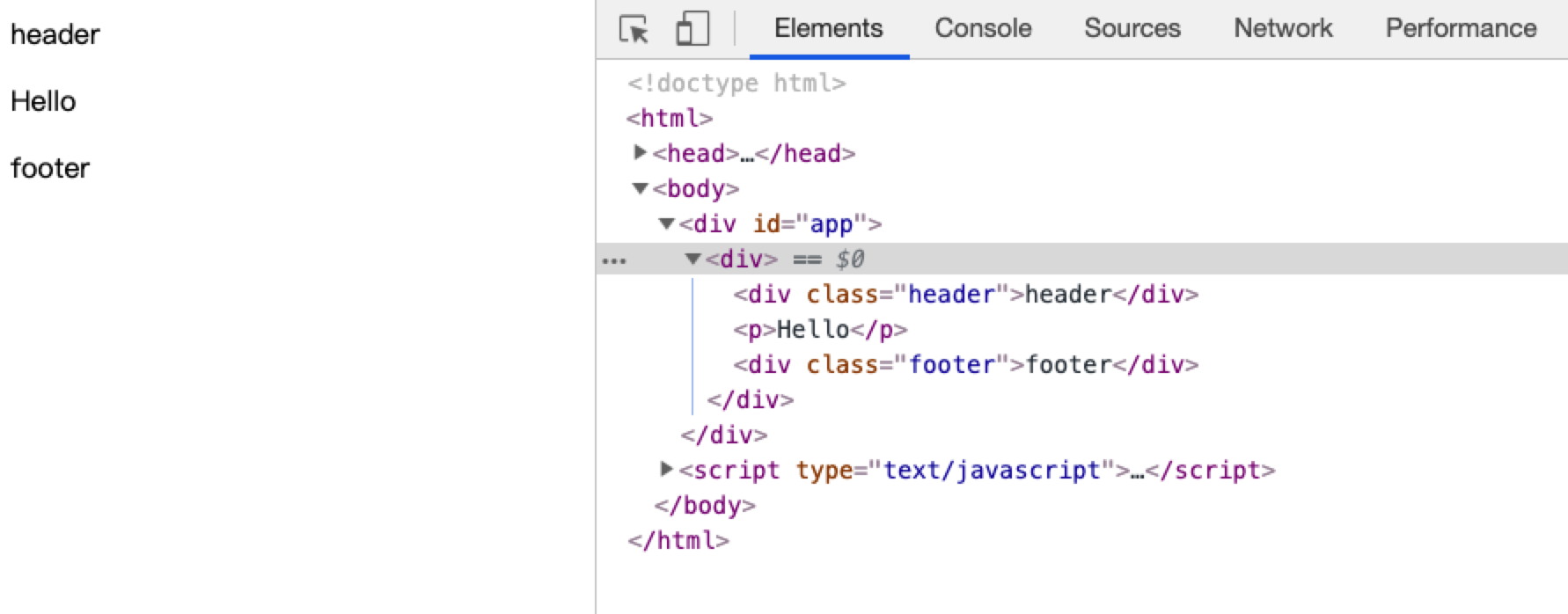
注意,具名插槽具有默认性,当没有定义对于名称的插槽时,如果有默认内容会显示默认内容,没有的话,则不会展示该dom标签
四、作用域插槽
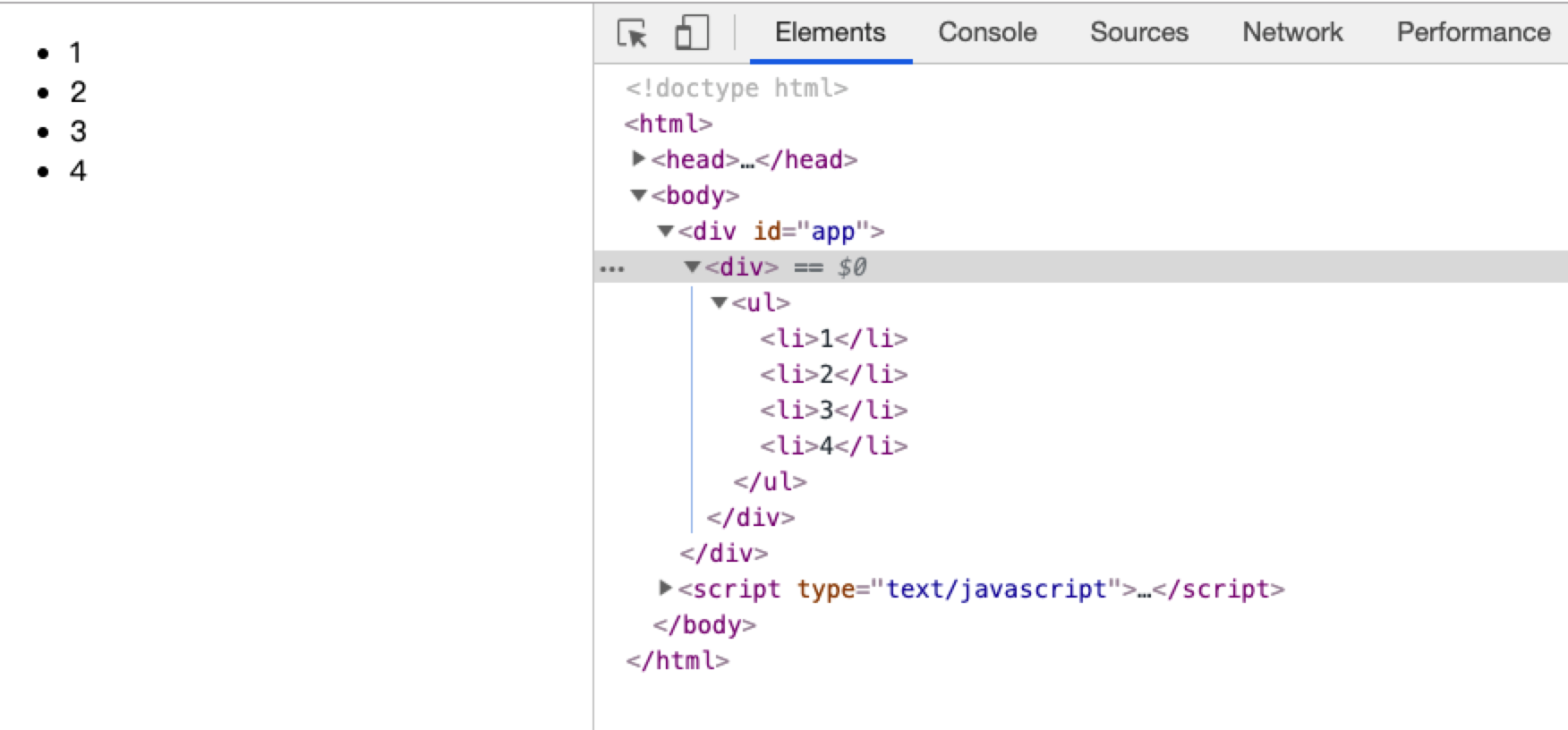
当子组件做循环显示列表 或 某一部分由外部传递进来 时,则使用 作用域插槽
<!DOCTYPE html>
<html>
<head>
    <title>作用域插槽</title>
    <script type="text/javascript" src="./vue-dev.js"></script>
</head>
<body>
    <div id="app">
        <child>
        	<!--  slot-scope 指定接收数据名称 -->
            <template slot-scope="props">
                   <li>{{props.item}}</li>
            </template>
        </child>
    </div>
    <script type="text/javascript">
    Vue.component('child', {
        props: ["content"],
        data(){
        	return{
                 list:['1','2','3','4']
        	}
        },
        template: `<div>
                     <ul>
                        <slot v-for="item in list" :item=item></slot> //传递数据
                     </ul>
                   </div>`,
    })

    var vm = new Vue({
        el: '#app',

    })
    </script>
</body>
</html>
如图:
注:
 1. 子组件向父组件插槽里传数据,如 :item=item

 2. 父组件接收数据并需在外层使用作用域插槽(必须用) <template></template>,同时声明属性名 接收子组件传递的数据,如 slot-scope="props" , 然后在dom标签使用该数据,通常用插值表达式接收具体数据。