

1、安装依赖包
#yum install gcc gcc-c++ autoconf automake zlib zlib-devel openssl openssl-devel pcre* -y
2、下载pere依赖包
#wget jaist.dl.sourceforge.net/project/pcr…
#unzip pcre-8.42.zip -d /usr/local/src/
3、下载nginx的源码包
#wget nginx.org/download/ng…
#tar zxf nginx-1.14.0.tar.gz -C /usr/local/src/
4、编译安装
#cd /usr/local/src/nginx-1.14.0/
#./configure --prefix=/usr/local/nginx \
--with-http_dav_module \
--with-http_stub_status_module \
--with-http_addition_module \
--with-http_sub_module \
--with-http_flv_module \
--with-http_mp4_module \
--with-http_ssl_module \
--user=nginx \
--group=nginx \
--with-pcre=/usr/local/src/pcre-8.42 \
#make&&make install
5、修改nginx的配置文件
#vim /usr/local/nginx/conf/nginx.conf //下面所出现的行的注释都去掉
user  nginx nginx;                      //user这行把用户和组改成前面新建的用户和组

    location ~ \.php$ {

        root           html;

        fastcgi_pass   127.0.0.1:9000;

        fastcgi_index  index.php;

fastcgi_param  SCRIPT_FILENAME  /usr/local/nginx/html$fastcgi_script_name;          //$fastcgi_script_name这行前面添加nginx的路径

        include        fastcgi_params;

    }
6、添加环境变量
#vim /etc/profile
export PATH=PATH后面添加路径
#source /etc/profile
7、启动nginx
#/usr/local/nginx/sbin/nginx
浏览器验证
http://ip或者localhost(出现如下情况,启动成功)
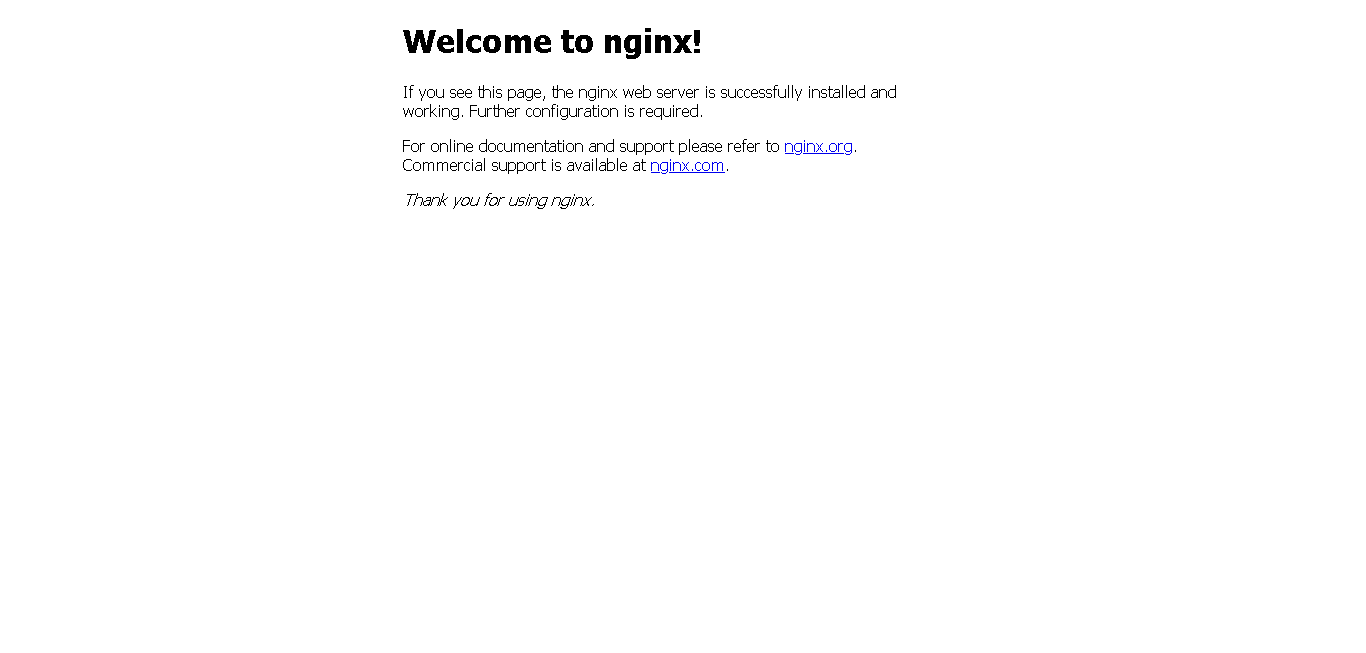
例外的:
已服务方式启动nginx
#vim /lib/systemd/system/nginx.service
[Unit] Description=The Nginx HTTP Server After=network.target remote-fs.target nss-lookup.target
[Service] Type=forking EnvironmentFile=/usr/local/nginx/conf/nginx.conf ExecStart=/usr/local/nginx/sbin/nginx ExecReload=/usr/local/nginx/sbin/nginx -s reload ExecStop=/usr/local/nginx/sbin/nginx -s stop KillSignal=SIGCONT PrivateTmp=true
[Install] WantedBy=multi-user.target
#systemctl daemon-reload
#systemctl restart nginxd.service
#systemctl enabled nginxd.service
