从一个函数防抖的需求出发
可以在data中添加一个timer并初始化为null,当然要记得在组件销毁时拆掉timer
  watch: {
    inputText(newVal) {
      if (newVal !== "") {
        if(this.timer !==null){
          clearTimeout(this.timer);
          this.timer = null;
        }
        this.timer = setTimeout(()=>{
          // 此处进行请求或其他工作
          console.log("啊哈,防抖了");
        },1500);
      }
    }
  }
- 占用了一个data句柄,代码复用效果也很蹩脚
继续简单包装一下
export default {
    // 函数节流
    // setTimeout方式
    debounce: function (fn, delay) {
        let timer = null;
        return function () {
            const context = this, args = arguments;
            if (timer !== null) {
                clearTimeout(timer);
                timer = null;
            }
            timer = setTimeout(function () {
                fn.apply(context, args);
            }, delay);
        }
    }
}
组件中引入工具对象,可以同样选择在data中增加一个debounceFn:null句柄来保存这个闭包,然后在组件初始化阶段给设置好
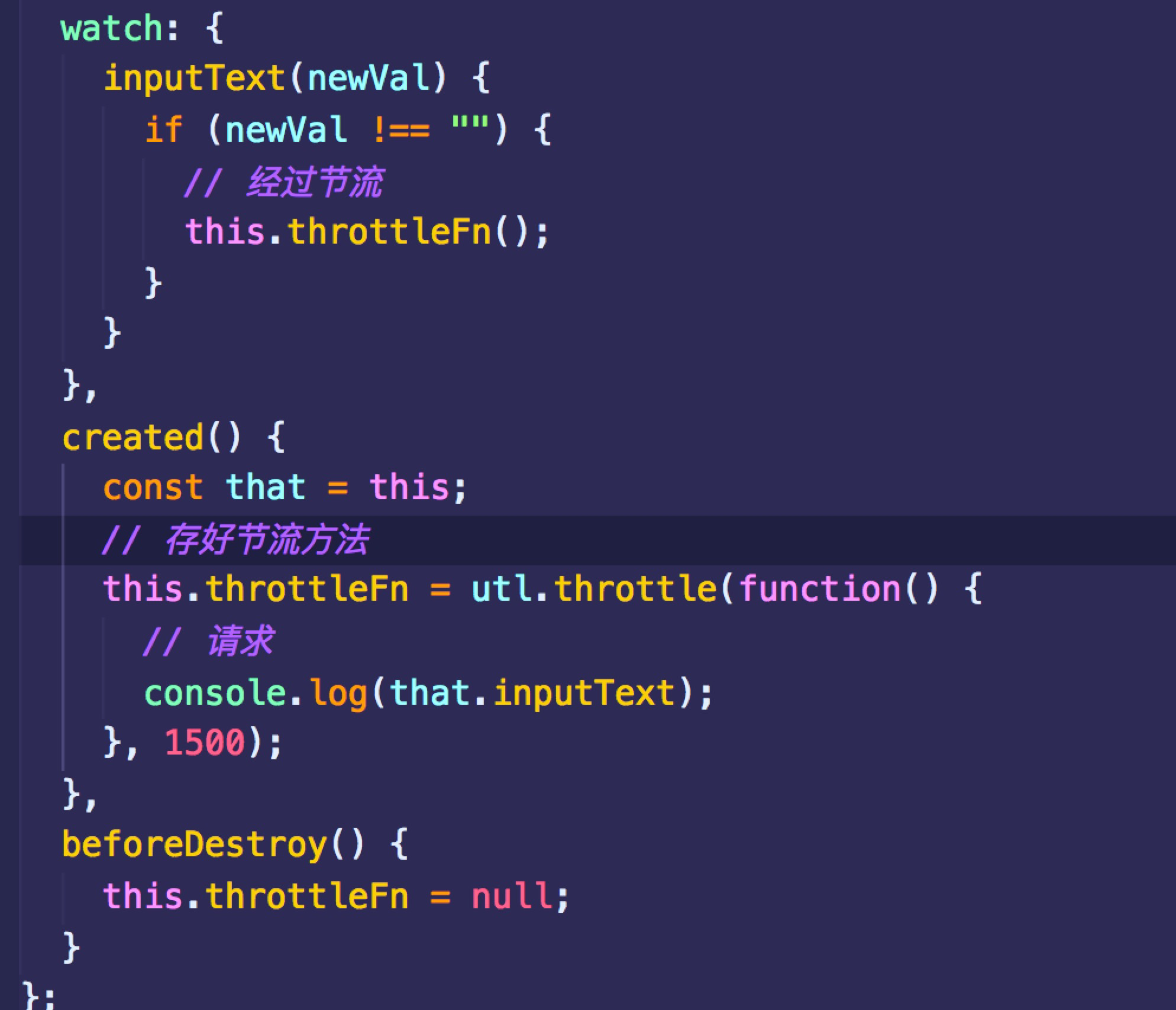
依然...蹩脚,那存到methods会相对好点(记得拆闭包)
methods: { handleInputChange:utl.debounce(function(){
      console.log(this.inputText);
    },1500)
  },
  watch: {
    inputText(newVal) {
      if (newVal !== "") {
        // 经过节流
        this.handleInputChange();
      }
    }
  },
  beforeDestroy() {
    this.handleInputChange = null;
  }
为什么要防抖和节流
体味一下这些场景:
- 文本框输入搜索(不防抖的情况下会一瞬间发出很多请求)
- 同一个按钮被人拼命按了上百次(不防抖不节流,背后的脚本也跟上你的节奏上百次舞动,要是提交的是个表单,而用户的网速极为糟糕的情况下...)
- resize、scroll、mouseover等事件触发(稍微一动便成千上百地触发这些事件,不防抖不节流地执行回调,背后内存消耗、渲染消耗是个值得深思的过程,你的业务真的有必要做到这么灵敏吗?)
防抖(debounce)和节流(throttle)的区别
| debounce | throttle |
|---|---|
| 事件被执行多次,但我只希望回调只处理一次 | 事件被执行多次,但我只希望在一定间隔的时间上回调才执行一次 |
防抖和节流都本着过滤稀释执行回调的宗旨完成了性能的少量优化。
传送门至一个很用心写博客的前辈,总结了很实用的几个防抖和节流场景,受益匪浅 www.jianshu.com/p/c8b86b09d…