

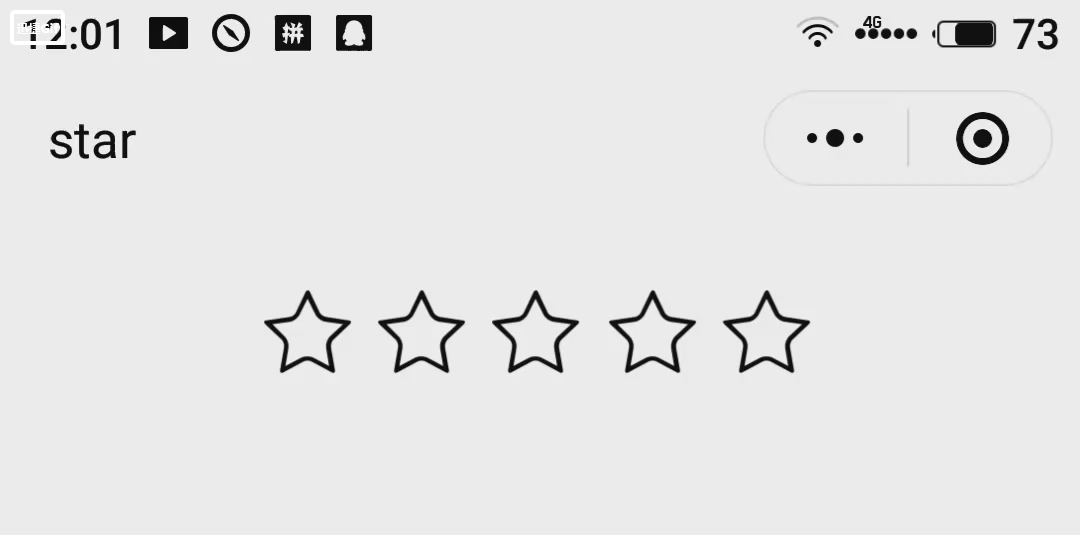
index.wxml
 <block wx:for="{{stars}}">
     <image class="star-image" style="left: {{item*80}}rpx" src="{{key > item ?(key-item      == 0.5?halfSrc:selectedSrc) : normalSrc}}">
      <view class="item" style="left:0rpx" data-key="{{item+0.5}}" bindtap="selectLeft">        </view>
       <view class="item" style="left:35rpx" data-key="{{item+1}}" bindtap="selectRight">     </view>
  </image>
</block>
index.wxss
.star-image{
  position: absolute;
  top: 50rpx;
  width: 150rpx;
  height: 150rpx;
  src: "../../images/normal.png";
}
.item{
  position: absolute;
  top: 50rpx;
  width: 75rpx;
  height: 150rpx;
}
index.js
var app = getApp()
Page({
data: {
stars: [0, 1, 2, 3, 4],
normalSrc: '../../images/normal.png',
selectedSrc: '../../images/selected.png',
halfSrc:'../../images/half.png',
key: 0,//评分
},
onLoad: function () {
},
//点击右边,半颗星
selectLeft: function (e) {
var key = e.currentTarget.dataset.key
if (this.data.key == 0.5 && e.currentTarget.dataset.key == 0.5) {
//只有一颗星的时候,再次点击,变为0颗
key = 0;
}
console.log("得" + key + "分")
this.setData({
key: key
})

},
//点击左边,整颗星
selectRight: function (e) {
var key = e.currentTarget.dataset.key
console.log("得" + key + "分")
this.setData({
key: key
})
}
})

