系统信息
 cat /etc/centos-release
CentOS Linux release 7.3.1611 (Core)
- 卸载旧版本 旧版本的 Docker 称为 docker 或者 docker-engine,使用以下命令卸载旧版本:
$ sudo yum remove docker \
                  docker-client \
                  docker-client-latest \
                  docker-common \
                  docker-latest \
                  docker-latest-logrotate \
                  docker-logrotate \
                  docker-selinux \
                  docker-engine-selinux \
                  docker-engine
- 使用 yum 安装
执行以下命令安装依赖包:

$ sudo yum install -y yum-utils \
           device-mapper-persistent-data \
           lvm2
鉴于国内网络问题,强烈建议使用国内源,官方源请在注释中查看。

执行下面的命令添加 yum 软件源:

$ sudo yum-config-manager \
    --add-repo \
    https://mirrors.ustc.edu.cn/docker-ce/linux/centos/docker-ce.repo


# 官方源
# $ sudo yum-config-manager \
#     --add-repo \
#     https://download.docker.com/linux/centos/docker-ce.repo
3.安装 Docker CE
更新 yum 软件源缓存,并安装 docker-ce。

$ sudo yum makecache fast
$ sudo yum install docker-ce
- 启动 Docker CE
$ sudo systemctl enable docker
$ sudo systemctl start docker
- 测试 Docker 是否安装正确
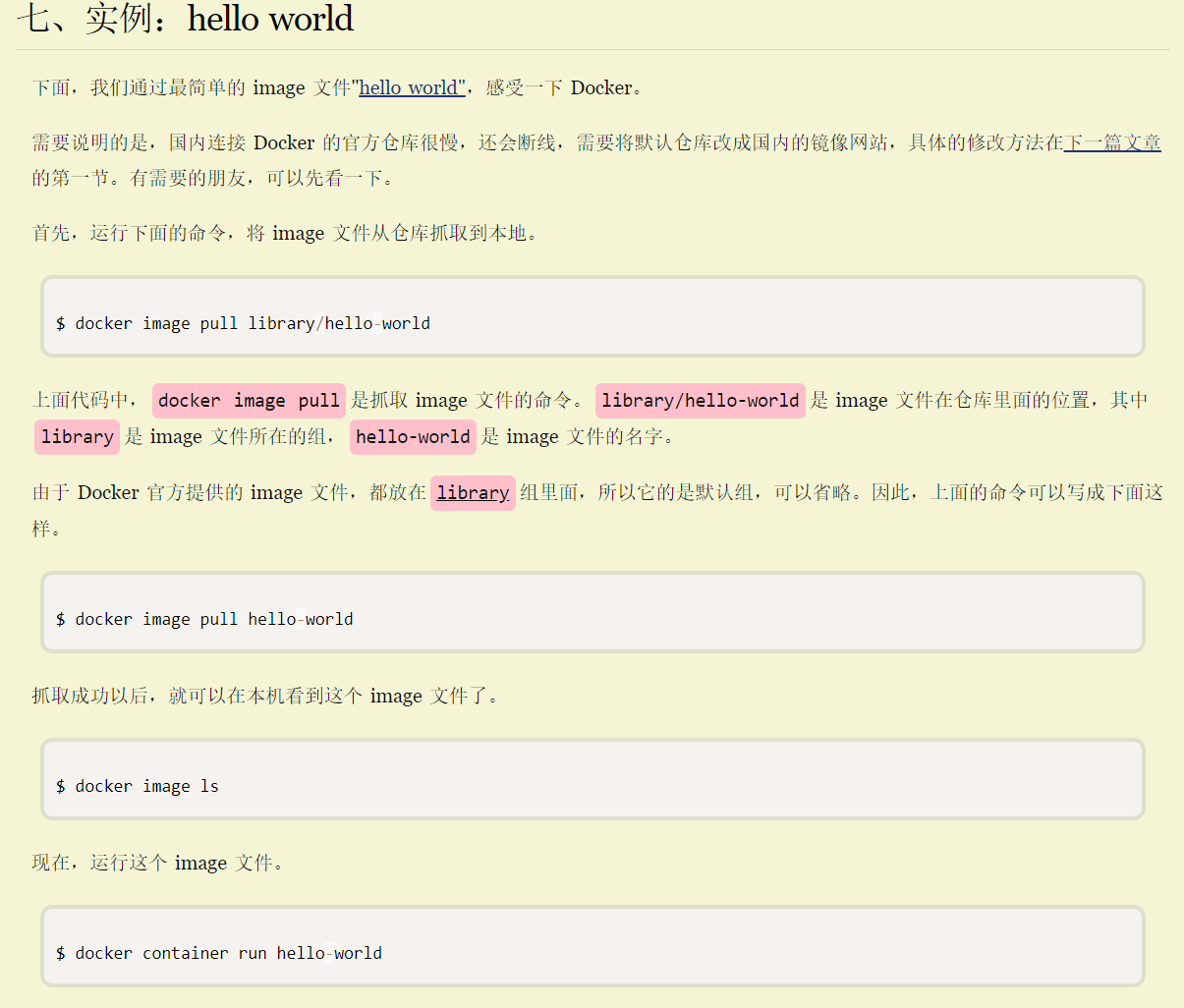
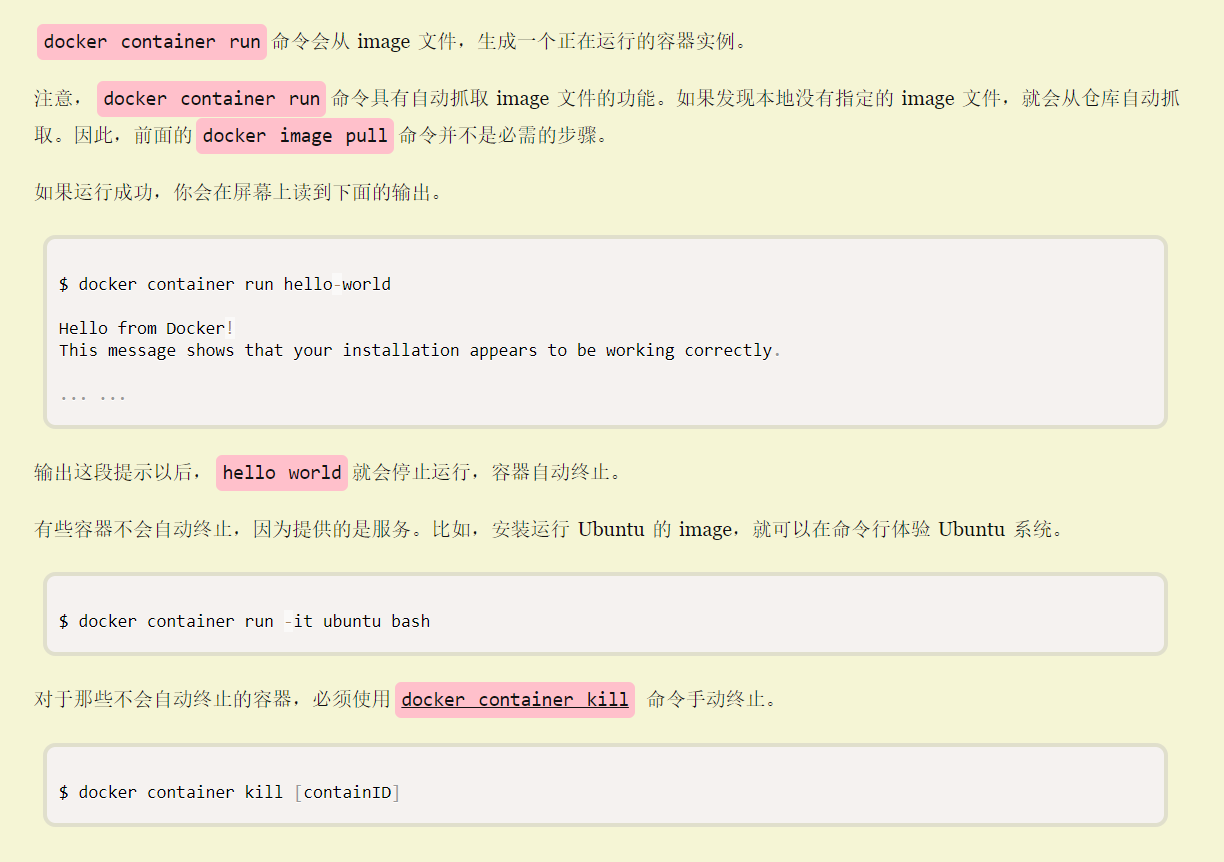
$ docker run hello-world

Unable to find image 'hello-world:latest' locally
latest: Pulling from library/hello-world
d1725b59e92d: Pull complete
Digest: sha256:0add3ace90ecb4adbf7777e9aacf18357296e799f81cabc9fde470971e499788
Status: Downloaded newer image for hello-world:latest

Hello from Docker!
This message shows that your installation appears to be working correctly.

To generate this message, Docker took the following steps:
 1. The Docker client contacted the Docker daemon.
 2. The Docker daemon pulled the "hello-world" image from the Docker Hub.
    (amd64)
 3. The Docker daemon created a new container from that image which runs the
    executable that produces the output you are currently reading.
 4. The Docker daemon streamed that output to the Docker client, which sent it
    to your terminal.

To try something more ambitious, you can run an Ubuntu container with:
 $ docker run -it ubuntu bash

Share images, automate workflows, and more with a free Docker ID:
 https://hub.docker.com/

For more examples and ideas, visit:
 https://docs.docker.com/get-started/
若能正常输出以上信息,则说明安装成功。
常用命名
查看版本: docker -v
sudo service docker restart
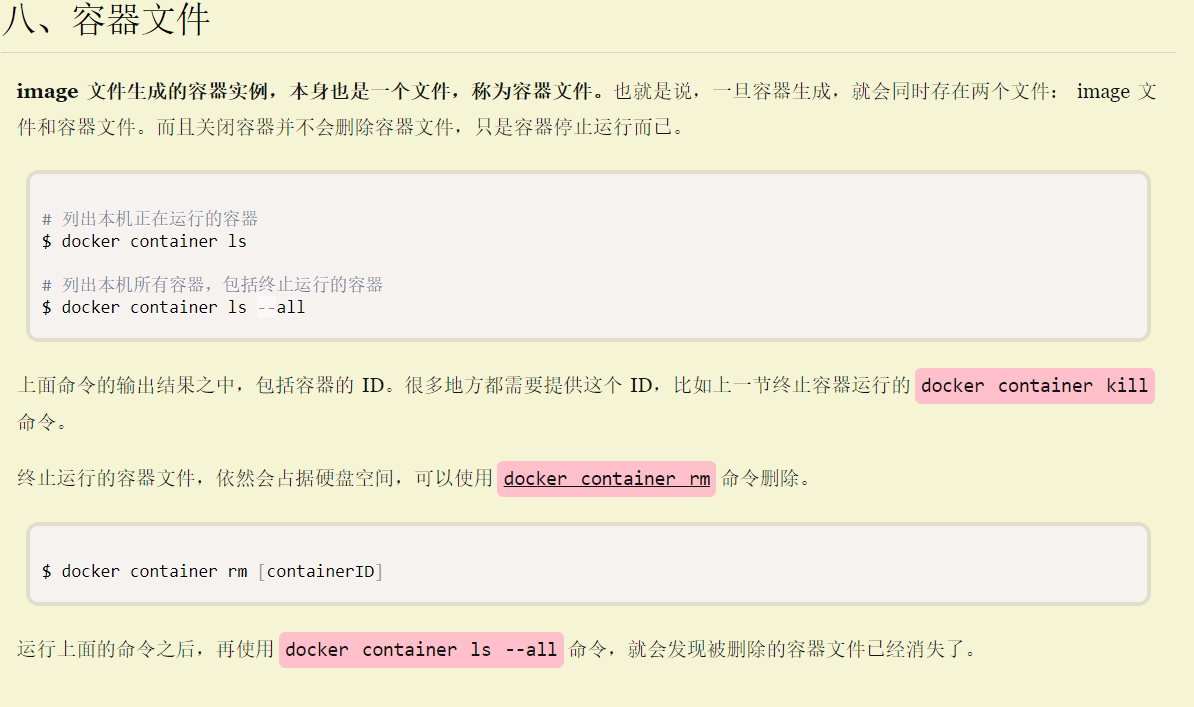
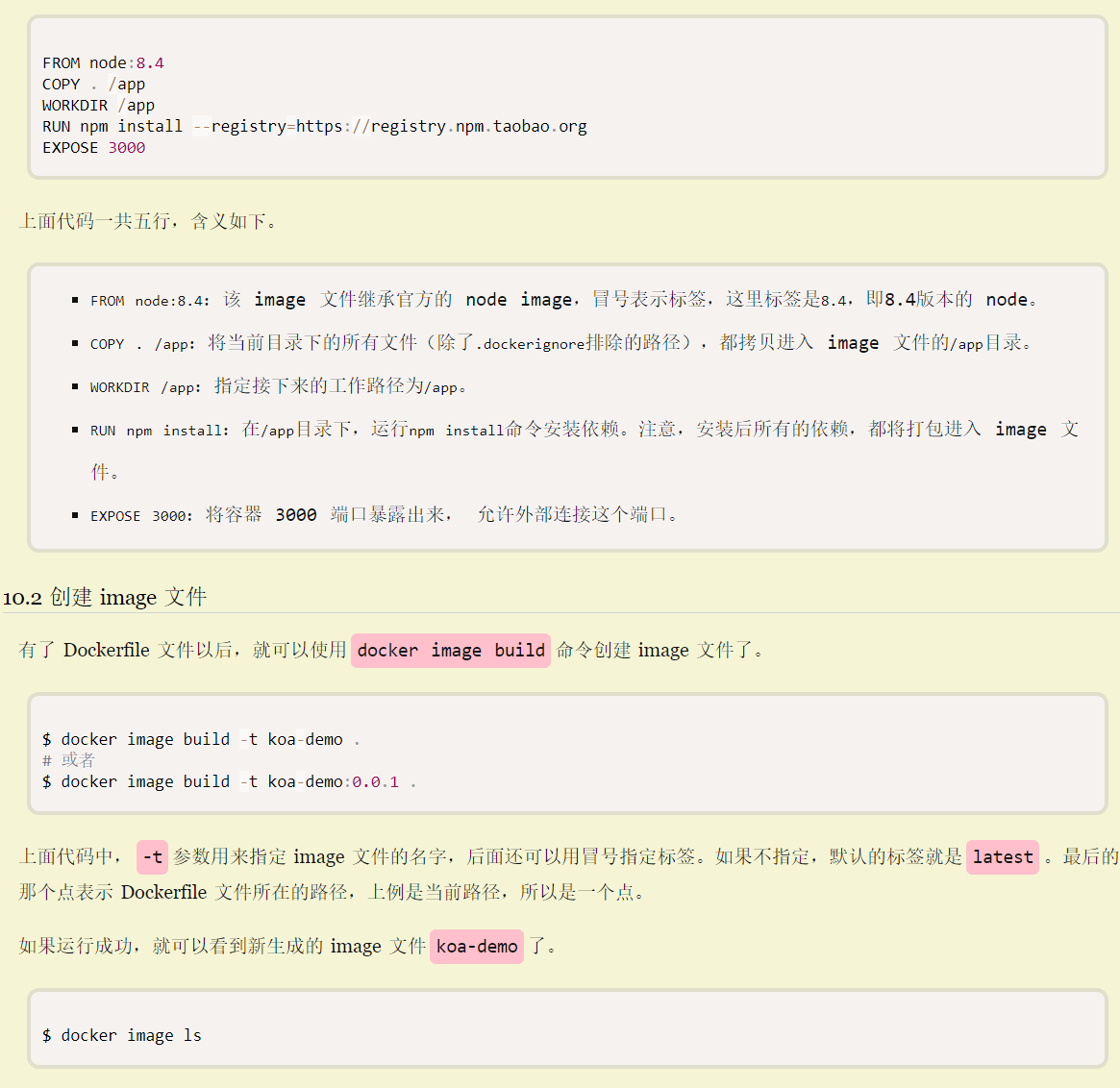
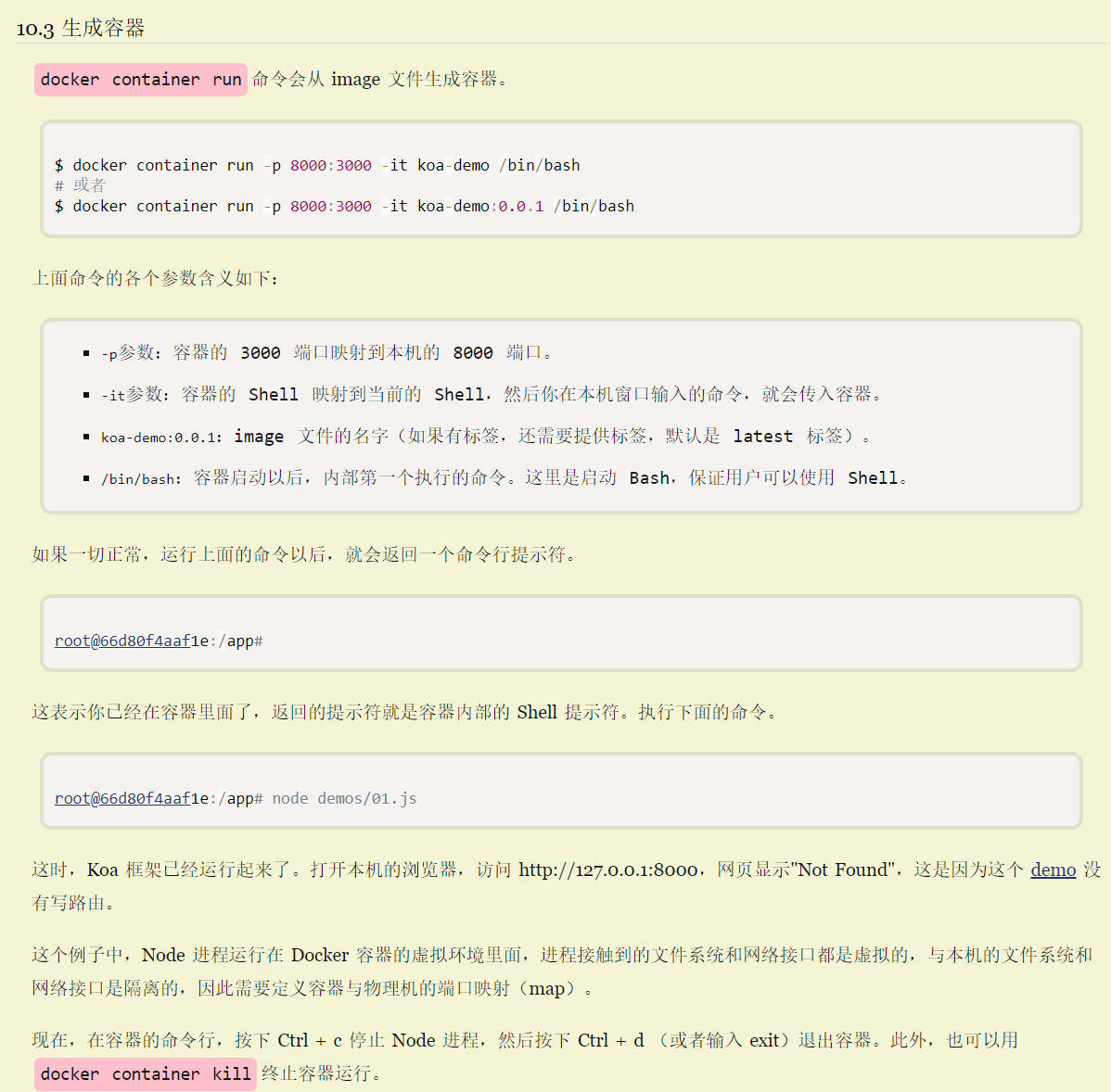
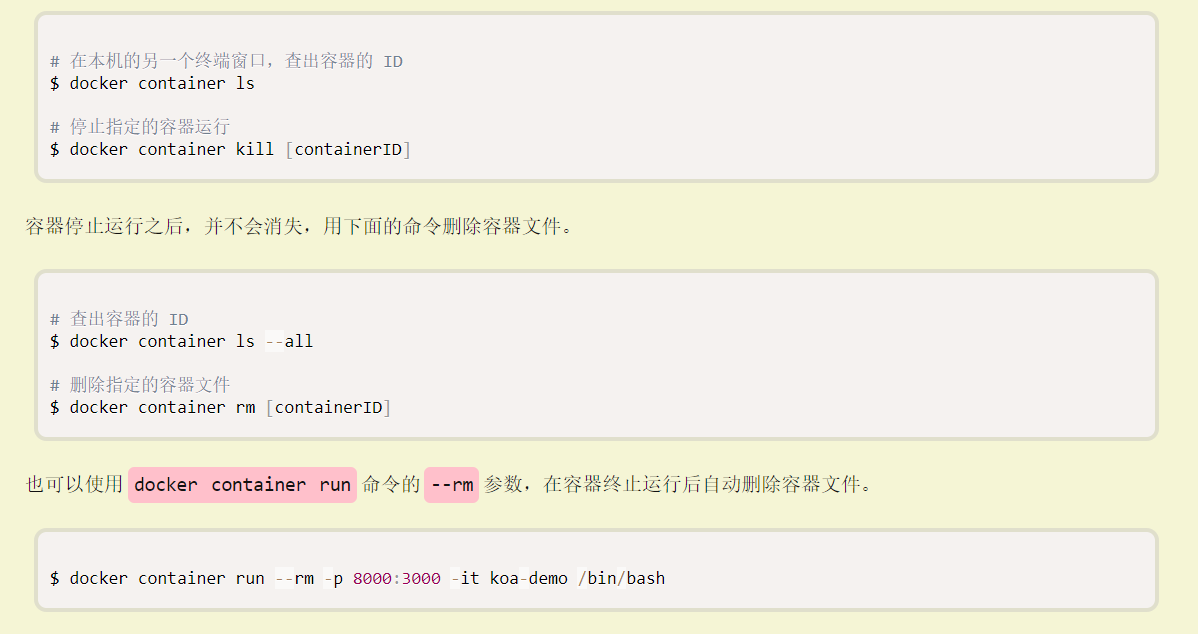
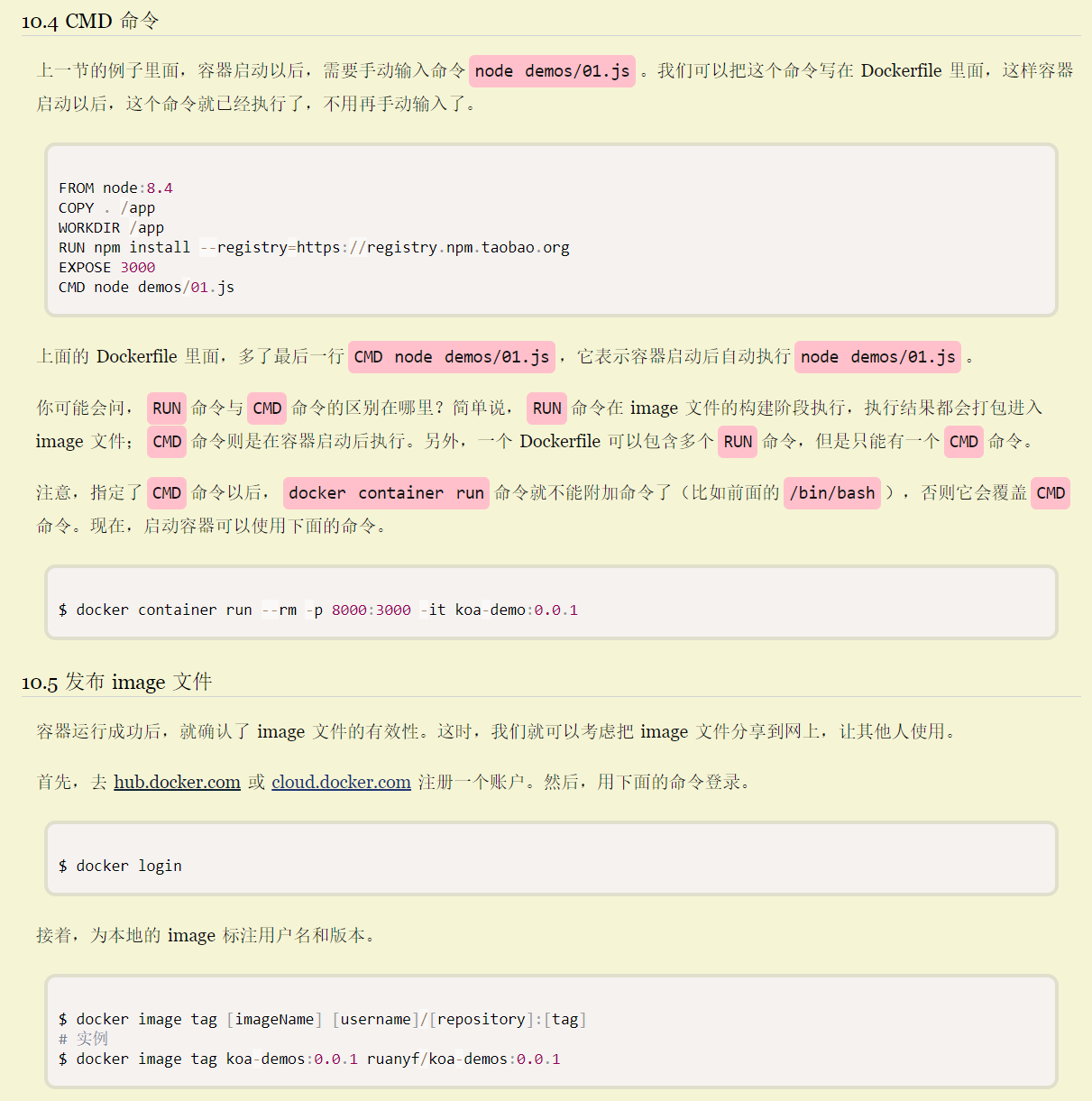
Docker ps --all
docker system prune