

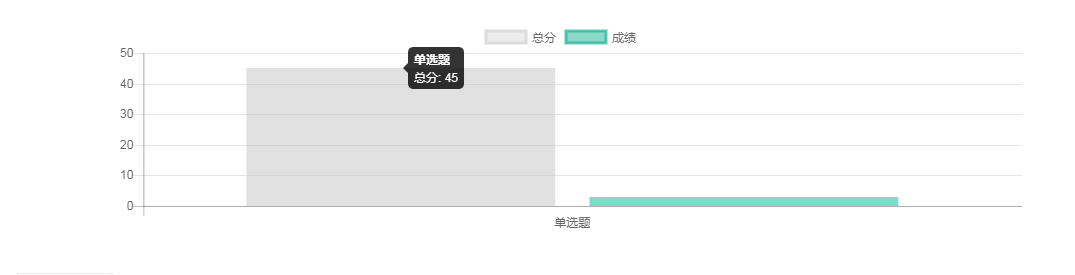
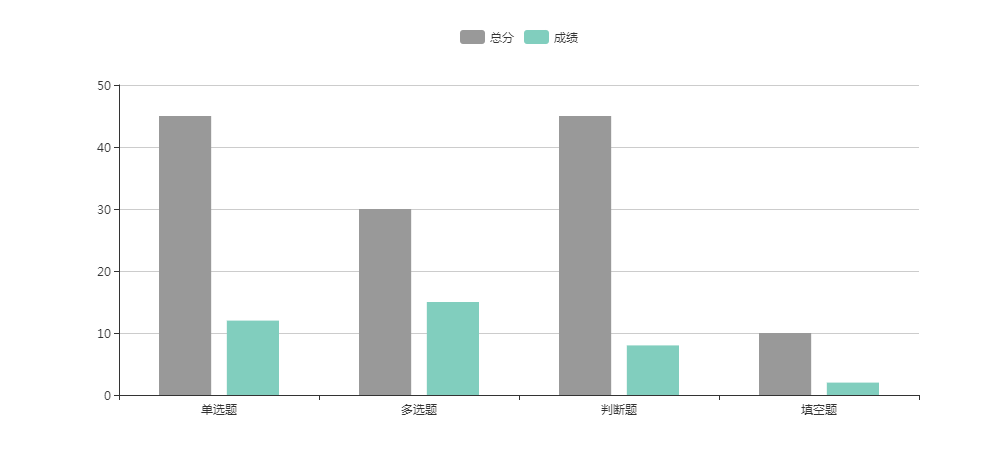
项目中使用到了柱状图是下图这个效果
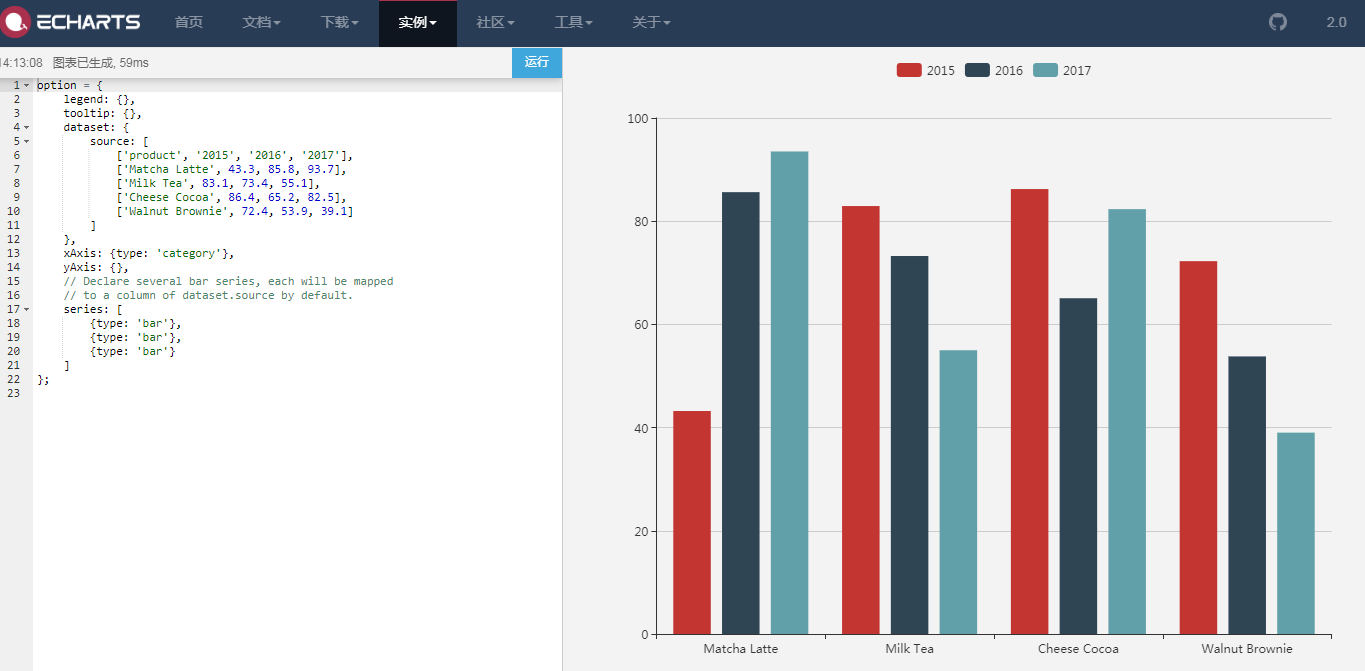
接下来看代码
1.老规矩先创建一个占位子的div,然后往里面塞东西
<div>
    <div id="report" style="width: 1000px;height: 400px;"></div>
 </div>
2.引入echarts,并且模拟数据
import echarts from "echarts";
export default {
  name: "",
  data() {
    return {
      charts: "",
      score: "100",
      source: [
        ["题型", "总分", "成绩"],
        ["单选题", 45, 12],
        ["多选题", 30, 15],
        ["判断题", 45, 8],
        ["填空题", 10, 2]
      ]
    };
  },
};
3.定义方法,并且在mounted中调用方法
methods: {
    draw(id) {
      this.charts = echarts.init(document.getElementById(id));
      this.charts.setOption({
        legend: {},
        tooltip: {},
        dataset: {
          source: this.source    //连接数据
        },
        xAxis: { type: "category" },
        yAxis: {
        //这个地方如果需要在Y轴定义最大值就放开,如果需要根据数据自适应的话,就注释掉
          // type: "value",
          // max: this.score,
          // maxInterval: this.score * 0.2,
          // minInterval: 1,
          // splitNumber: 4
        },
        grid: { bottom: 30 },
        series: [
          {
            type: "bar",    //表示这个是柱状图
            barCategoryGap: "40%",
            itemStyle: { color: "#999" },   //定义颜色
            tooltip: {
              formatter: params => {
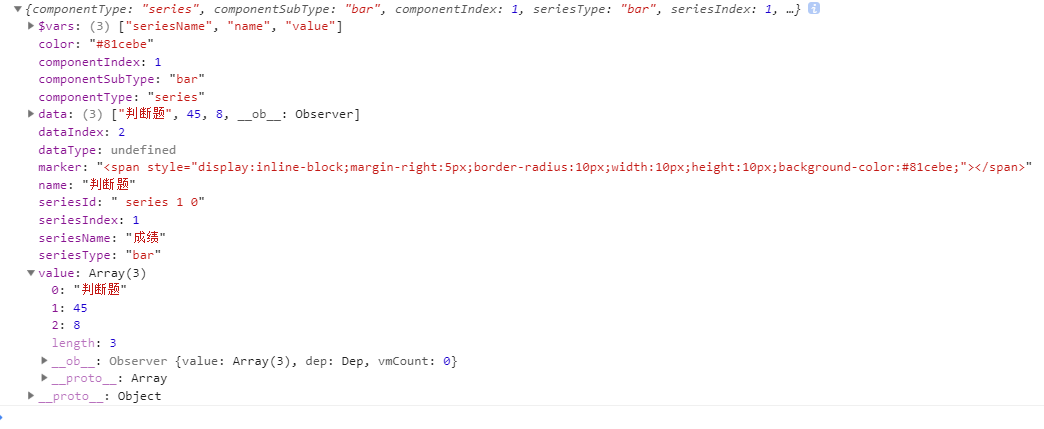
              //console.log(params)   打印这个params,按自己需要拼接字符串
                return ` ${params.value[0]} <br/>
                         ${params.seriesName}:${params.value[1]}`;
              }
            }
          },
          {
            type: "bar",
            barCategoryGap: "40%",
            itemStyle: { color: "#81cebe" },
            tooltip: {
              formatter: params => {
                return ` ${params.value[0]} <br/>
                         ${params.seriesName}:${params.value[2]}`;
              }
            }
          }
        ]
      });
    }
  },
  mounted() {
    this.$nextTick(function() {
      this.draw("report");
    });
  }
这是我打印的parmas
有帮助的话给爷点个赞吧!
