申请高德地图API的密钥KEY
简单尝试示例中的请求获取数据
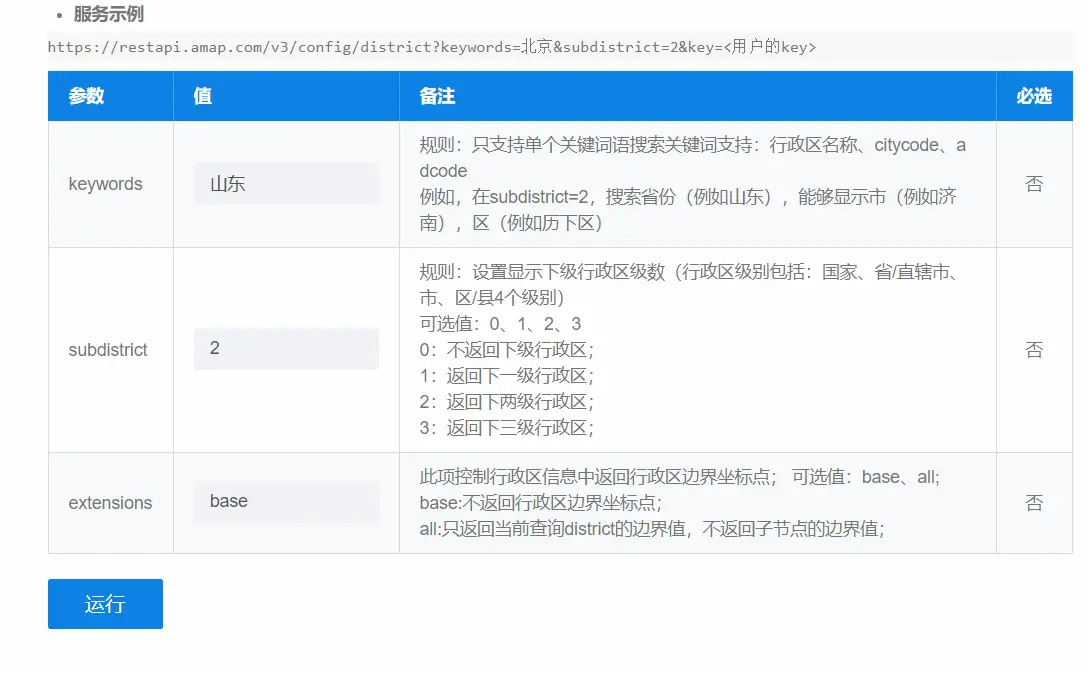
根据API文档我们可以通过修改请求参数获取所需数据
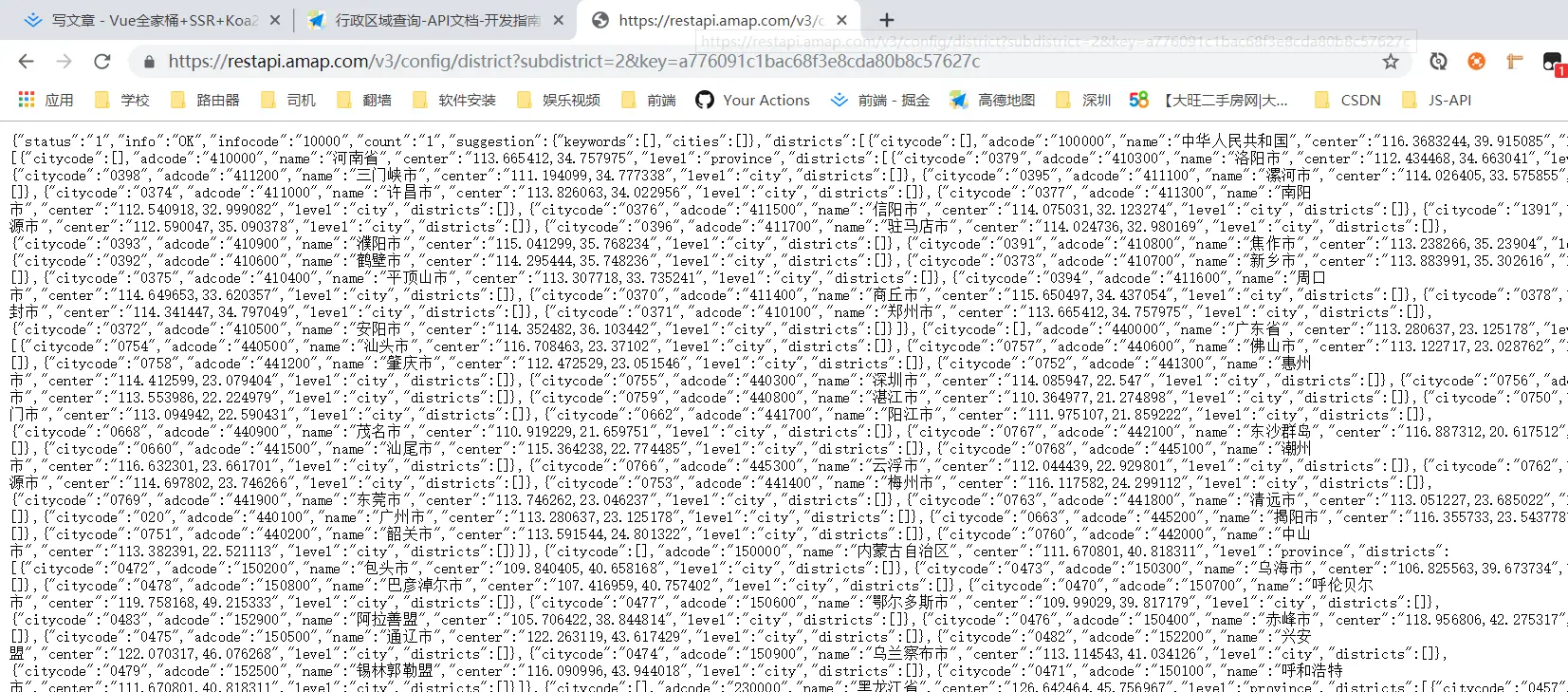
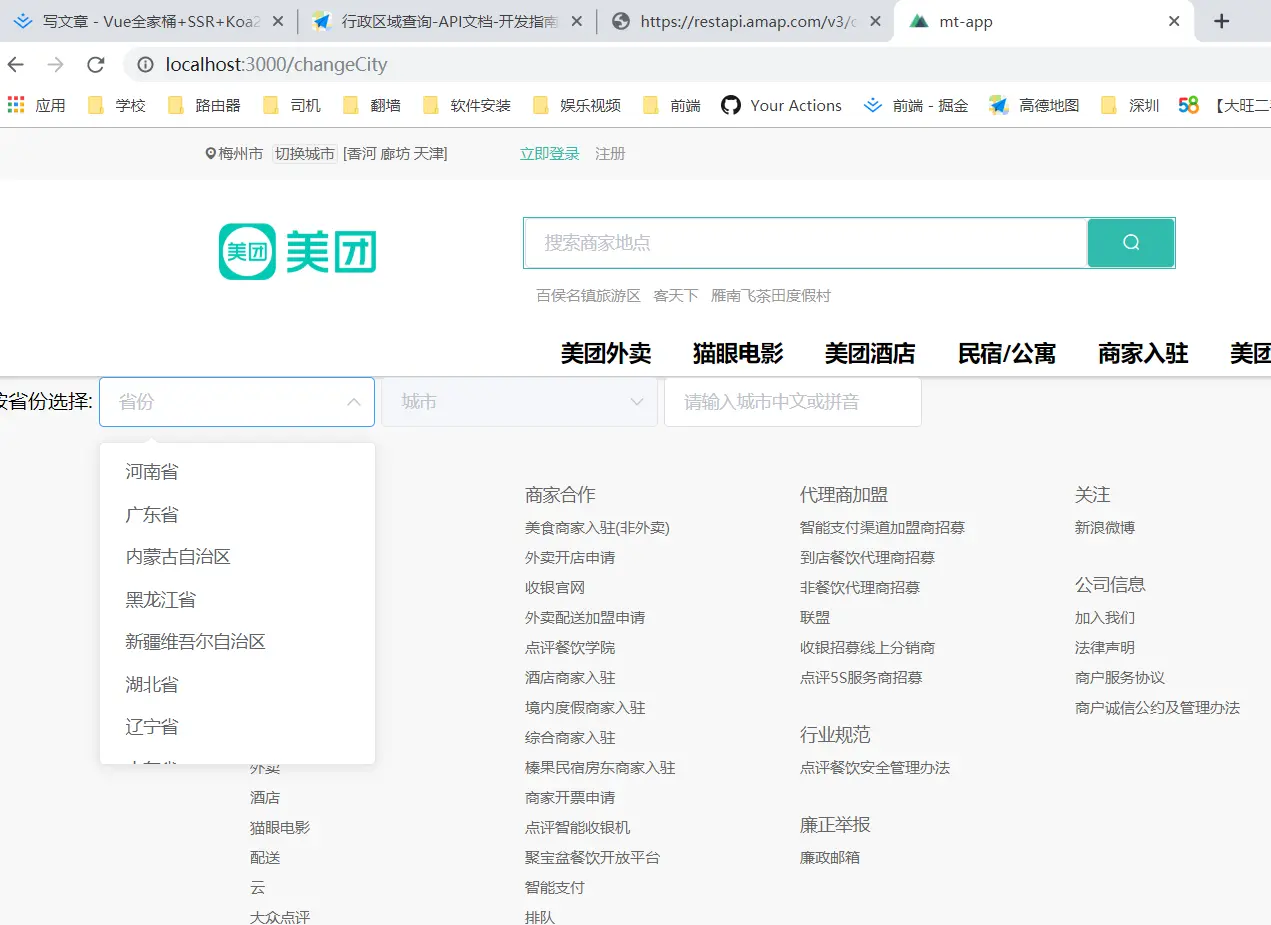
把获取到的省级数据加载到仿美团网的切换城市页面
mounted: async function() {
    let self = this
    let {
      status,
      data: { districts }
    } = await this.$axios.get(
      'https://restapi.amap.com/v3/config/district?subdistrict=2&key=<你的key>'
    )
    if (status === 200) {
      self.province = districts[0].districts
    }
<span class="name">按省份选择:</span>
    <el-select v-model="pvalue" placeholder="省份">
      <el-option
        v-for="item in province"
        :key="item.adcode"
        :label="item.name"
        :value="item.adcode"
      ></el-option>
    </el-select>
通过v-for模板渲染出结果
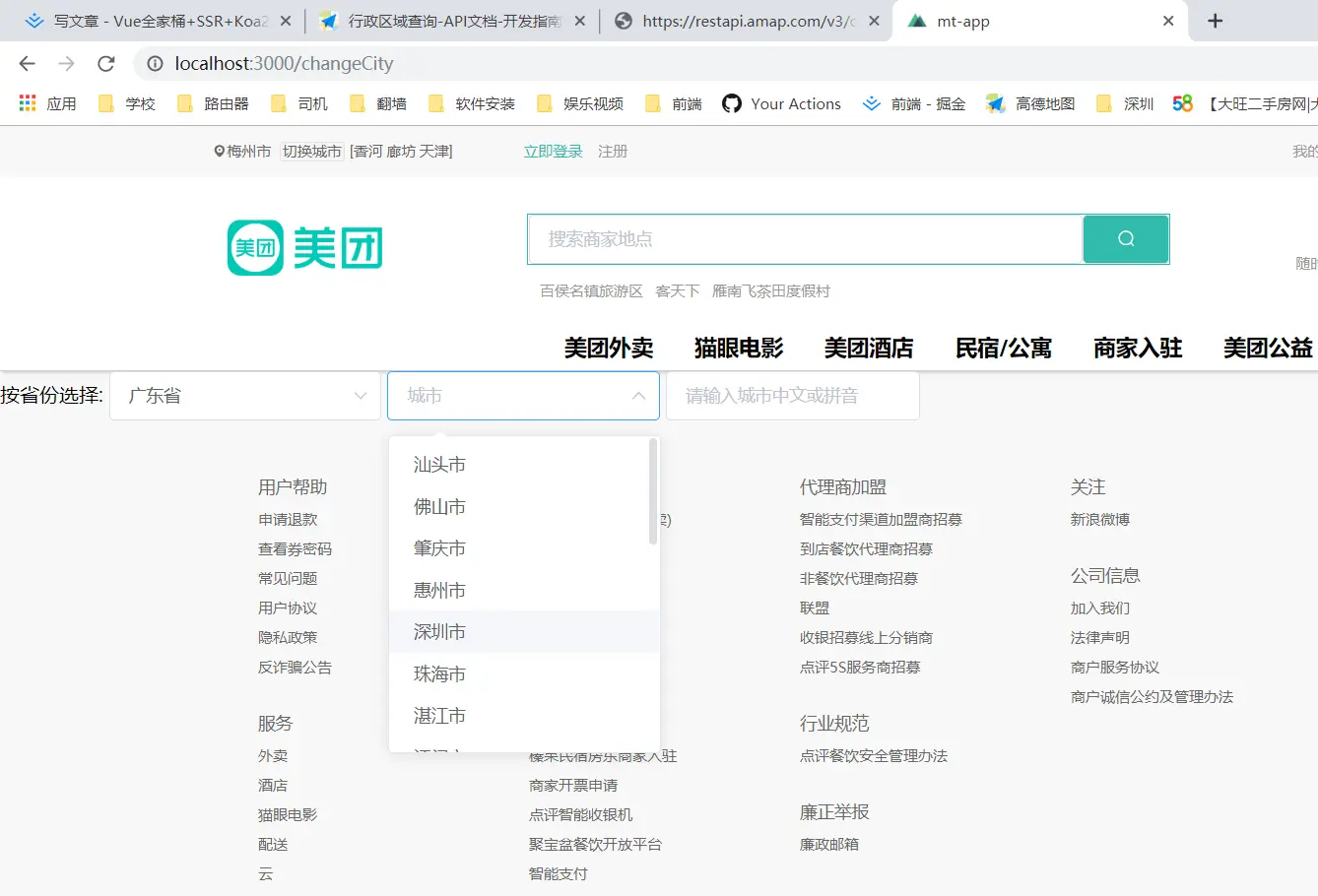
当用户选择一个省后,城市框中的数据需要为该省的城市数据
- 使用watch来监听用户选择了哪个省,然后获取该省的城市数据
 watch: {
    pvalue: async function(newPvalue) {
      console.log('111')
      console.log(newPvalue)
      this.city = this.province.filter(
        item => item.adcode === newPvalue
      )[0].districts
    }
  },
 <el-select v-model="cvalue" placeholder="城市" :disabled="!city.length" ref="currentCity">
      <el-option
        v-for="item in city"
        :key="item.adcode"
        :label="item.name"
        :value="item.name"
      ></el-option>
    </el-select>
Tip:全部城市数据可以通过遍历上面获取的省级数据province来获取
let r = []
    self.province.forEach((item, i) => {
      item.districts.forEach((item, j) => {
        r[j] = item
        self.cities.push(r[j])
      })
    })
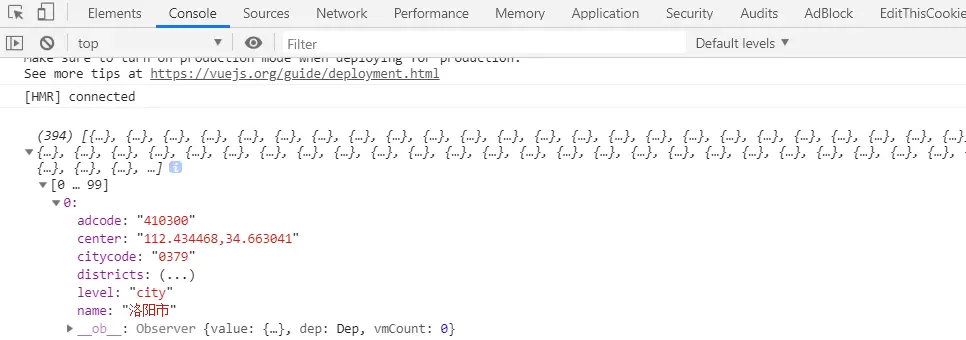
- 一共394个城市,里面有经纬度、城市编码、城市名称等数据按需索取


