点击上方“Android技术杂货铺” ,选择“标星”
干货文章,第一时间送达!

当我开发了一个新的功能时,为了让用户能够知道如何使用,我们会对用户做一些功能引导,让用户快速了解并使用。用户引导有很多种方式,其中比较常见的一种是启动app的时候,做一个引导页,通过左右滑动的几屏页面来自展示功能引导。好处是直接触达用户,在用户打开我们的app 的时候,就知道上了什么新的功能。但是同时,这种引导并不能帮助用户更好的使用。
今天给大家推荐一个炫酷的引导开源库-TapTargetView,一种更加友好的引导方式,在具体的某个页面对某个功能或者一系列步骤做引导,进入页面,弹出蒙层,以动画或者更加突出的方式来介绍功能和使用方式,废话不多说,先看效果:
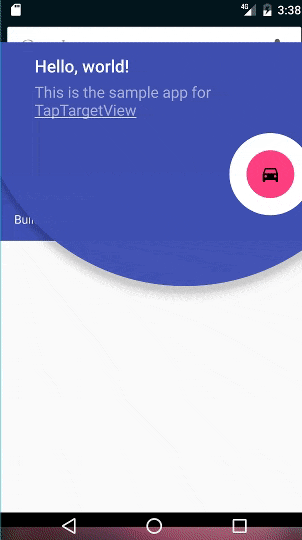
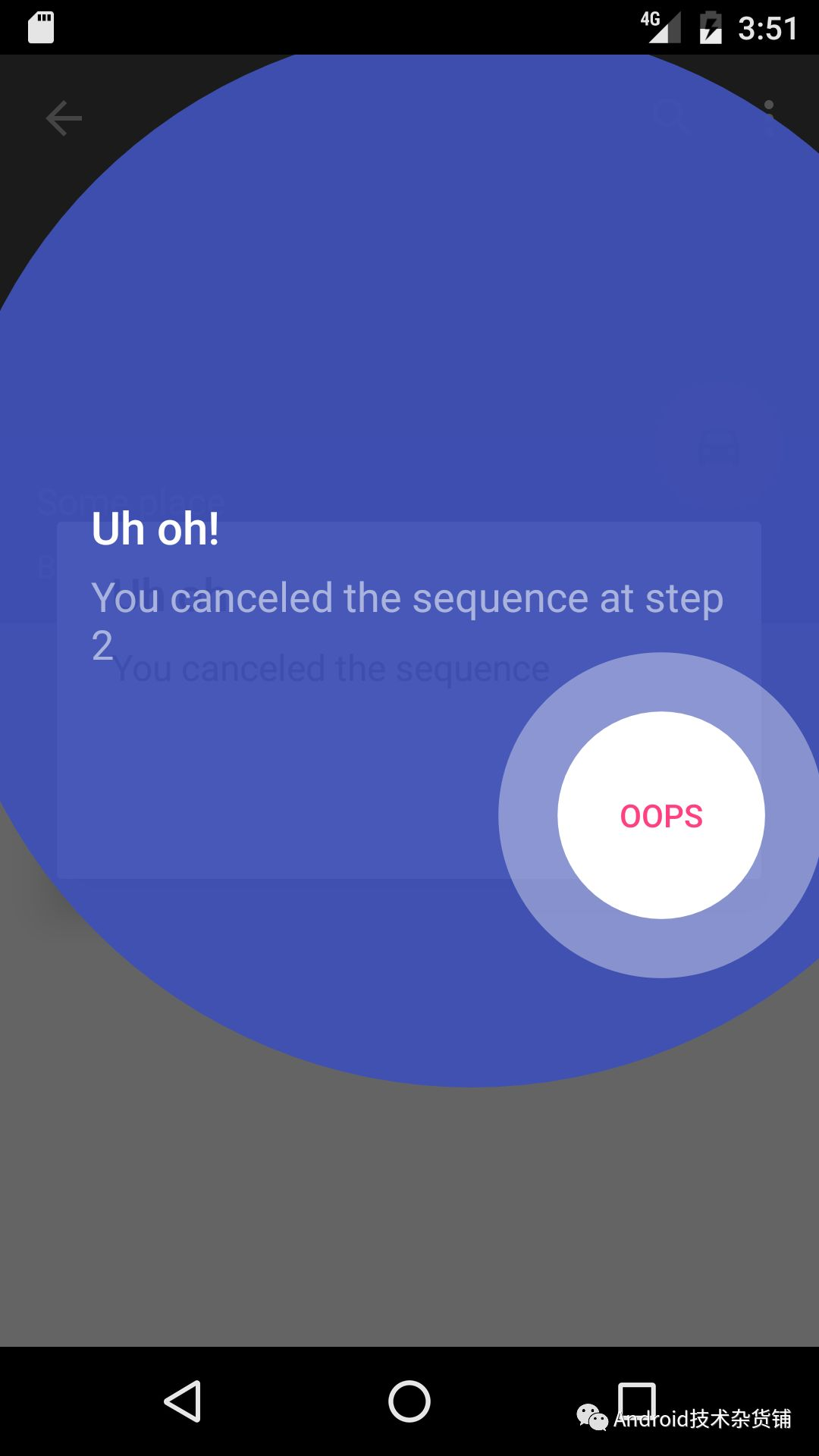
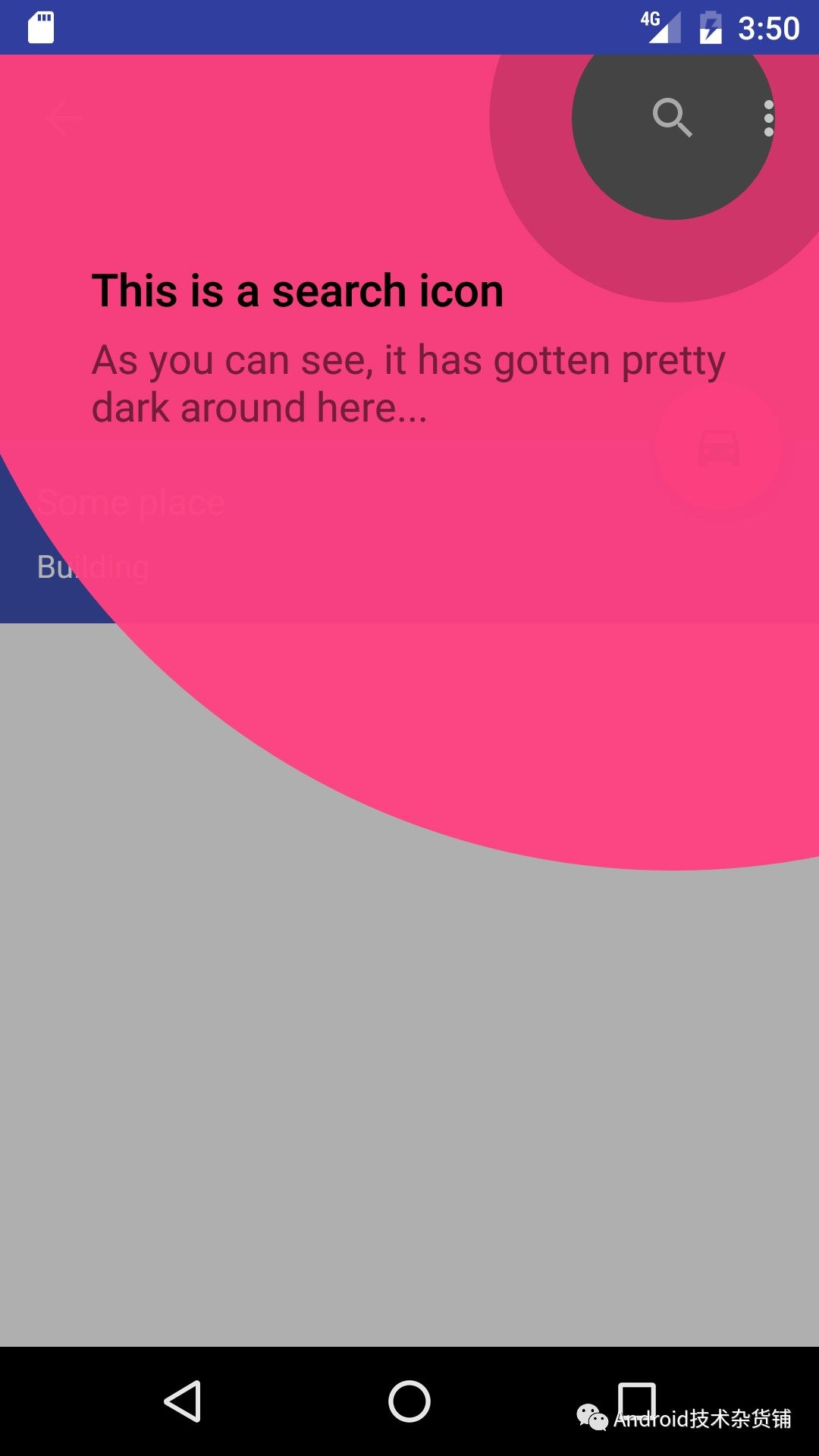
是不是非常酷,看如何使用。
github: https://github.com/KeepSafe/TapTargetView
使用
1、build.gradle 中引入 TapTargetView
repositories { jcenter() } dependencies { implementation 'com.getkeepsafe.taptargetview:taptargetview:1.12.0' }2、在activity中添加如下代码:
TapTargetView.showFor(this, // `this` is an Activity TapTarget.forView(findViewById(R.id.target), "This is a target", "We have the best targets, believe me") // All options below are optional .outerCircleColor(R.color.red) // Specify a color for the outer circle .outerCircleAlpha(0.96f) // Specify the alpha amount for the outer circle .targetCircleColor(R.color.white) // Specify a color for the target circle .titleTextSize(20) // Specify the size (in sp) of the title text .titleTextColor(R.color.white) // Specify the color of the title text .descriptionTextSize(10) // Specify the size (in sp) of the description text .descriptionTextColor(R.color.red) // Specify the color of the description text .textColor(R.color.blue) // Specify a color for both the title and description text .textTypeface(Typeface.SANS_SERIF) // Specify a typeface for the text .dimColor(R.color.black) // If set, will dim behind the view with 30% opacity of the given color .drawShadow(true) // Whether to draw a drop shadow or not .cancelable(false) // Whether tapping outside the outer circle dismisses the view .tintTarget(true) // Whether to tint the target view's color .transparentTarget(false) // Specify whether the target is transparent (displays the content underneath) .icon(Drawable) // Specify a custom drawable to draw as the target .targetRadius(60), // Specify the target radius (in dp) new TapTargetView.Listener() { // The listener can listen for regular clicks, long clicks or cancels @Override public void onTargetClick(TapTargetView view) { super.onTargetClick(view); // This call is optional doSomething(); } });通过构造一个TapTarget来配置各种选项,可以配置比如:标题、描述、icon、阴影、弹出的圆形的大小、颜色和半径等等。提供的 api简介明了,具体的效果可以亲自试试。
除了通过TapTarget.forView 为一个View 设置引导之外,还可以对一个特定的区域设置引导,通过TapTarget.forBounds(Rect, ...)来实现。
如何做一系列引导?
该库提供了系列引导的方式,使用TapTargetSequence,代码如下:
new TapTargetSequence(this) .targets( TapTarget.forView(findViewById(R.id.never), "Gonna"), TapTarget.forView(findViewById(R.id.give), "You", "Up") .dimColor(android.R.color.never) .outerCircleColor(R.color.gonna) .targetCircleColor(R.color.let) .textColor(android.R.color.you), TapTarget.forBounds(rickTarget, "Down", ":^)") .cancelable(false) .icon(rick)) .listener(new TapTargetSequence.Listener() { // This listener will tell us when interesting(tm) events happen in regards // to the sequence @Override public void onSequenceFinish() { // Yay } @Override public void onSequenceStep(TapTarget lastTarget) { // Perfom action for the current target } @Override public void onSequenceCanceled(TapTarget lastTarget) { // Boo } });通过targets来设置多个 TapTarget,通过调用TapTargetSequence的 start()来开始一系列的引导,会按照添加的顺序曾现。具体的使用可以看看Github上的samples。
大家还用过哪些炫酷、有意思的引导库呢?欢饮评论区推荐。
---end---
推荐阅读:
Android 基于Transform实现更高效的组件化路由框架
 每一个“在看”,我都当成真的喜欢