最近在写一个页面。用的自带的material风格。一点没动。其中有TextField,像这样:
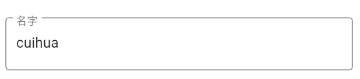
然后我还需要一个下拉列表,Flutter 有一个下拉列表的组件,一个按钮:DropdownButton,像这样:

DropdownButton<String>(
  value: value,
  onChanged: (String newValue) {},
  items: ['R', 'S'].map((key) {
    return DropdownMenuItem(
      value: key,
      child: Text(key == 'R' ? '大众脸' : '网红脸'),
    );
  }).toList(),
);
不对啊,这个风格不一致。
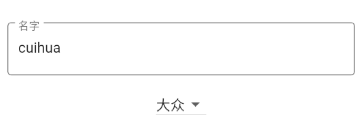
先去看DropdownButton的文档,没发现有关于整容的属性,再去翻了一下Material Design 关于下拉列表的那部分,发现有这个设计:
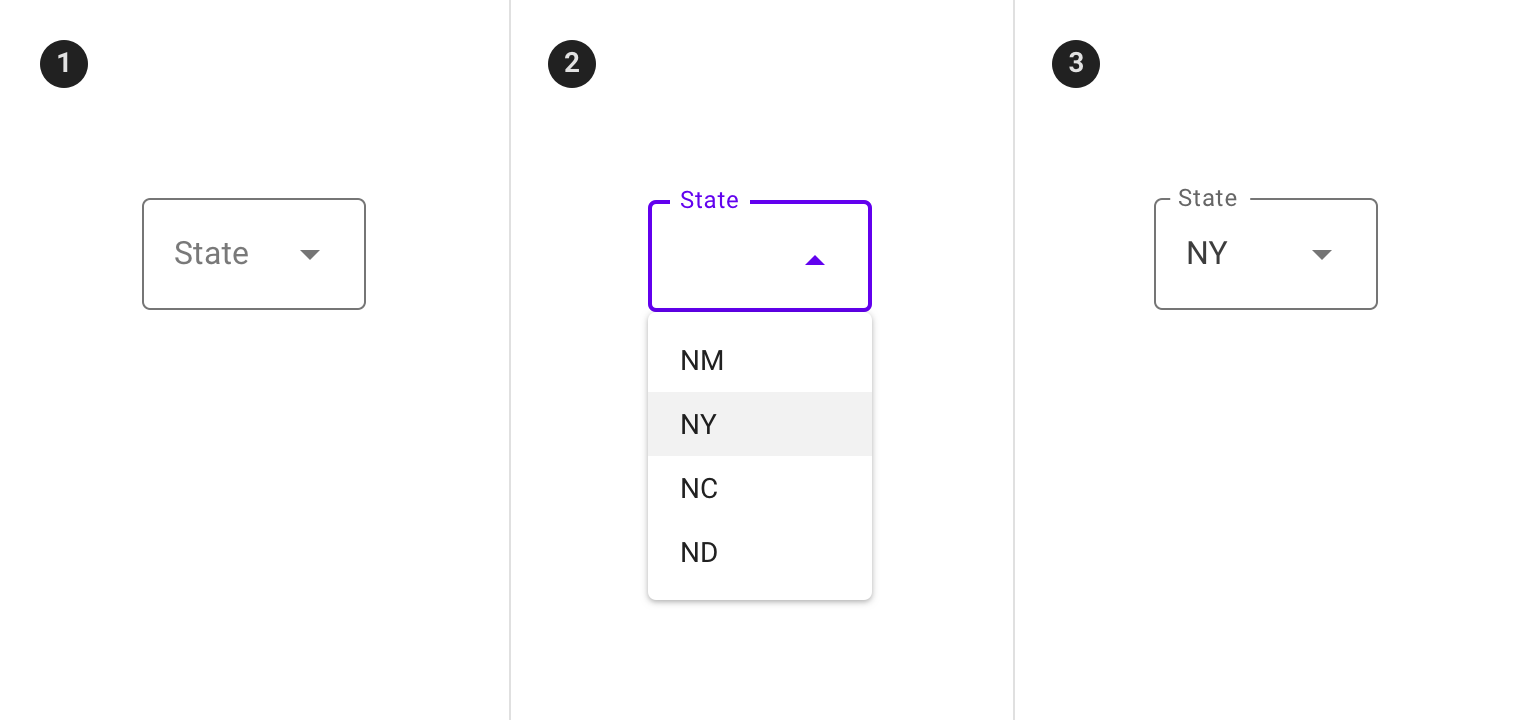
嗯?是 Flutter 没实现还是我的打开方式不对?
我再回去仔细看了DropdownButton的文档,发现有一个属性有点可疑,因为它的注释写着:
Reduce the button's height. By default this button's height is the same as its menu items' heights. If isDense is true, the button's height is reduced by about half. This can be useful when the button is embedded in a container that adds its own decorations, like
InputDecorator.
这个属性是isDense,它的作用是,控制小部件的高度,当为ture时,小部件的高度约为false时的一半,而false时的高度和下拉列表的item的高度是一致的。默认是false。
然后看注释是,如果想要整容,得设置为true。
DropdownButton<String>(
  value: value,
  onChanged: (String newValue) {},
  isDense: true,
  items: ['R', 'S'].map((key) {
    return DropdownMenuItem(
      value: key,
      child: Text(key == 'R' ? '大众脸' : '网红脸'),
    );
  }).toList(),
);
接下来,高兴一下,终于找到你了,整容医生InputDecorator!!!
让它给我画几条线先:
InputDecorator(
  decoration: InputDecoration(
    border: OutlineInputBorder(),
    labelText: '脸',
  ),
  child: DropdownButton<String>(
    value: value,
    onChanged: (String newValue) {},
    isDense: true,
    items: ['R', 'S'].map((key) {
      return DropdownMenuItem(
        value: key,
        child: Text(key == 'R' ? '大众脸' : '网红脸'),
      );
    }).toList(),
  ),
);
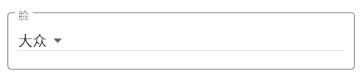
等下,麻烦把我的胡须剃掉可以吗?
可以,上专用剃须刀DropdownButtonHideUnderline
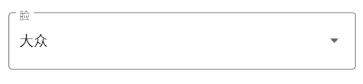
大功告成!!喜大普奔!!
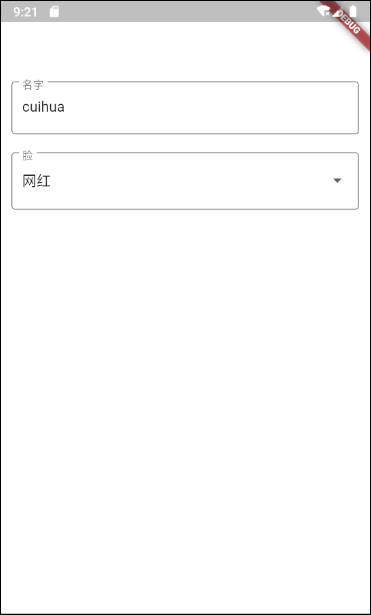
InputDecorator(
  decoration: InputDecoration(
    border: OutlineInputBorder(),
    labelText: '脸',
  ),
  child: DropdownButtonHideUnderline(
    child: DropdownButton<String>(
      isDense: true,
      value: value,
      onChanged: onChanged,
      items: ['R', 'S'].map((key) {
        return DropdownMenuItem(
          value: key,
          child: Text(key == 'R' ? '大众' : '网红'),
        );
      }).toList(),
    ),
  ),
);
嗯。。。。看起来高度不一样,算了,就这样。