安装并配置必要的依赖
在linux系统上安装所需的依赖:ssh,防火墙, postfix,wget。
- 安装ssh
yum install -y curl policycoreutils-pythonopenssh-server
- 将SSH服务设置成开机自启动
systemctl enable sshd
- 启动SSH服务
systemctl start sshd
- 安装防火墙
yum install firewalld systemd -y
- 开启防火墙
service firewalld start
- 安装Postfix以发送通知邮件
yum install postfix
- 重启防火墙
systemctl reload firewalld
- 安装Postfix以发送通知邮件
yum install postfix
- 将postfix服务设置成开机自启动
systemctl enable postfix
- 启动postfix
systemctl start postfix
- 安装wget
yum -y install wget
- 安装vim编辑器
yum install vim -y
添加gitLab镜像源并安装gitlab服务器
- 下载gitlab镜像(这里使用了清华大学开源软件镜像,我下载的是10.0版本)
wget https://mirrors.tuna.tsinghua.edu.cn/gitlab-ce/yum/el7/gitlab-ce-10.0.0-ce.0.el7.x86_64.rpm
- 下载完成后安装
rpm -i gitlab-ce-10.0.0-ce.0.el7.x86_64.rpm
安装完成后即可通过 http://ip:port 访问
安装完成后默认为 80 端口
修改端口号
通常情况下我们的80端口都有其他用途,因此我们需要修改端口号
- 首先要在防火墙打开我们需要的端口
首先查看防火墙状态
firewall-cmd --state
如果没有开启,则运行命令开启
systemctl start firewalld.service
设置开机自启
systemctl enable firewalld.service
重启防火墙
systemctl restart firewalld.service
----------------------------------------------------------
开端口命令
firewall-cmd --zone=public --add-port=8888/tcp --permanent
重启防火墙
systemctl restart firewalld.service
命令含义:
--zone #作用域
--add-port=8888/tcp  #添加端口,格式为:端口/通讯协议
--permanent   #永久生效,没有此参数重启后失效
----------------------------------------------------------
查看端口状态
netstat -ntlp #查看端口的使用情况,可以看到哪些端口已经开启并使用
firewall-cmd --list-ports #查看开启但没有使用的端口
- 修改gitlab内置nginx的配置文件 并重启gitlab
首先运行,打开并编辑配置文件
vim /var/opt/gitlab/nginx/conf/gitlab-http.conf
然后更改配置端口到之前打开的端口,这里我修改至8888
listen *:8888;
- 重启gitlab
gitlab-ctl reconfigure #刷新配置文件
gitlab-ctl restart #重启gitlab
这里我们只需要重启gitlab就可以,别去刷新gitlab的配置文件
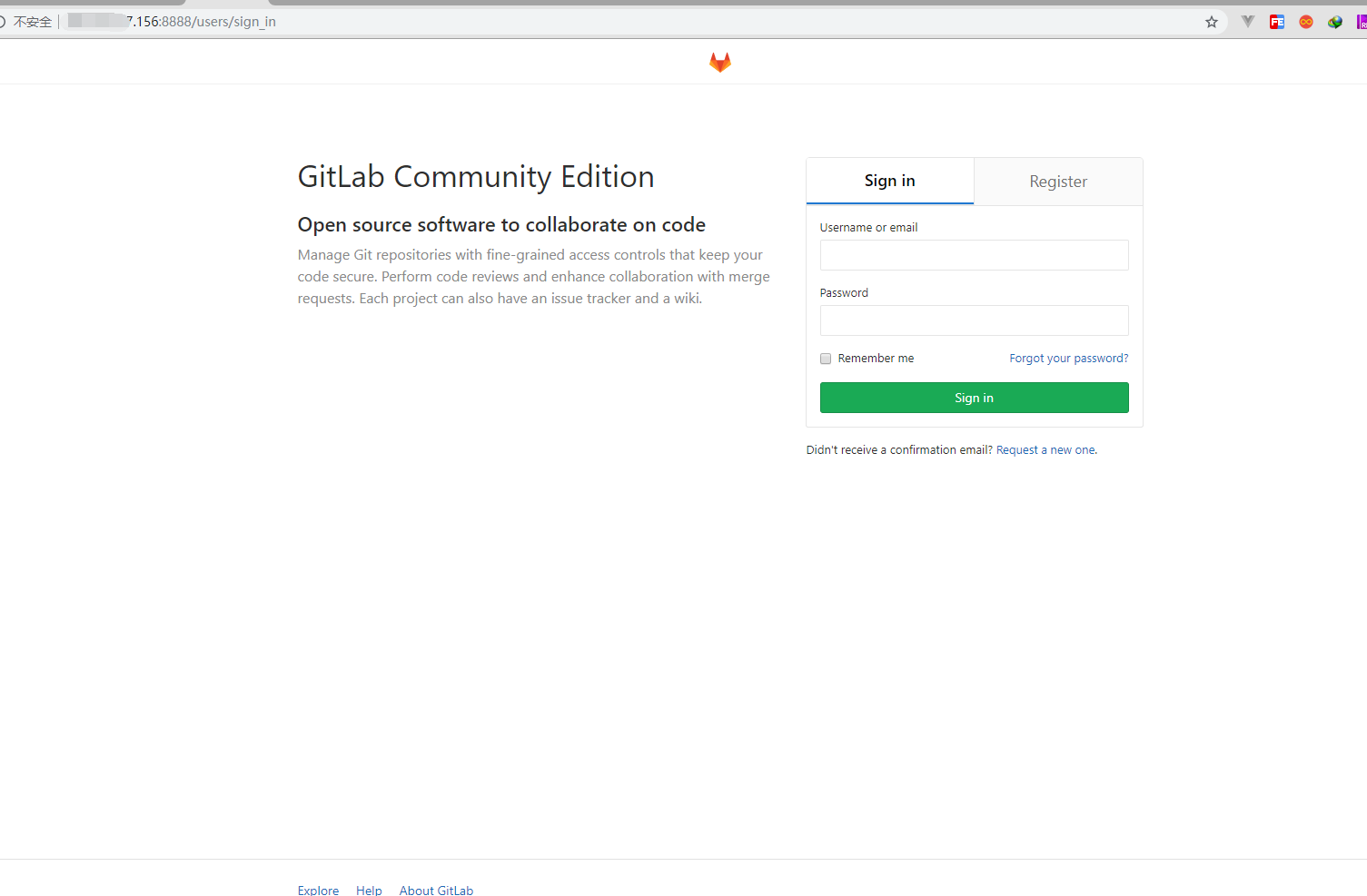
附上成功的图片
gitlab汉化
- 停止gitlab服务
gitlab-ctl stop
- 安装git
yum install -y git
- 克隆获取汉化版本库(根据自己gitlab版本自行更改分支,这里我clone到root目录)
cd /root
git clone https://gitlab.com/xhang/gitlab.git -b v10.0.0-zh
- 比较汉化标签和原标签,导出 patch 用的 diff 文件到/root下
cd /root/gitlab
git diff v10.0.0 v10.0.0-zh > ../10.0.0-zh.diff
- 回到/root
cd
- 更新汉化包到gitlab
yum install patch -y
patch -d /opt/gitlab/embedded/service/gitlab-rails -p1 < 10.0.0-zh.diff
7.启动gitlab
gitlab-ctl start
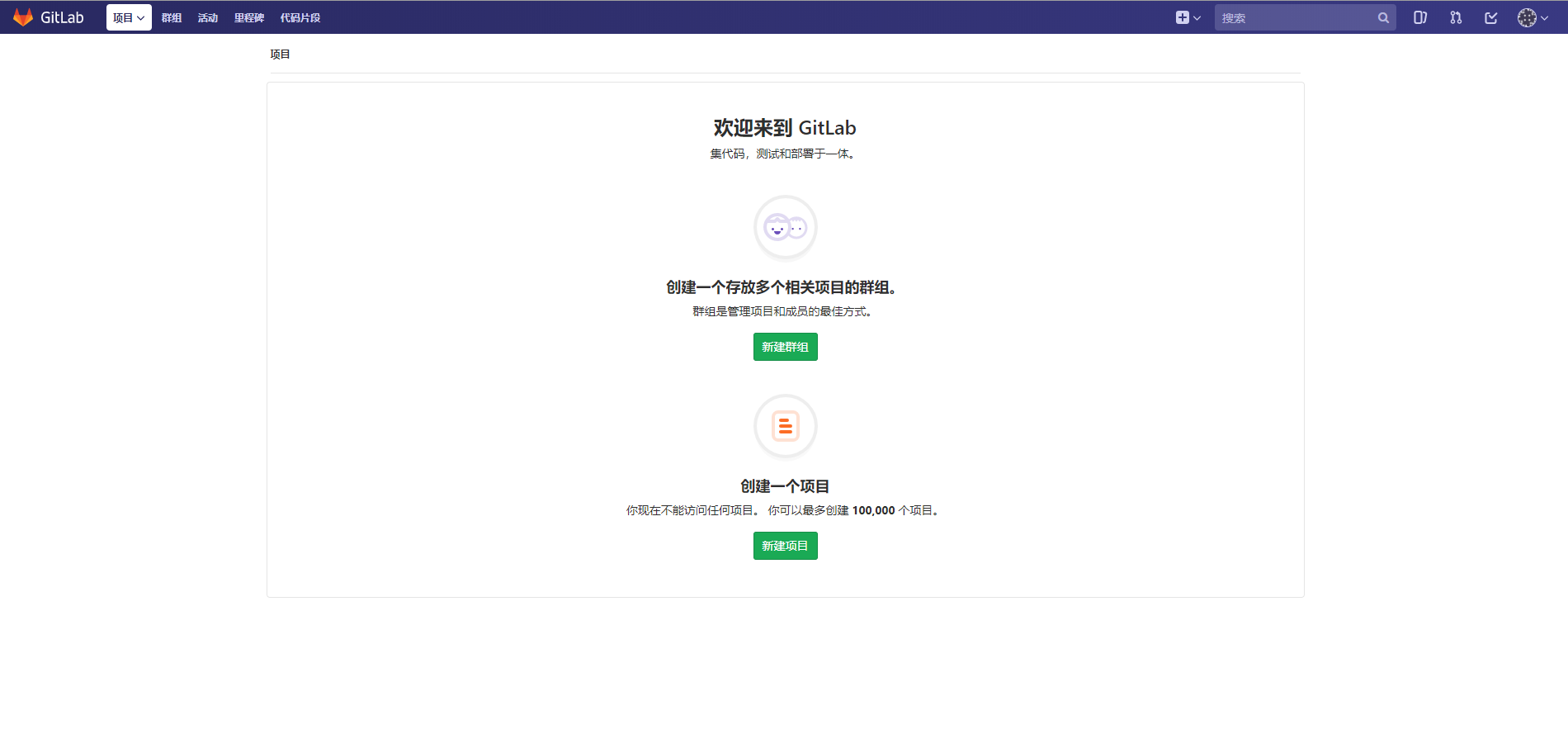
附上汉化成功的图片