1. 远程项目拉取
git clone [url]
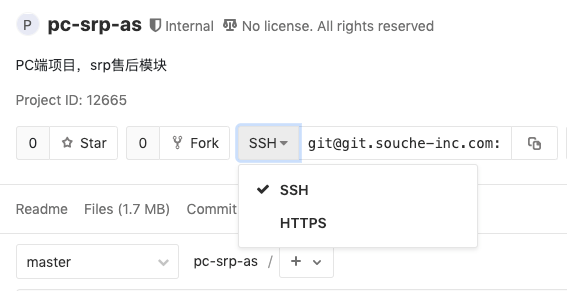
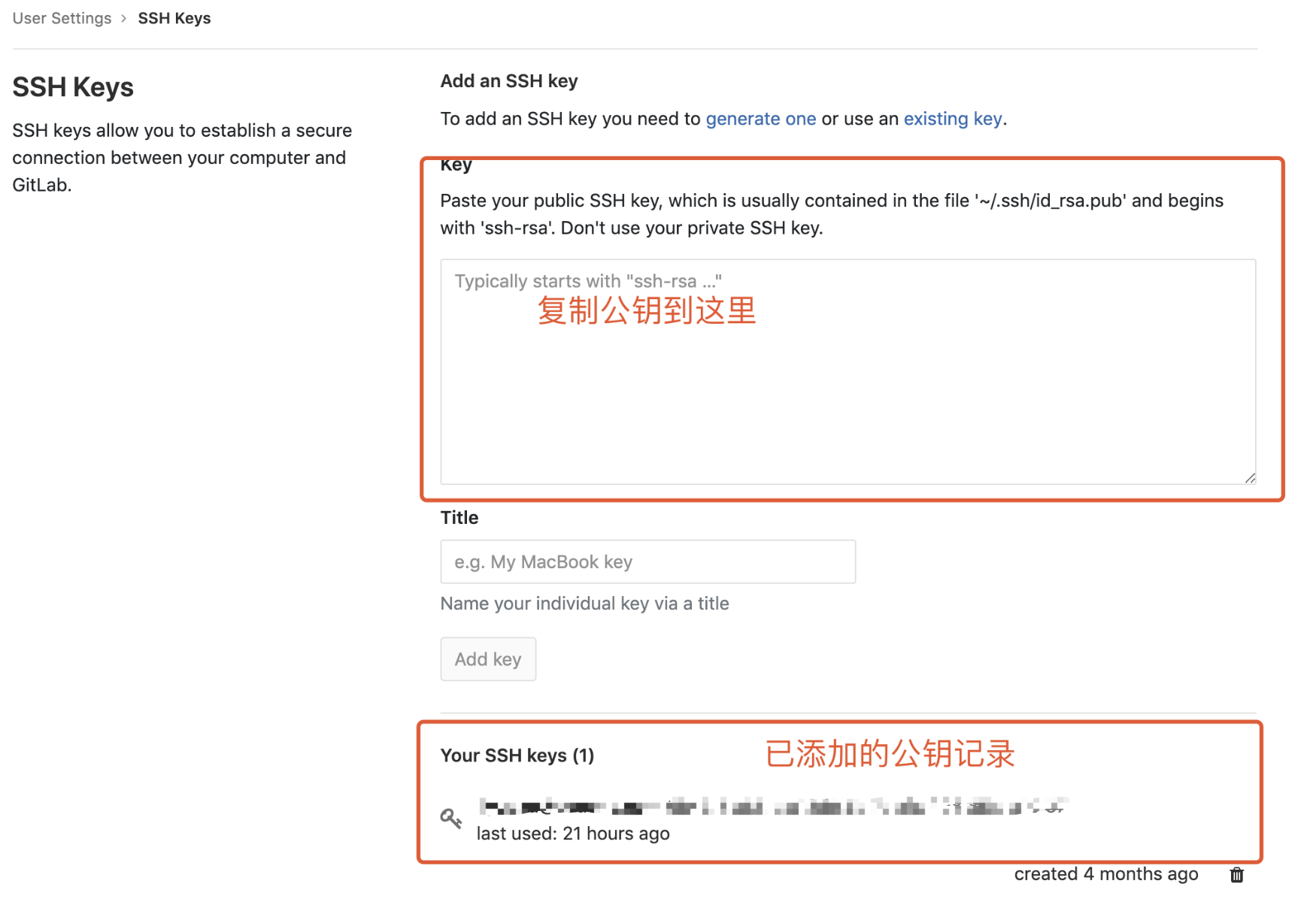
url分为https地址和ssh地址两类,在gitlab项目首页可以进行选择,如下:
2. git配置
git config --list // 显示当前的git配置
git config [--global] user.name "[name]" // 设置提交代码时的用户名
git config [--global] user.email "[email address]" // 设置提交代码时的邮箱
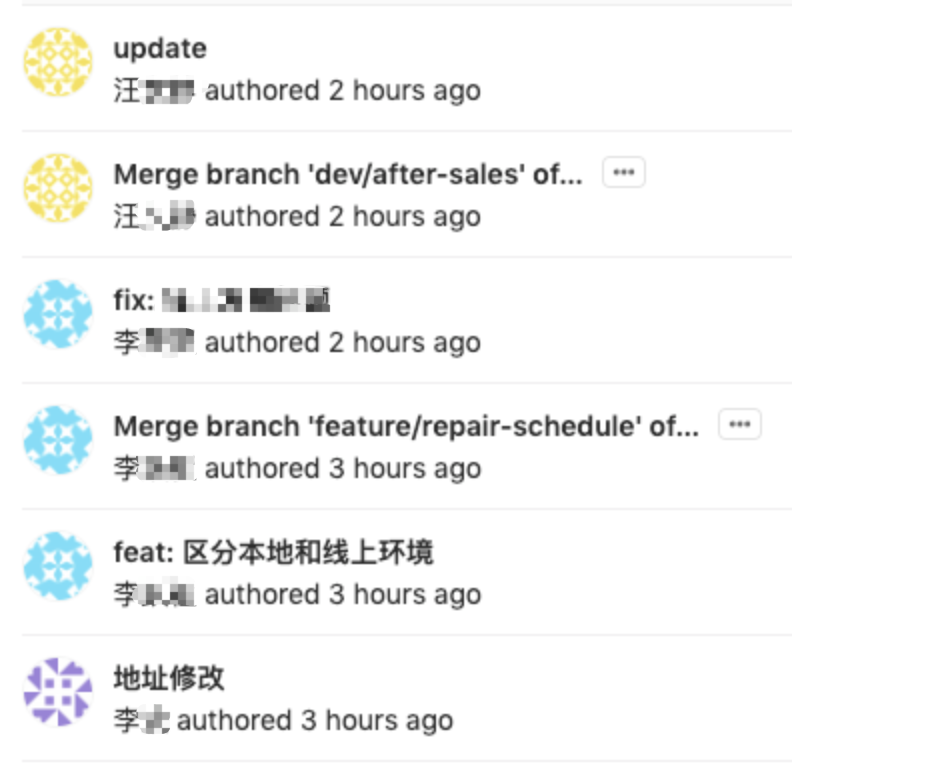
此处设置的用户名和邮箱会作为我们每次commit的用户信息,在gitlab上可供查看
3. 添加代码
git add */[dir]/[file1] [file2] ... // 可逐个文件或文件夹进行添加,*表示将当前所有改动进行暂存
4. 代码提交
git commit -m [message] // 将暂存区所有改动提交到本地仓库,message为本次提交的说明
git commit [file1] [file2] ... -m [message] // 将暂存区指定文件提交到本地仓库
5. 分支相关
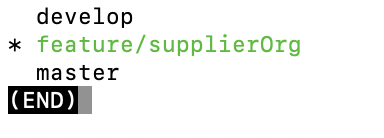
git branch // 列出本地当前的所有分支,当前所处分支名将会高亮
git branch -a // 列出所有本地及远程分支
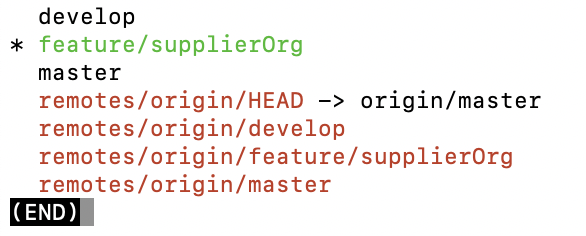
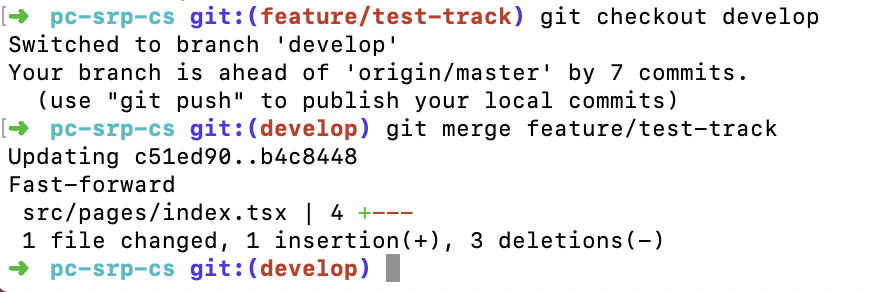
git checkout [branch-name] // 切换到一个已存在的本地或远程分支

git checkout -b [new-branch-name] // 新建一个本地分支并切换到新分支

git checkout -b [new-branch-name] [remote-branch] // 新建一个本地分支,并跟踪远程分支

git branch --track [branch] [remote-branch] // 新建一个分支,与远程分支建立追踪关系

git branch --set-upstream-to [remote-branch] [branch-name] // 本地已存在分支与远程分支建立追踪关系

git merge [branch] // 将指定分支的代码合并到当前分支
git branch -d [branch-name] // 删除本地分支
git push origin --delete [branch-name] // 删除远程分支
6. 远程代码同步
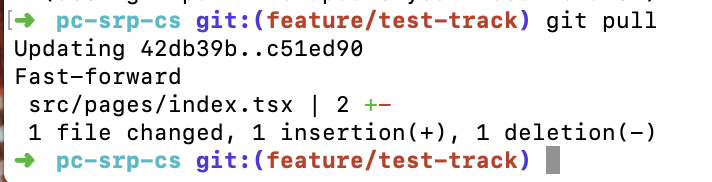
git pull [remote] [branch] // 拉取远程最新代码与本地代码合并,在与建立了追踪关系的分支上需要带上origin

git push [remote] [branch] // 上传本地分支代码到服务器,在与建立了追踪关系的分支上有时需要带上origin
7. 改动撤销
git stash // 将当前改动进行储存后移出,常用于本地代码与远程代码可能存在冲突导致无法pull远程代码,这时使用git stash将本地改动储存后移出,再拉取罪行代码
git stash pop // 将存储的改动还原,拉取最新代码后再执行此命令将改动还原