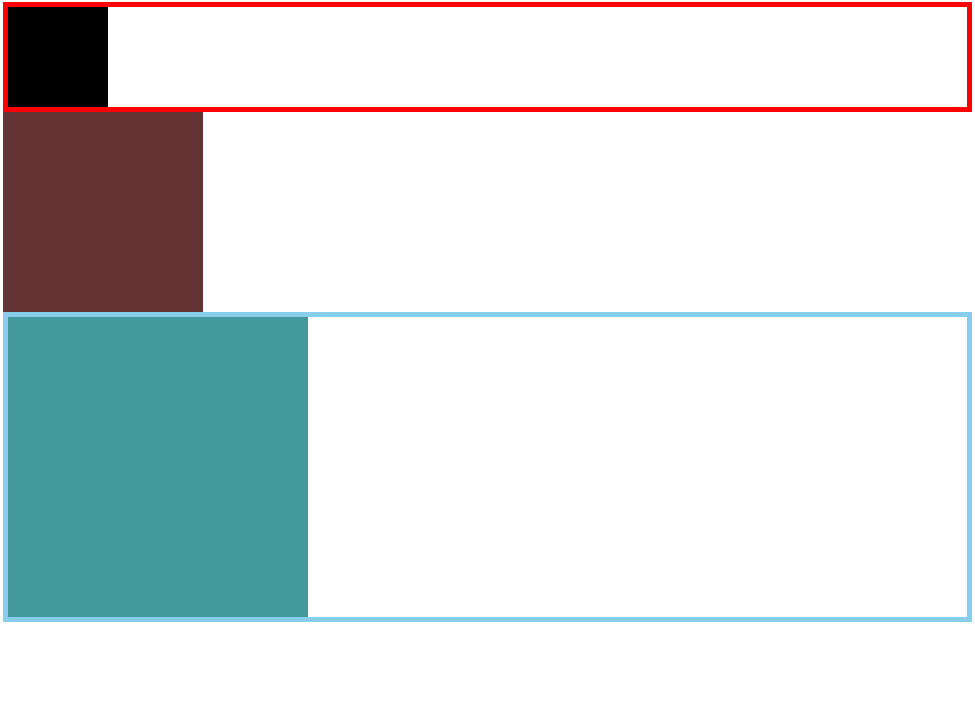
<div class="box1"><div class="inbox"></div></div>
    <div class="box2"></div>
<div class="box3"><div class="inbox2"></div></div>- 对父元素使用overflow:hidden1以开启BFC模式, 需要同时使用zoom:1兼容ie6以下版本
.inbox {
        width: 100px;
        height: 100px;
        background-color: black;
        float: left;
      }
      .box1 {
        overflow: hidden;
        border: 5px solid red;
}- 对被产生影响的元素使用clear清除浮动影响 可选值 none 默认不清除 left 清除左侧 rght 清除右侧 both 清除两侧
.box2 {
        float: left;
        width: 200px;
        height: 200px;
        background-color: rgb(100, 52, 52);
      }

      .box3 {
        clear: both;
        border: 5px solid skyblue;
        zoom: 1;
      }

      .inbox2 {
        float: left;
        width: 300px;
        height: 300px;
        background-color: rgb(68, 153, 156);
}- 设置伪类after添加空白使用display设置为块元素,最后使用clear清除浮动影响 此方法也需要zoom:1兼容ie6
.box3:after {
        content: "";
        display: block;
        clear: both;
} - 设置after和before伪类,加入空白,使用display设置为表格元素,使用clear清除浮动, 完美解决高度塌陷和父子元素外边距重叠的问题 不兼容ie6,使用zoom:1完成兼容
.box3:after,
 .box3:before {
        content: "";
        display: table;
        clear: both;
}