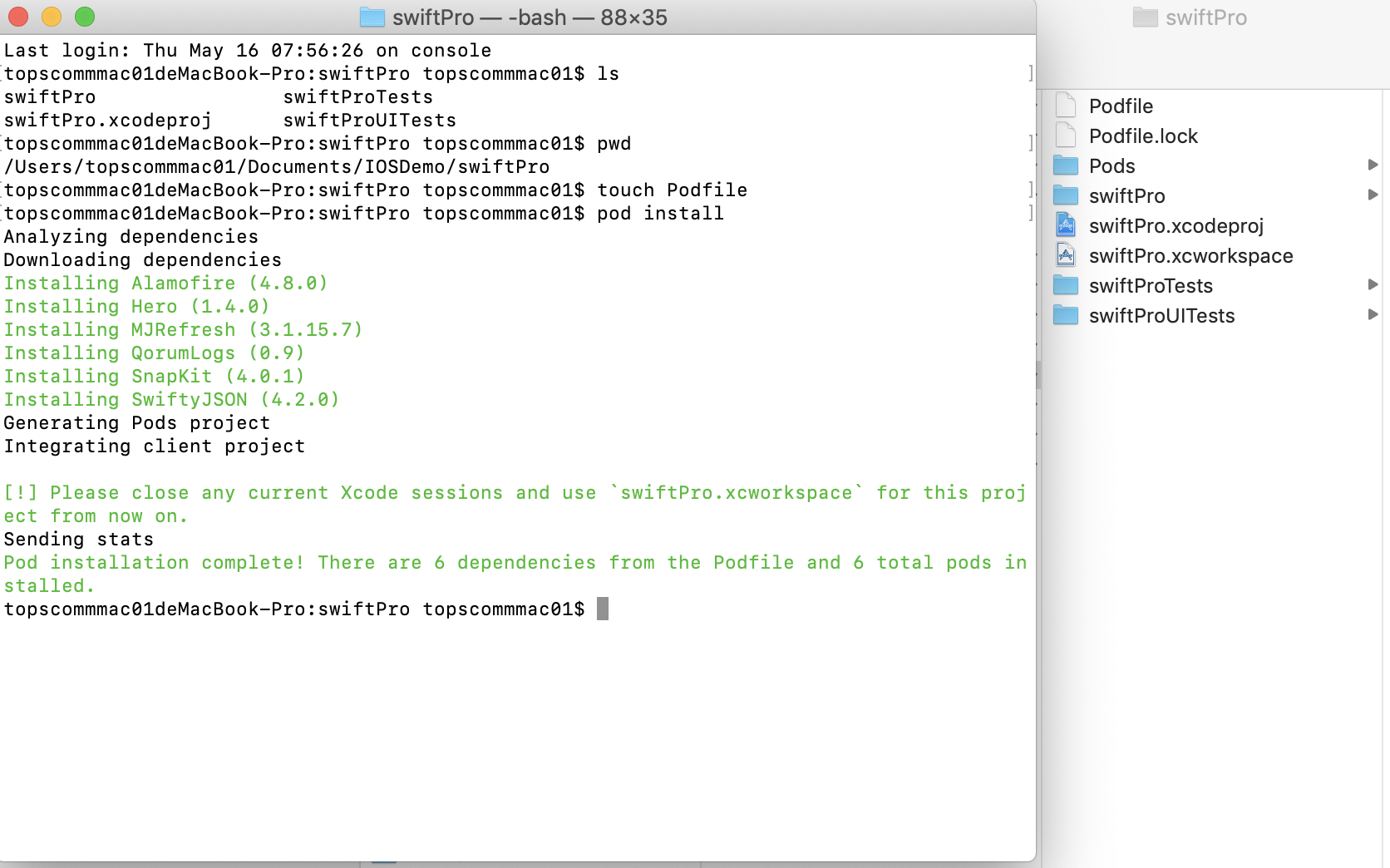
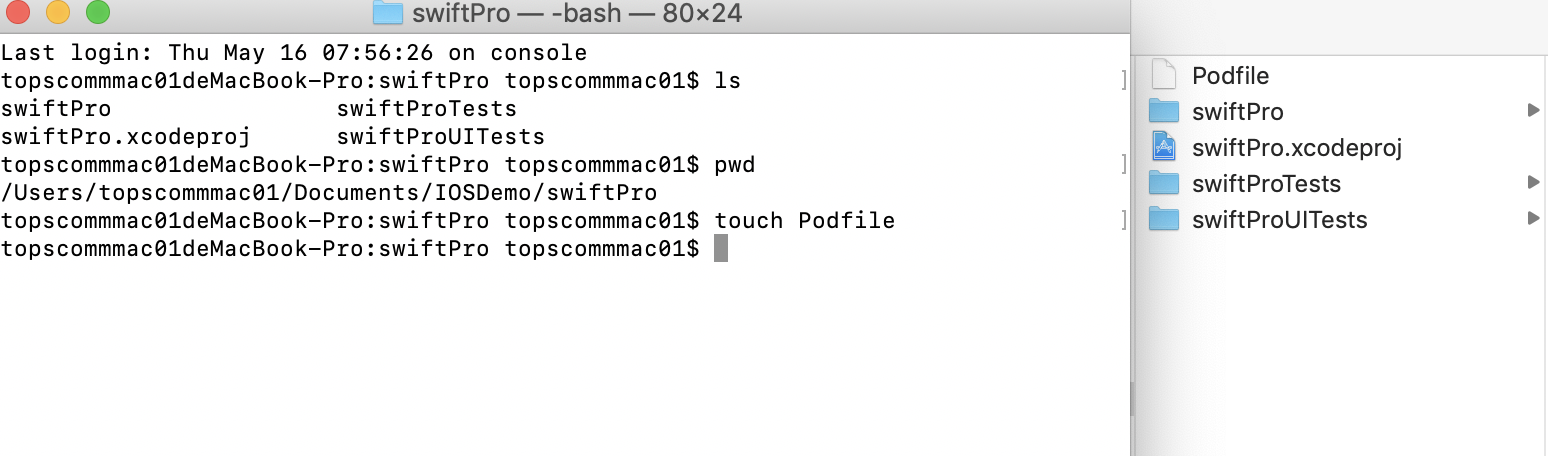
1、在工程根目录下创建Podfile文件
touch Podfile
2、编辑Podfile文件
# Uncomment the next line to define a global platform for your project
# platform :ios, '9.0'

target 'swiftPro' do
    # Comment the next line if you're not using Swift and don't want to use dynamic frameworks
    source 'https://github.com/CocoaPods/Specs.git'
    platform :ios, '10.0'
    use_frameworks!

    pod 'Alamofire', '~> 4.7' #网络请求
    pod 'SwiftyJSON', '~> 4.0' #Json数据处理
    pod 'SnapKit', '~> 4.0.0' #自动布局
    pod 'MJRefresh' #上拉刷新 下拉加载

    pod 'QorumLogs' #日志框架
    pod 'Hero' #动画库

    target 'swiftProTests' do
        inherit! :search_paths
        # Pods for testing
    end

    target 'swiftProUITests' do
        inherit! :search_paths
        # Pods for testing
    end

end
编辑完成后保存
3、导入库
pod install