

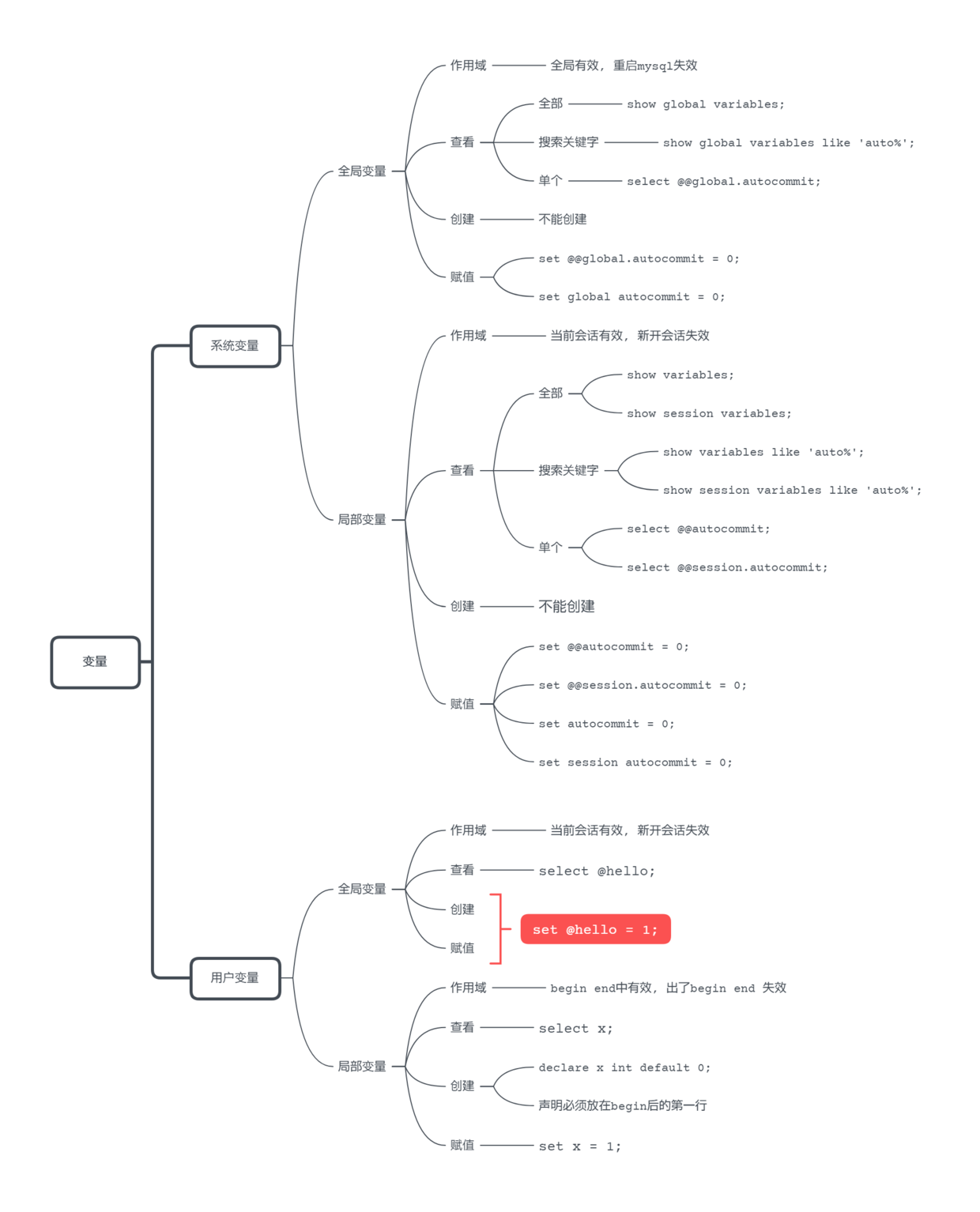
查看系统变量
不写
session, 默认局部变量
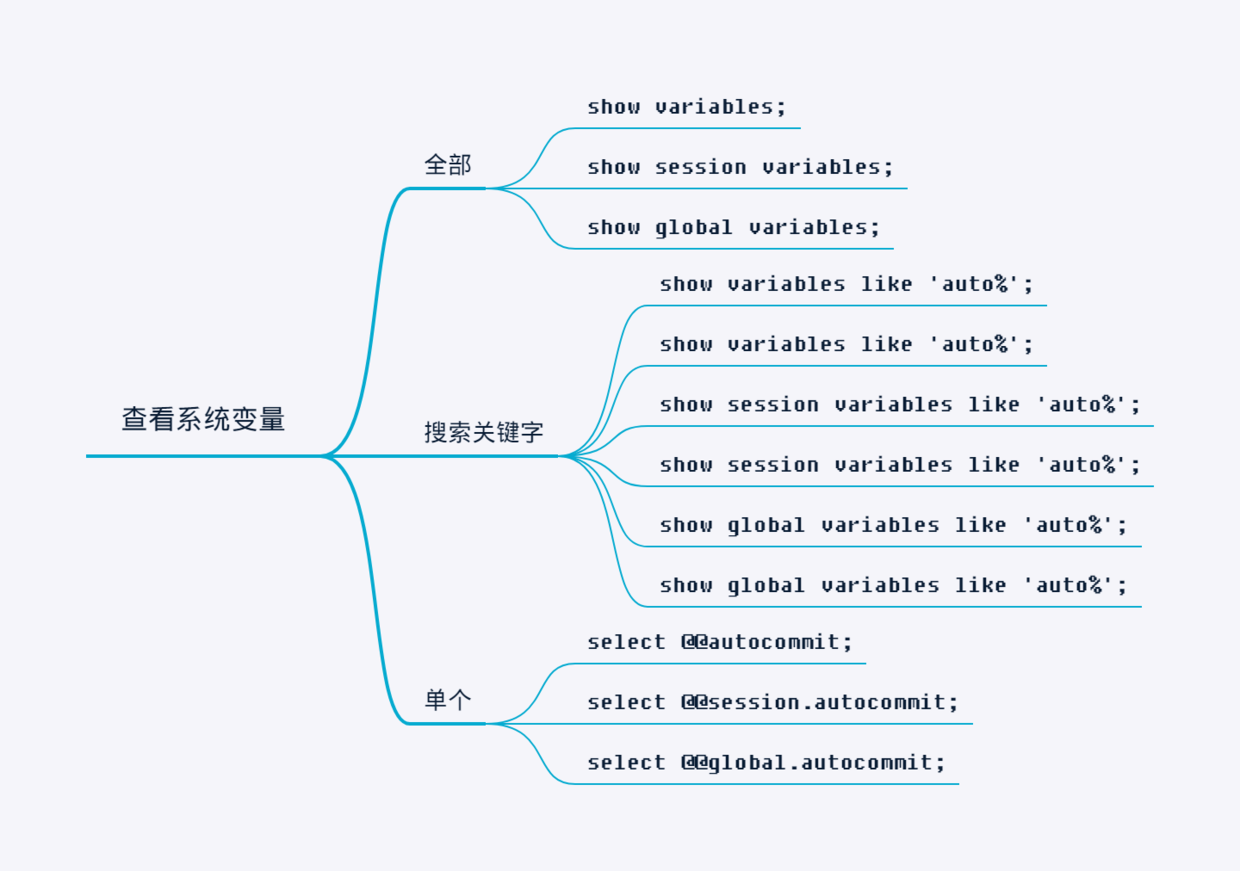
查看全部
show variables;
show session variables;
show global variables;
搜索关键字
show variables like 'auto%';
show variables like 'auto%';
show session variables like 'auto%';
show session variables like 'auto%';
show global variables like 'auto%';
show global variables like 'auto%';
查看单个
select @@autocommit;
select @@session.autocommit;
select @@global.autocommit;
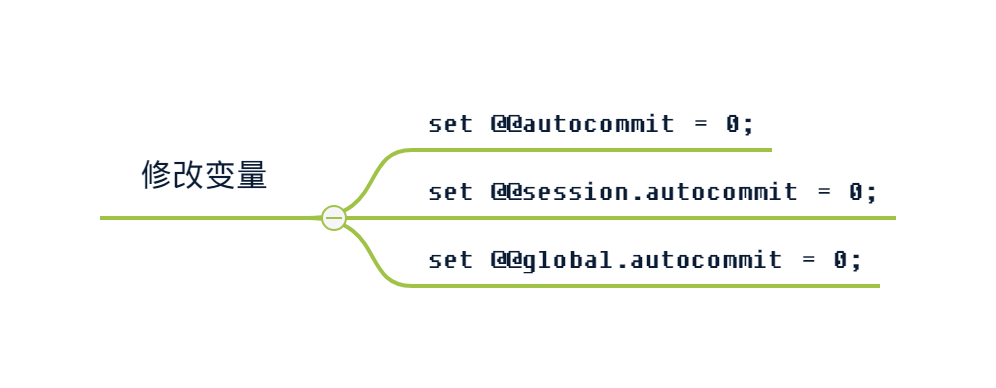
修改系统变量
不写
session默认 局部变量
set @@autocommit = 0;
set @@session.autocommit = 0;
set @@global.autocommit = 0;

set autocommit = 0;
set session autocommit = 0;
set global autocommit = 0;
系统变量和用户变量的区别
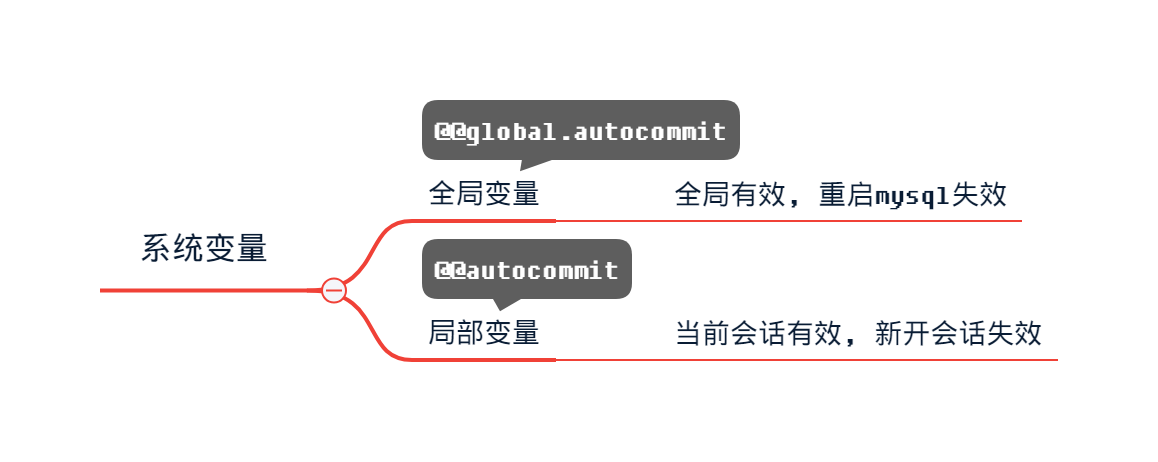
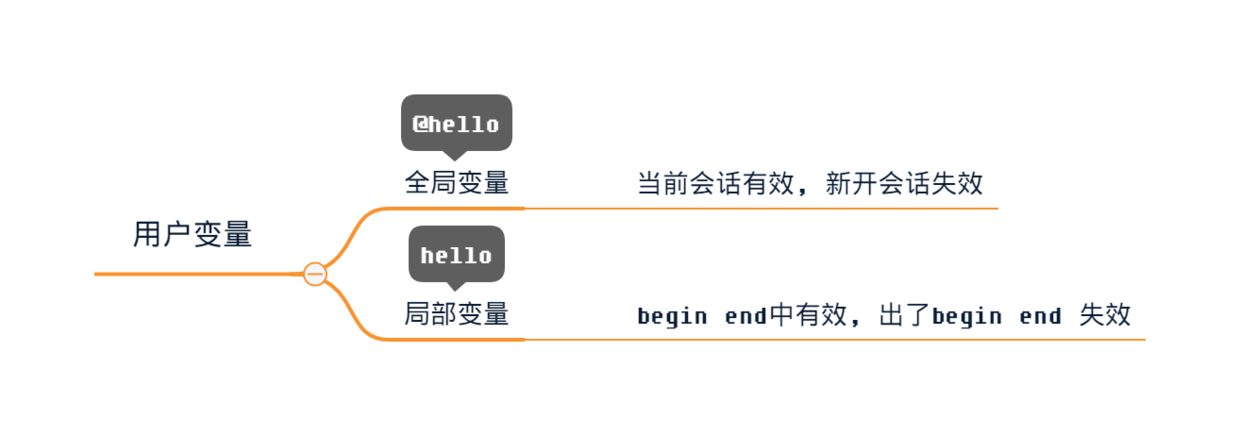
- 系统变量是mysql自带的, 不用声明即可使用, 当然也不能新增
- 用户可以自己定义的变量, 需要声明才能使用
创建用户变量
全局用户变量(当前会话有效)
set @hello = 1;
select @hello;
全局局部变量(begin end中有效)
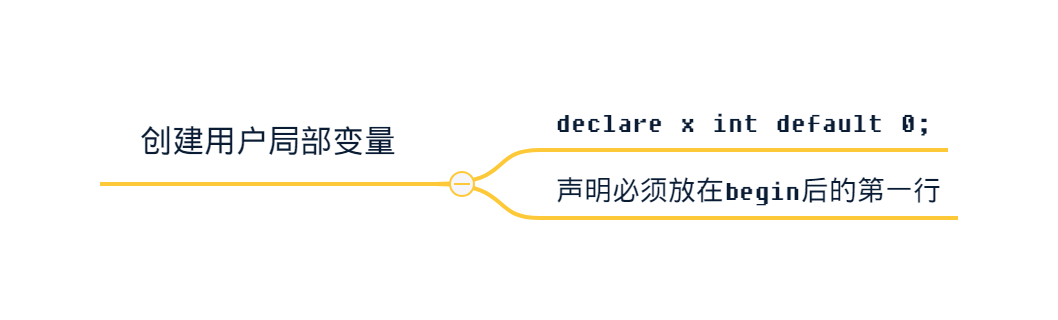
create procedure test() begin
  declare x int default = 0;
  select x;
end;
