

最近做项目时遇到一个问题,产品搜索后出来相关的列表,点击相关商品进入它的详情,返回后组件被重新创建,但产品需求是需要保留进入详情是列表的位置的。
一.实现思路
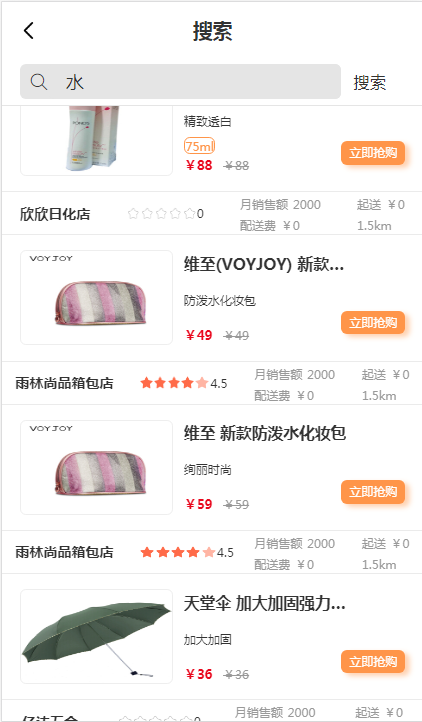
首先有三个页面(首页,搜索列表页,详情页),从首页到搜索列表页是不需要保存组件的,从详情页到搜索列表页是需要记录列表位置的。
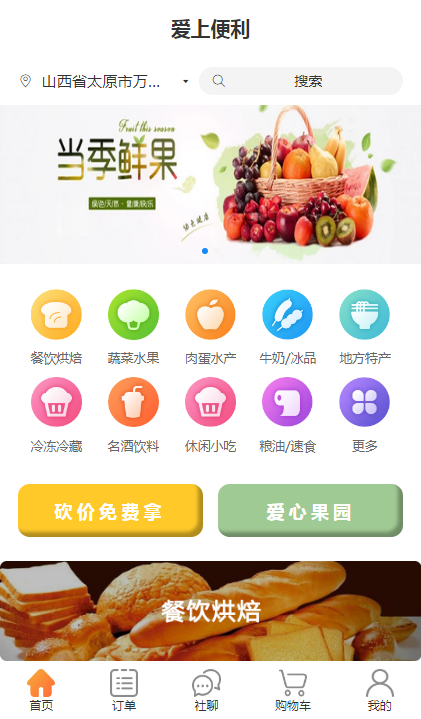
首页:
1.先保持搜索列表页组件状态不刷新
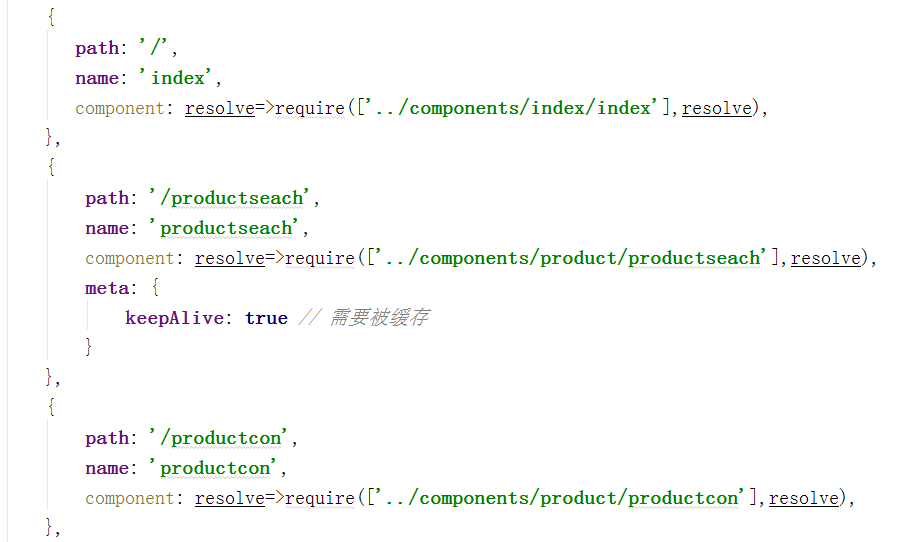
//进入搜索页面时
beforeRouteEnter(to, from, next) {
        console.log(to,from);
        if (from.path == '/') {
            console.log("/");
            next(vm => {
                vm.seachlist=[];    //清空搜索列表
                vm.keyword="";      //清空关键字
            });
        }
    },
3.从详情页进入搜索列表页时,列表存在,但列表位置不在离开的位置,所以我们需要在离开时记录离开时滚动的位置,并将列表滚动到相应的位置。
记录位置:
        //初始化better-scroll
        initbetterscore:function () {
            this.scroll = new Bscroll(this.$refs.mescroll, {
                scrollY:true,
                pullUpLoad:true,
                click:true,
            })
            this.scroll.on('pullingUp',()=>{
                this.getseachlist();
            })
            //监听scroll的滚动,获取它滚动的高度
            this.scroll.on('scroll',(obj)=>{
                this.scrollTop=obj.y;
            })
        },
设置位置:
    //进入该页面时
    beforeRouteEnter(to, from, next) {
        console.log(to,from);
        if (from.path == '/') {
            console.log("/");
            next(vm => {
                vm.seachlist=[];
                vm.keyword="";
            });
        } else {
            next(vm => {
                vm.scroll.scrollTo(0,vm.scrollTop);
                vm.scroll.refresh();                   //重新计算 better-scroll,当 DOM 结构发生变化的时候务必要调用确保滚动的效果正常
            })
        }
    },
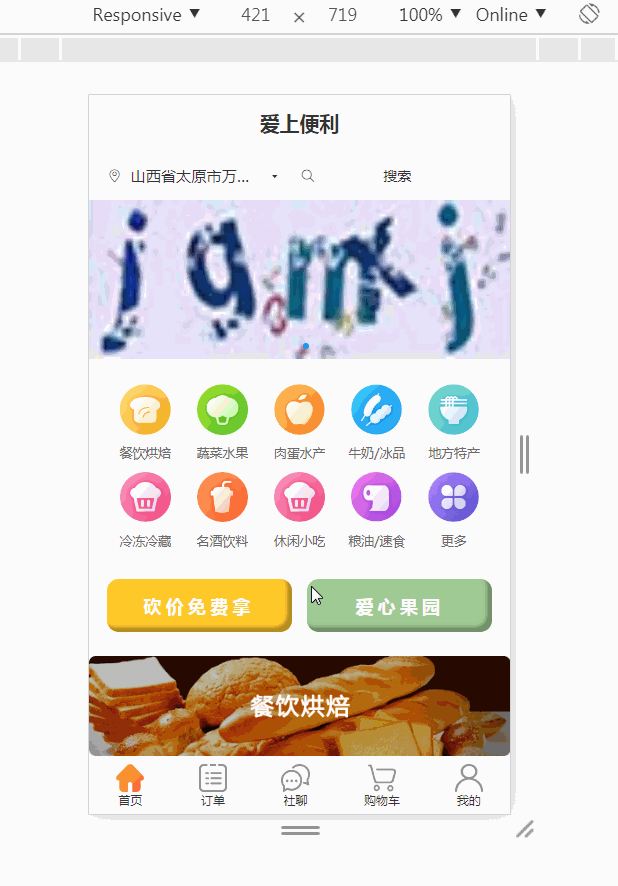
效果图:
以上就是自己的决解方法,欢迎留言指教哦!
