

- Github页面新建仓库,输入名称(尽量和本地一样)
- 点击SSH
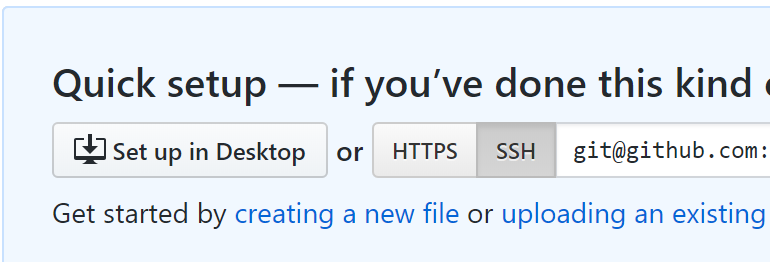
- 用Git Bash进入本地项目文件夹,按github页面说明输入以下内容:
echo "# test" >> README.md
git init
git add README.md
git commit -m "first commit"
git remote add origin git@github.com:yourname/test.git
git push -u origin master
- 上传本地文件
git add 文件路径
git commit -m "信息"
git pull
git push
刷新页面可看到本地文件已上传
- 查看文件状态
git status -sb
- 设置gitignore文件
创建gitignore文件
touch .gitignore
git add .gitignore
git commit -m 'ignore'
设置
在.gitignore文件中输入不上传的文件夹,例如
/node_modules/
/.vscode/
- 参考:
