PathEffect

该系列类没有实例方法,只有构造方法,只需要构造后,传入 Paint.setPathEffect(PathEffect effect) 即可。
概览
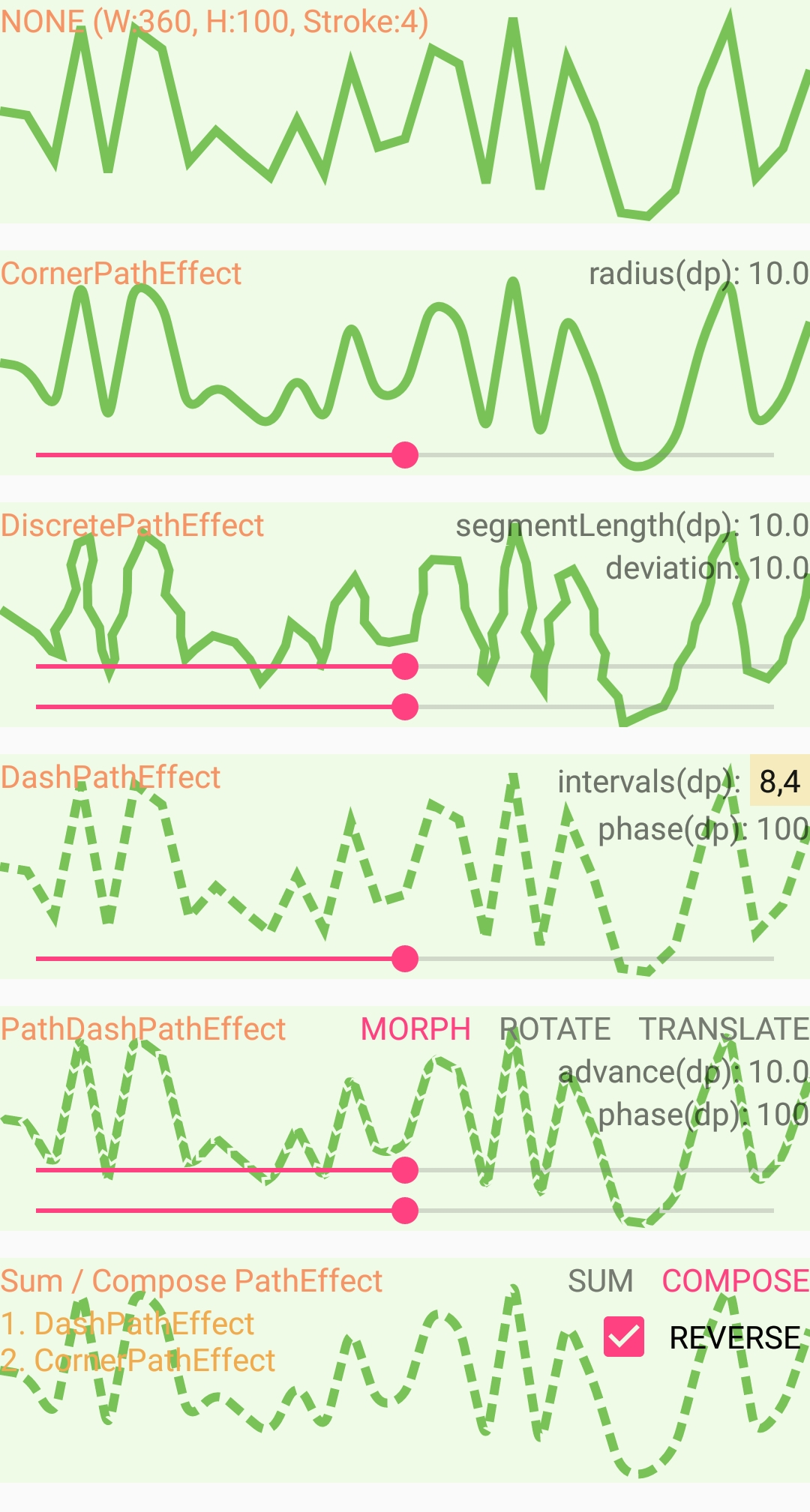
原图:
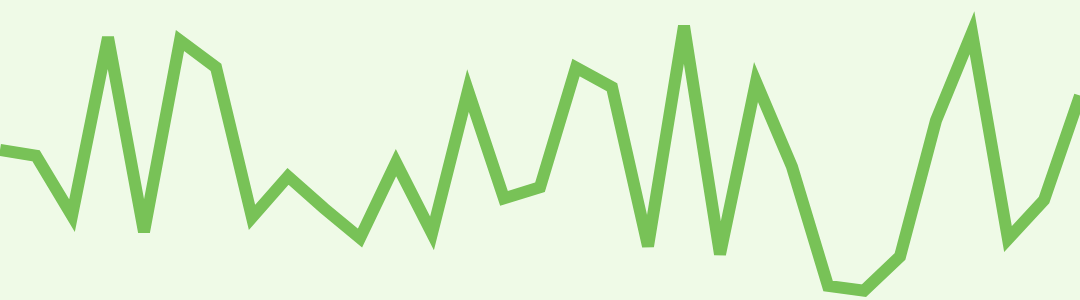
CornerPathEffect
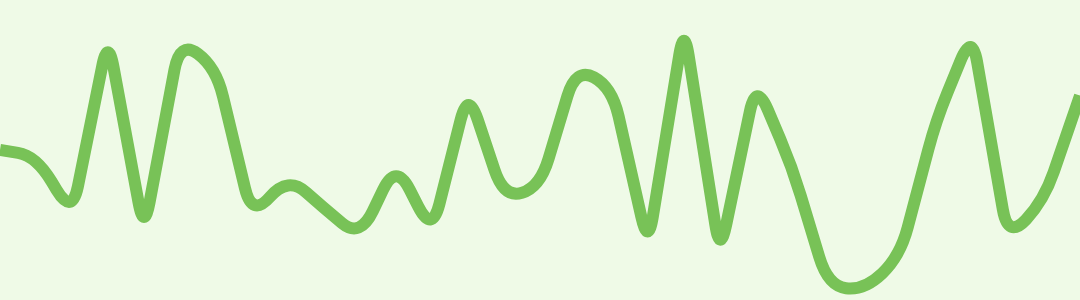
CornerPathEffect(float radius)
| Parameters | |
|---|---|
| radius | float: Amount to round sharp angles between line segments. |
Transforms geometries that are drawn (either STROKE or FILL styles) by replacing any sharp angles between line segments into rounded angles of the specified radius.
DiscretePathEffect
DiscretePathEffect(float segmentLength, float deviation)
| Parameters | |
|---|---|
| segmentLength | float |
| deviation | float |
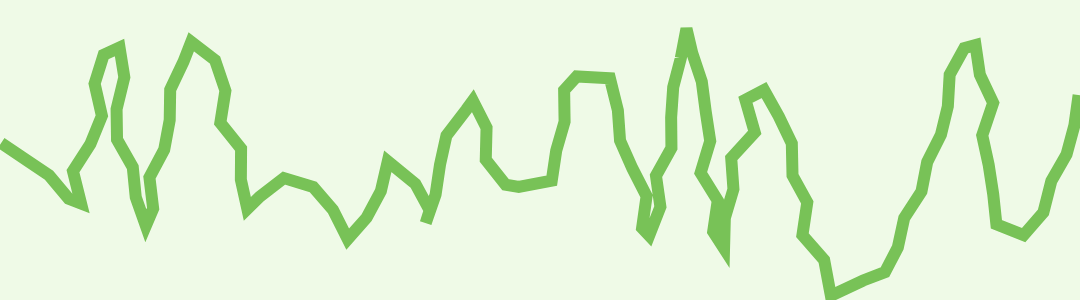
Chop the path into lines of segmentLengthdeviation**.
segmentLength=1dp, deviation=10dp
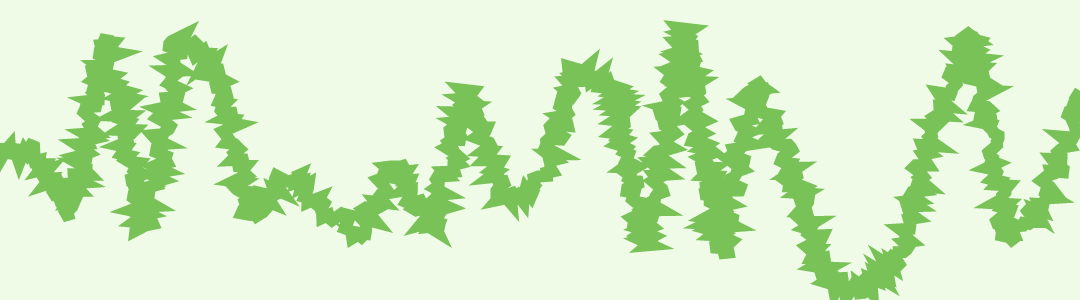
segmentLength=10dp, deviation=10dp
DashPathEffect
DashPathEffect(float[] intervals, float phase)
| Parameters | |
|---|---|
| intervals | float: array of ON and OFF distances |
| phase | float: offset into the intervals array 整体偏移, 动态设置 phase, 可以产生蚂蚁线效果 |
The intervals array must contain an even number of entries (>=2), with the even indices specifying the "on" intervals, and the odd indices specifying the "off" intervals.
phase is an offset into the intervals array (mod the sum of all of the intervals).
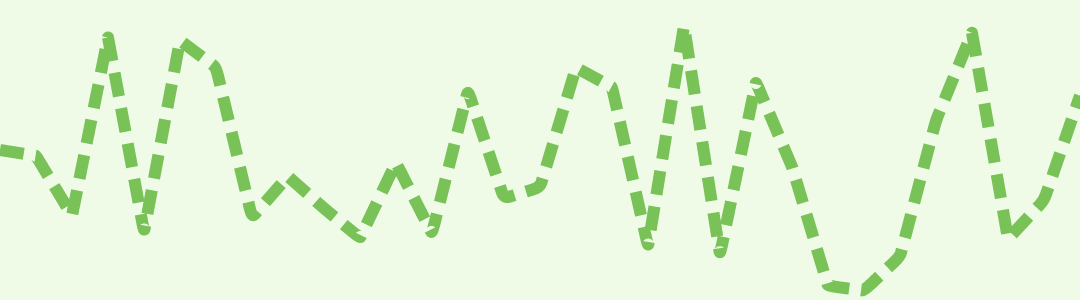
The intervals array controls the length of the dashes. The paint's strokeWidth controls the thickness of the dashes.
Note: this patheffect only affects drawing with the paint's style is set to STROKE or FILL_AND_STROKE. It is ignored if the drawing is done with style == FILL.
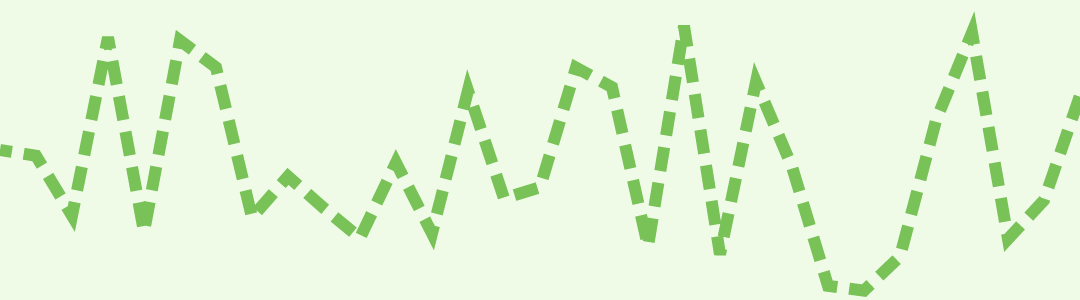
PathDashPathEffect
PathDashPathEffect(Path shape, float advance, float phase, PathDashPathEffect.Style style)
| Parameters | |
|---|---|
| shape | Path: The path to stamp along shape 需要是闭合路径 |
| advance | float: spacing between each stamp of shape shape 之间的间距, 忽略 shape 本身的大小 |
| phase | float: amount to offset before the first shape is stamped 整体偏移, 动态设置 phase, 可以产生蚂蚁线效果 |
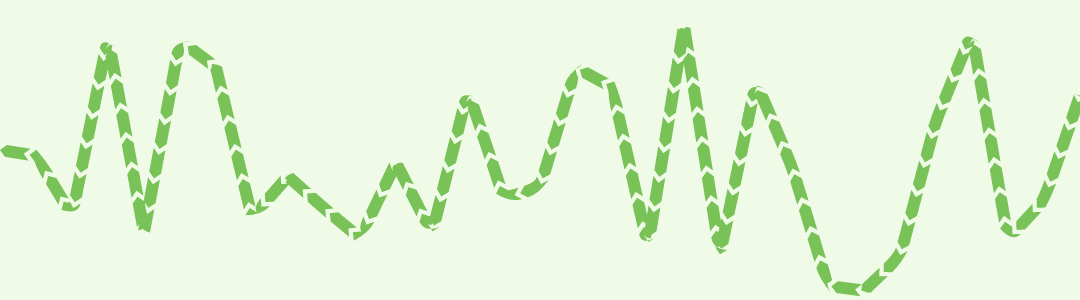
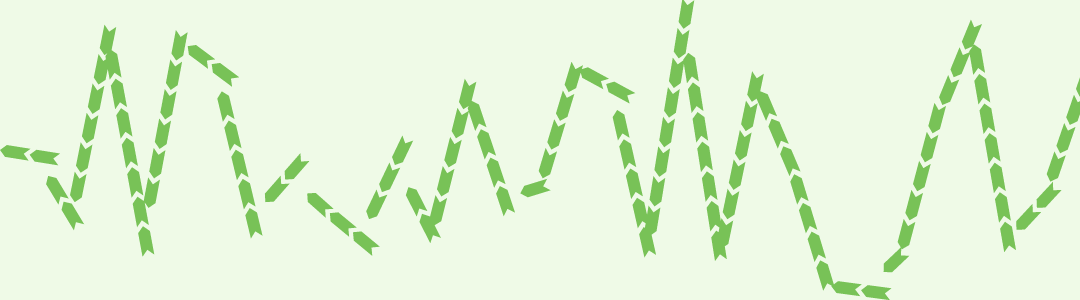
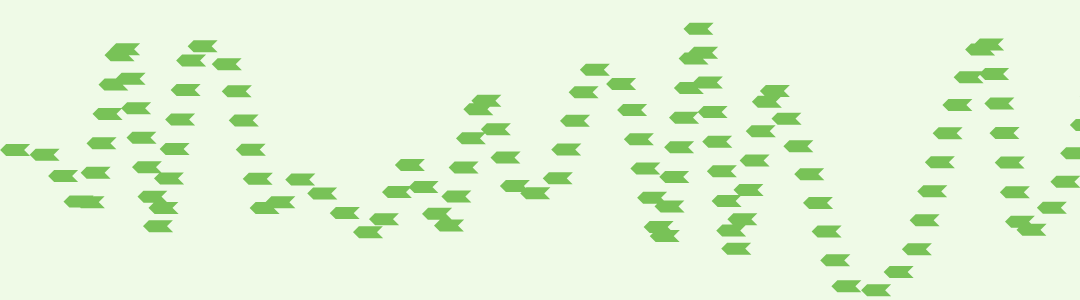
| style | PathDashPathEffect.Style: how to transform the shape at each position as it is stamped 枚举取值: MORPH, ROTATE, TRANSLATE MORPH: 方向跟路径一致, 在拐角处变形 ROTATE: 方向跟路径一致, 拐角处保持不变, 有断开效果 TRANSLATE: 保持shape方向不变, 不随路径变化 MORPH 效果最好 |
Dash the drawn path by stamping it with the specified shape.
This only applies to drawings when the paint's style is STROKE or STROKE_AND_FILL. If the paint's style is FILL, then this effect is ignored.
The paint's strokeWidth does not affect the results.
MORPH
ROTATE
TRANSLATE
SumPathEffect
SumPathEffect(PathEffect first, PathEffect second)
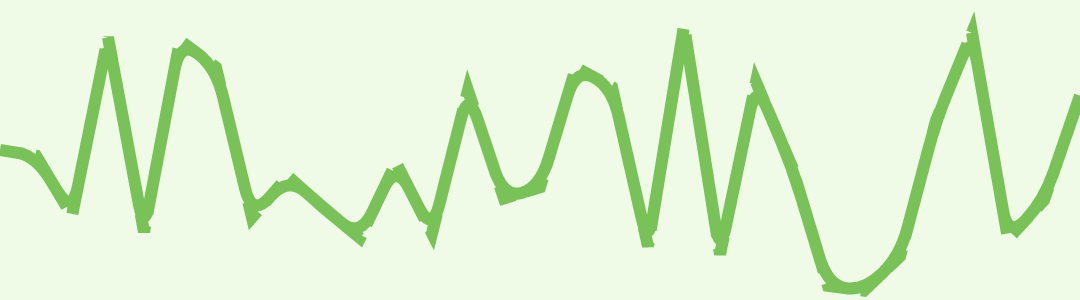
Construct a PathEffect whose effect is to apply two effects, in sequence. (e.g. first(path) + second(path))
将两个 PathEffect 效果叠加,相当与绘制了2次。first 和 second 的顺序无影响。
DashPathEffect + CornerPathEffect
ComposePathEffect
ComposePathEffect(PathEffect outerpe, PathEffect innerpe)
Construct a PathEffect whose effect is to apply first the inner effect and the the outer pathEffect. (e.g. outer(inner(path)))
将两个 PathEffect 效果进行组合,先进行 innerpe,在这次的结果上在进行 outerpe。两次的顺序不同,结果也有差异。
CornerPathEffect(DashPathEffect())
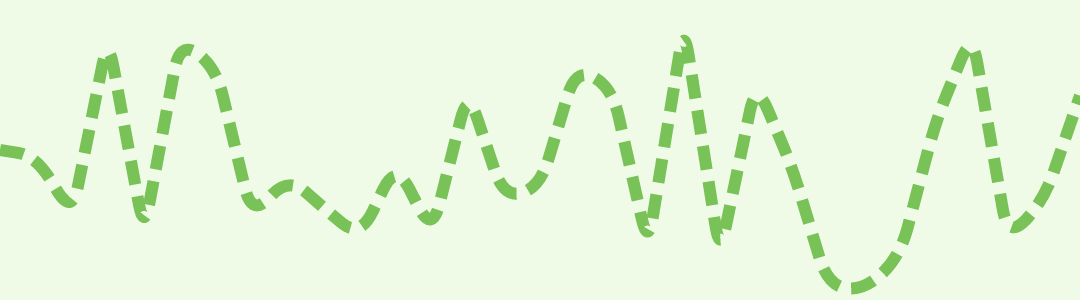
DashPathEffect(CornerPathEffect())