

做后台管理项目时,根据vue,element官网教程可搭建一个简易的项目结构,但是这个搭建的项目结构默认是单页应用的配置,如果我想脱离这个container布局容器,实现login页面无外层容器、顶栏菜单、侧边栏菜单,则需另外配置多页面入口配置。具体实现如下:
- 一、项目目录更改
App.vue =>common/ index.vue
Main.js => common/index.js
2、增加login.js,login.vue
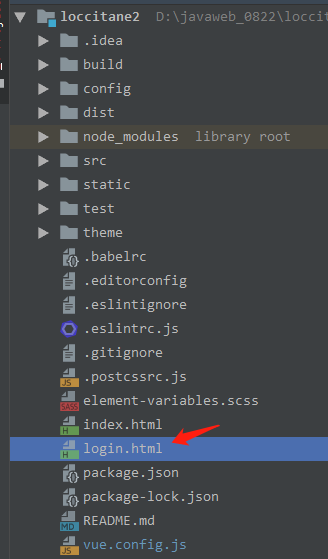
,在全局目录下增加login.html
- 二、改配置
1、webpack.base.conf.js
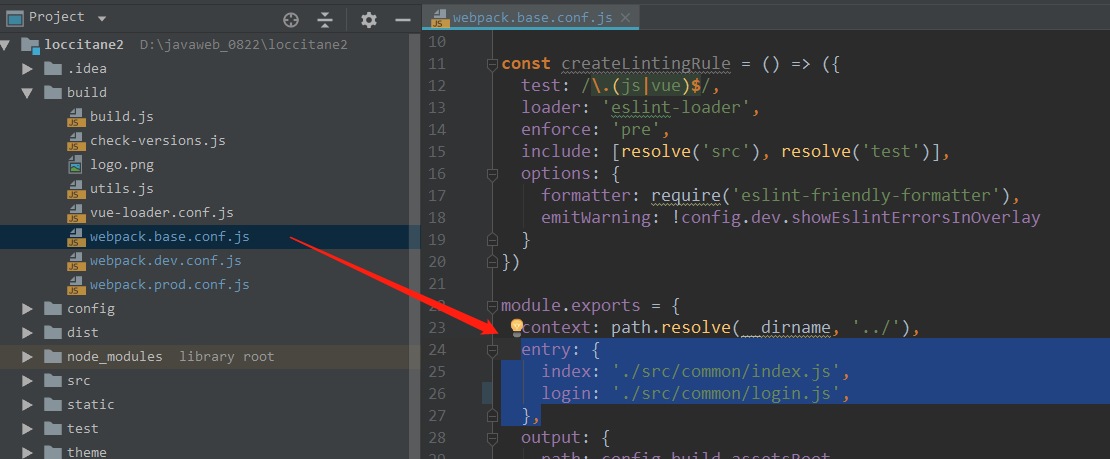
entry: {
  index: './src/common/index.js',
  login: './src/common/login.js',
},
2. webpack.dev.conf.js
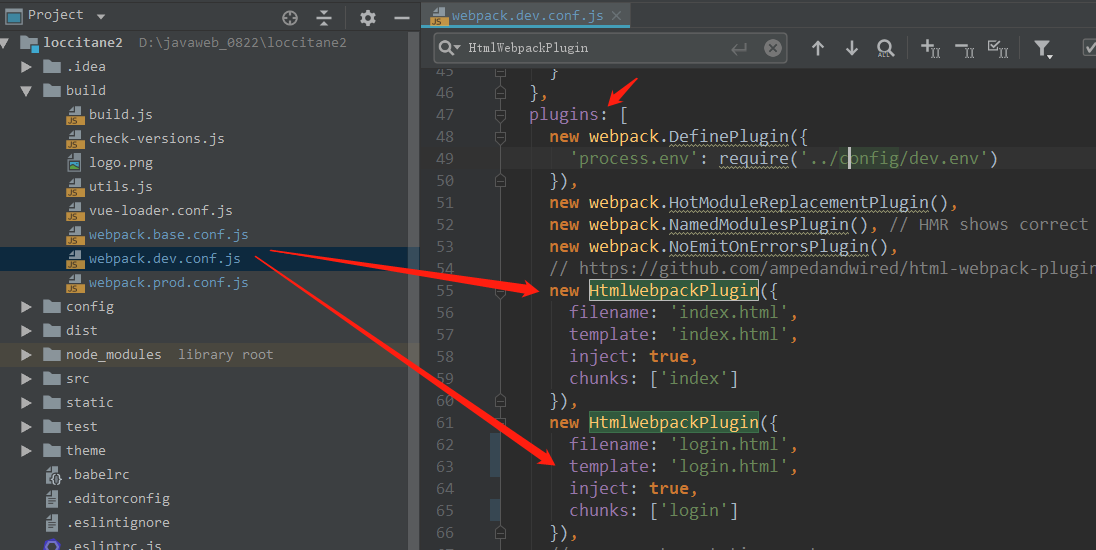
new HtmlWebpackPlugin({
  filename: 'index.html',
  template: 'index.html',
  inject: true,
  chunks: ['index']
}),
new HtmlWebpackPlugin({
  filename: 'login.html',
  template: 'login.html',
  inject: true,
  chunks: ['login']
}),
3.webpack.prod.conf.js
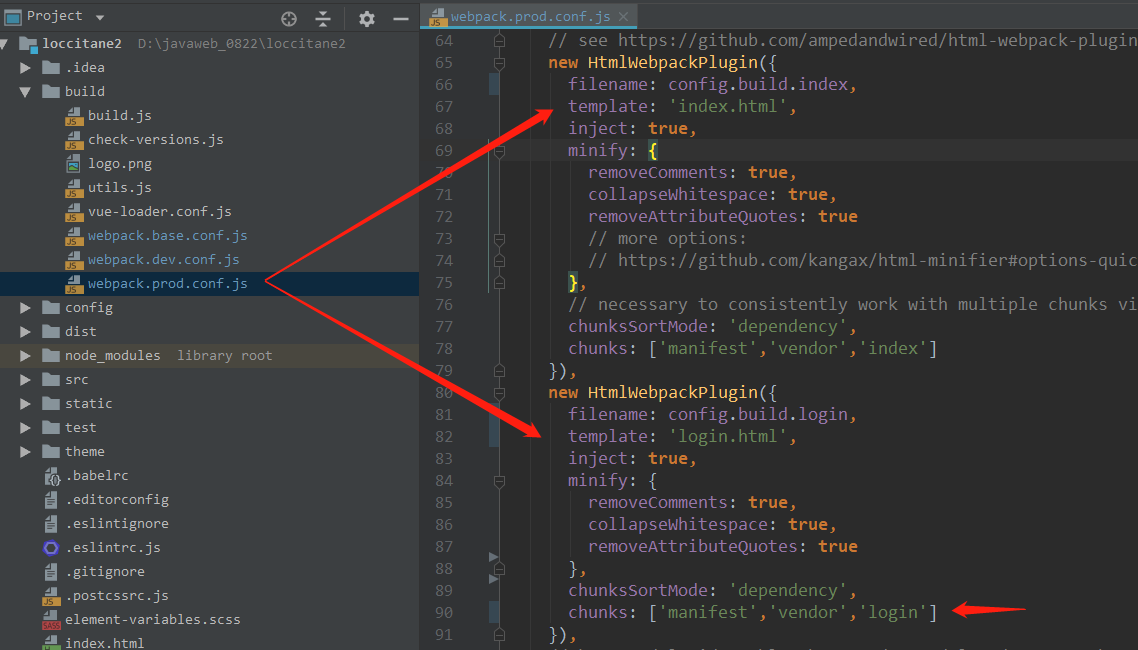
plugins:[new HtmlWebpackPlugin({
  filename: process.env.NODE_ENV === 'testing'
    ? 'index.html'
    : config.build.index,
  template: 'index.html',
  inject: true,
  minify: {
    removeComments: true,
    collapseWhitespace: true,
    removeAttributeQuotes: true
    // more options:
    // https://github.com/kangax/html-minifier#options-quick-reference
  },
  // necessary to consistently work with multiple chunks via CommonsChunkPlugin
  chunksSortMode: 'dependency',
  chunks: ['manifest','vendor','index']
}),
new HtmlWebpackPlugin({
  filename: config.build.login,
  template: 'login.html',
  inject: true,
  minify: {
    removeComments: true,
    collapseWhitespace: true,
    removeAttributeQuotes: true
    // more options:
    // https://github.com/kangax/html-minifier#options-quick-reference
  },
  // necessary to consistently work with multiple chunks via CommonsChunkPlugin
  chunksSortMode: 'dependency',
  chunks: ['manifest','vendor','login']
})],
及
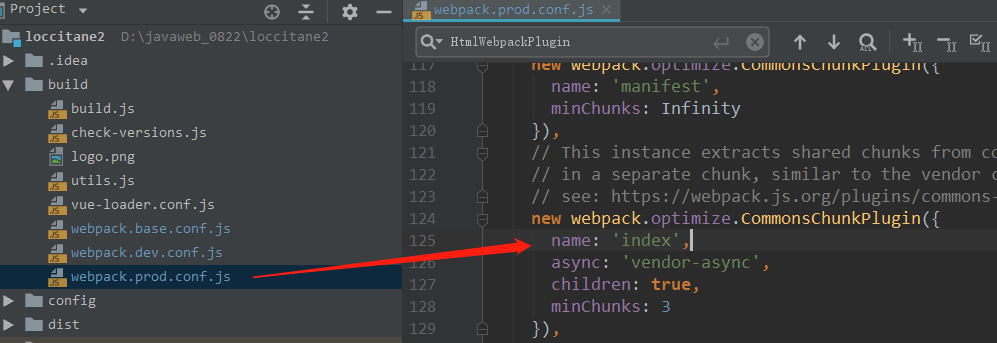
由app改为index
4.构建配置更改、
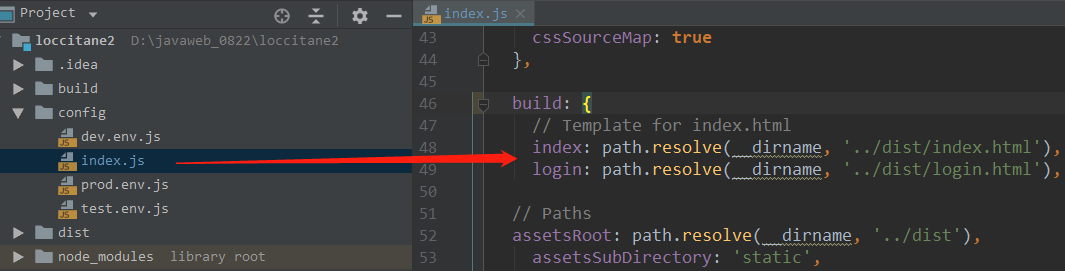
Build下加入login
build: {
  // Template for index.html
  index: path.resolve(__dirname, '../dist/index.html'),
  login: path.resolve(__dirname, '../dist/login.html'),
}
完成了!!
- 三、结果
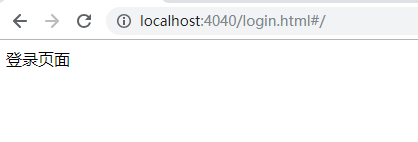
页面效果图,现在做成多页面入口后,login页面不再被渲染到content中,则可以实现如下效果。
- 四、相应链接
