background的符合属性的写法:
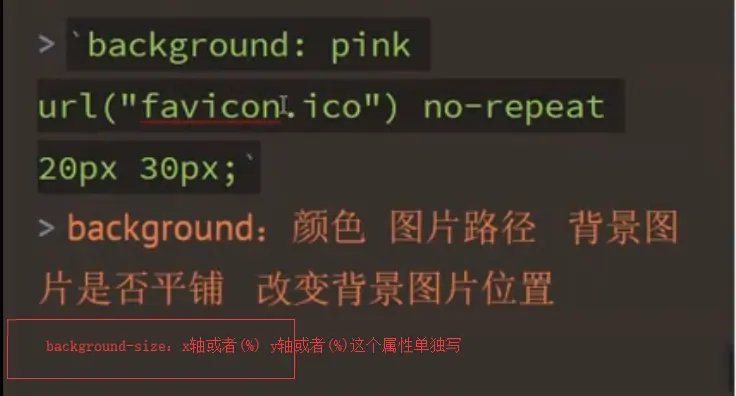
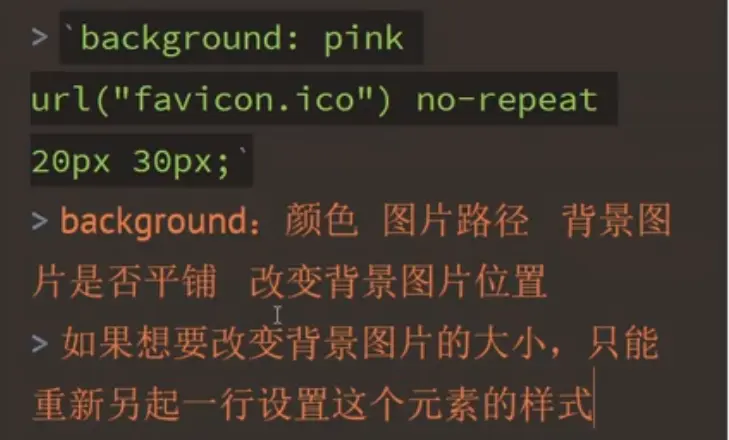
background?
- background-color:背景颜色
- background-image:url(''):背景图片
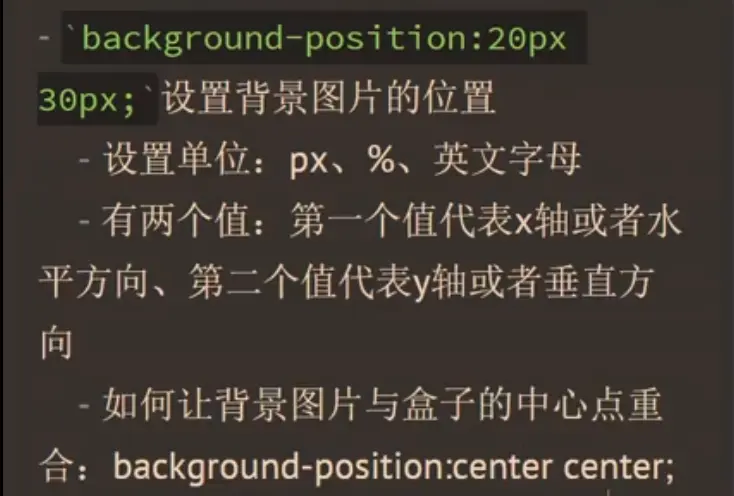
- background-position:背景图片的位置,让图片在盒子居中,center、center或可以是具体的像素或可以是百分比或者可以是top、right、bottom、left
- background-attachment:fixed/scroll,fixed背景图片相对于窗口是固定的;scroll背景图片相对元素时固定的
- background-repeat:控制背景图片是不是平铺,或者平铺的方向
- no-repeat
- repeat(默认)
- repeat-x沿着x轴平铺
- repeat-y沿着y轴平铺
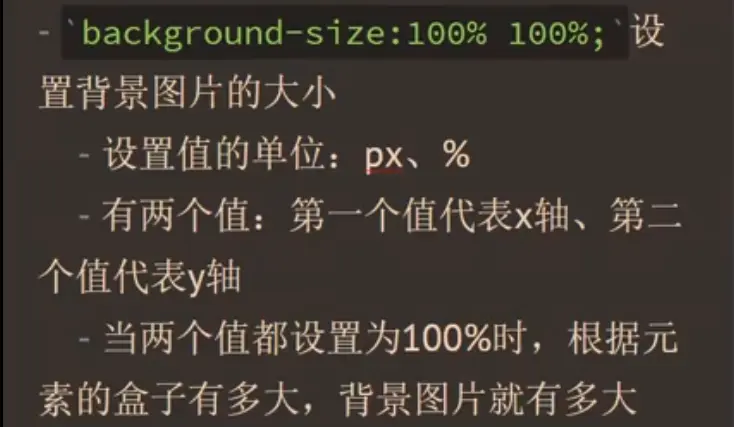
- background-size:设置背景图片的尺寸
- 可以设置具体的像素值,一个代表x轴,即宽度,另一个代表y轴,即高度
- 还可以设置百分比
- cover:图片放大到铺满整个容器,有可能超出的部分不能完全显示在盒子里
- contain,是以合适的方式放大图片,只要它的宽度或者高度达到容器的大小了,就停止了
7.background综合属性
- background:red url("1.jpg") center center fixed no-repeat;
<!DOCTYPE html>
<html lang="en">
<head>
    <meta charset="UTF-8">
    <title>69</title>
    <style>
        *{
            margin: 0;
            padding: 0;
        }
        .box{
            width: 700px;
            height: 700px;
            margin: auto;
            background-image: url("images/1.jpg");
          /*  background-repeat: no-repeat;*//*不平铺*/
           /* background-repeat: repeat-x;*//*x轴平铺*/
            background-repeat: repeat-y;/*y轴平铺*/
            background-color: red;
            background-position: center center;/*不仅是可以是具体的值,还可以是百分比,还可以是英文单词*/
            /*background-position: 30% 30%;*/
            /*background-position: 100px 100px;*/
            /*background-position: left top;*/
            background-attachment: fixed;/*等于fixed的时候是相对于窗体固定的*/
            background-attachment: scroll;/**/
        }
    </style>
</head>
<body>

<div class="box"></div>
</body>
</html>