

在网上查找了很多方法基本都是相同的操作但是对于我来说并不起作用,以下内容有参考 stack overflow
参考链接:
Why Java opens 3 ports when JMX is configured?
环境:
JDK 1.8
springboot 1.5.x 版本
centos7
在网上查找的例子中指定的参数
java \
-Dcom.sun.management.jmxremote \
-Dcom.sun.management.jmxremote.port=1099 \
-Dcom.sun.management.jmxremote.authenticate=false \
-Dcom.sun.management.jmxremote.ssl=false \
-Djava.rmi.server.hostname=<IP> -jar example.jar\
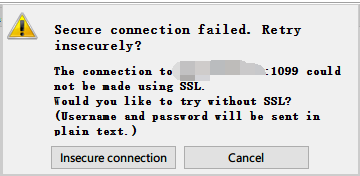
用以上参数运行时我有检查 -Dcom.sun.management.jmxremote.port 指定的端口是否开放以及本机能够telnet成功,但是使用vidualVM 和 Jconsole 链接时总是失败提示:
[root@xxx home]# netstat -nplt
Active Internet connections (only servers)
Proto Recv-Q Send-Q Local Address           Foreign Address         State       PID/Program name
tcp6       0      0 :::1099                 :::*                    LISTEN      26231/java
tcp6       0      0 :::8080                 :::*                    LISTEN      26231/java
[root@xxx home]# hostname -i
fe80::216:3exxxxxxx%eth0 172.xx.xx.xx
在hosts 文件中添加一个映射,但是我加上映射之后仍然不能使用
172.xx.xx.xx example.com
然后将参数改为
-Djava.rmi.server.hostname=example.com
继续找。。。看到有人说需要添加
-Dcom.sun.management.jmxremote.rmi.port=1099
最终的运行命令:
java \
-Dcom.sun.management.jmxremote \
-Dcom.sun.management.jmxremote.port=1099 \
-Dcom.sun.management.jmxremote.rmi.port=1099 \
-Dcom.sun.management.jmxremote.authenticate=false \
-Dcom.sun.management.jmxremote.ssl=false \
-Djava.rmi.server.hostname=<IP> -jar example.jar\
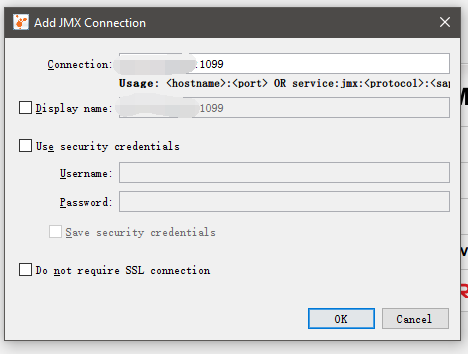
visualVM中指定
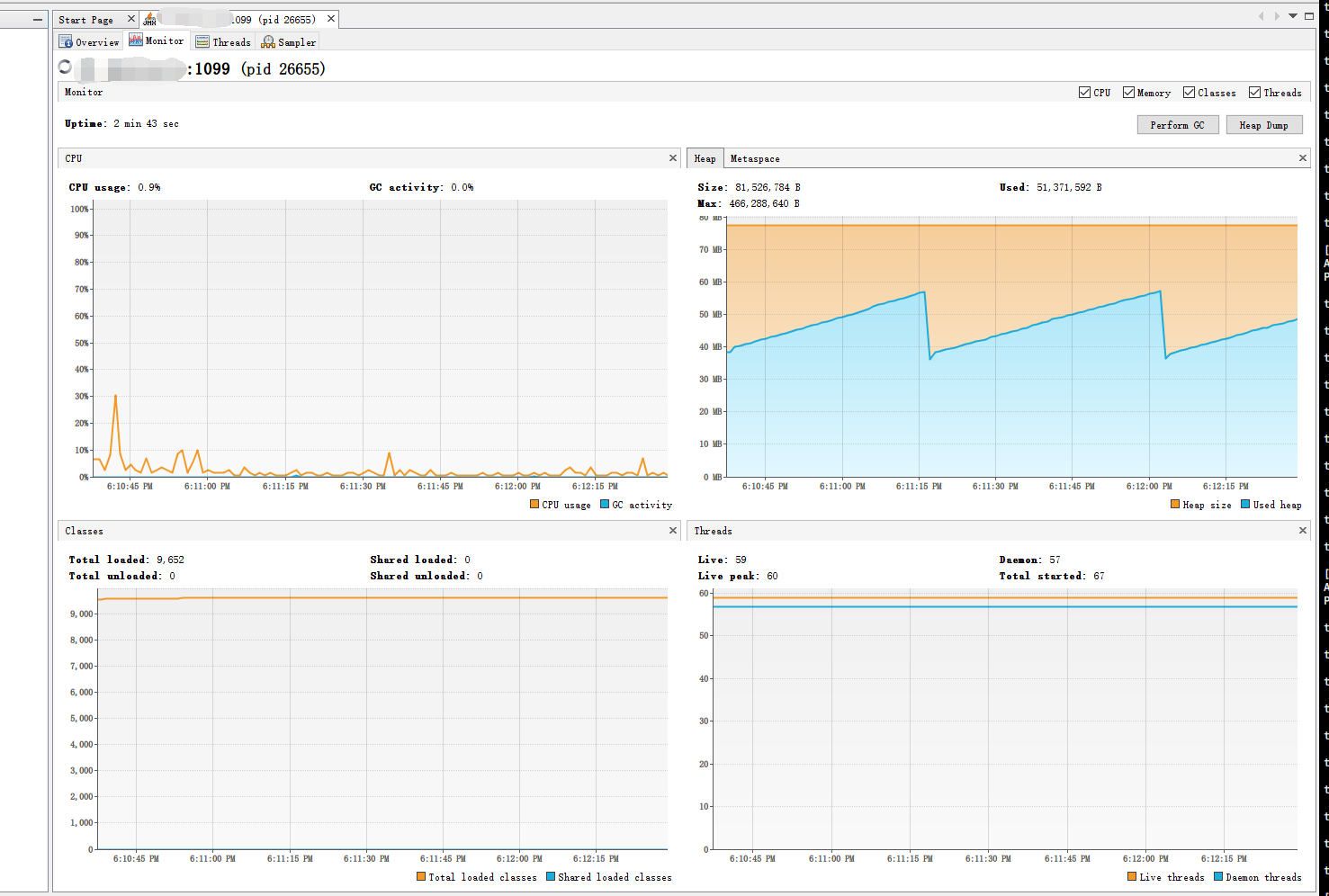
但是到这里你也许会注意到-Djava.rmi.server.hostname参数直接指定的IP而不是域名也是OK的
总结
- 缺少
-Dcom.sun.management.jmxremote.rmi.port参数 -Djava.rmi.server.hostname可以直接指定真实IP- java 一直在前进,知识要不断更新
