

label是用于描述表单功能的
<!DOCTYPE html>
<html lang="en">
<head>
    <meta charset="UTF-8">
    <title>52.input</title>
</head>
<body>
<!--写表单的时候要用form-->
<form action="">
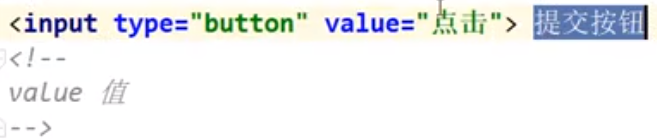
    <!--按钮,value的值是按钮中的内容-->
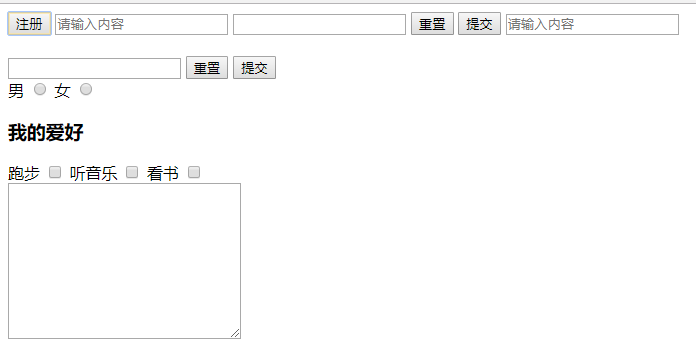
    <input type="button" value="注册">
    <!--文本框,如果没有内容的话,加了required点提交会有提示-->
    <input type="text" placeholder="请输入内容" required>
    <!--密码-->
    <input type="password">
    <!--重置-->
    <input type="reset">
    <!--提交-->
    <input type="submit">
    <!--按钮->
    <!--文本框-->
    <input type="text" placeholder="请输入内容"><br><br>
    <!--密码-->
    <input type="password">
    <!--重置-->
    <input type="reset">
    <!--提交-->
    <input type="submit">
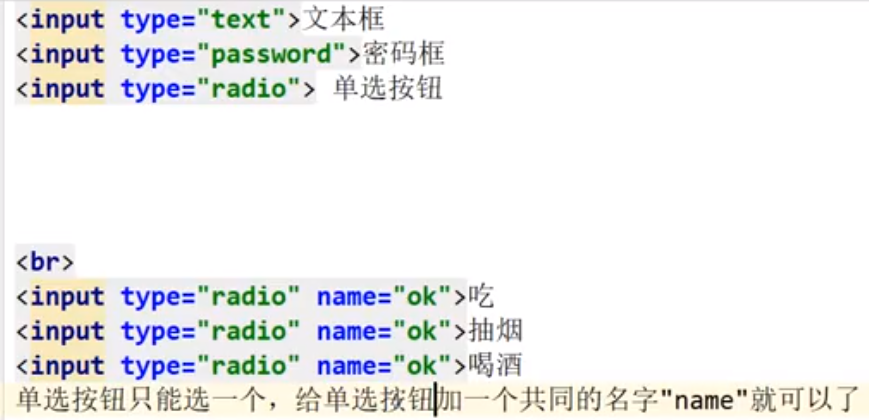
    <!--单选框,写name属性的话就能分出来单选和双选了-->
    <div>
        <label for="male">男</label>
        <input type="radio" id="male" name="sex">
        <label for="female">女</label>
        <input type="radio" id="female" name="sex">
    </div>
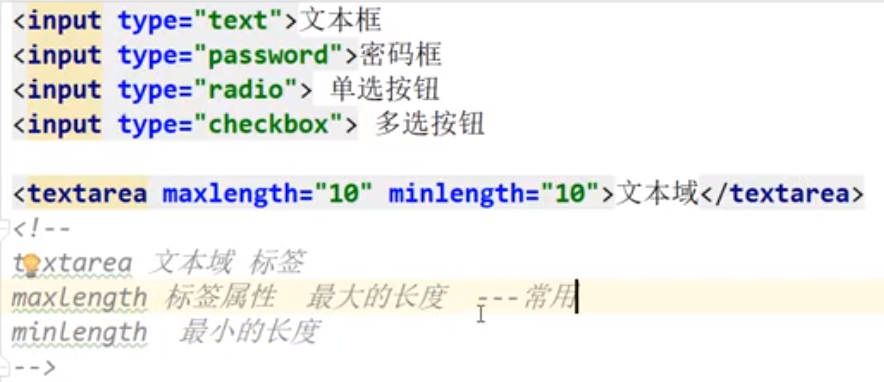
    <!--多选框-->
    <div>
        <h3>我的爱好</h3>
        <label for="">跑步</label>
        <input type="checkbox">
        <label for="">听音乐</label>
        <input type="checkbox">
        <label for="">看书</label>
        <input type="checkbox">
    </div>
    <!--文本域,评论窗-->
    <textarea name="" id="" cols="30" rows="10"></textarea>
</form>
</body>
</html>
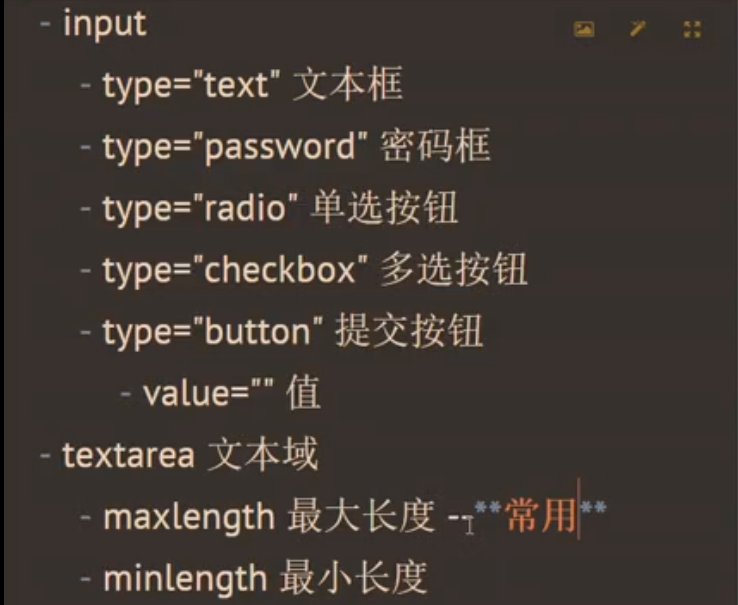

input表单h5新增?
<form action="">
    <!--input新增的type类型-->
    <input type="number" required><!--只能写数字,required新增的校验,在提交的时候如果没有填写,会弹出校验-->
    <input type="search"><!--搜索-->
    <input type="tel"><!--填电话号码的-->
    <input type="range"><!--范围-->
    <input type="color"><!--颜色-->
    <input type="date"><!--日期-->
    <input type="file"><!--上传文件-->
    <input type="text" placeholder="请输入"><!--占位符-->
    <input type="submit">
    <input type="email"><!---->邮箱
</form>
