

Device file explorer 提示run-as package “com.xxx.xxx" is not debuggable
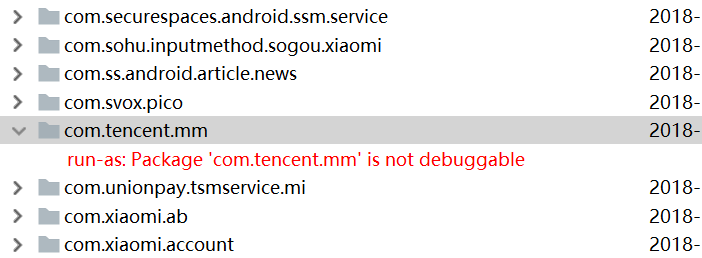
方法1:用ES修改data\data的下权限
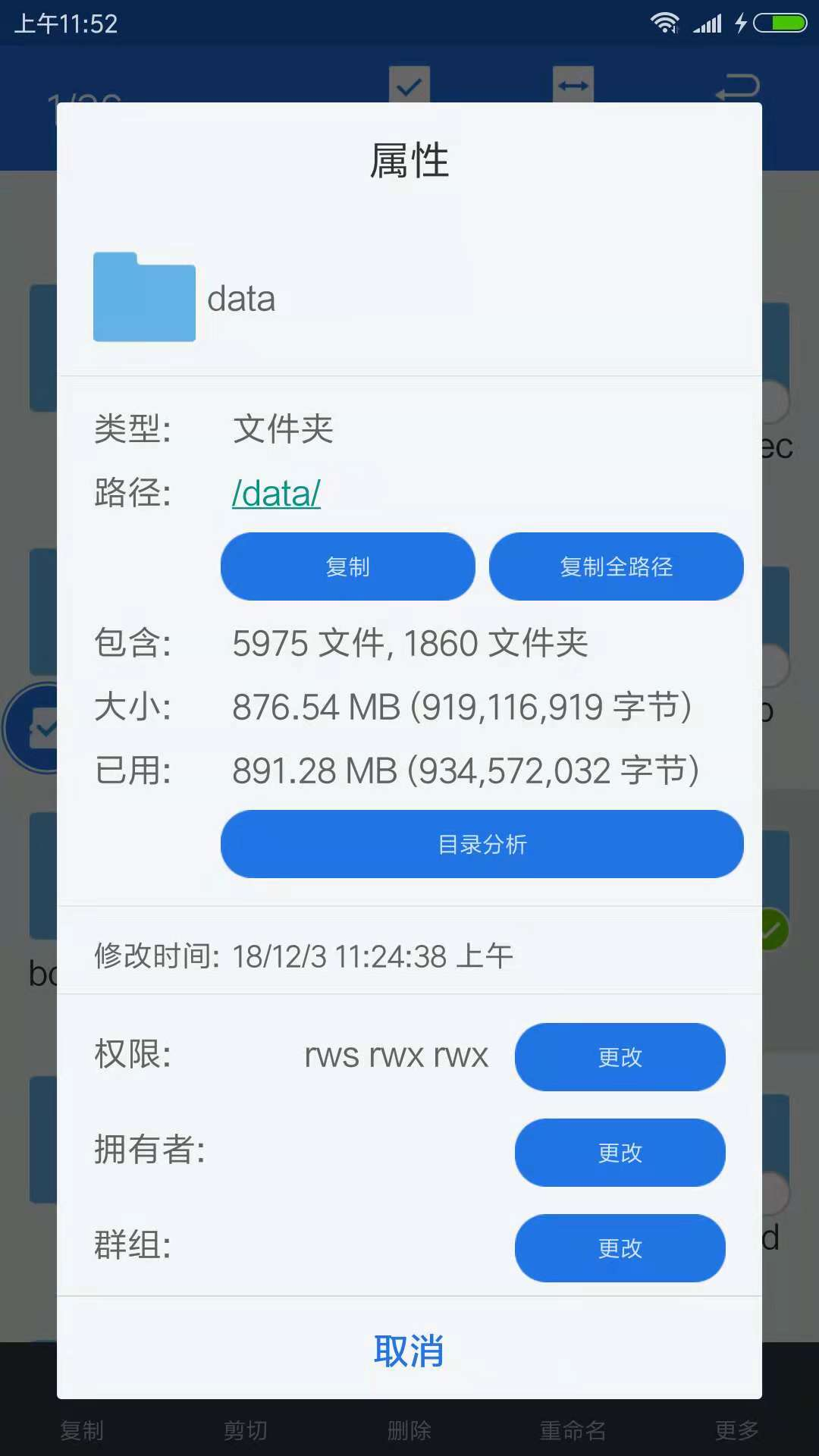
方法2:
adb shell
cd \data\data
su
chmod 777 *
现在可以用DDMS访问了,至于Android studio的 Device File Explorer 还是不能访问的其他我还找到方法,先用ddms访问吧
问题:还是没有办法通过ddms 把文件pull出来。用es把文件先copy到sd卡后,在copy出来
stackoverflow上提供了新不需要root的解决办法
https://stackoverflow.com/questions/13006315/how-to-access-data-data-folder-in-android-device
Accessing the files directly on your phone is difficult, but you may be able to copy them to your computer where you can do anything you want with it. Without rooting you have 2 options:
If the application is debuggable you can use the
run-ascommand in adb shelladb shell run-as com.your.packagename cp /data/data/com.your.packagename/Alternatively you can use Android's backup function.
adb backup -noapk com.your.packagenameYou will now be prompted to 'unlock your device and confirm the backup operation'. It's best NOT to provide a password, otherwise it becomes more difficult to read the data. Just click on 'backup my data'. The resulting 'backup.ab' file on your computer contains all application data in android backup format. Basically it's a compressed tar file. This page explains how you can use OpenSSL's zlib command to uncompress it. You can use the
adb restore backup.dbcommand to restore the backup.
