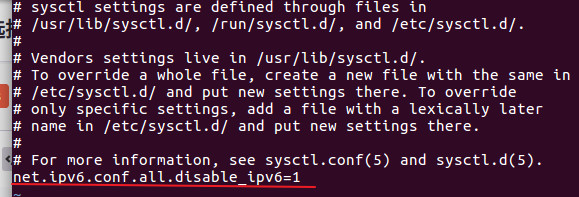
1.编辑/etc/sysctl.conf配置,增加net.ipv6.conf.all.disable_ipv6=1
2.编辑/etc/sysconfig/network配置,增加 NETWORKING_IPV6=no

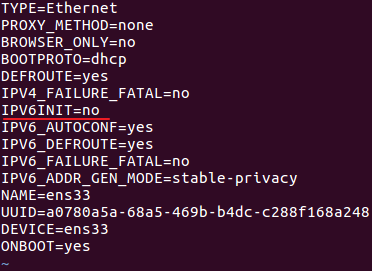
3.编辑 /etc/sysconfig/network-scripts/ifcfg-ens33 ,确保IPV6INIT=no
4.关闭防火墙:
systemctl stop firewalld.service
5. 重启网络:
systemctl restart network


systemctl stop firewalld.service
systemctl restart network

