今天把Android Studio 升级到了3.2.1版本,抛出了异常Failed to resolve: multidex 异常。配置如下:
buildscript {
repositories {
jcenter()
}
dependencies {
classpath 'com.android.tools.build:gradle:3.2.1'
classpath 'com.github.dcendents:android-maven-gradle-plugin:1.4'
classpath 'com.jfrog.bintray.gradle:gradle-bintray-plugin:1.0'
}
}
allprojects {
repositories {
jcenter()
maven {
url 'http://maven.aliyun.com/nexus/content/repositories/releases/'
}
maven { url 'https://maven.google.com' }
maven { url "https://jitpack.io" }
}
}
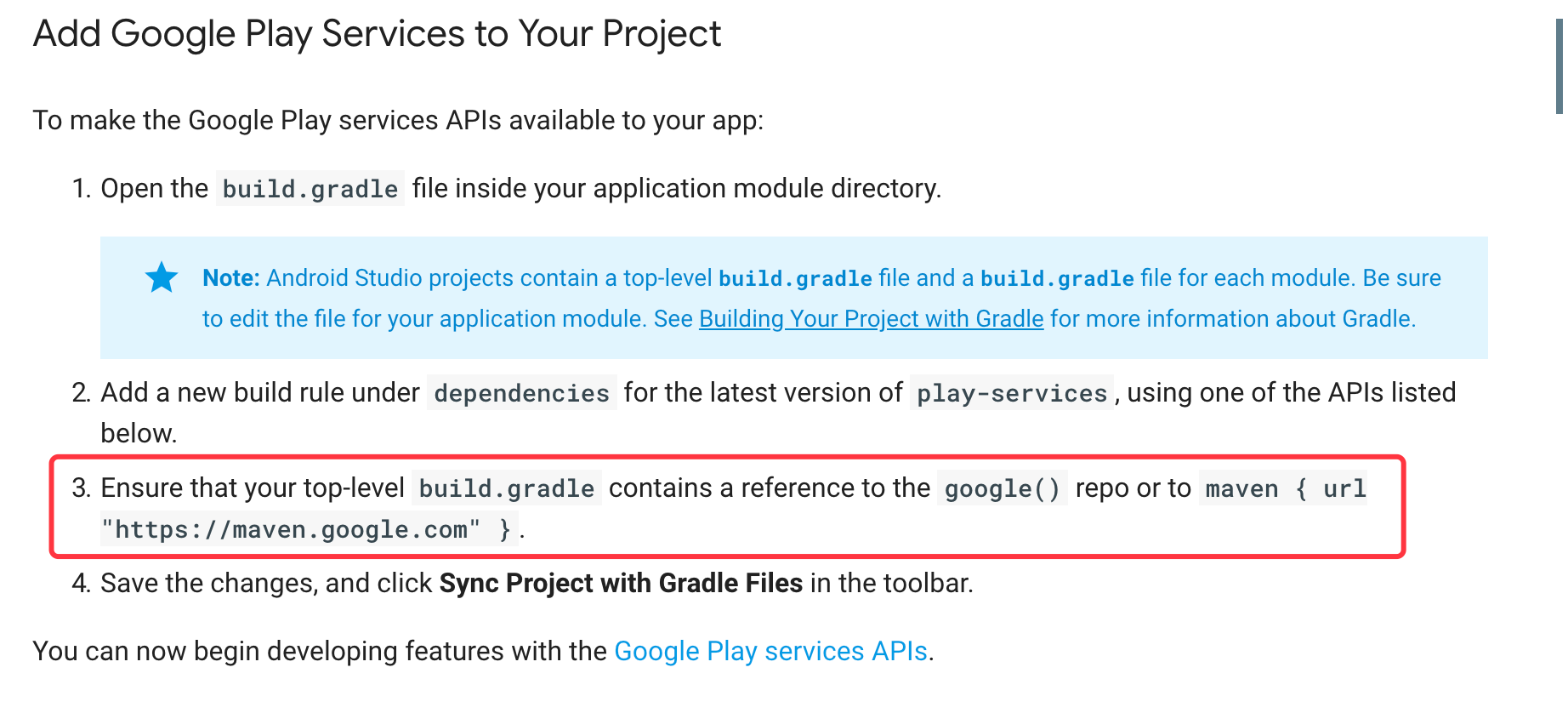
查了一些资料得知 Android stuido 3.0.0以后 gradle.build 配置中默认增加了 google() 这个仓库,而且==google() 这个仓库位置必须放到第一位==,否则,会出现Failed to resolve: multidex 下载multidex 库失败的问题。故修改如下:
buildscript {
repositories {
google()
jcenter()
}
dependencies {
classpath 'com.android.tools.build:gradle:3.2.1'
classpath 'com.github.dcendents:android-maven-gradle-plugin:1.4'
classpath 'com.jfrog.bintray.gradle:gradle-bintray-plugin:1.0'
}
}
allprojects {
repositories {
google()
jcenter()
maven { ......}
maven { ..... }
}
}
解释
google() 这个meven 仓库方法必须是 gradle 4.1 and Android Gradle plugin 3.0.0 以上版本才会有,如果 是3.0.0以下用 maven { url 'maven.google.com ' }
buildscript {
repositories {
google()
...
}
dependencies {
classpath 'com.android.tools.build:gradle:3.2.0'
}
}
至于为什么google() 这个方法必须放到第一位?我只能说“任性”。