准备工作
- Nodejs安装
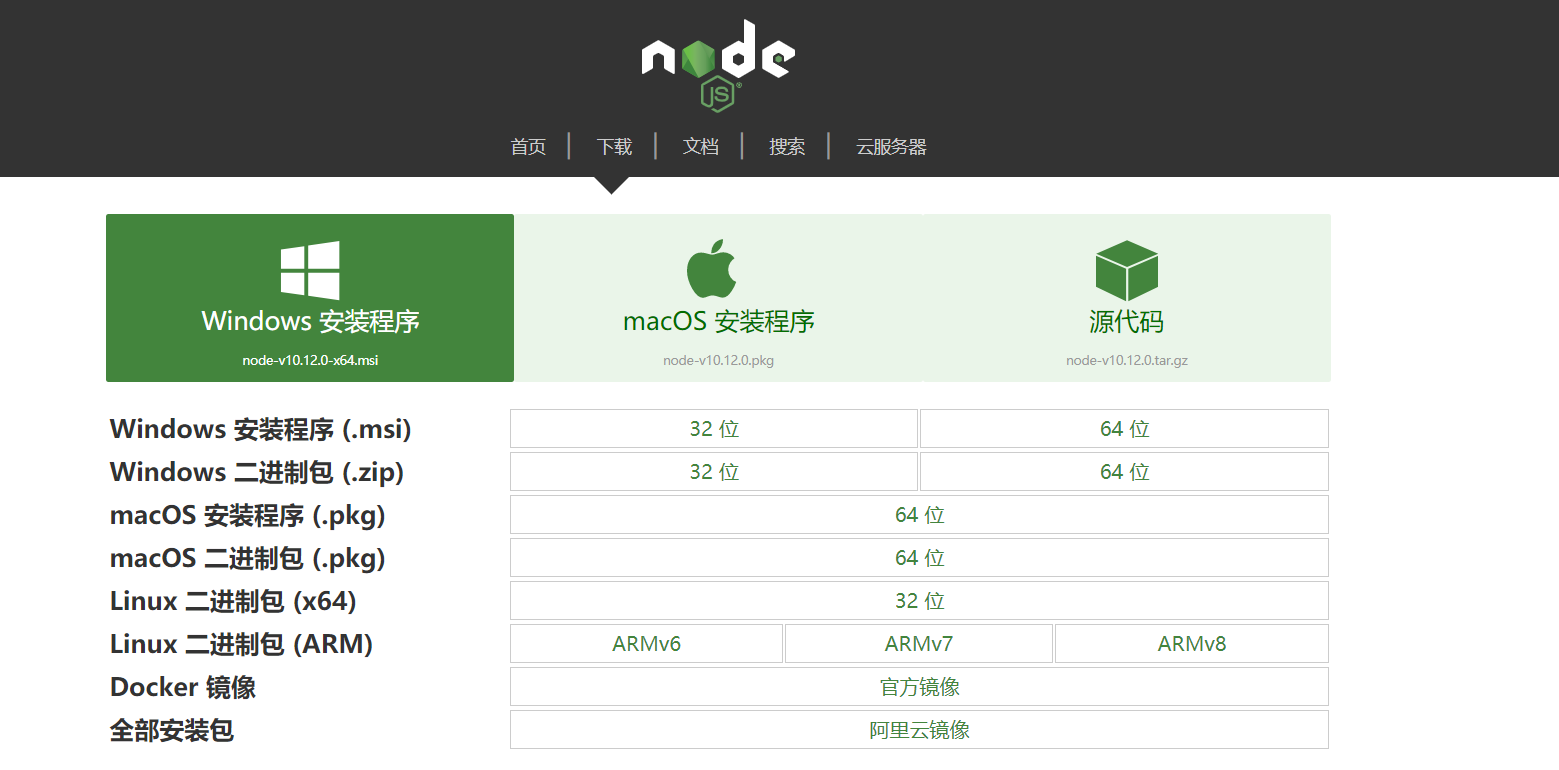
建议安装在非系统盘的英文目录下
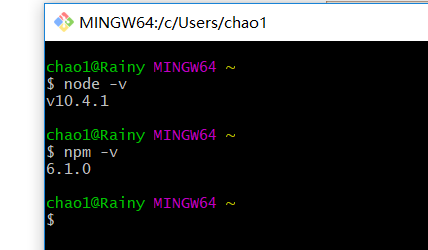
Node环境配置
新建文件夹 --- node_cache 和 node_global(npm install -g package-name)
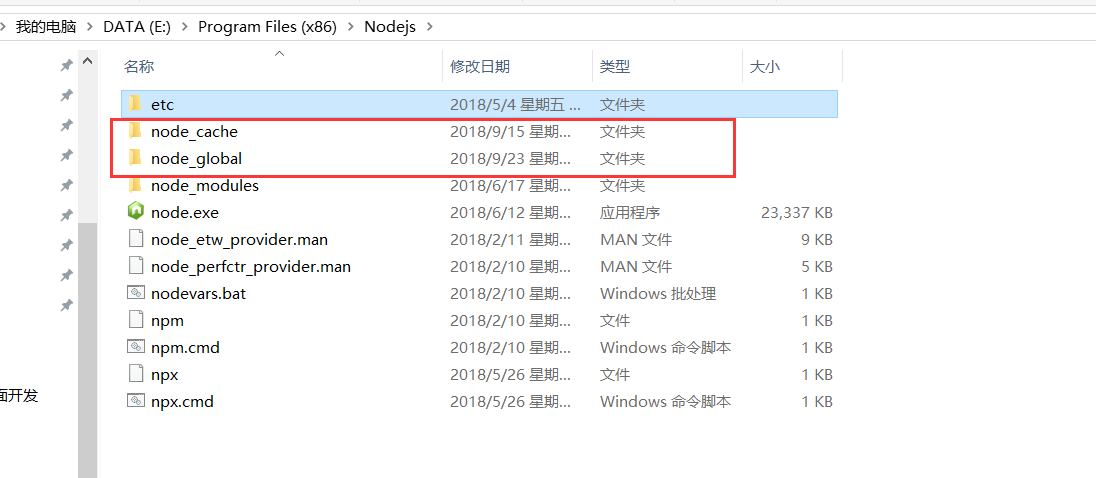
创建完文件后,需要更改 npmrc 中的 perfix 和 cache
npm config set prefix "E:\Program Files (x86)\Nodejs\node_global"
npm config set cache "E:\Program Files (x86)\Nodejs\node_cache"
你需要替换你的安装目录
- Vue-cli安装
npm run -g vue
vue -V
- 创建
Vue项目
vue init webpack project-name
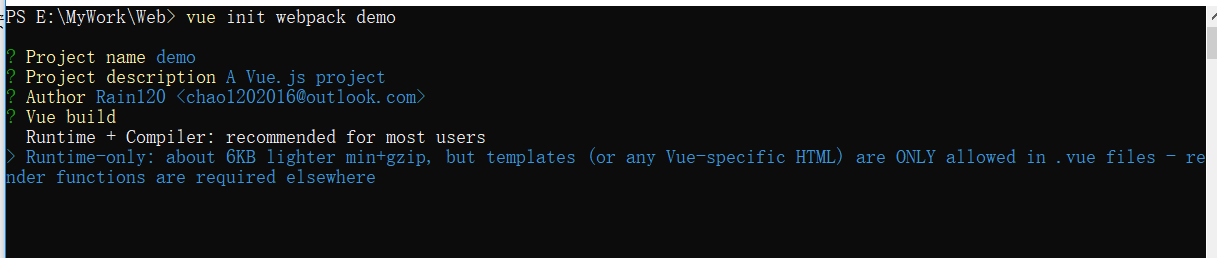
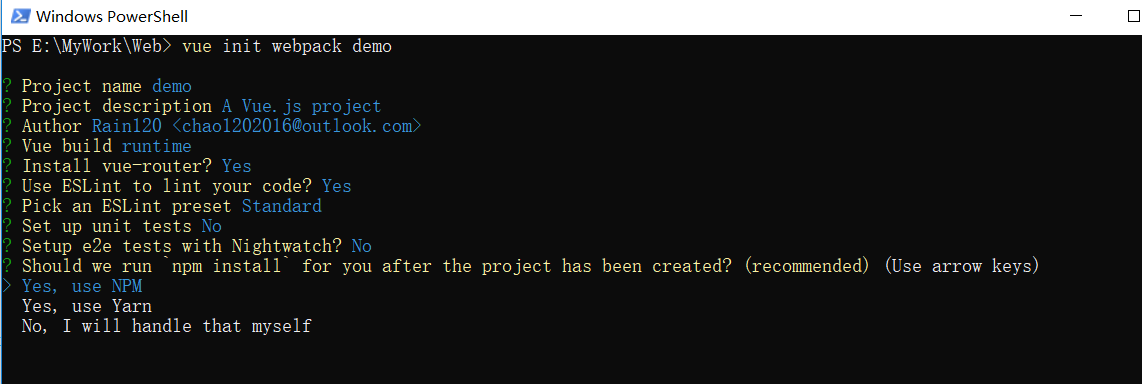
Vue项目配置
config/index.js --> build --> assetsPublicPath --> / --> ./
build/webpack.prod.conf.js --> new HtmlWebpackPlugin --> removeAttributeQuotes --> true --> false
.gitignore --> 注释/dist/
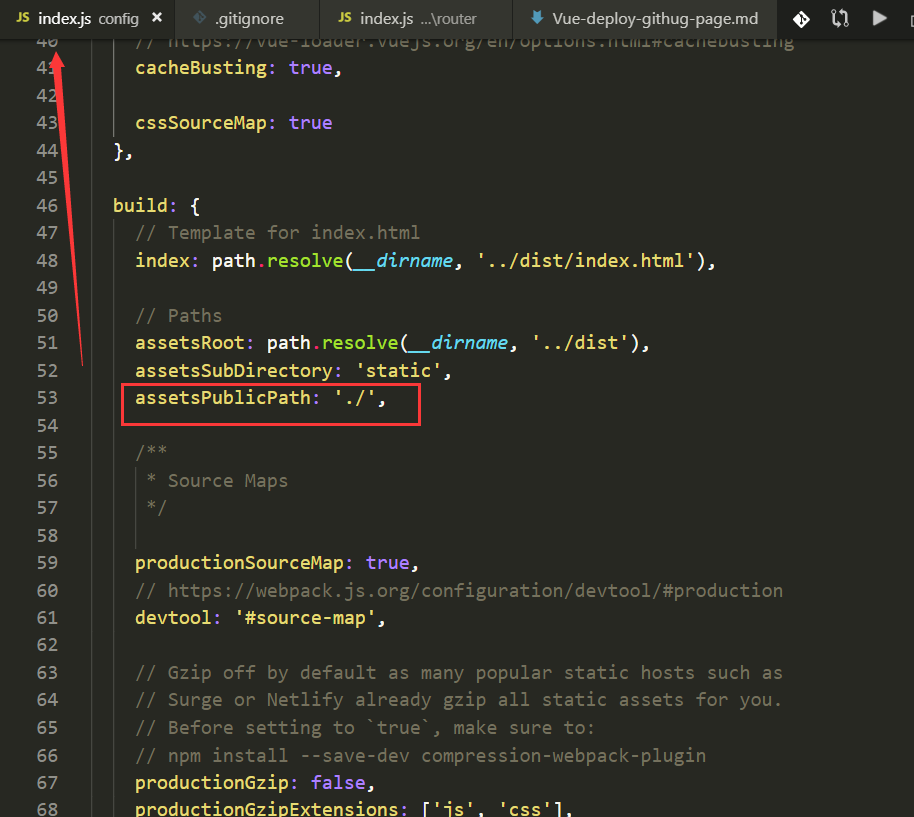
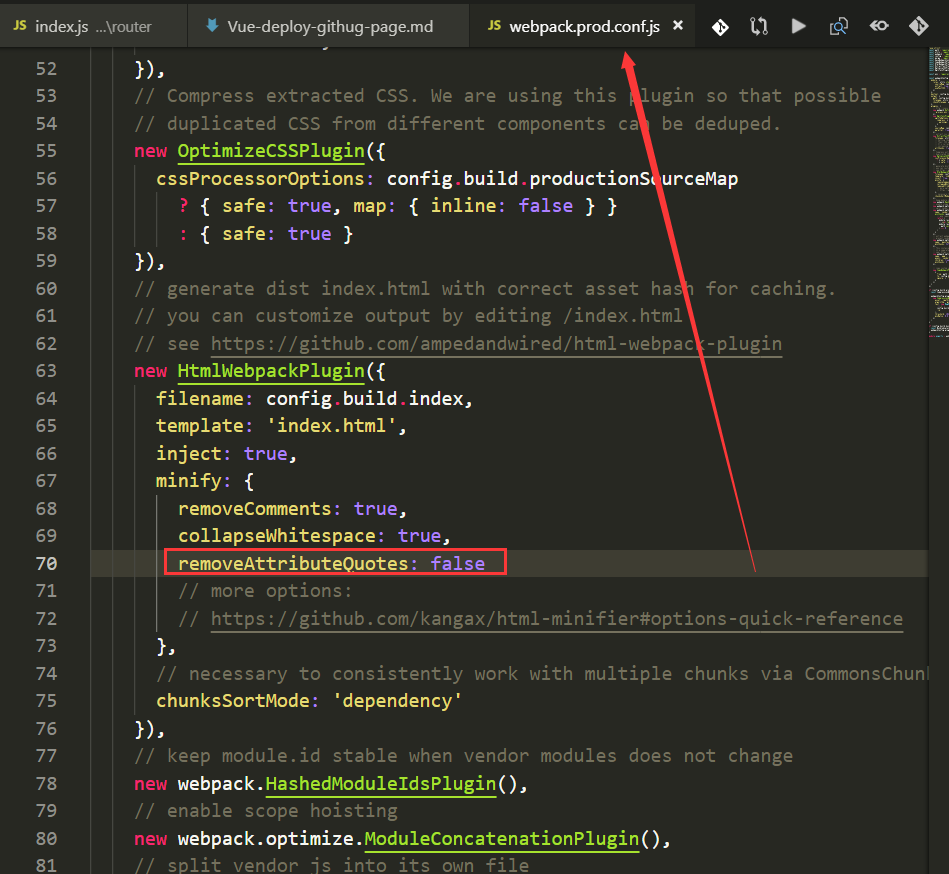
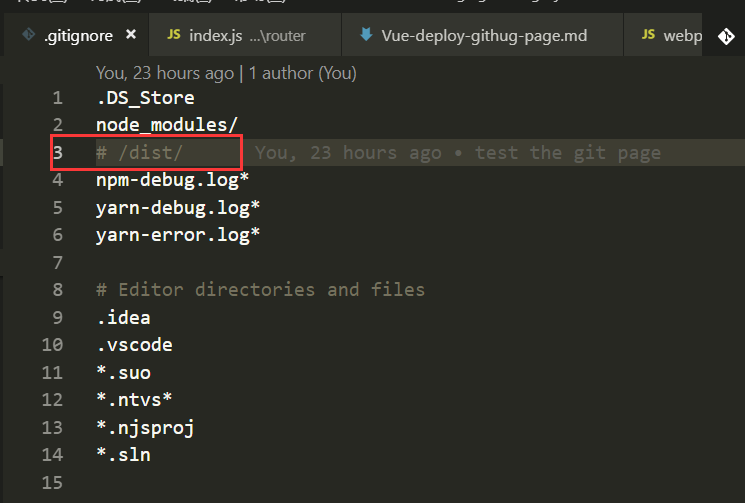
npm run build
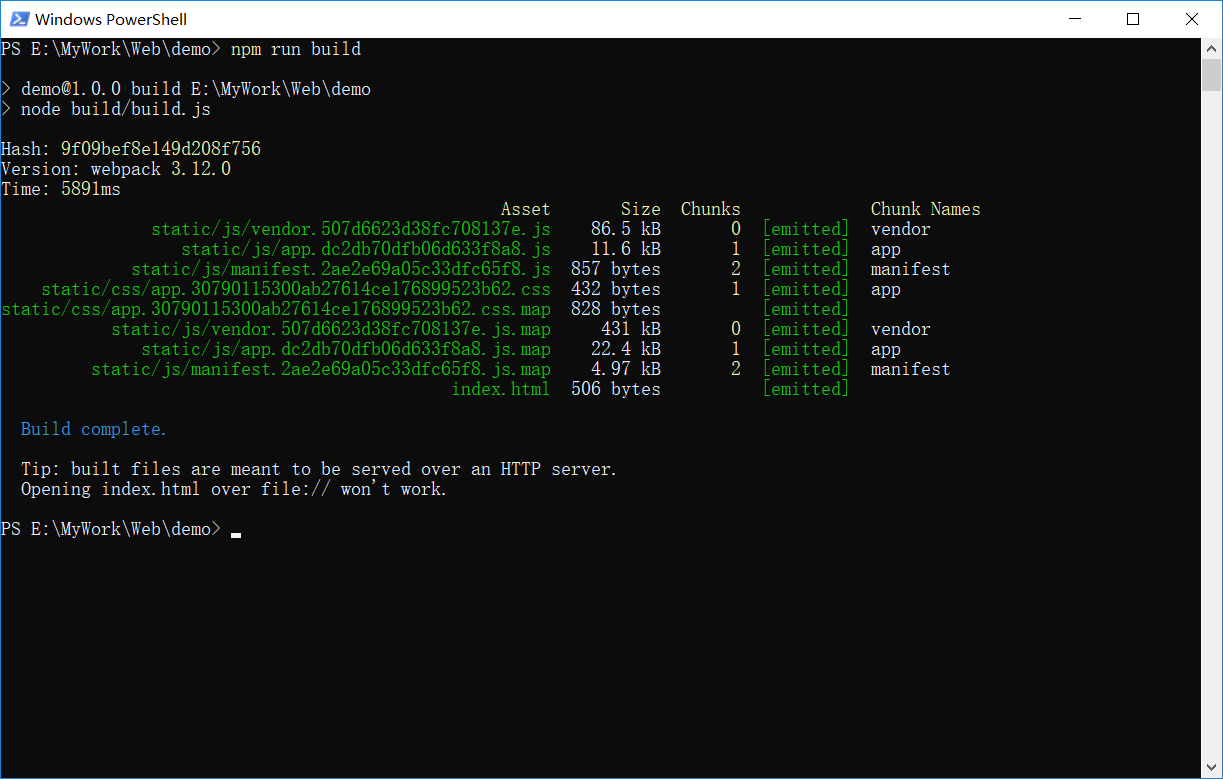
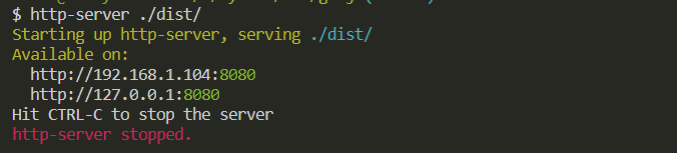
在使用http-server前,需要安装 npm i -g http-server
http-server ./dist
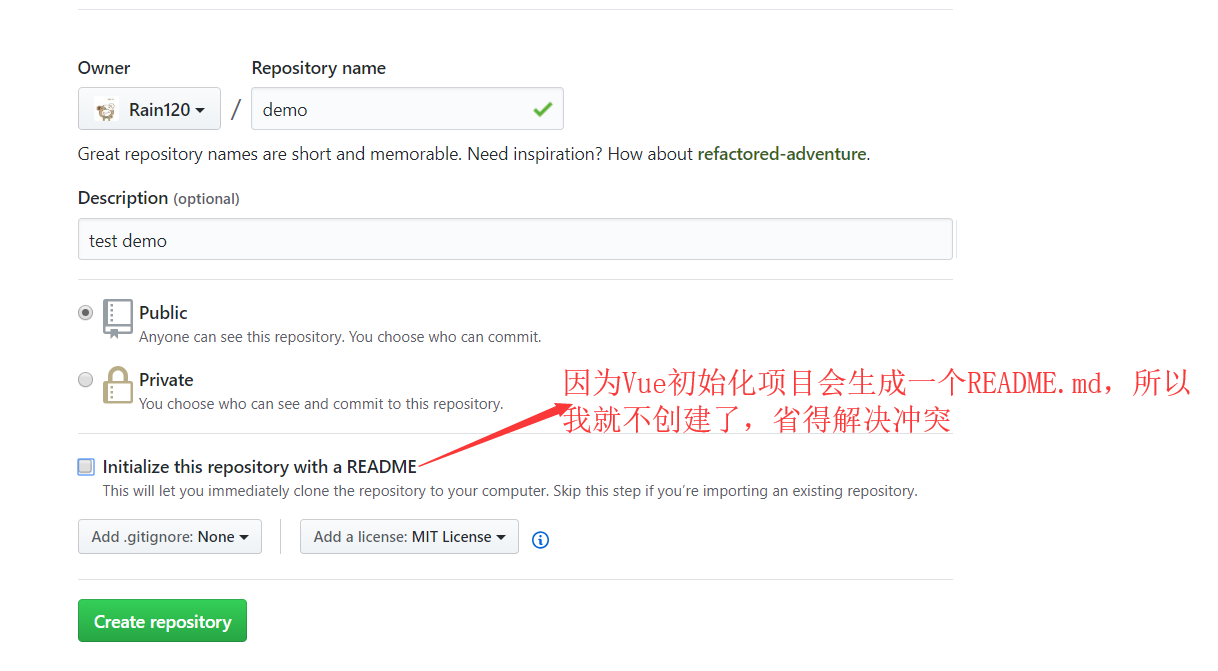
Github项目
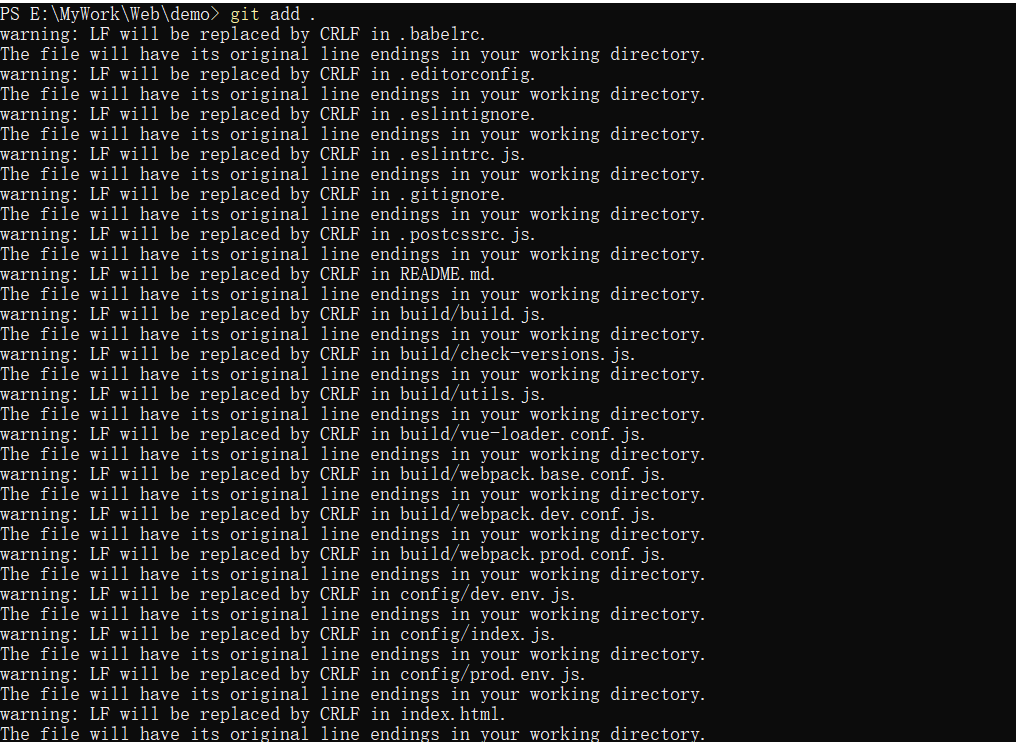
Vue项目Push到Github官网
git init

git add .

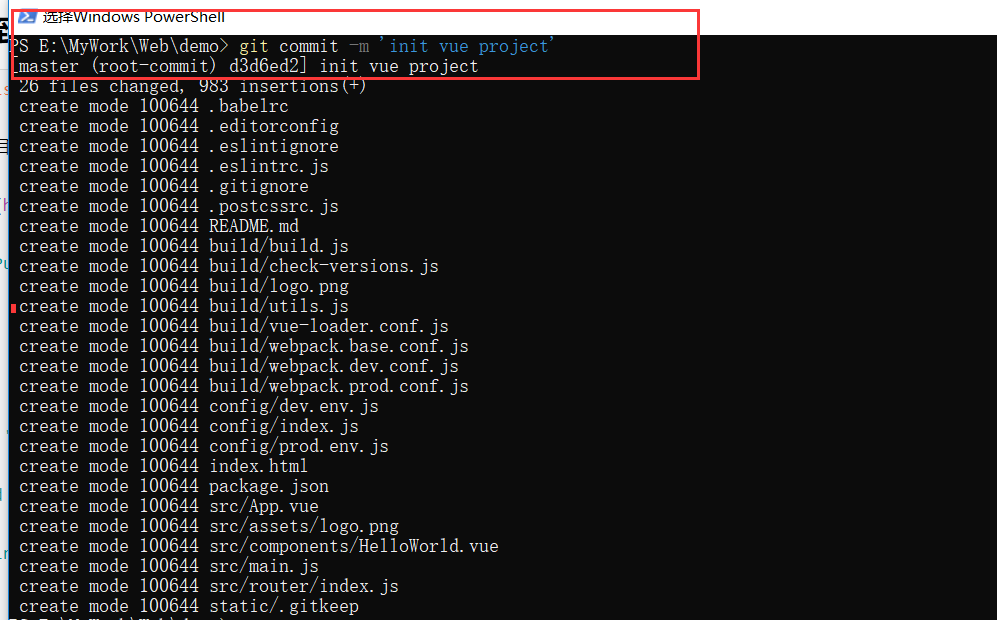
git commit -m 'init vue project'

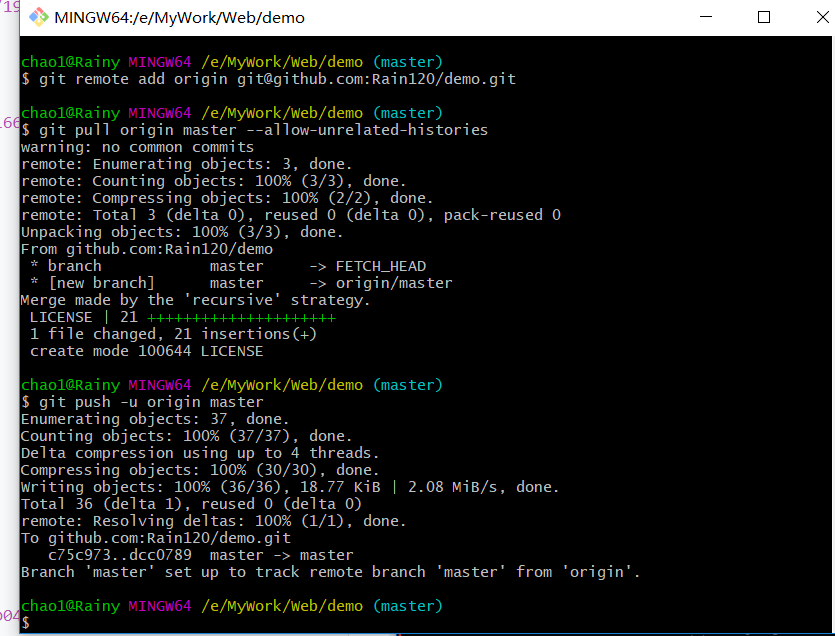
git remote add origin git@github.com:Rain120/demo.git

git pull origin master --allow-unrelated-histories

git push -u origin master

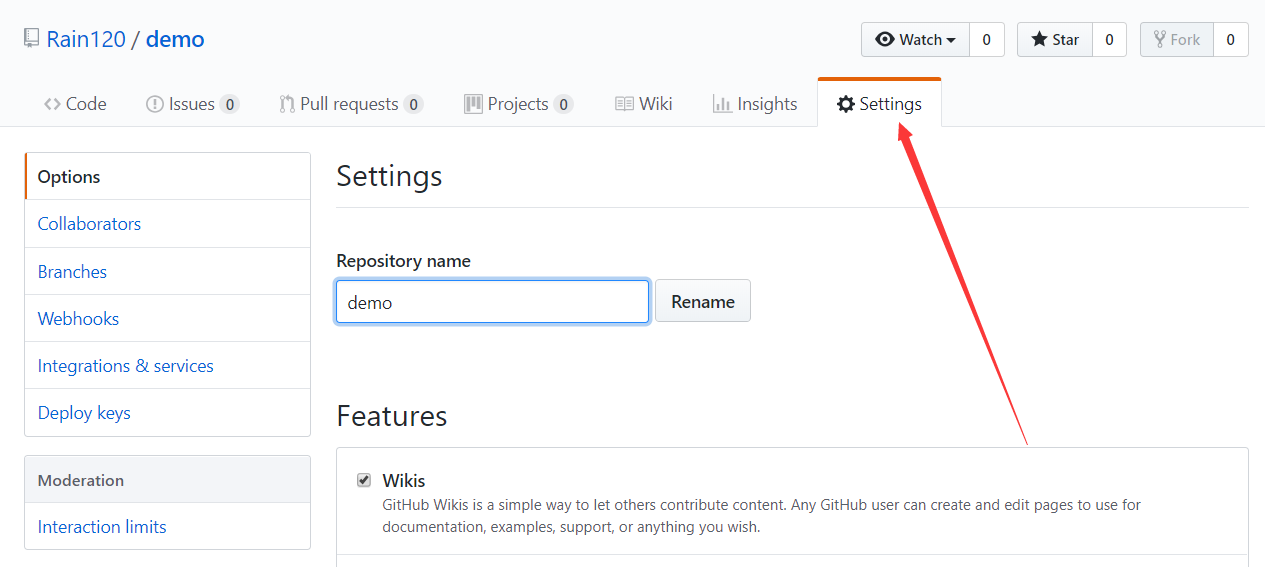
Github Setting -- 配置Github page
Settings
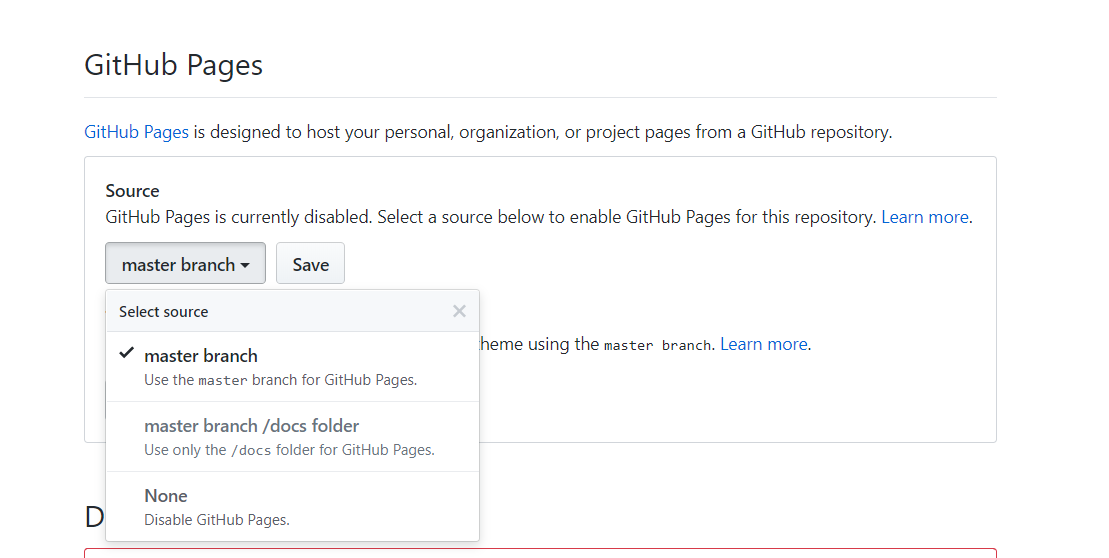
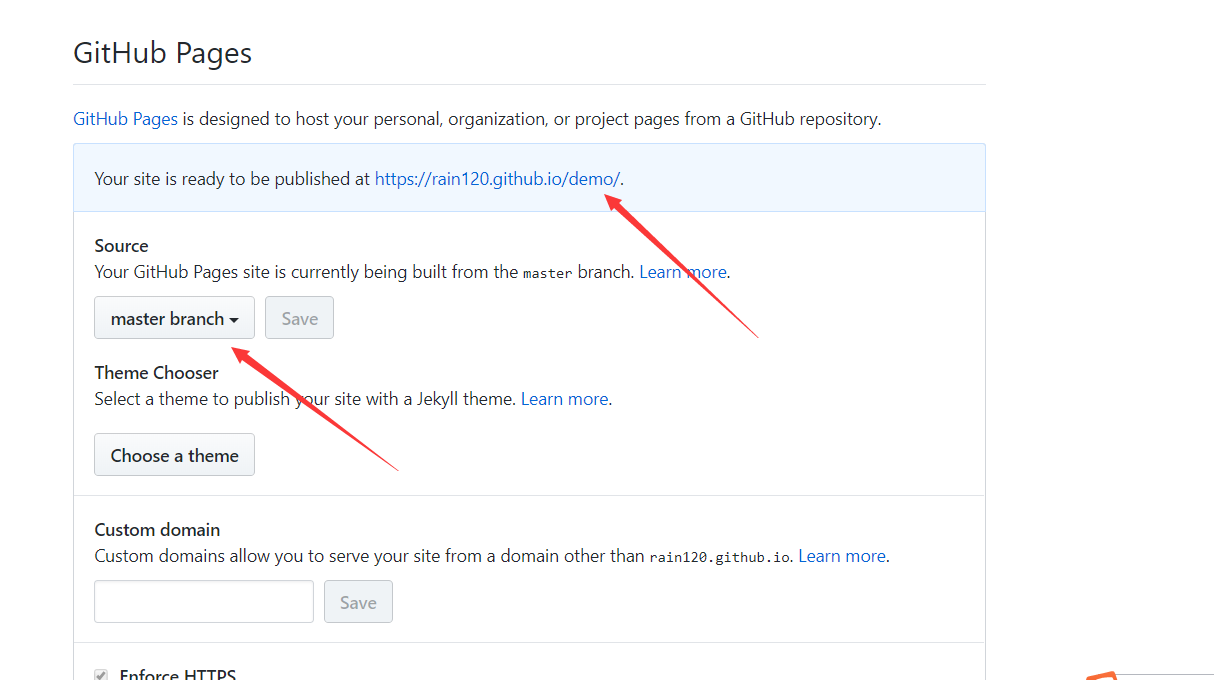
https://rain120.github.io/demo/dist/,可以看到部署上线的效果(这个仓库我会在演示完后删掉,请自行测试)