本篇采用mongo-connector进行mongodb与solr的同步。mongo-connector是用Python语言写的一个同步程序,使用mongo-connector可以在不侵入原有系统代码的情况下实现数据同步到solr(或者es)中。
mongo-connector github地址:github.com/mongodb-lab…
1.安装python环境
安装python(3.7.0)
安装pip(18.0) 参考:windows安装pip
2.安装mongo-connector
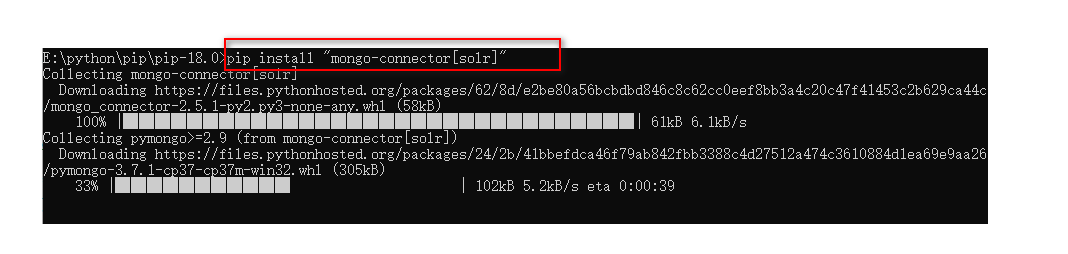
安装mongo-conncector,使用pip执行命令:
pip install “mongo-connector”
3.开启mongodb副本集
4.修改solr配置
按需求修改managed-schema(老版本叫scheme.xml)把其中的
<uniqueKey>id</uniqueKey> 换成<uniqueKey>_id</uniqueKey>
然后参照其他blog,添加
<field name="_id" type="string" indexed="true" stored="true" />
<field name="_ts" type="long" indexed="true" stored="true" />
<field name="ns" type="string" indexed="true" stored="true"/>
并注释掉
<field name="id" type="string" indexed="true" stored="true" required="true" multiValued="false" />
5.启动mongodb-connector
mongo-connector --auto-commit-interval=0 -d solr_doc_manager -t http://localhost:8983/solr/new_core
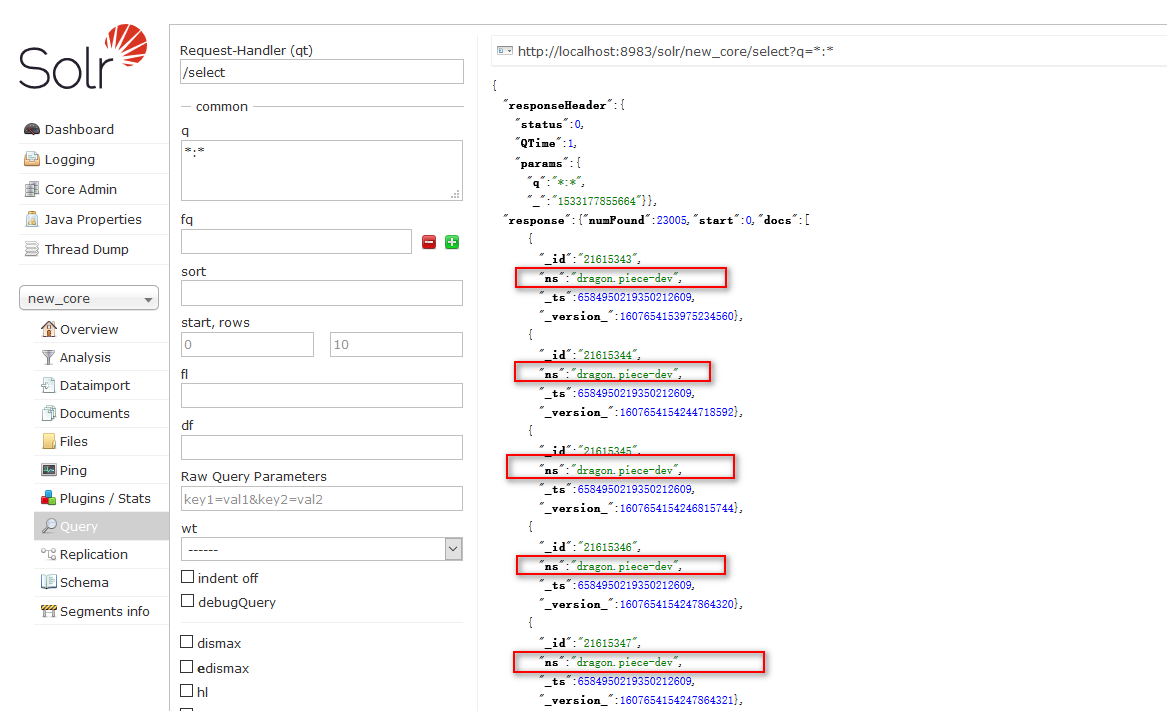
6.查看结果