

pipenv
安装
Just use pip:
$ pip install pipenv
Or, if you’re using Ubuntu 17.10:
$ sudo apt install software-properties-common python-software-properties
$ sudo add-apt-repository ppa:pypa/ppa
$ sudo apt update
$ sudo apt install pipenv
Otherwise, if you’re on MacOS, you can install Pipenv easily with Homebrew:
$ brew install pipenv
使用
下载东西
mkdir hello
cd hello
pipenv install requests
`
查看命令
pipenv
进入shell
pipenv shell
python
import requests
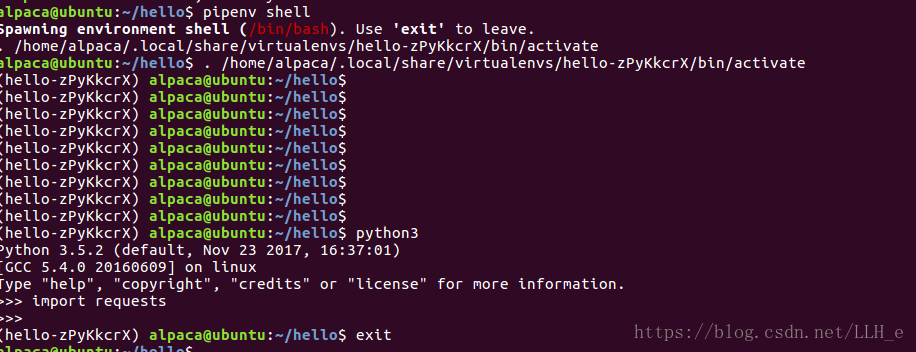
退出
exit
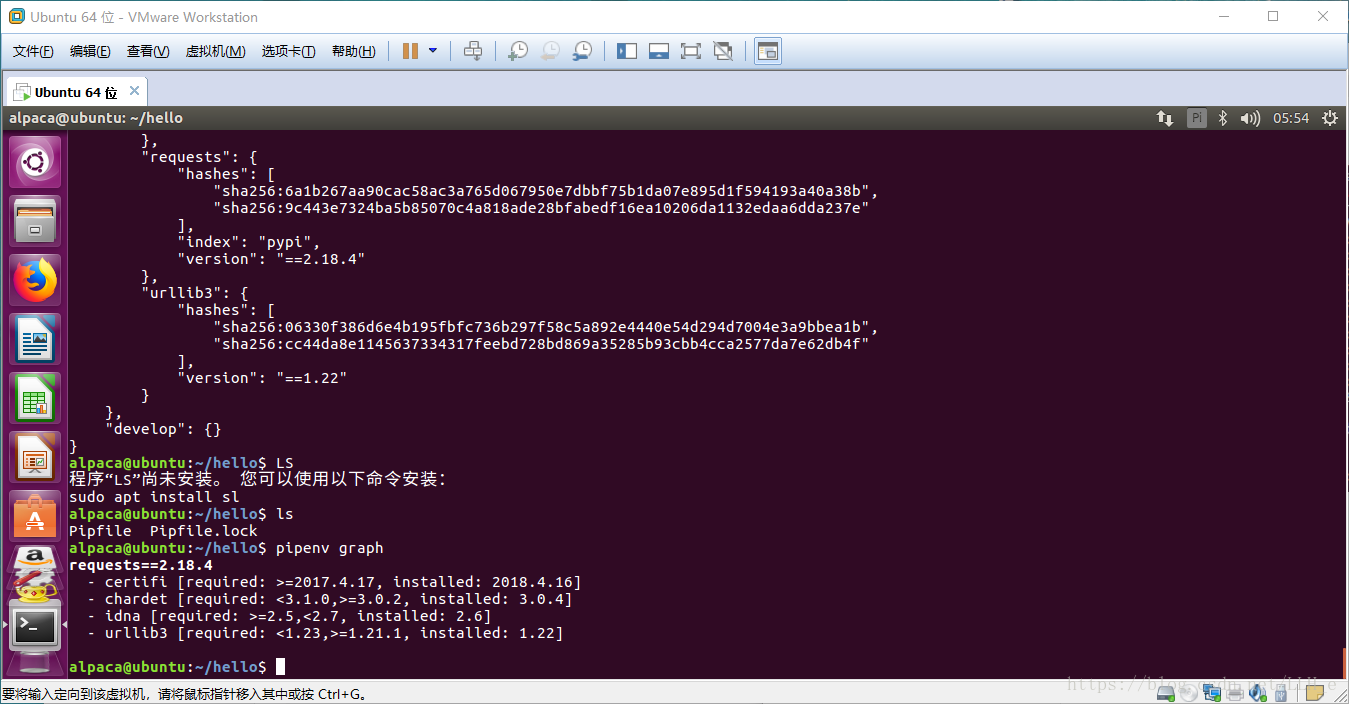
查看下载内容版本
pipenv graph
显示目录环境
pipenv --where
检查安全漏洞
pipenv --check
卸载所有包
pipenv uninstall -- all
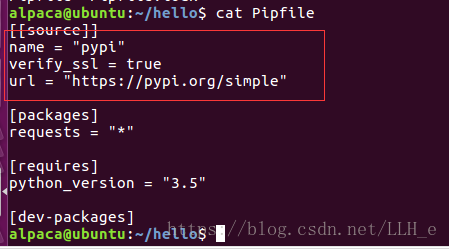
设置国内镜像
利用不同版本创建环境
pipenv --two
pipenv --there
创建python2和python3
一个好工具!
##关注更多我的文章,可以前往我的收藏集
