

- 运行容器
- docker run -it -p 5656:80 -v /Users/tangentLu/Developer/opencv/kacha:/kacha --name kacha-test registry.cn-shanghai.aliyuncs.com/mizholdings… /bin/bash
docker run -it -p 8888:80 -p 5555:5000 -v /Users/tangentLu/Developer/opencv:/opencv --name work opecv:0.5
-停止并删除所有容器
docker stop (docker ps -a)
- 安装gunicorn gevent
pip install gunicorn gevent
新手错误:
# py文件少了这一行安装gunicorn会报错Connection in use: ('127.0.0.1', 8000)
if __name__ == '__main__':
    app.run(
        debug = True)
添加配置文件gun.conf
# cat gun.conf
import os
bind = '0.0.0.0:80' #配置你的端口
workers = 4     #线程数
worker_class = "gevent"    #使用协程工具gevent
debug = True
daemon=True  #后台运行
proc_name = 'gunicorn.proc'
使用配置文件运行
# -c gun.conf 使用配置文件启动   server指server.py app指flask实例的名称
gunicorn -c gun.conf server:app
- 安装nginx
#记得配置yum国内源
yum install nginx
运行nginx
nginx
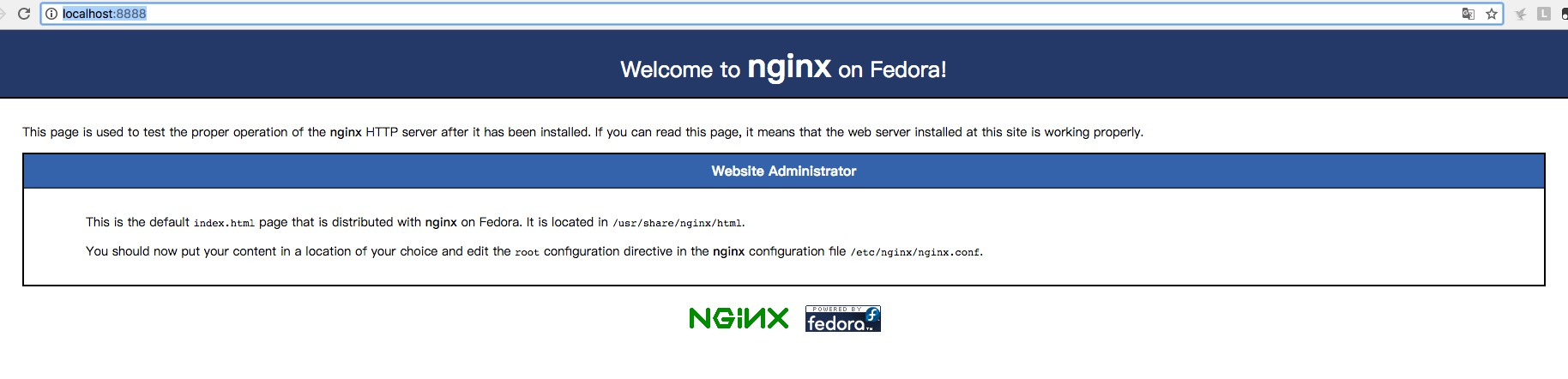
本地访问http://127.0.0.1:8888/,(本地端口8888映射到容器80)看到本图就是成功运行
- 配置nginx
vi /etc/nginx/nginx.conf
改成下面这样
 server {
        listen       80 default_server;
        listen       [::]:80 default_server;
        server_name  _;
        root         /usr/share/nginx/html;

        # Load configuration files for the default server block.
        include /etc/nginx/default.d/*.conf;

        location / {
           proxy_set_header X-Real-IP $remote_addr;
           proxy_set_header X-Forwarded-For $proxy_add_x_forwarded_for;
           proxy_set_header host $http_host;
           proxy_pass http://127.0.0.1:5000; #关键配置这里的端口
        }
        error_page 404 /404.html;
            location = /40x.html {
        }

        error_page 500 502 503 504 /50x.html;
            location = /50x.html {
        }
